
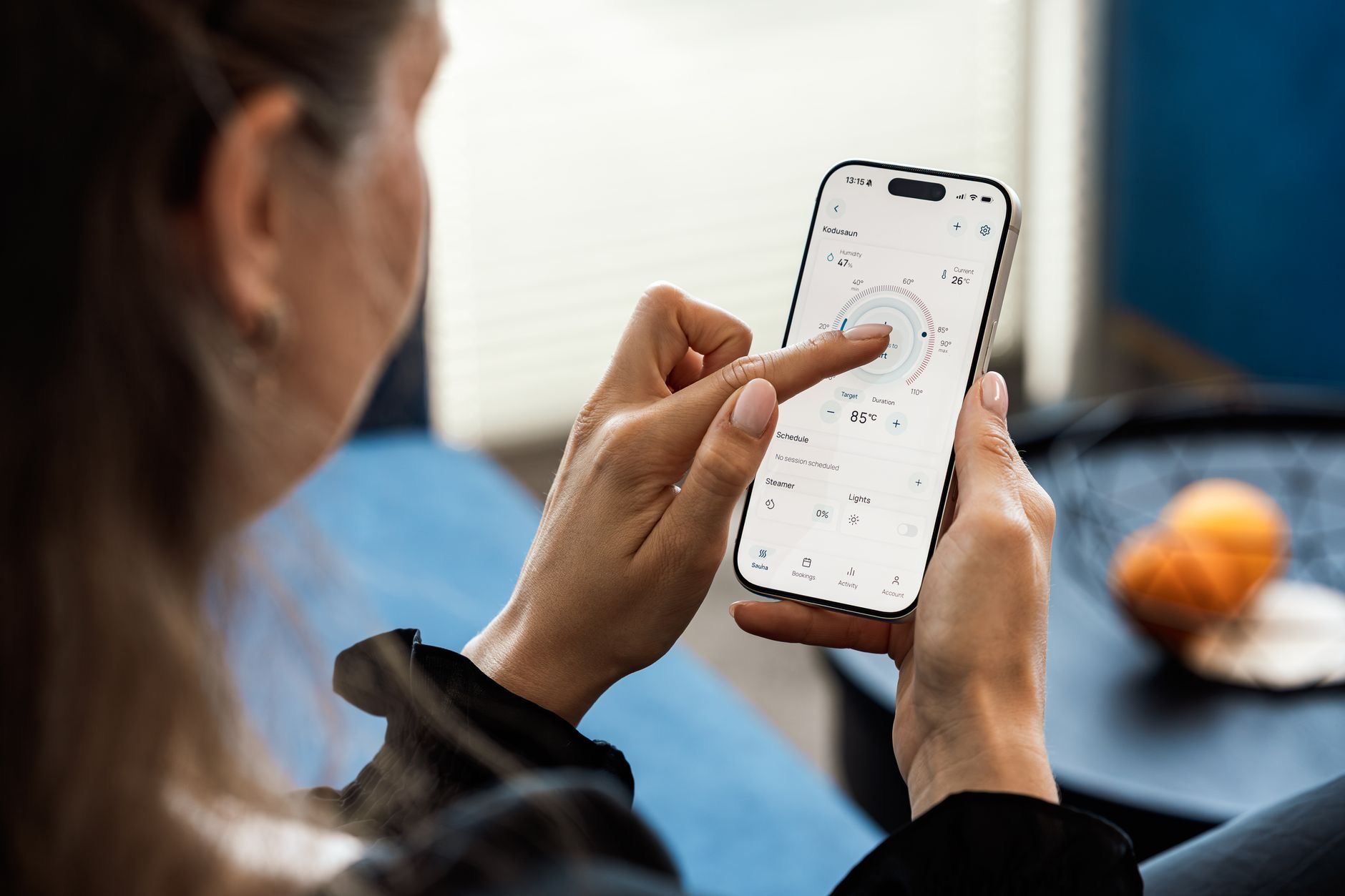
Imagine your iPhone quietly doing things for you: setting itself to silent when you arrive at work, firing off a text with one tap, or launching your morning routine the moment your alarm goes off. This is not science fiction, it is the Shortcuts app, one of the most powerful and least-used features on your phone. Most people never open it, and they are missing genuine everyday magic. Here is how to make your iPhone work for you.
What Shortcuts Actually Are
At its simplest, a shortcut is a quick way to get one or more tasks done with a single tap or voice command. Instead of tapping through several steps, you bundle them into one action. Your iPhone comes with the Shortcuts app built in, and it can do everything from simple one-tap actions to elaborate sequences. The beauty is that you do not need to be technical to benefit, since there are ready-made shortcuts you can use immediately, as well as the ability to build your own.
Start With Ready-Made Shortcuts
The easiest way in is to browse the gallery of pre-built shortcuts, which offers a huge range of useful ready-made actions you can add with a tap. There are shortcuts for things like getting directions home, making a quick note, and countless other everyday tasks. Starting here lets you experience the value immediately without building anything yourself. Once you see how handy a good shortcut is, you will be far more motivated to explore creating your own.
Run Shortcuts From Anywhere
A shortcut is only useful if it is easy to trigger, and there are several convenient ways. You can add shortcuts to your home screen as icons, tap them from a widget, or run them by asking Siri out loud. This flexibility means your most useful actions are always within reach, whether by tapping or by voice. Setting up your favorite shortcuts to run the way that suits you turns them into genuine time-savers rather than a feature you forget exists.
Automations: When Your Phone Acts on Its Own
This is where things get genuinely clever. Automations let your iPhone run a shortcut automatically when something happens, without you lifting a finger. You can set actions to trigger at a certain time, when you arrive at or leave a location, when you open or close an app, and more. Your phone can quietly do the right thing at the right moment, like switching to a quiet mode at bedtime. Once you set these up, your iPhone starts feeling genuinely intelligent.
Great Automation Ideas to Try
Some automations are so useful they feel essential once you have them. Have your phone set a calming scene at bedtime, or start your day with a morning routine when your alarm stops. Trigger a focus mode automatically when you arrive at work or the gym. Get a reminder or action when you leave a specific place. These small, automatic touches remove tiny bits of friction from your day repeatedly, and those seconds add up to a smoother, more effortless experience.
Build Your Own Simple Shortcut
Creating a basic shortcut is easier than it looks. You choose the actions you want, arrange them in order, and give your shortcut a name. Start small with something like a shortcut that texts a specific person a set message, or one that opens several apps you always use together. As you get comfortable, you can build more elaborate sequences. The satisfaction of making your phone do exactly what you want, your way, is genuinely rewarding.

Shortcuts for Common Everyday Tasks
Think about the little tasks you repeat constantly, since those are perfect shortcut candidates. A one-tap shortcut to start a timer for a specific length, to call or message a loved one, to toggle settings you change often, or to log something quickly can each save real time. The goal is not to automate everything, but to smooth out the handful of repetitive actions you do most. Even two or three well-chosen shortcuts can noticeably streamline your day.
Why Bother? The Real Payoff
You might wonder if setting all this up is worth it, and the honest answer is that a little effort up front pays back many times over. Each shortcut or automation saves a few seconds and a little mental effort, every time, forever. Multiply that across a busy life and it becomes meaningful, both in time saved and in the pleasant sense that your phone is genuinely helping you. Best of all, it is a free, built-in capability just waiting to be used.
★ Editor's Pick · Amazon
iPhone 16
A capable iPhone makes shortcuts and automations shine
Frequently Asked Questions
What is the Shortcuts app on iPhone?
The Shortcuts app, built into your iPhone, lets you get one or more tasks done with a single tap or voice command instead of tapping through several steps. It ranges from simple one-tap actions to elaborate sequences, and you can use ready-made shortcuts or build your own.
Do I need to be technical to use Shortcuts?
Not at all. There is a gallery of ready-made shortcuts you can add with a tap and use immediately, so you benefit without building anything. As you get comfortable, creating your own is easier than it looks, choosing actions and arranging them in order.
What are automations?
Automations let your iPhone run a shortcut automatically when something happens, like a certain time, arriving at or leaving a location, or opening an app, without you lifting a finger. Your phone quietly does the right thing at the right moment, which makes it feel genuinely intelligent.
How do I run a shortcut?
You can add shortcuts to your home screen as icons, tap them from a widget, or run them by asking Siri out loud. This flexibility keeps your most useful actions within reach by tap or voice, turning them into genuine time-savers rather than a forgotten feature.
What are good automation ideas?
Popular ones include a calming scene at bedtime, a morning routine when your alarm stops, a focus mode that triggers when you arrive at work or the gym, and reminders when you leave a place. These small automatic touches remove friction repeatedly and smooth out your day.
Is setting up shortcuts worth the effort?
Yes. A little setup up front pays back many times, since each shortcut saves a few seconds and some mental effort every time you use it. Across a busy life that adds up meaningfully, and it is a free, built-in capability just waiting to be used.
The Bottom Line
The Shortcuts app is one of the most powerful features hiding on your iPhone, and hardly anyone uses it. Start with a few ready-made shortcuts, set up a couple of automations for your daily routine, and build a simple custom shortcut or two, and your phone starts genuinely working for you. The time and effort you save, plus the small delight of a phone that does the right thing on its own, make this well worth an afternoon of exploring.
Leave a Reply