
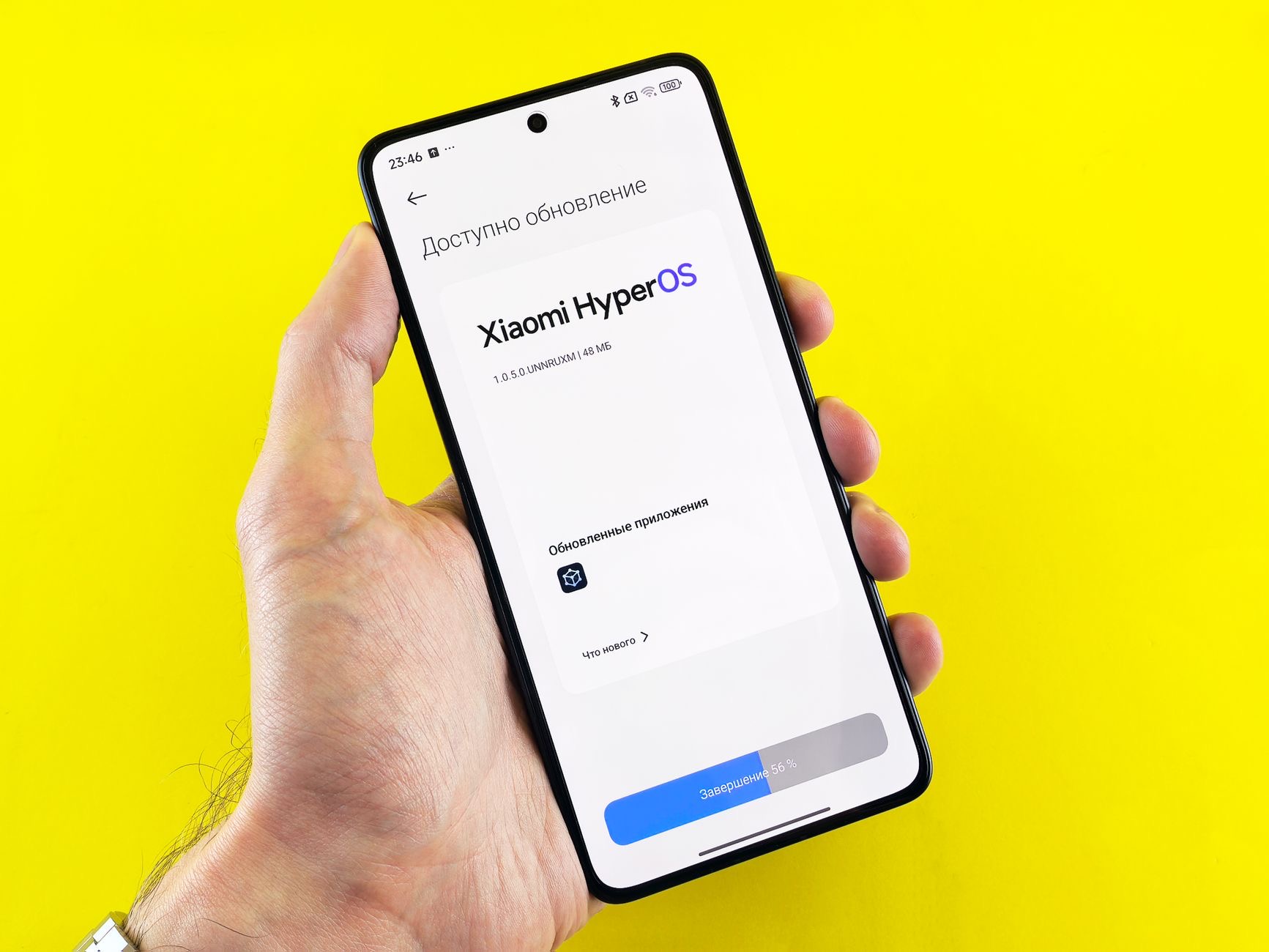
The update finished, the new features arrived, and your iPhone now moves like it is wading through syrup, warm to the touch, battery draining, keyboard hesitating. Before the regret sets in: this is usually not the update ruining your phone. It is the update still finishing, invisibly, and the situation mostly fixes itself. Here is what is actually happening and the short list of when to intervene.
What Is Actually Happening Back There
An update is not done when the progress bar is: for hours, sometimes a day or two, the phone works through a backlog behind the scenes, reindexing your photos and files for search, reprocessing the photo library, rebuilding caches the new version needs, finishing app migrations. All of that costs processor, heat, and battery, which is exactly the sluggish-warm-draining trio you are feeling. The phone is not broken; it is doing renovation work behind a wall with no window.
The First Prescription: A Charged Night and Patience
The backlog clears fastest under the conditions it prefers: plugged in, on Wi-Fi, idle. That is a description of your phone on its charger overnight, which is why the honest first prescription is boring: charge it tonight, use it normally tomorrow, judge it the day after. Most slow-after-update complaints resolve inside forty-eight hours without a single intervention, because the renovation simply finishes. Grade the update on day three, not hour three.
The One Intervention Worth Doing Early
A restart after a major update is cheap and legitimately useful: it clears the temporary scaffolding the update left standing and gives the new version a clean first boot. Restart once, then return to the patience plan. What is not worth doing early: mass-deleting apps, toggling every setting, or restoring the phone in a panic, all renovation-week overreactions that cost more than they fix while the real work finishes on its own schedule.
Day Three Triage: When It Is Still Slow
If the phone is still syrup after the renovation window, work the real list. Storage first: updates need breathing room, and a phone at ninety-something percent full runs badly in any version, clear to comfortable headroom. Check for a follow-up update, the point-release that follows major versions often carries exactly these fixes, shipped fast. Then the app layer: update your apps, since old versions grind against new systems. That trio resolves most day-three stragglers.

The Honest Caveat About Older iPhones
Now the part that deserves honesty: a genuinely old iPhone may simply feel the new version's weight. Updates are built for several generations of hardware, and the oldest supported models carry the new features with the least headroom. If your phone was already elderly, some heaviness may persist after the renovation, that is arithmetic, not sabotage. The balancing perks: updates deliver security you should not skip, and an aging battery, checkable in settings, often deserves more blame than the software riding on it.
Set Up the Next Update to Go Smoothly
Future updates go gentler with three habits: keep storage comfortably clear year-round so the update never squeezes, update overnight on the charger so the renovation runs in ideal conditions while you sleep, and let the point-releases install promptly, they are the fixes for whatever the big version got wrong. Updates on a maintained phone are boring, and boring is the goal. The syrup week is mostly optional once the habits exist.
| The moment | The move |
|---|---|
| Hours after updating | Restart once, then patience |
| The first two nights | Charger, Wi-Fi, let it work |
| Still slow day three | Storage headroom, point release, app updates |
| Old phone, still heavy | Battery check, honest arithmetic |
Frequently Asked Questions
Why is my iPhone slow after an update?
Because the update is still finishing: for a day or two the phone reindexes photos and files, rebuilds caches, and completes migrations behind the scenes, which costs processor, heat, and battery. The sluggish-warm-draining trio is renovation work, not damage, and it mostly resolves within forty-eight hours.
How long does slowness last after an iOS update?
Typically hours to a couple of days, fastest when the phone spends nights plugged in, on Wi-Fi, and idle, the conditions the background work prefers. Judge the update on day three: most complaints dissolve before then without any intervention beyond one restart.
Should I restart my iPhone after updating?
Yes, once, it is the one early intervention worth doing: a restart clears the update's leftover scaffolding and gives the new version a clean boot. Skip the panic moves, mass deletions, setting sprees, full restores, while the renovation finishes on its own schedule.
What if my iPhone is still slow days later?
Run the day-three triage: clear storage to comfortable headroom, since a nearly full phone runs badly on any version, install the follow-up point release that usually carries performance fixes, and update your apps so old versions stop grinding against the new system. That trio resolves most stragglers.
Do updates slow down old iPhones on purpose?
The honest version: new versions are heavier and the oldest supported hardware carries them with the least headroom, so some weight on elderly phones is arithmetic rather than sabotage. Check the battery's health too, aging batteries drag performance and often deserve the blame the update receives.
How do I make future updates smoother?
Three habits: keep storage clear year-round so updates never squeeze, install overnight on the charger so the background work runs in ideal conditions, and take point releases promptly since they fix what the big version missed. Updates on a maintained phone are boring, which is the goal.
The Bottom Line
A slow, warm iPhone after an update is usually an update still finishing: days of invisible reindexing and rebuilding that resolve themselves, fastest on a charged, idle, connected phone. Restart once, wait until day three, then triage the stragglers with storage headroom, the point release, and app updates. Give elderly phones the honest arithmetic and a battery check. The syrup week ends; the security and features stay, which is the trade updates were always making.
Leave a Reply