Tag: iPhone

  • Why Is Your iPhone Battery Draining So Fast? 9 Real Fixes

    Why Is Your iPhone Battery Draining So Fast? 9 Real Fixes

    If your iPhone battery dies by mid-afternoon, it is almost never the battery itself. After fixing this for years, I can tell you the real culprit is usually a handful of settings quietly draining power in the background. Before you spend money on a replacement, try these nine fixes. The third one alone gives most people hours back.

    First, Check Your Battery Health

    Go to Settings, Battery, then Battery Health and Charging. If Maximum Capacity is above 80%, your battery is fine and the problem is software or settings, which is great news because those are free to fix. If it is below 80%, the battery is genuinely worn and a replacement is the real answer. Know which camp you are in before you do anything else, because it changes the entire plan.

    The Nine Fixes That Actually Work

    Work through these in order. Most people find their drain in the first four.

    • 1. Find the battery hog. Settings, Battery shows usage by app. If one app eats 30% or more, that is your villain. Delete it or limit its background activity.
    • 2. Kill background refresh. Settings, General, Background App Refresh. Turn it off for everything except the apps you truly need updating in the background.
    • 3. Fix your screen. This is the big one. Lower brightness, turn on auto-brightness, and set Auto-Lock to 30 seconds. The screen is your single biggest battery drain, and most people run it far brighter and longer than they need.
    • 4. Disable location for needy apps. Settings, Privacy, Location Services. Set apps to "While Using" instead of "Always". Background location tracking is a silent killer.
    • 5. Turn off push email. Set Mail to Fetch every 15 to 30 minutes instead of Push. Your inbox does not need to ping the servers every second.
    • 6. Reduce motion and visual effects. Settings, Accessibility, Motion. Small wins that add up over a day.
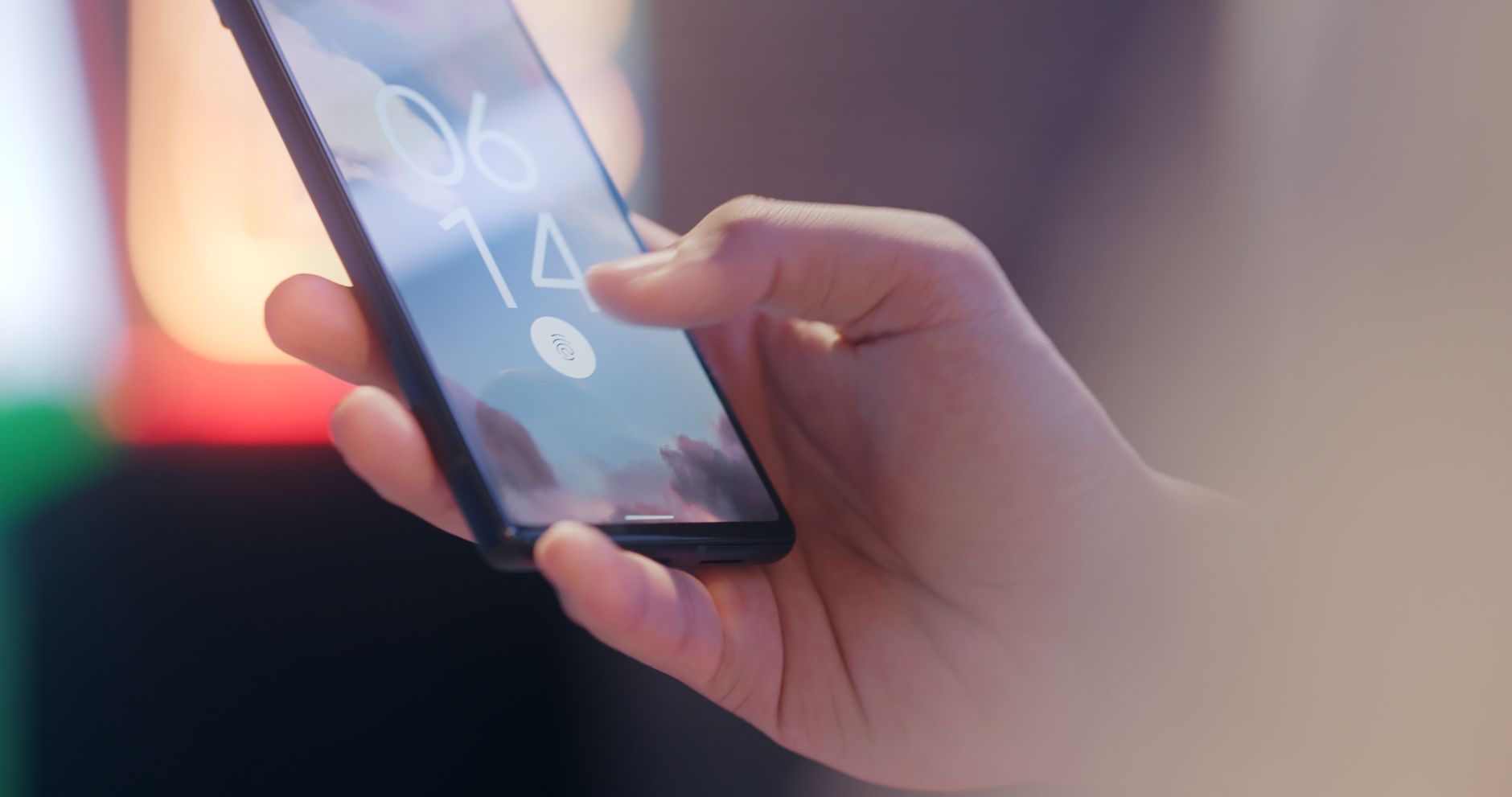
    A person adjusting settings on a smartphone
    • 7. Update iOS. Battery-draining bugs are common and Apple patches them. Keep the software current.
    • 8. Turn off 5G if you do not need it. Settings, Cellular, Voice and Data. "5G Auto" or LTE saves real power if your 5G coverage is patchy.
    • 9. Use Low Power Mode proactively. Do not wait for 20%. Flip it on in the morning on heavy days and barely notice the difference.

    The One Myth to Ignore

    Stop force-closing all your apps. It feels productive, but iOS suspends background apps automatically, and constantly relaunching them from scratch actually uses more battery, not less. This is the single most common piece of bad advice on the internet. Leave your apps alone and let the system do its job.

    Charging Habits That Extend Battery Lifespan

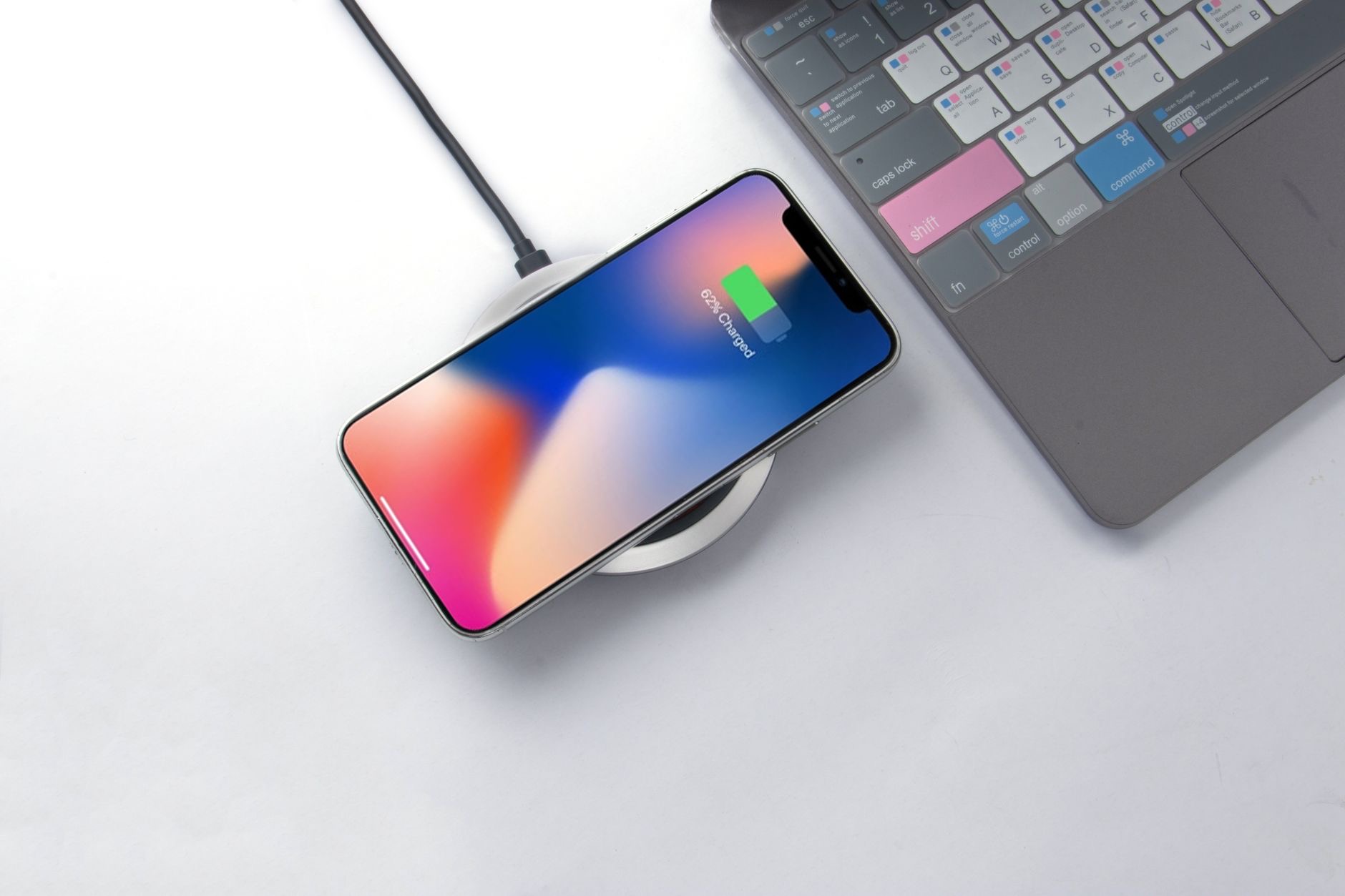
    Fixing today's drain is one thing. Keeping your battery healthy for years is another, and your charging habits decide it. Avoid letting the phone sit at 100% in a hot car or under a pillow overnight, because heat is what actually kills lithium batteries. Turn on Optimized Battery Charging, which holds the phone at 80% until just before you wake. And do not obsess over full cycles. Topping up throughout the day is gentler than draining to zero and back. Small habits here add a year or more to your battery's useful life.

    What Quietly Drains the Most

    If you only fix three things, fix these, because they account for the bulk of real-world drain. The screen, especially at high brightness with a long auto-lock, is number one by a wide margin. Background location is number two, with apps quietly pinging your GPS all day. Poor cellular signal is the sneaky third: when your phone is hunting for a weak signal, the radio works overtime and your battery pays. In a dead zone, Airplane Mode or Wi-Fi calling saves more than any setting tweak.

    When It Is Time for a New Battery (or Phone)

    If your battery health is under 80%, none of these settings will save you, and a battery replacement is far cheaper than a new phone. It is genuinely the best value upgrade in tech. But if you were already eyeing an upgrade anyway, weigh it against our iPhone 17 vs iPhone 16 guide before you spend, because a fresh battery in your current phone may be all you need.

    A smartphone being charged

    A Simple Daily Routine That Keeps Battery Healthy

    You do not need to babysit your phone, but a light routine pays off. In the morning, if it is a heavy day, switch on Low Power Mode before you leave. During the day, top up whenever you can rather than waiting for empty, since shallow charges are gentler on the battery than deep ones. At night, charge somewhere cool and open, never under a pillow, and let Optimized Battery Charging hold it at 80% until just before you wake. That is the whole routine, and it adds up to a battery that still feels strong years later instead of fading in eighteen months.

    Extreme Cases: When Nothing Seems to Work

    Occasionally the drain survives every setting change. When that happens, the usual cause is a stuck background process or a bad app update. The first fix is a clean restart: hold the power button and restart the phone fully, not just lock it. If that fails, back up your phone and try resetting all settings, which clears tangled configurations without deleting your photos or messages. And if your battery health is fine but a single recent app still dominates the usage chart day after day, that app is almost certainly the problem, no matter what its developer claims. Delete it, watch your battery for a day, and you will have your answer.

    Quick Answers

    Will a third-party charger hurt my battery?No, as long as it is a reputable, certified charger. Cheap uncertified ones are the real risk. Fast charging is also fine, since the mild heat it creates is well managed by the phone.

    Why is my iPhone battery draining so fast suddenly?Usually a recent app, a software bug, or a settings change. Check Settings, Battery for a sudden usage spike from one app, and update iOS.

    Does closing apps save battery?No. iOS already suspends background apps. Force-closing and reopening them uses more power, not less.

    At what battery health should I replace it?Around 80% or below is when you feel real shrinkage. Below that, a replacement battery restores most of the life cheaply.

    Does Low Power Mode hurt my phone?No. It just pauses some background tasks. It is safe to leave on all day if you want maximum battery life.

    Is it bad to charge my iPhone overnight?Not with Optimized Battery Charging on, which avoids holding 100% for hours. Just keep it cool and off soft surfaces that trap heat.

    The Honest Bottom Line

    Nine times out of ten, fast battery drain is settings, not a dying battery. Fix your screen brightness and auto-lock, hunt down the one app eating your power, and stop force-closing apps. Most people get hours back without spending a cent.

    If your battery health is genuinely low, replace the battery before you replace the phone. It is the best value upgrade in tech, and it makes an old iPhone feel new.

    Which fix gave you the biggest jump? Tell me your battery health number in the comments and I will tell you whether settings or a new battery is your move.

  • iPhone 17 vs iPhone 16: Should You Upgrade?

    iPhone 17 vs iPhone 16: Should You Upgrade?

    Every year Apple wants you to believe the new iPhone is essential. It rarely is. After digging into the iPhone 17 against the iPhone 16, I can tell you exactly who should upgrade and who is about to waste a lot of money. Spoiler: most iPhone 16 owners should keep their phone, and I will show you why.

    What Actually Changed

    The iPhone 17 brings the usual yearly refinements: a faster chip, camera tweaks, better battery, and a brighter display. All real, all welcome, none of them life-changing on their own. This is an evolution, the same pattern Apple has followed for years. The question is never whether the 17 is better. It is whether it is enough better for you, specifically.

    Here is the context the keynote skips: year-over-year iPhone gains are small by design. Apple saves the big leaps for every two or three generations, because that is what keeps the upgrade treadmill turning and the average selling price high.

    Should You Upgrade? It Depends on Your Current Phone

    This is the only question that matters, and the answer changes completely based on what you own now.

    Coming from... Should you get the iPhone 17?
    iPhone 16 No. The difference is too small to justify.
    iPhone 14 or 15 Maybe. Worth it if battery or camera frustrates you.
    iPhone 12 or older Yes. The jump is huge and you will feel it daily.

    Why iPhone 16 Owners Should Wait

    Let me be blunt, because vague advice wastes your money. If you own an iPhone 16, the 17 will not meaningfully change your day. The chip is faster on paper, but your phone already opens apps instantly. The camera is improved, but you will struggle to tell the photos apart in a blind test. You would be paying hundreds for bragging rights.

    The smarter move with that money is an accessory that actually changes your experience: a better case, a faster charger, or a pair of the earbuds from our 2026 earbuds roundup. Any of those will improve your daily life more than a marginally newer phone.

    A smartphone camera close-up

    The Smart Move If You Have an Older iPhone

    If you are on an iPhone 12 or earlier, the story flips entirely. You get years of compounded improvements at once: dramatically better battery, a far stronger camera, a brighter screen, and faster everything. This is where the iPhone 17 feels like a genuine upgrade rather than a minor bump. Skipping generations is the single best way to make your iPhone money count.

    The Camera Question

    Cameras are where Apple markets hardest, so let me cut through it. The iPhone 17 camera is better than the 16, with improvements in low light and detail. But "better" and "noticeably better" are different words. Coming from an iPhone 16, the upgrade is the kind you measure in side-by-side crops, not the kind you notice in your photo library. Coming from an iPhone 12, it is night and day. Once again, your current phone, not the new one, decides whether the camera is a reason to buy.

    Battery and Daily Life

    The unglamorous truth is that battery life matters more than any flashy feature, and it is the one area where a year of progress can genuinely be felt. If your iPhone 16 still lasts your day, the 17's battery gain is a nice-to-have. But if you are coming from an older phone whose battery fades by afternoon, the combination of a more efficient chip and a bigger battery is exactly the upgrade you will appreciate every single evening.

    The Hidden Cost Most People Forget

    The sticker price is not the real cost. Trade-in value, accessories that may not carry over, and the resale value of your current phone all factor in. The good news: holding an iPhone for three or four years and then jumping makes each upgrade feel huge and spreads the cost thin. Annual upgrading is the most expensive habit in tech. While you are weighing Apple gear, our MacBook M5 review makes the same case for laptops.

    A person holding a smartphone

    Design, Display, and the Feel in Hand

    Spec sheets miss the things you actually touch. Year to year, Apple makes small refinements to weight, materials, and screen brightness that you notice in the hand more than on paper. The iPhone 17 display is a little brighter and smoother, which is lovely outdoors in sunlight, but the iPhone 16 screen was already excellent, so this is a nice-to-have, not a reason to buy. If design matters to you, the more meaningful question is whether you want a visibly newer look, and in a year of refinement rather than redesign, the honest answer is that most people will not be able to tell the two apart once both are in a case.

    Resale and Trade-In Math

    Here is the money angle most upgrade guides skip. Because iPhones hold their value well, the real cost of upgrading is the gap between your trade-in and the new phone, not the full sticker price. If you trade in an iPhone 16 toward a 17, you are paying a premium for a small jump, which is exactly why it rarely makes sense. But if you are on an older phone with little trade-in value left, the math actually favors jumping to the 17 and keeping it for years. Run the trade-in numbers before you decide, because they often tell a clearer story than any feature list ever will.

    Quick Answers Before You Upgrade

    Is it worth waiting for the next iPhone instead?If your current phone still works well, waiting is rarely wrong, because there is always a next model on the way. Upgrade when your phone actually frustrates you, not on the calendar.

    Is the iPhone 17 worth it over the iPhone 16?For almost everyone, no. The year-over-year difference is small. Upgrade only if you are coming from an iPhone 14 or older.

    How much better is the iPhone 17 camera?Improved, but not dramatically. In everyday photos most people cannot tell the iPhone 16 and 17 apart.

    Will the iPhone 16 still get updates?Yes, for years. Apple supports iPhones for five to six years, so the 16 is fully current and safe to keep.

    When is the best time to upgrade an iPhone?Every two to three generations. Skipping years makes each upgrade feel major and lowers your real cost.

    Should I buy the iPhone 17 or a discounted iPhone 16?If you need a new phone now, a discounted iPhone 16 is the better value. The 17 is only worth the premium if a specific feature matters to you.

    My Honest Verdict

    If you own an iPhone 16, keep it. The iPhone 17 is a fine phone and a pointless upgrade for you. If you are on an iPhone 12 or older, go for it, the leap is real and you will feel it every day. Everyone in between should upgrade only if a specific thing, usually battery or camera, genuinely bothers them today.

    Buy on need, not on hype, and skip a generation whenever you can. Still deciding between platforms entirely? Our iPhone vs Android guide settles that first.

    Which iPhone are you coming from? Drop it in the comments and I will tell you straight whether the 17 is worth it for you.

  • iPhone vs Android: Which Should You Actually Buy in 2026?

    iPhone vs Android: Which Should You Actually Buy in 2026?

    The iPhone vs Android debate is mostly noise. After years of carrying both as my daily phone, I can tell you the honest truth: for most people one of them is clearly the better pick, and it is probably not the one your loudest friends keep pushing. Forget the tribalism. Here is how to actually choose, point by point.

    The Real Difference Is Not the Specs

    Here is the first thing nobody tells you: in 2026, the camera, the screen, and the speed are close enough that you will not notice the gap in daily life. A mid-tier phone from either side feels fast and shoots great photos. The raw spec war is effectively over for normal humans.

    What actually decides your happiness is the ecosystem. iPhone locks you into Apple's world: iMessage, AirDrop, your MacBook, your AirPods, your Watch, all talking to each other seamlessly. Android gives you freedom: cheaper hardware, real customization, and no walled garden. That choice, not the megapixels, is the whole ballgame.

    So stop asking which phone is faster and start asking which set of trade-offs you actually want to live with for the next three or four years. That single reframing makes the decision easy.

    When the iPhone Is the Right Choice

    Buy an iPhone if any of these are true:

    • You already own a Mac, iPad, or AirPods. The ecosystem payoff is enormous and you feel it every single day.
    • You want the longest software support. Apple updates iPhones for five to six years, longer than almost any Android maker.
    • You value resale. iPhones hold their value far better, which quietly lowers the real cost of ownership.
    • Your family and friends use iMessage. Group chats, location sharing, and FaceTime just work.

    In my experience, the Apple ecosystem is sticky for a reason: once your devices talk to each other, going back feels broken. If you live in that world already, the iPhone is the easy call. It also pairs naturally with the rest of your kit, like the laptops in our MacBook M5 review.

    When Android Is the Smarter Buy

    Android wins, and it is not close, in these cases:

    • You want more phone for less money. Android covers every price, and a $400 Android often does 90% of what a $1,000 iPhone does.
    • You like to customize. Launchers, widgets, default apps, deep file access. Android treats the phone as yours.
    • You want hardware variety. Folding phones, giant batteries, telephoto zoom monsters. Android experiments where Apple plays it safe.

    Here is a concrete example. A mid-range Android in 2026 gives you a big OLED screen, all-day battery, and a capable triple camera for roughly half the price of a flagship iPhone. If you do not care about iMessage or resale, that is simply more phone for your money, and pretending otherwise is brand loyalty talking.

    Two smartphones side by side on a desk

    The Mistake People Make When Switching

    The costliest error I see is switching platforms on impulse without counting the hidden costs. Moving from iPhone to Android, or back, means re-buying some paid apps, losing iMessage blue bubbles, and rebuilding your smart-home and accessory setup. The phone might be cheaper, but the switch is not free. Switch because the ecosystem genuinely fits you better, not because a single spec looks shiny this year.

    Cameras: The Honest Truth in 2026

    This is where the marketing gets loudest and the reality gets quietest. At the very top end, the best iPhone and the best Android trade blows. iPhone tends to be more consistent and noticeably better at video, while some Android phones pull ahead on zoom range and night shots.

    But here is the part reviewers bury: for the photos you actually take and share, viewed on a phone screen at small size, the difference is almost invisible. Both take photos your family will love. Buy the camera whose look you prefer, warmer and punchier on many Androids, more natural and true to life on iPhone, and ignore the pixel-peeping charts.

    Privacy, Updates, and the Long Game

    This is where the math gets interesting. An iPhone costs more upfront but holds value and gets updates for years, so the cost spread over time is lower than it looks. Apple also has a stronger default privacy story, with tighter app tracking controls baked in. A budget Android costs little upfront but may stop getting updates in two to three years, which is a real security concern. A flagship Samsung or Pixel now matches Apple on update length, so at the high end that gap has nearly closed.

    Pick iPhone if... Pick Android if...
    You own other Apple devices You want the best value for money
    You keep phones 4+ years You love customizing everything
    Resale value matters to you You want unique hardware (folding, zoom)
    You want the simplest privacy defaults You want choice over one tidy walled garden
    A person using a smartphone

    Apps, Gaming, and Accessories

    One area people forget until it bites them is the little stuff around the phone. The biggest apps launch on both platforms on day one, so you will not be left out either way. But iPhone still tends to get the polished version of a hot new app first, and its accessory market of cases, mounts, docks, and stands is simply enormous. If you love kitting out your phone, that ecosystem of add-ons is a real, daily perk.

    Android's advantage is flexibility. You can sideload apps, use any file manager, set your own default browser and messaging app, and plug into a wider range of chargers and standards without Apple's restrictions. For gaming, both run the big mobile titles smoothly on modern hardware, but Android's openness gives you more freedom for cloud gaming and emulation. If you want the most consistent, best-supported app experience with the least fuss, iPhone edges it. If you want to tinker and control every detail, Android wins. As with everything in this debate, it comes back to polish versus freedom.

    Quick Answers Before You Choose

    Is the iPhone really better than Android?Neither is better overall. iPhone wins on ecosystem, updates, and resale. Android wins on value, choice, and customization. The right one depends on what you already own.

    Is it hard to switch from iPhone to Android?Photos, contacts, and most data transfer easily with Google's tools. The friction is iMessage, paid apps, and accessories, not your files.

    Which lasts longer, iPhone or Android?iPhones get the longest software support, five to six years. Flagship Samsung and Pixel phones now match that, but cheap Android phones do not.

    Does Android take better photos than iPhone?At the top end they trade blows. iPhone is more consistent and better at video, some Android phones have better zoom. For most people the difference is tiny.

    Is Android less secure than iPhone?Not if you buy a flagship that gets regular updates. The real risk is cheap Android phones that stop getting security patches early.

    My Honest Verdict

    Stop asking which phone is better and ask which world you want to live in. If you own a Mac or AirPods and keep phones for years, the iPhone is the obvious, low-stress choice. If you want maximum phone for your money and the freedom to make it yours, Android is the smarter buy, full stop.

    Whatever you pick, buy for the ecosystem and the years ahead, not for one headline spec. If you are leaning iPhone, see whether the latest model is even worth it in our iPhone 17 vs iPhone 16 breakdown.

    So which side are you on, and what are you switching from? Tell me in the comments and I will give you a straight recommendation.