
We have all felt that little jolt of panic when the battery icon turns red and there are still hours of the day to go. The good news is that you have far more control over your iPhone's battery than you might think. With a handful of simple changes, you can stretch every charge further and keep your battery healthier for years. Based on how iPhone batteries actually work and widely shared best practices, here are fifteen real tips that make a genuine difference, no gimmicks.
Start With the Biggest Wins
Not all battery tips are equal, so let us begin with the heavy hitters that save the most for the least effort. A few settings quietly drain your battery all day long, and adjusting them gives you the biggest jump in battery life. Get these right first, and you may find you do not need to bother with the smaller tweaks at all. Here are the changes that move the needle the most.
- 1. Lower your screen brightness. The display is one of the biggest battery users. Turning brightness down, or using auto-brightness, saves a surprising amount.
- 2. Use auto-lock with a short timer. Letting the screen turn off quickly when idle stops it burning power while you are not looking.
- 3. Turn on Low Power Mode when you need it. This single setting reduces background activity and squeezes noticeably more life from a charge.
Tame What Runs in the Background
Plenty of battery drains while you are not even using your phone, as apps refresh and check in behind the scenes. Reining this in is one of the most effective things you can do, and you will rarely miss the activity you switch off.
- 4. Limit background app refresh. Stop apps you do not need updating in the background, where they quietly sip power all day.
- 5. Turn off location for apps that do not need it. Constant location tracking is a real drain; allow it only where it genuinely matters.
- 6. Disable unnecessary notifications. Every alert lights the screen and wakes the phone, so fewer notifications means more battery.
Adjust the Settings That Quietly Drain Power
Beyond the big wins, a few more settings nibble away at your battery without you noticing. Switching them off costs you almost nothing in daily use but adds up to meaningful savings over a full day.
- 7. Reduce motion and visual effects. Fancy animations look nice but use power; trimming them helps a little and speeds things up too.
- 8. Turn off Wi-Fi and Bluetooth when unused. Constantly searching for connections drains the battery, so switch them off when you genuinely do not need them.
- 9. Fetch email less often. Setting email to check manually or less frequently stops constant background syncing.
Build Better Charging Habits
How you charge matters as much for long-term battery health as for daily life. A few good habits keep your battery holding more charge for longer, slowing the natural wear that shortens battery life over the years.
- 10. Avoid extreme heat. Heat is the biggest long-term enemy of battery health, so never leave your iPhone baking in a hot car or direct sun.
- 11. Use Optimized Battery Charging. This feature limits time spent at a full charge, which is gentler on the battery over time.
- 12. Avoid draining to zero constantly. Frequent top-ups are kinder to the battery than repeatedly running it flat.
The Final Few That Add Up
Round things off with a few last tweaks. None is dramatic on its own, but together they extend both your daily battery life and your battery's lifespan.
- 13. Keep your software updated. Updates often include efficiency improvements and fixes for battery-draining bugs.
- 14. Check which apps use the most battery. Your battery settings show the worst offenders, so you can limit or replace them.
- 15. Watch your battery health. If it has dropped low, a replacement restores full battery life, as our battery health guide explains.
Battery Life vs Battery Health: Know the Difference
It is worth separating two things people often muddle. Battery life is how long a charge lasts today, which the tips above improve. Battery health is the long-term capacity of the battery itself, which slowly declines with age. If your iPhone suddenly drains fast despite good habits, the cause may be a settings issue or a worn battery, two very different problems with different fixes, as our fast battery drain guide and overheating guide cover. Knowing which you are dealing with saves a lot of guesswork.
| Goal | Top tips |
|---|---|
| Stretch today's charge | Lower brightness, Low Power Mode, limit background refresh |
| Protect long-term health | Avoid heat, use optimized charging, don't drain to zero |
| Find the culprit | Check which apps use the most battery |
Quick Answers
How can I make my iPhone battery last longer?Lower your screen brightness, turn on Low Power Mode when needed, limit background app refresh, and reduce location access and notifications. These give the biggest gains in daily battery life.
What drains iPhone battery the most?The screen at high brightness, background app refresh, constant location tracking, and lots of notifications. Adjusting these saves the most power day to day.
Does Low Power Mode really help?Yes. It reduces background activity and some effects, squeezing noticeably more life from a charge. You can leave it on whenever you want to conserve battery.
How do I protect my battery's long-term health?Avoid extreme heat, use Optimized Battery Charging, and avoid constantly draining to zero. Heat in particular is the biggest long-term enemy of battery health.
Why does my battery drain fast even with these tips?It may be a worn battery rather than settings. Check your battery health; if it is low, a replacement restores full battery life affordably.
Does updating help battery life?Often, yes. Updates include efficiency improvements and fixes for battery-draining bugs, so keeping your software current can help your battery last longer.
Heat, Cases, and Charging Habits
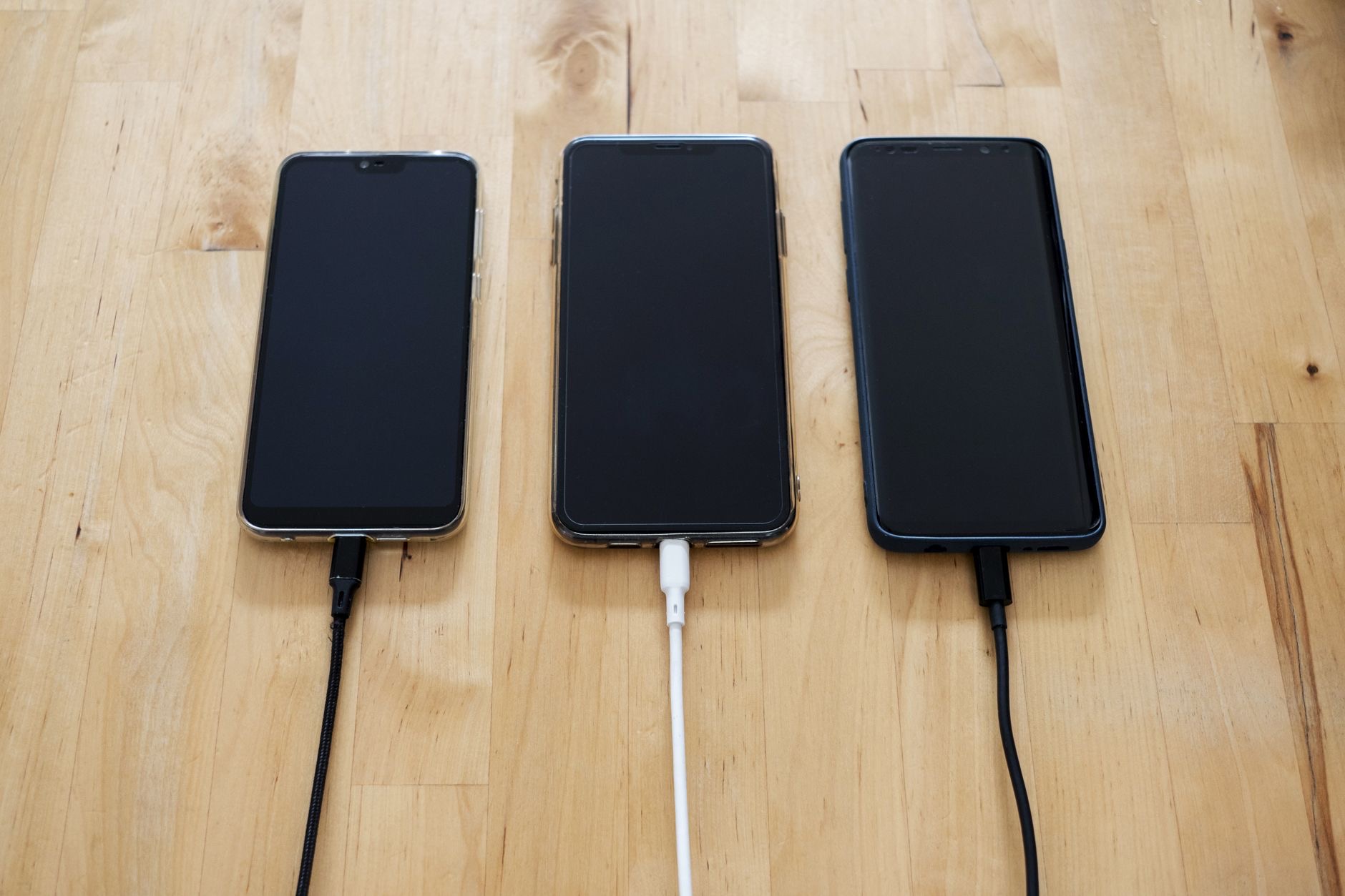
Since heat is the single biggest long-term enemy of battery health, it is worth a closer look at the everyday things that warm your phone. Charging generates heat, so avoid heavy gaming or video while the phone is plugged in, and consider taking a thick case off during charging if the phone gets noticeably warm. Wireless charging tends to run a little hotter than a cable, so for the gentlest long-term treatment, a cable in a cool spot is ideal. And never leave your iPhone charging somewhere hot, like on a sunny windowsill or in a warm car. None of this means you must baby your phone obsessively, but being mindful of heat, especially during charging, genuinely helps your battery hold more of its capacity for longer. Small, easy habits around temperature add up over the years to a battery that stays healthier and lasts well, which is exactly what protects your phone's usefulness over its whole life.
The Honest Bottom Line
You can get meaningfully more from your iPhone battery with a few simple changes. Start with the big wins, lower brightness, Low Power Mode, and limiting background activity, then layer on better charging habits to protect your battery's health for years. Heat is the one thing to avoid above all.
If poor battery life persists despite good habits, check your battery health, since a worn battery is a separate, fixable issue. Which tip will you try first? Tell me in the comments and I will help you squeeze out even more.
Leave a Reply