
You plug in, and instead of charging, your iPhone hands you a tiny rejection letter: this accessory may not be supported. The message sounds like a compatibility crisis. It is almost never that. It is usually a tired cable, a linty port, or a momentary misunderstanding between the two, and the fix takes minutes. Here is what the message actually means and the order that makes it go away.
What the Message Really Means
The alert appears when your iPhone cannot establish a clean, trusted connection with whatever just plugged in. Three things cause nearly all of it: a cable that is damaged or too cheaply made to speak properly, a port packed with pocket lint that prevents full contact, or a passing glitch that a retry clears. The phone is not being fussy for sport, it is declining a handshake it cannot verify. Your job is restoring the handshake.
First: The Thirty-Second Moves
Unplug, flip the connector, plug back in. Try a different outlet or power source. Restart the phone if the message persists, a reboot clears the glitch category entirely. These three moves resolve a surprising share of cases because momentary misreads are common and harmless. Only when the rejection survives a restart does the investigation move to hardware, and the first suspect is not the phone.
Interrogate the Cable
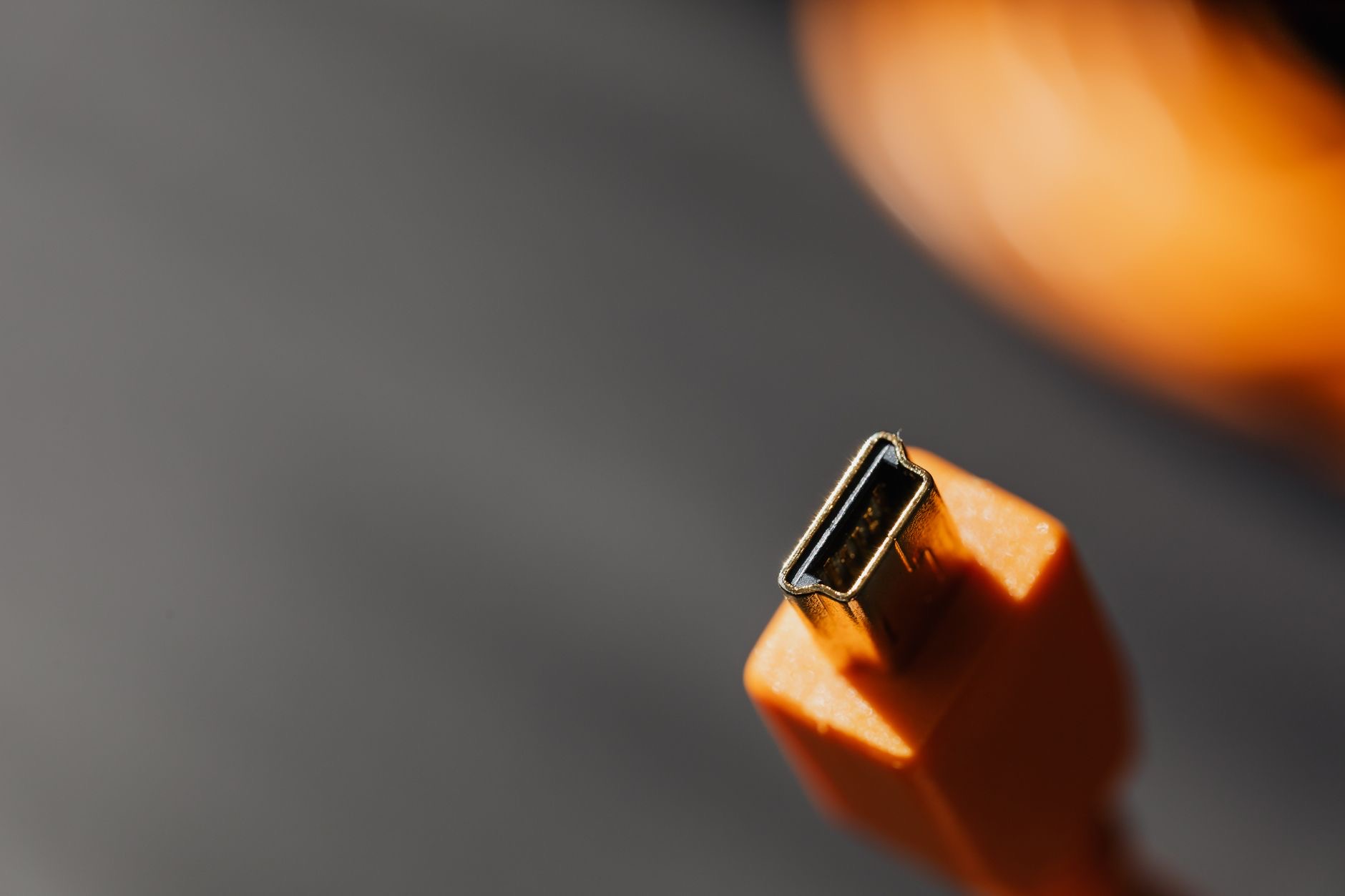
Look closely at the connector ends and the last few centimeters of the cable: fraying, kinks, bent pins, discoloration, or a jacket pulling away from the plug. Damage there means the cable speaks in a broken voice, and the phone is right to decline. The decisive test is borrowing a known-good cable, if the message vanishes, the case is closed. Bargain-bin cables star in this error disproportionately: poorly made ones fail the handshake even when new, which is the hidden cost of the gas-station cable rack.
★ Editor's Pick · Amazon
Quality USB-C Cable
Speaks fluently to your phone, every time
The Lint Nobody Suspects
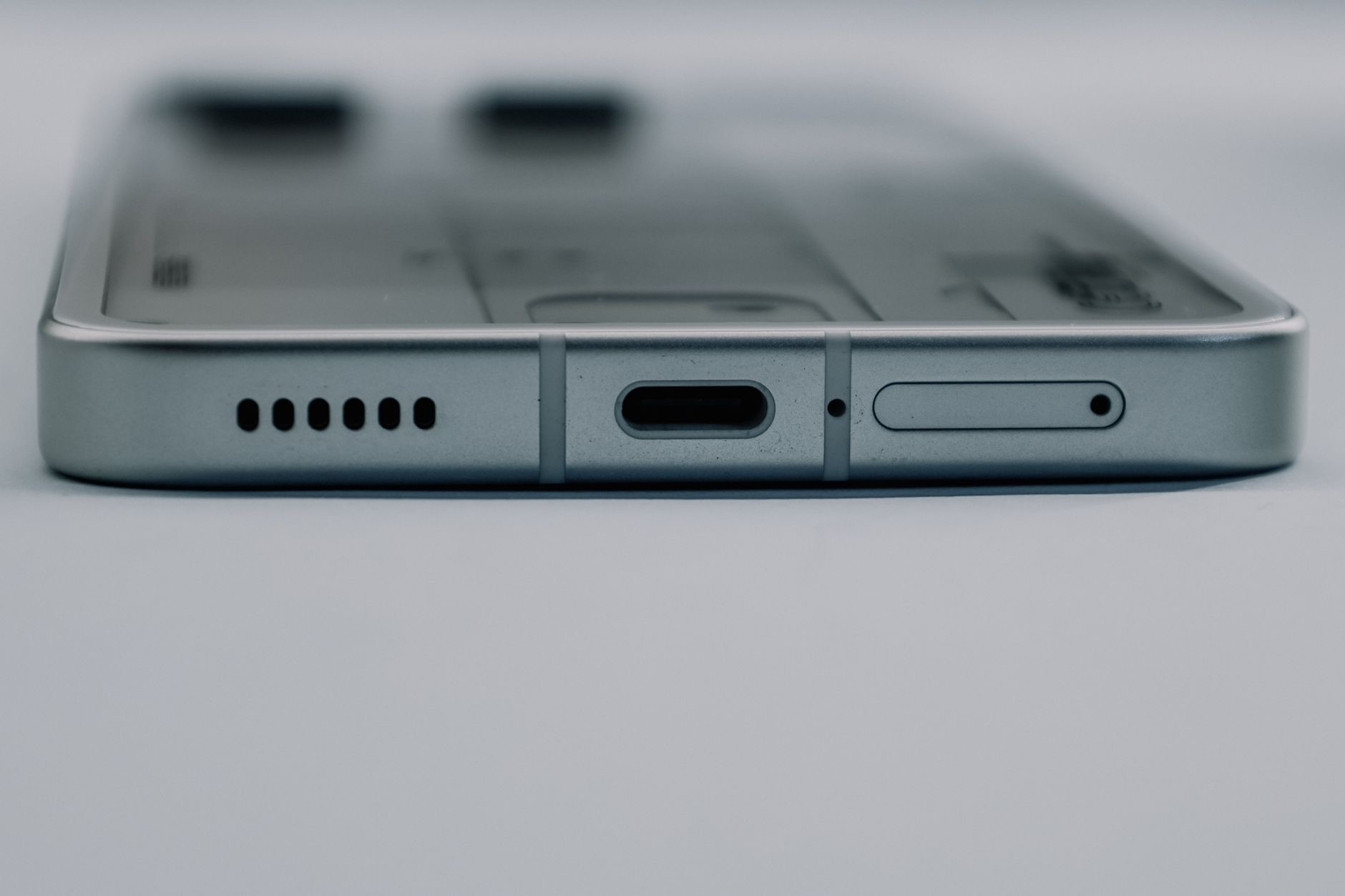
If cables pass and the message stays, the port is wearing a sweater. Months of pockets pack lint into the charging port, and a connector pressing against compressed fluff cannot seat fully, producing exactly this error, plus the loose, wiggly feeling that often precedes it. Power off, shine a light in, and ease debris out gently with something soft and non-metallic. People are routinely amazed at what emerges and how instantly the rejection letters stop. No metal, no liquids, no force.
Moisture, Updates, and the Edge Cases
The remaining causes are quick checks: a damp port from rain or a poolside pocket needs time to dry before it behaves, so give it air and patience rather than heat. An outdated phone can occasionally grumble at accessories a software update handles, so update if one is waiting. And genuinely incompatible or counterfeit accessories do exist, if the error only ever appears with one specific gadget, that gadget is the answer.
Retiring the Error Permanently
The long-term fix is boring and total: quality cables in the places you charge, a port checked for lint once a season, and for the daily bedside routine, a magnetic charger that skips the port entirely, no connector, no handshake, no rejection letters. The message that started this page is almost always a cheap cable or a linty port telling on themselves. Fix both once, and the tiny rejection letters stop arriving.
★ Editor's Pick · Amazon
MagSafe Charger
No port, no handshake, no rejection letters
| The suspect | The test |
|---|---|
| Momentary glitch | Replug, other outlet, restart |
| Tired or cheap cable | Borrow a known-good one |
| Lint-packed port | Light, look, gentle non-metal clean |
| One specific gadget | That gadget is the answer |
Frequently Asked Questions
Why does my iPhone say this accessory may not be supported?
The phone could not establish a clean, trusted connection with what just plugged in. Nearly all cases trace to a damaged or cheaply made cable, a charging port packed with pocket lint, or a momentary glitch. Replug, restart, test a known-good cable, then check the port with a light.
Can a cheap cable cause the accessory not supported error?
It is the leading cause. Poorly made cables fail the connection handshake even when new, and worn ones fail it as they age, fraying, kinks, and bent pins all break the conversation. A quality cable from a reputable brand typically ends the error on the spot.
How do I clean my charging port safely?
Phone off, good light, then ease lint out gently with something soft and non-metallic. Compressed pocket fluff stops the connector seating fully, which triggers exactly this error plus loose, wiggly charging. No metal tools, no liquids, no compressed air, no force.
Why does the error appear and disappear randomly?
Intermittent rejection is the signature of a marginal connection: a cable damaged just enough, or a port packed just enough, that contact succeeds sometimes and fails others. Random-feeling errors are the earliest warning, and the cable-plus-port checks resolve them before they become constant.
Does water cause this message?
A damp port from rain or a pool bag can trigger connection complaints until it dries. Give it air and time rather than heat, and charge again once fully dry. If dampness is a recurring theme in your phone's life, magnetic charging sidesteps the port entirely.
How do I stop this error from ever coming back?
Quality cables at every spot you charge, a seasonal glance into the port for lint, and a magnetic charger for the daily routine, which uses no connector at all. The error is nearly always cheap cables and packed lint telling on themselves, and both are one-time fixes.
The Bottom Line
The accessory-not-supported alert is rarely a real compatibility problem: it is a failed handshake, and the usual culprits are a tired or bargain-bin cable and a port full of pocket lint. Replug and restart to clear the glitches, test a known-good cable to convict the old one, and clean the port gently with the phone off. Then retire the error for good with quality cables and a magnetic charger for the nightly routine. The rejection letters stop the day the handshake gets easy.
Leave a Reply