
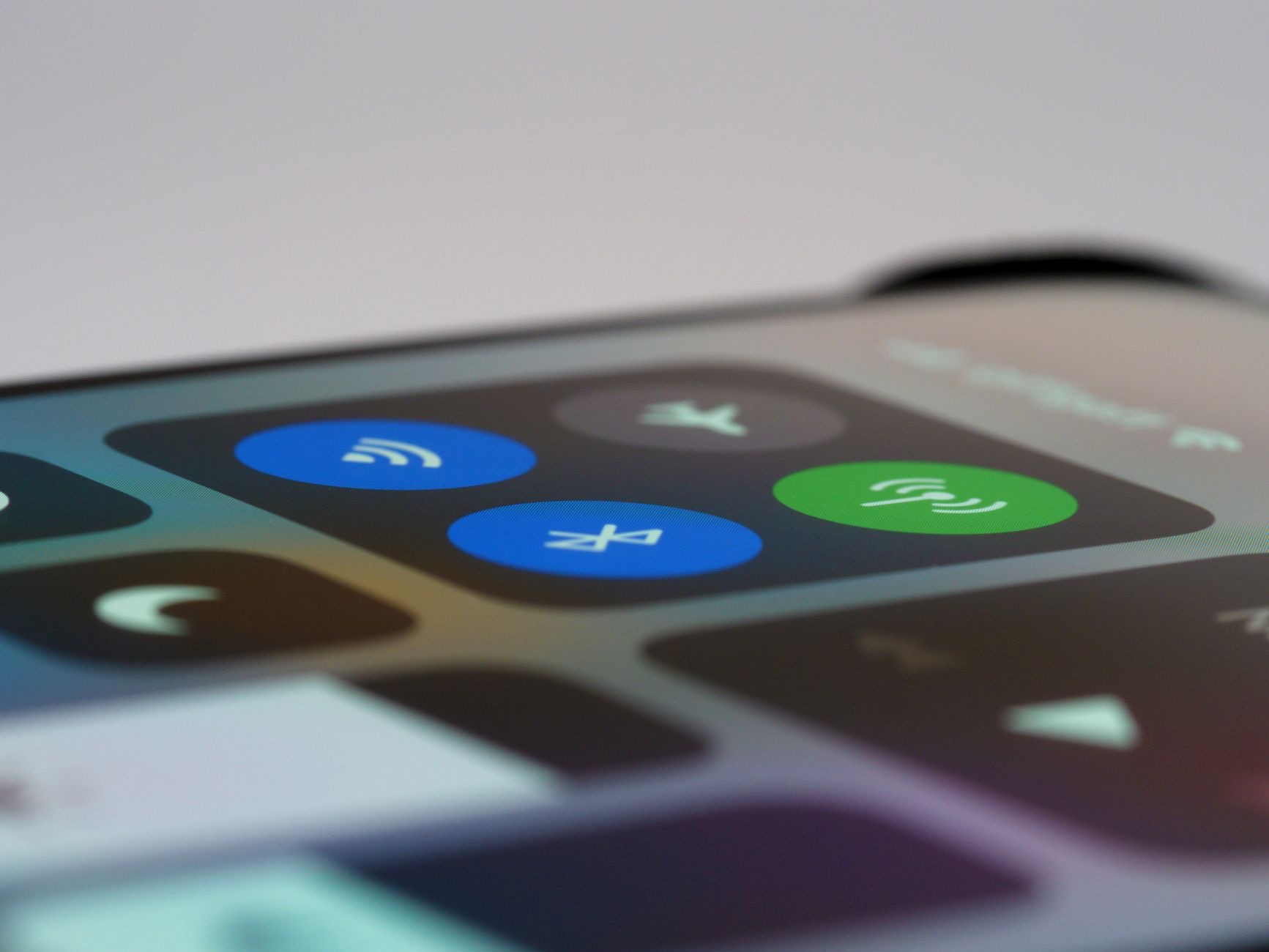
There is a tiny orange dot at the top of your screen, and it appeared right around the time you started wondering whether your phone listens to you. Good news on two fronts: the dot is not a problem, it is the answer. Your iPhone is telling on its own apps. Here is what the orange dot means, what the green one means, and how to catch exactly who is listening.
The Straight Answer
The orange dot means an app is using your microphone right now. The green dot means an app is using your camera, which also covers using both at once. These are privacy indicators, built into the system precisely so that no app can access mic or camera without a visible flag going up. Far from being spyware symptoms, the dots are the anti-spyware feature: a hardware-level tattletale that works on every app, including the ones that would rather you did not know.
How to See Exactly Who It Is
The dot says something is listening; Control Center says who. Swipe into Control Center right after seeing the indicator, and the top will name the app that used your microphone or camera most recently. Most of the time the answer is boring and correct: the voice call you are on, the video app you just used, the recorder you left running. The dots mostly catch you doing normal things. That is what makes the rare surprising answer so useful.
When the Answer Surprises You
If the dot appears while the phone should be idle, or Control Center names an app with no business hearing you, treat it as a finding, not a panic. Go to that app's permissions in settings and switch off its microphone or camera access, done, revoked, no negotiation. Then ask the honest question: does a flashlight app need a microphone? Permission audits are boring until the day they are not, and the dot is the system inviting you to do one.
The Five-Minute Permission Audit
Since the dots have you thinking about it, finish the job: settings, privacy, then microphone and camera, where every app with access is listed with a switch. Walk the list asking one question per app, does its job require this? Messaging and calls, yes. A game that demanded everything at install, probably not. Most people find two or three permissions they cannot explain and feel noticeably better flipping them off. The dots watch the moment; the audit fixes the defaults.
Why This Design Deserves More Credit
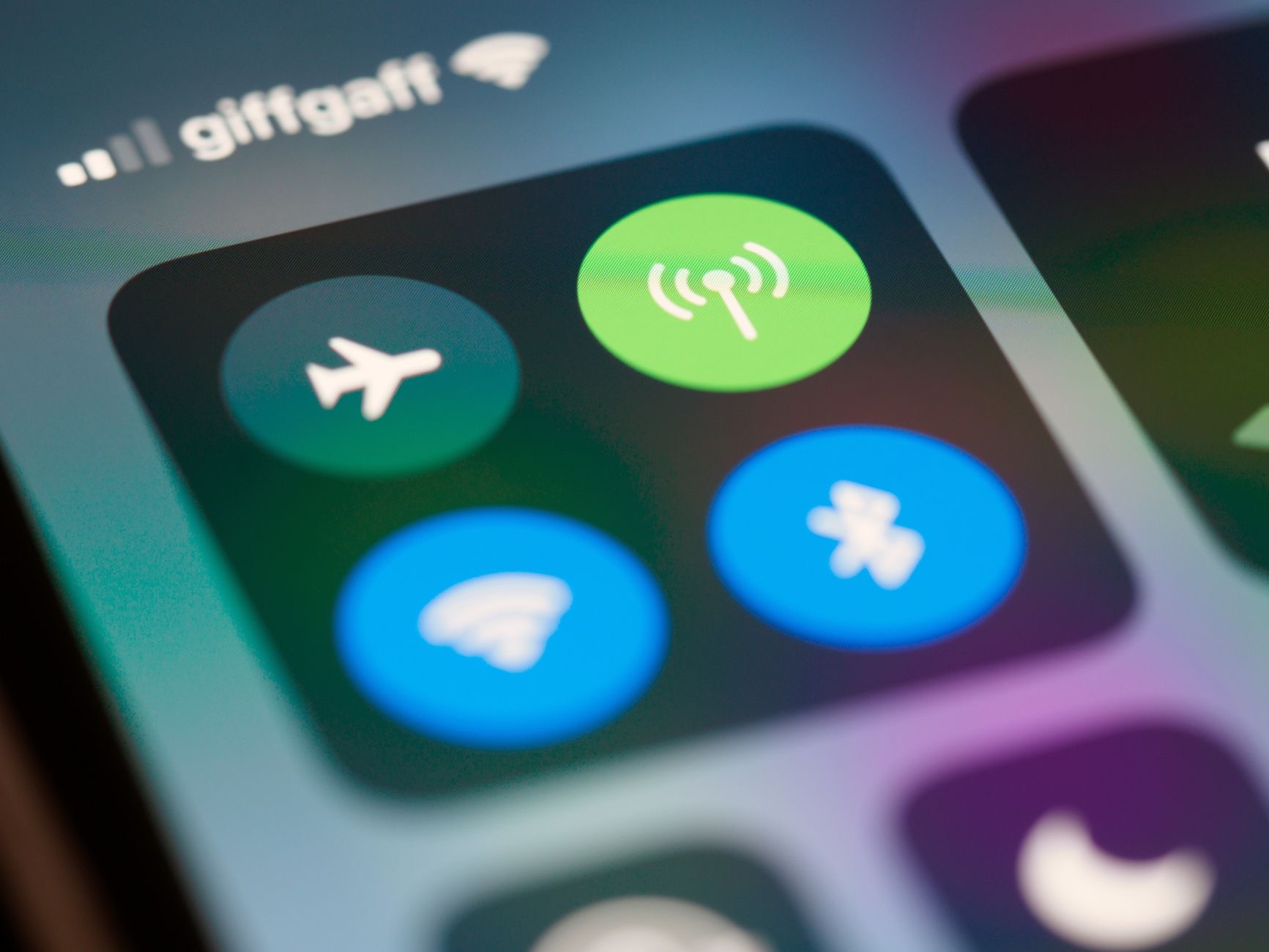
The elegance of the indicator system is that it cannot be politely ignored by apps: mic on means dot on, regardless of what the app would prefer. It converts an invisible worry, is something listening, into a visible fact you can check in two swipes. Paranoia thrives in the unverifiable, and the dots make it verifiable. Your phone is not promising it would tell you. It is telling you, in the corner, in orange, every time.
Protection in Both Directions
The dots guard your privacy from software; the physical world still gets a vote on everything else. A phone that carries your whole private life deserves its boring armor too, a case and screen protector, so the device doing all this careful gatekeeping survives Tuesday's pavement. Digital privacy and physical protection are the same instinct wearing different clothes: this phone matters, act accordingly.
★ Editor's Pick · Amazon
Case & Screen Protector
The phone guarding your privacy deserves guarding back
Options: Clear Case · Screen Protector
| The dot | What it means |
|---|---|
| Orange | Microphone in use right now |
| Green | Camera in use, or camera plus mic |
| Who is it? | Control Center names the app |
| Unwanted? | Revoke access in privacy settings |
Frequently Asked Questions
What does the orange dot on my iPhone mean?
An app is using your microphone at that moment. It is a built-in privacy indicator, not a warning of something wrong: the system raises the flag for every app, every time, so microphone access can never happen invisibly. Swipe into Control Center to see which app it was.
What does the green dot mean?
An app is using your camera, or the camera and microphone together. Like the orange dot, it is a system-level indicator no app can suppress, which is exactly what makes it trustworthy. Video calls and the camera app are the usual, entirely normal explanations.
How do I find out which app is using my microphone?
Open Control Center just after the dot appears, and the top of the panel names the app that most recently used your microphone or camera. Usually it is the call or app you were knowingly using. If it is not, that app's permissions are your next stop.
Should I worry when I see the orange dot?
Mostly no, it appears during calls, voice notes, and video, which is the microphone doing its legitimate job visibly. The useful case is a dot with no explanation: check Control Center, and if the named app has no business listening, revoke its microphone access in settings.
Can an app listen without the dot showing?
The indicators are designed as system-level flags that raise whenever mic or camera are accessed, precisely so apps cannot listen or watch invisibly. That guarantee is the feature: it turns the unverifiable worry into something you can check on screen in seconds.
How do I review which apps can use my mic and camera?
Settings, privacy, then the microphone and camera sections, where every app with access is listed beside a switch. Ask one question per app, does its job require this, and switch off the ones that cannot answer. Five minutes, done, and the dots get even quieter.
The Bottom Line
The orange dot means microphone, the green dot means camera, and both are your iPhone informing on its own apps in real time, the opposite of a spying problem. Check Control Center to name the app, revoke access from anything that cannot justify itself, and spend five minutes auditing mic and camera permissions while you are there. The dots turn the old unverifiable worry into a checkable fact, which is the quietest kind of peace of mind a phone can offer.
Leave a Reply