

Every night, the same small ceremony question at the end of the day: shut the Mac down properly, like your father would have, or just close the lid and walk away? One camp calls sleep lazy. The other calls shutdowns pointless. The honest answer is that the lid-closers have basically won, with one weekly footnote the shutdown camp gets to keep. Here is the whole debate, settled.
The Straight Answer
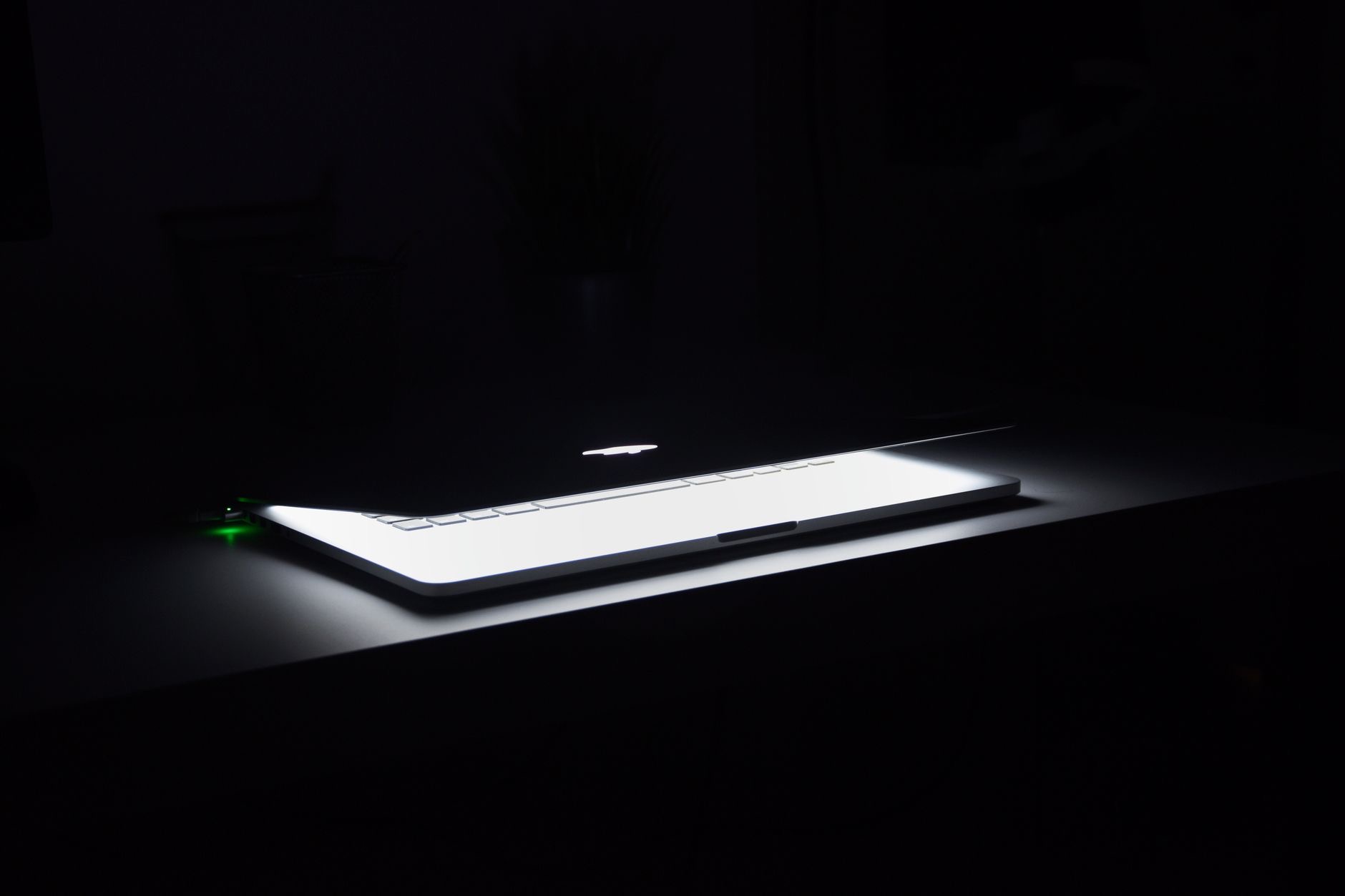
Close the lid. Sleep is not a compromise, it is the designed nightly state for a modern Mac: it sips a trivial amount of power, wakes instantly with your work exactly where you left it, and lets useful background housekeeping happen on schedule. A full shutdown every night buys you almost nothing, costs you the morning boot and the reopening ritual, and solves no problem that sleep actually has. The footnote: restart the machine every week or two, because that part of the old wisdom still earns its keep.
What Sleep Actually Costs
The case against sleep assumes it wastes power and wears the machine, and neither holds up. A sleeping Mac draws next to nothing, less than the habits people never think about, and modern hardware is built for years of sleep-wake cycles as its normal rhythm. Meanwhile the benefits are concrete: instant resume, your windows and thoughts intact, and scheduled tasks, syncs and backups among them, quietly done while you were not watching. Sleep is not neglect. It is the machine on standby, doing its job.
What the Shutdown Camp Gets Right
Fairness to the ritualists: the restart itself has real value, just not nightly. Weeks of uptime accumulate stuck processes, memory clutter, and small glitches, and a restart clears the sediment in two minutes. Restarting also lets updates finish properly, which quietly fixes and speeds things. So keep the spirit of the ceremony on a weekly or fortnightly schedule, or simply whenever the machine feels vaguely off. The instinct was right. The frequency was wrong.
The Backup Bonus of Staying Asleep
Here is the argument nobody mentions at the family dinner debate: a Mac that sleeps at a connected desk instead of powering off is a Mac whose automatic backups actually run. With a drive attached, the machine handles data protection on its own schedule, no memory or discipline required. A shutdown Mac protects nothing overnight. A sleeping one quietly copies your life somewhere safe, which is a strange thing to give up for a ritual.

The Rare Cases for a Real Shutdown
Shutdowns still have their moments: packing the Mac away for a trip or long storage, troubleshooting something genuinely misbehaving, or any time the machine will sit unused for weeks. For storage measured in months, a shutdown with some charge in the battery is the kind thing to do. These are events, not evenings. The nightly version of the ritual retired with the hardware that needed it.
The Routine That Wins
So the modern ceremony looks like this: close the lid at night and think nothing of it, restart once a week or two to clear the sediment, let updates install when they ask, and shut down only for trips and storage. At a desk, add the hub-and-drive dock so sleep hours double as backup hours. It is less ritual than your father's routine, and the Mac is better for it. Some traditions deserve to sleep too.
| The habit | The verdict |
|---|---|
| Close the lid nightly | Correct, sleep is the designed state |
| Shut down nightly | Harmless, but buys nothing |
| Restart weekly-ish | The part of the old wisdom to keep |
| Shut down for storage | Yes, for weeks-long breaks |
Frequently Asked Questions
Should I shut down my Mac every night?
No need. Sleep is the designed nightly state: trivial power draw, instant wake with your work intact, and background housekeeping like backups running on schedule. Keep a restart in the routine every week or two to clear accumulated clutter, and save true shutdowns for trips and storage.
Does sleep mode waste electricity?
A sleeping Mac draws next to nothing, a trivial amount by household standards. Against that cost, sleep buys instant resume and scheduled tasks running overnight. The power argument against sleep belongs to older hardware and does not survive contact with modern machines.
Is it bad for a Mac to sleep instead of shutting down?
No, modern Macs are built for years of sleep-wake cycles as their normal rhythm. Sleep is not wear, it is standby. The thing that does accumulate is software sediment from long uptimes, which is why the weekly-ish restart remains worthwhile.
Why restart if sleep is fine?
Because weeks of uptime collect stuck processes, memory clutter, and small glitches that a two-minute restart clears completely. Restarts also let updates finish properly. It is maintenance on a schedule, not a nightly ceremony, and it keeps the machine feeling fresh.
When should I actually shut down my Mac?
Before trips, for storage measured in weeks or months, ideally with some charge in the battery, and occasionally during troubleshooting. These are events rather than evenings. For ordinary nights at a desk or in a bag until morning, the lid is the whole ritual.
What is the benefit of sleeping at a dock?
A Mac asleep at a connected desk keeps its automatic backups running with a drive attached, protecting your data on schedule with zero discipline required. A shutdown Mac protects nothing overnight, which is the quiet, practical argument the sleep camp wins on.
The Bottom Line
Close the lid and walk away, the machine was built for it: trivial power, instant mornings, and backups that run while you sleep. Keep the useful ghost of the old ritual as a weekly restart that clears the sediment, and reserve real shutdowns for suitcases and long storage. The nightly shutdown ceremony served its era honorably. Its era had spinning drives and ten-minute boots, and it is allowed to rest now.
Leave a Reply