
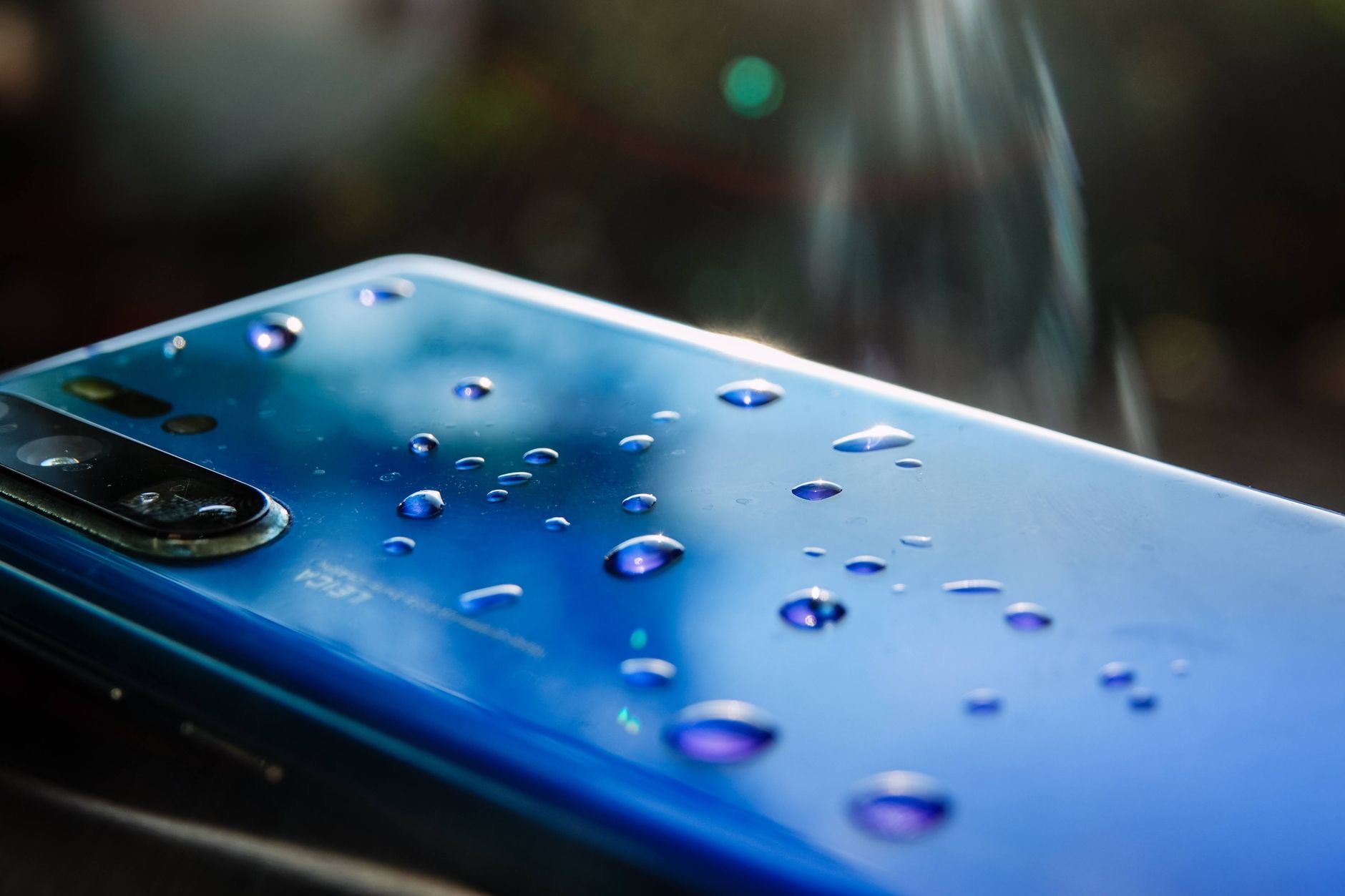
Dropping your iPhone in water sends a jolt of panic, and what you do in the next few minutes really matters. Modern iPhones resist water far better than older models, but no phone is fully waterproof, and the right first steps give yours the best chance of survival. Based on widely shared guidance and common repair advice, here is exactly what to do, and the popular mistakes that do more harm than good.
First, Get It Out and Power Down Safely
Retrieve the phone from the water as quickly as you safely can. If it is already off, leave it off, and do not turn it on to check whether it works, because powering a wet phone is the fastest way to cause a short circuit. If it is on, the safest move is generally to turn it off and leave it off while it dries. Resisting the urge to keep using it is the single most important thing you can do in the first moments.
What to Do Right Now
Move quickly and calmly through these steps.
- Dry the outside. Wipe the phone gently with a soft, dry, lint-free cloth, paying attention to the ports and edges.
- Remove anything attached. Take off the case and, if present, the SIM tray, so trapped water can escape and air can reach inside.
- Tap out the water. Hold the phone with the ports facing down and gently tap it against your hand to coax water out of the openings.
If It Got Wet With Anything but Clean Water
Clean fresh water is the least harmful. If your iPhone was exposed to salt water, a sugary or sticky drink, or a pool, the residue left behind as it dries is corrosive and can keep causing damage. In these cases, gently wiping the exterior with a slightly damp, clean cloth to remove the residue, before drying thoroughly, can help. Salt and sugar are far more dangerous to electronics than plain water, so this extra step matters when the liquid was not clean.
Let It Dry Thoroughly
Patience is now your best tool. Place the iPhone in a dry, well-ventilated spot, ideally with gentle airflow, and leave it for as long as you can, at least a full day and longer if possible. The goal is to let every bit of internal moisture evaporate before any power flows through the device. Rushing this stage is the most common reason a phone that could have survived ends up failing, so give it far more time than feels necessary.

The Mistakes to Avoid
Some of the most popular advice is actively harmful, so steer clear of these:
- Do not put it in rice. The famous rice trick does little to nothing, and rice dust and starch can get into the ports and cause new problems.
- Do not use a hairdryer or heat. Heat can damage internal components and seals and push moisture deeper inside.
- Do not charge it while wet. Connecting a charger to a wet phone risks a short circuit and serious damage. Wait until it is fully dry.
Do Not Charge It Until It Is Fully Dry
This deserves repeating because it is the mistake that destroys salvageable phones. If you plug in a wet iPhone, recent models will often warn you that liquid has been detected and refuse to charge, and you should heed that warning rather than trying to bypass it. Even if the phone seems dry on the outside, moisture lingers in the ports for a long time. Wait until you are confident it is completely dry, well beyond when it looks dry, before charging.
When It Is Safe to Turn It Back On
After it has dried thoroughly for a day or more, you can try turning it on. If it powers up and works normally, watch it over the following days for any odd behavior, since water damage can show up later. If it will not turn on, try the charging and force-restart steps from our iPhone won't turn on guide once you are certain it is fully dry. If it powers on but acts strangely, a professional inspection is wise, because hidden corrosion may be at work.

When to Get Professional Help
If your iPhone will not turn on after drying, behaves erratically, shows screen problems, or was exposed to salt water or a sugary liquid, it is worth getting it checked by Apple or a trusted repair service. Technicians can open the phone, clean any corrosion, and assess the real damage before it spreads. The sooner this happens after exposure to a harmful liquid, the better the odds. If the phone is beyond saving and you need a replacement, our used iPhone checklist can help you buy a good one safely.
| Do this | Avoid this |
|---|---|
| Power off and dry the outside | Turning it on to test it |
| Let it air-dry a full day or more | Rice, hairdryers, and heat |
| Wait until fully dry to charge | Charging while still wet |
Quick Answers
What should I do if my iPhone gets wet?Get it out, power it off, dry the outside, remove the case and SIM, tap out water, and let it air-dry for at least a day before turning it on or charging.
Does putting an iPhone in rice work?No, not really. Rice does little to dry a phone and its dust can cause new problems. Air-drying in a ventilated spot is more effective.
Can I charge a wet iPhone?No. Charging while wet risks a short circuit. Recent iPhones warn you and block charging when liquid is detected. Wait until it is fully dry.
How long should I let it dry?At least a full day, and longer if you can. Internal moisture lingers far past when the phone looks dry on the outside.
Is salt water worse than fresh water?Yes, much worse. Salt and sugary drinks leave corrosive residue. Gently wipe off the residue and consider a professional cleaning.
When should I see a professional?If it will not turn on after drying, acts strangely, or was exposed to salt water or a sugary drink, have Apple or a trusted shop inspect it for corrosion.
The Hidden Water-Damage Indicator
iPhones contain a small liquid-contact indicator that changes color when it has been exposed to water, and technicians use it to confirm water damage. You usually cannot see it without opening the phone, but it matters for two reasons. First, it means a repair shop can tell whether your iPhone has been wet, which affects how they diagnose a problem. Second, it is a reminder that water exposure leaves a permanent trace and can cause issues that surface days or even weeks later, even if the phone seems perfectly fine at first. So if your iPhone has taken a dip, keep an eye on it over the following weeks for any odd behavior, and mention the water exposure honestly if you ever take it in for service, since it shapes the right repair approach. Being upfront about what happened helps a technician find and clean any corrosion before it spreads.
The Honest Bottom Line
A wet iPhone is often saveable if you act calmly and correctly. Power it off, dry the outside, remove the case and SIM, and let it air-dry for a day or more before charging or turning it on. Skip the rice, the hairdryer, and the urge to test it immediately.
Patience and the right first steps give your iPhone the best possible chance. Did yours survive? Tell me what happened in the comments and I will help you decide the next move.
Leave a Reply