
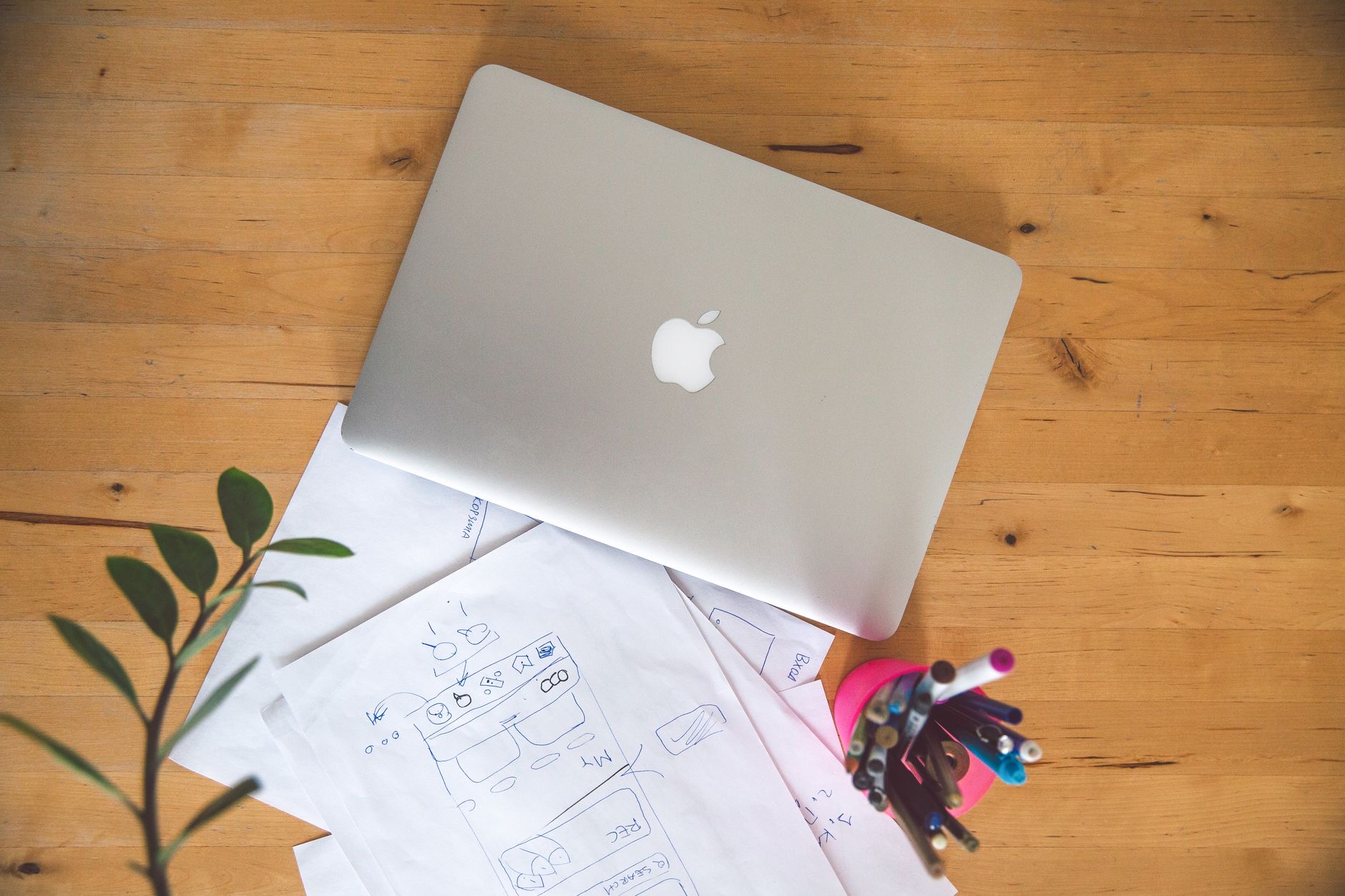
The MacBook Air M1 launched years ago, yet it keeps appearing on student shopping lists, and for good reason: it is cheap, light, and genuinely capable. But is an older laptop still the smart buy for years of coursework ahead, or a false economy? Looking at the M1 Air across its specifications, current pricing and student user feedback, I can tell you exactly who should grab this bargain and who should spend a little more.
The Short Answer for Students
Yes, the MacBook Air M1 is still an excellent buy for most students in 2026. It handles everything typical coursework demands, runs silently, lasts all day on a charge, and costs far less than the newest models. Unless your studies involve heavy creative or technical work, it has more than enough power to carry you through several years of essays, research, video calls, and everyday tasks. For the price, it is one of the smartest student laptops you can buy.
Performance for Schoolwork
Student work is mostly writing, research, browsing with many tabs open, video calls, presentations, and the occasional bit of light editing. The M1 Air handles all of this without breaking a sweat, and it still feels fast years after launch. You will not sit waiting for documents to open or web pages to load. For the vast majority of degrees, this is all the performance you will ever need, and the M1 delivers it in a thin, fanless, silent body that is a pleasure to work on in a quiet library.
Battery Life: Built for Long Days
One of the M1 Air's standout strengths is battery life, and it matters more for students than almost anything. It comfortably lasts a full day of classes and study on a single charge, which means you can leave the charger at home and not worry. Few laptops at any price match this kind of endurance, and it remains a genuine advantage years later. Just remember that a used M1 Air may have a slightly worn battery, so check its health before buying, exactly as you would with any older Apple device.
Where the M1 Air Falls Short
Be honest about its limits. The M1 Air is not built for hours of heavy 4K video editing, large software compiles, or demanding 3D work every day. It has a modest amount of memory in its base configuration, which can feel tight if you run many heavy apps at once. And it uses an older design with fewer ports than the latest models. For most students none of this matters, but if your course is in film, engineering, or another demanding field, you may feel these limits, and a newer or higher-specced machine becomes the better choice.

Which Degree Are You Studying?
Your subject is the real deciding factor. For arts, humanities, business, law, social sciences, and most general degrees, the M1 Air is perfect and you will never feel held back. For heavy creative or technical courses, film production, advanced engineering, data-heavy science, you should consider more memory and power, which points toward a newer Air or a Pro. Match the laptop to your actual coursework, not to a worst-case scenario, and you will neither overspend nor come up short. Our MacBook Air vs Pro guide helps if you are weighing the step up.
Memory and Storage: Choose Carefully
If you buy an M1 Air, the configuration matters more than the age. Try to get more than the base memory if you can, because it makes multitasking smoother and extends the useful life of the machine, and you cannot upgrade it later. Storage is the other one to size sensibly, since coursework, photos, and apps add up over a degree. A slightly better-specced M1 Air will serve you far better across several years than a bare-bones one bought purely on price, so spend wisely here rather than cutting every corner.
M1 Air vs a New Budget Laptop
Against a cheap new Windows laptop at a similar price, the M1 Air usually wins on the things students feel daily: battery life, build quality, silent operation, and smooth performance that lasts. The trade-off is the ecosystem, since you will be on macOS, and a slightly older design. For students who want a laptop that simply works for years without fuss, the M1 Air is hard to beat at its used price, and it holds its value better too. If you are torn between a laptop and a tablet, our iPad vs MacBook guide is worth a read.
How to Buy One Safely
If you go used to get the best price, protect yourself with a few checks. Confirm the battery health, make sure it is signed out of the previous owner's account, test the keyboard, screen, and ports, and buy from a reputable seller with a return option. Certified refurbished M1 Airs are a particularly safe bet, often coming with a fresh battery and a warranty for a little more than a private sale. A small amount of care turns a great-value laptop into a confident, worry-free purchase that will see you through your studies.
| M1 Air is great for... | Consider more if... |
|---|---|
| Essays, research, and browsing | You edit 4K video daily |
| All-day battery in class | You run heavy engineering tools |
| A silent, light, affordable laptop | You need lots of memory and ports |
Quick Answers
Is the MacBook Air M1 still good for students in 2026?Yes. It handles essays, research, browsing, and video calls easily, lasts all day on a charge, and costs far less than newer models. For most degrees it is ideal.
Is the M1 Air fast enough for coursework?Easily. Writing, research, presentations, and light editing all run smoothly. Only heavy creative or technical work pushes its limits.
How is the battery life?Excellent. It comfortably lasts a full day of classes, so you can leave the charger at home. Check the battery health if buying used.
Should I get more memory?If you can, yes. More than the base memory makes multitasking smoother and extends the laptop's useful life, and you cannot upgrade it later.
M1 Air or a new Windows laptop?The M1 Air usually wins on battery, build, silence, and lasting performance for a similar price. The trade-off is using macOS and an older design.
Is it safe to buy a used M1 Air?Yes, with checks. Confirm battery health, that it is signed out, and that the keyboard and ports work. Certified refurbished options are especially safe.
Making It Last All Four Years
A laptop bought for a degree needs to survive four years of daily life, and a little care goes a long way. Use a protective sleeve in your backpack, since most damage happens in transit between classes. Keep the software updated for security and smooth performance, and avoid filling the storage to the brim, which slows any machine down. A simple habit of closing apps you are not using keeps the modest base memory comfortable. Treat the battery kindly by not leaving it at full charge in a hot bag all day. None of this takes effort once it becomes routine, and together these habits mean your M1 Air will still feel reliable and quick when you walk across the graduation stage, which is exactly the kind of long-term value that makes it such a smart student buy in the first place.
★ Editor's Pick · Amazon
MacBook Air (M3)
The current Air, a worthy step up from M1
Colors: Midnight · Starlight · Space Gray · Silver
My Honest Verdict
For most students, the MacBook Air M1 is still a fantastic buy in 2026. It is fast enough for typical coursework, lasts all day, runs silently, and costs far less than the latest models. Get a configuration with a bit more memory if you can, and check the battery on any used unit.
Only students in heavy creative or technical fields should spend more for newer power. What are you studying? Tell me in the comments and I will tell you whether the M1 Air is enough for your course.
Leave a Reply