
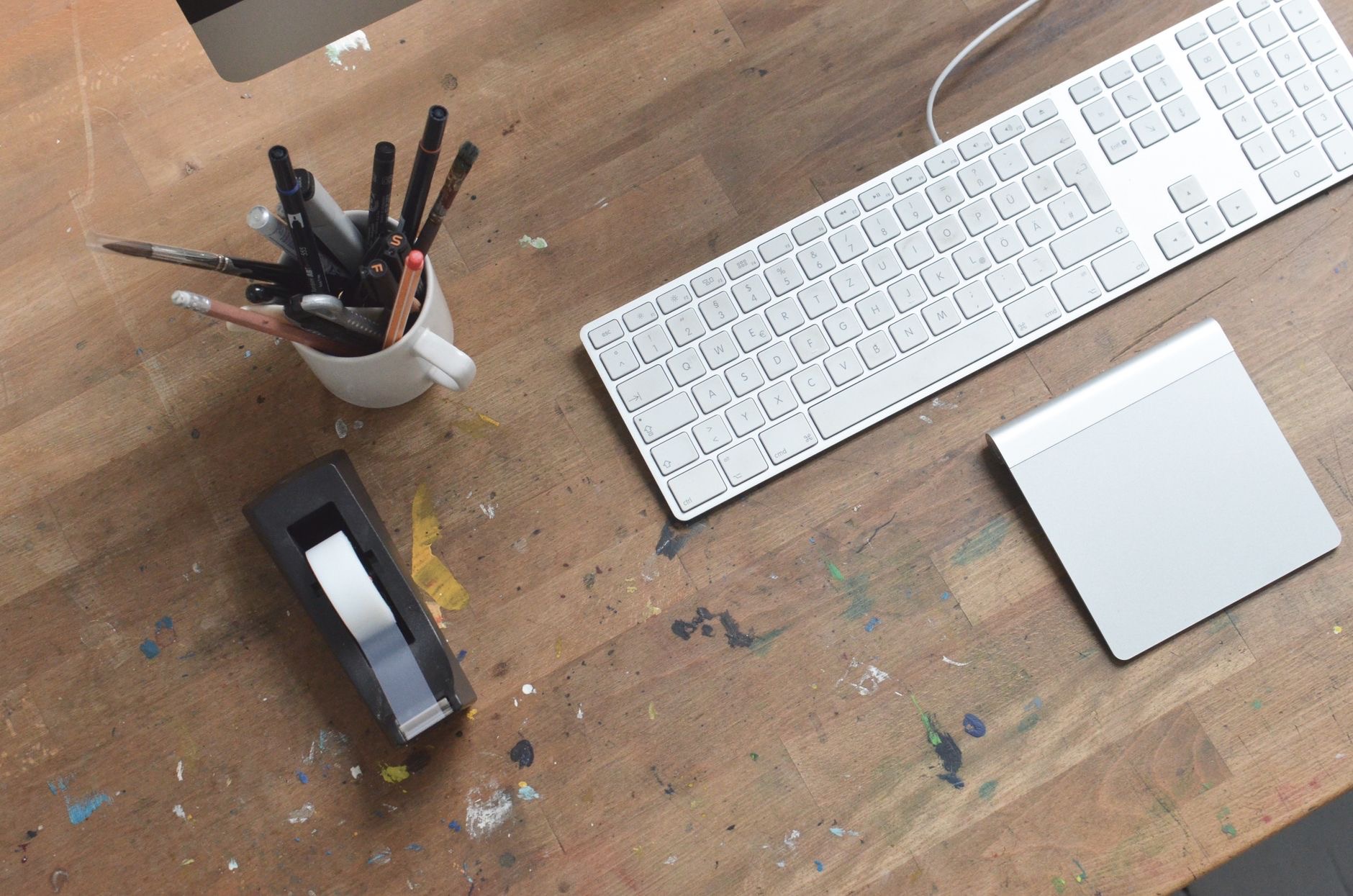
The Magic Trackpad is a big, elegant sheet of glass that costs real money for something a mouse does for less. So is it worth it? The honest answer splits cleanly by user: for gesture lovers and MacBook devotees it is a genuine upgrade, and for precision workers a mouse remains better. Here is an honest review to place you on the right side of that line before you spend.
The Short Answer
The Magic Trackpad is worth it if you love MacBook trackpad gestures and want that exact experience at a desk, bigger and more comfortable. Swiping between desktops, smooth scrolling, and fluid navigation feel natural and pleasant in a way mice never quite match. It is not worth it if your work depends on pixel-precise pointing, long selection drags, or you simply find mice more comfortable, in which case a mouse serves you better for less. Know which hand you have, and the verdict writes itself.
What Makes It Genuinely Good
The trackpad's case rests on gestures and glass. The large surface gives fingers room to swipe, scroll, and navigate with a fluidity that feels less like operating a pointer and more like touching the interface directly. MacBook users switching between laptop and desk keep one consistent input language instead of two. And on a desk it is undeniably handsome, low, seamless, and quiet. For people whose workflow is browsing, reading, writing, and moving between spaces, it is a daily pleasure.
★ Editor's Pick · Amazon
Magic Trackpad
MacBook gestures, desk-sized and comfortable

Where a Mouse Still Wins
Honesty demands the other column. For precise pointing, detailed editing, spreadsheet marathons, and long selection drags, a mouse remains the sharper tool: it anchors the hand, clicks land exactly, and hours of fine work strain less. Gamers and heavy editors will not be argued out of their mice, and they should not be. If your day is measured in precise clicks rather than fluid swipes, buy the mouse, bank the difference, and lose nothing.
★ Editor's Pick · Amazon
Wireless Mouse
Still the sharper tool for precision work
Options: Magic Mouse · Wireless Mouse
The Comfort Question
Comfort divides users too, and personally. Some hands find days of trackpad tapping and dragging fatiguing compared to a mouse's supported grip; other wrists prefer the trackpad's flat, low profile and lighter touch. Neither camp is wrong, comfort is anatomy plus habit. If you already know your MacBook trackpad never tires you, the desk version will treat you the same. If laptop trackpad sessions leave your hand achy, that answer travels to the desk too.
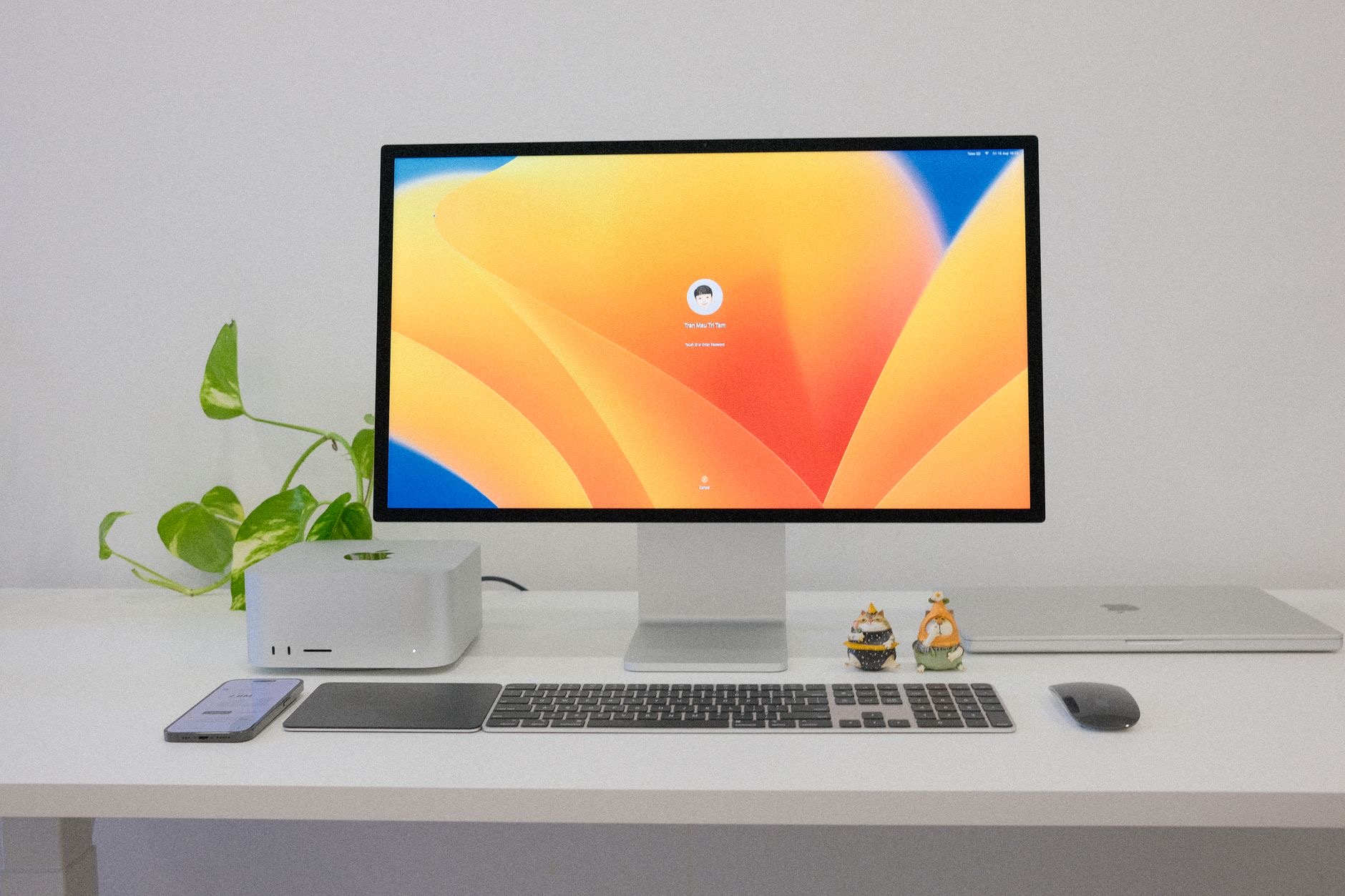
The Both-Devices Desk
A quiet but common ending to this debate: many Mac desks eventually hold both, a mouse under the right hand for precision, the trackpad to the left of the keyboard for gestures, scrolling, and swiping between spaces. It sounds indulgent and works beautifully, letting each device do what it does best while hands vary their position across the day, which wrists appreciate. If budget allows and you genuinely use both input styles, the two-device desk is the ergonomic sweet spot.
How to Decide in One Minute
Run this test: on your MacBook, do you reach for gestures constantly, three-finger swipes, pinch zooms, momentum scrolls, and enjoy them? Buy the trackpad; the desk version is that experience, enlarged. Do you plug in a mouse the moment serious work starts? Buy the mouse and do not look back. Split down the middle? The two-device desk exists for you. The Magic Trackpad is a premium answer to a personal question, and your own laptop habits already contain the verdict.
| Worth it if you... | Buy a mouse if you... |
|---|---|
| Love MacBook gestures | Need pixel-precise pointing |
| Browse, write, and navigate | Edit and drag for hours |
| Want one input language | Find mice more comfortable |
| Value the clean desk look | Want the cheaper option |
Frequently Asked Questions
Is the Magic Trackpad worth the money?
For gesture lovers and MacBook users who want the same fluid experience at a desk, yes, the large glass surface makes swiping, scrolling, and navigating a daily pleasure. For precision-heavy work like detailed editing and long drags, a mouse remains sharper and cheaper.
Is a trackpad or mouse better for a Mac desk?
It depends on your work. Trackpads excel at gestures, scrolling, and fluid navigation; mice excel at precise pointing and long fine-control sessions. Your MacBook habits reveal your answer: if you love the laptop trackpad, the desk version suits you; if you always plug in a mouse, stay with mice.
Is the Magic Trackpad good for precision work?
It is capable, but a mouse anchors the hand and lands clicks more exactly, which matters for detailed editing, spreadsheets, and long selection drags. Precision-first workers generally remain happier with a mouse, which is the honest boundary of the trackpad's appeal.
Is the trackpad comfortable for long days?
Comfort splits personally: some hands find all-day tapping and dragging fatiguing versus a mouse's supported grip, while other wrists prefer the flat, low profile and lighter touch. Your MacBook experience predicts it, hands that tire on the laptop trackpad tire on the desk one too.
Can I use both a mouse and a trackpad?
Yes, and many Mac desks end up there: mouse under the dominant hand for precision, trackpad beside the keyboard for gestures and scrolling. Each device does what it does best, hands vary position across the day, and wrists tend to thank you for the variety.
Who should definitely buy the Magic Trackpad?
MacBook users who constantly reach for gestures and want one consistent input language between laptop and desk, plus anyone whose day is browsing, writing, and navigating rather than pixel-level editing. For that profile it is a genuine, daily-felt upgrade.
The Bottom Line
The Magic Trackpad is worth it for the right hands: gesture lovers, MacBook devotees, and anyone whose day flows through browsing, writing, and swiping between spaces will find it a daily pleasure that keeps one input language across laptop and desk. Precision workers should buy a mouse and lose nothing. Your own laptop habits already hold the answer, and if you genuinely live in both styles, the mouse-plus-trackpad desk is the quiet ergonomic winner.
Leave a Reply