
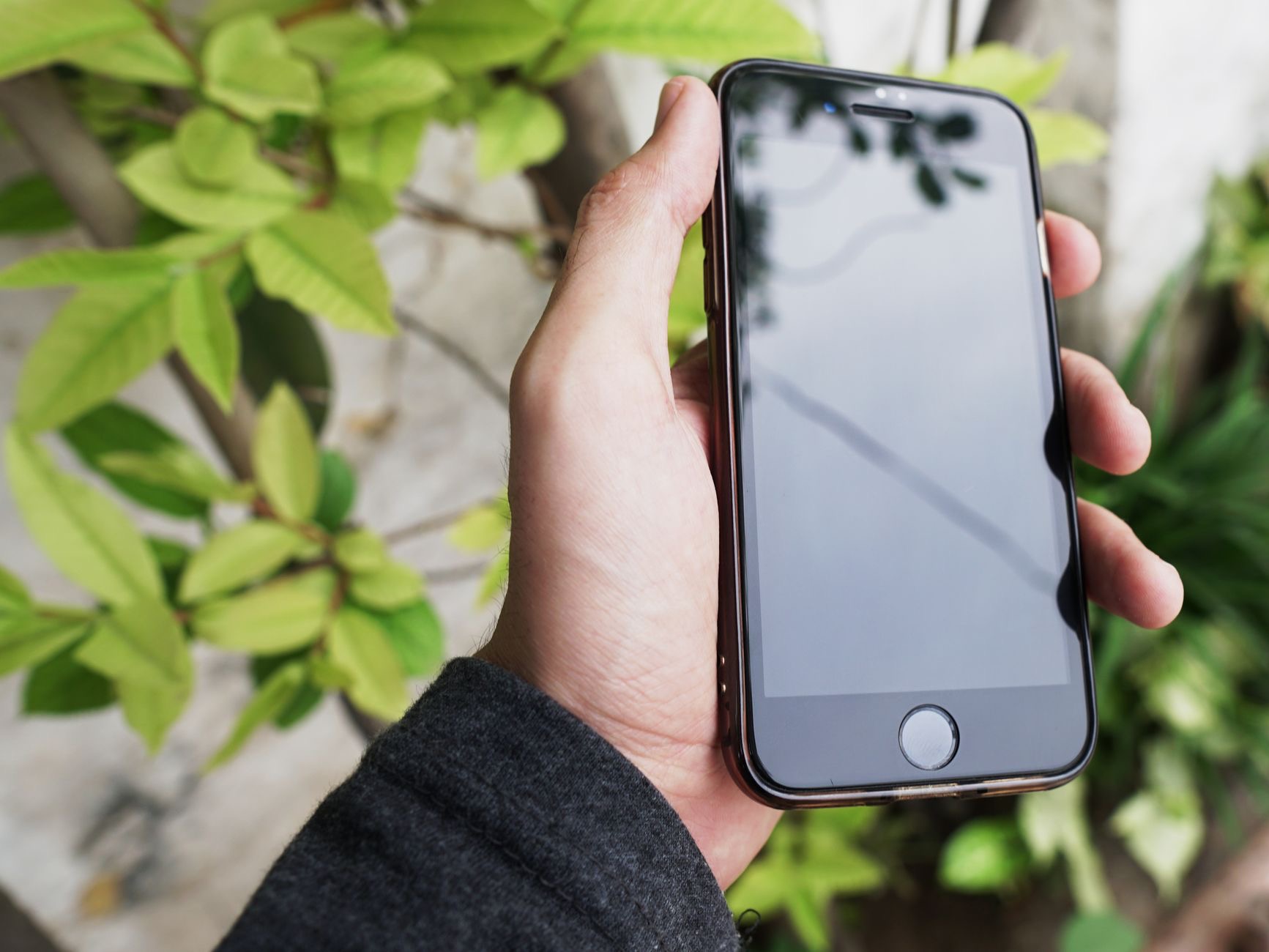
Your iPhone holds an enormous amount of personal information, and while it is one of the more privacy-focused phones, its default settings are not always as locked down as they could be. A few thoughtful changes put you firmly in control of your data and who can access it. Here are the iPhone privacy settings genuinely worth changing today, each simple and quick.
1. Control App Tracking
Your iPhone lets you decide whether apps can track your activity across other companies' apps and websites. Reviewing this and denying tracking to apps that do not need it is one of the most impactful privacy steps you can take, limiting how much of your behavior is followed for advertising. It is worth checking as you install new apps, since each one may ask, and you are free to say no.
2. Review Location Access
Many apps request your location, but not all of them need it, and some do not need it constantly. Go through your location settings and set apps to access your location only while you are using them, or never, where that makes sense. This limits how much of your movement is shared and, as a bonus, can help your battery, since constant background location use is a drain.
3. Limit What Apps Can Access
Beyond location, apps may request access to your photos, contacts, microphone, camera, and more. It is worth reviewing these permissions and removing access that an app does not genuinely need to function. A game does not need your contacts, for instance. Periodically auditing what each app can reach is a powerful way to keep your personal information from spreading further than necessary.
4. Check Which Apps Access Your Photos
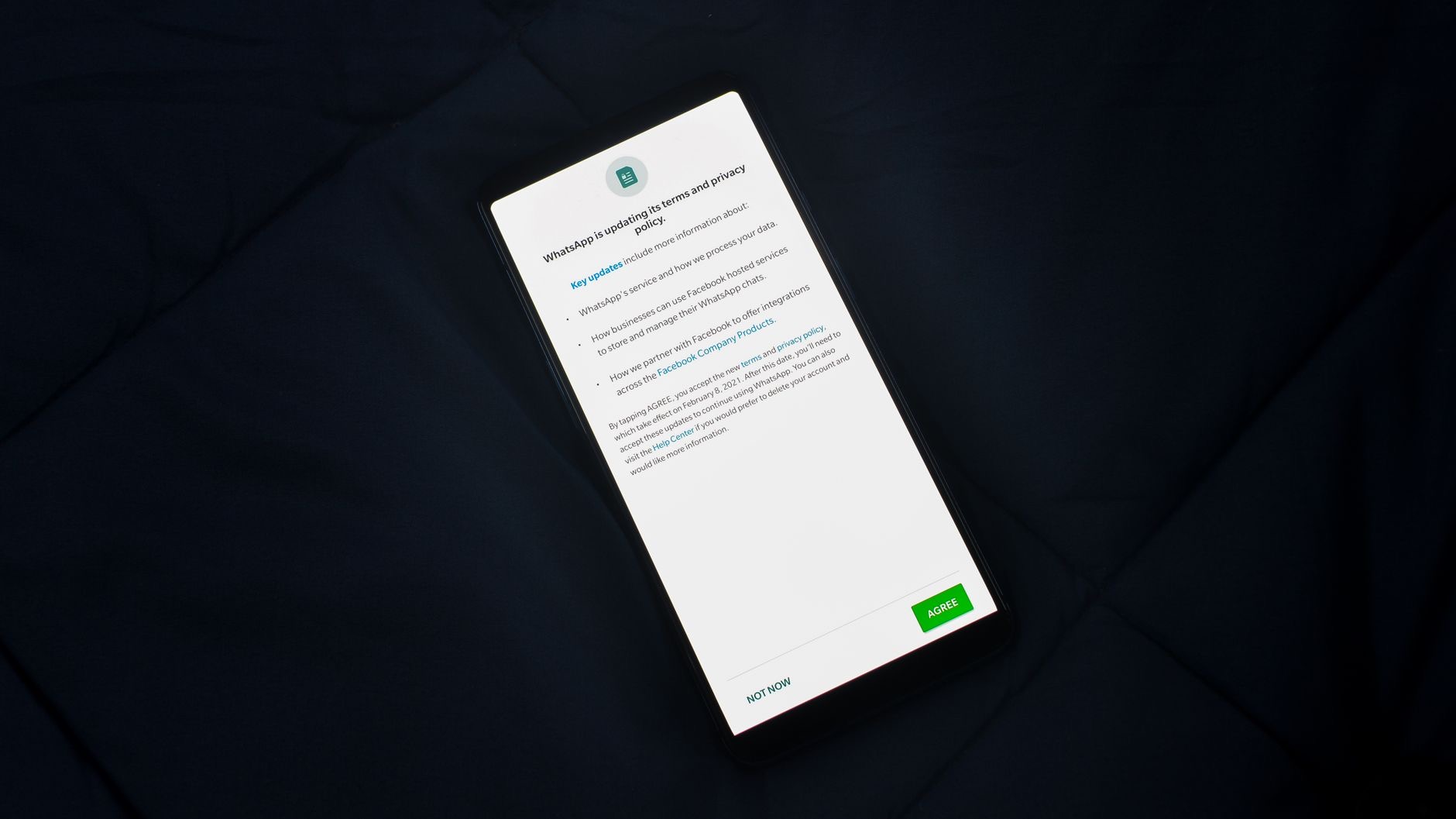
Your photo library is deeply personal, and you can control how much of it apps can see. Rather than granting an app access to your entire library, you can often limit it to only selected photos, or deny access entirely. Reviewing which apps can reach your photos, and tightening those permissions, protects some of the most private information on your phone from apps that do not need the whole library.
5. Manage Lock Screen Access
By default, some information and features may be accessible from your lock screen without unlocking the phone. Reviewing what is available before unlocking, and limiting sensitive information, means that if someone else picks up your phone, they cannot see private details or access certain features. Tightening lock screen access is a simple way to add a meaningful layer of privacy.
6. Use a Strong Passcode
Your passcode is the key to everything on your phone, so making it strong matters. Consider using a longer passcode rather than a short one for meaningfully better security, alongside your phone's face or fingerprint protection. A strong passcode is the foundation of your privacy, since it protects all the other information and settings on the device. It takes moments to strengthen and is well worth it.
7. Review Your Safety and Sharing Settings
Take a moment to review what you are sharing and with whom, including any location sharing with other people and any information shared through your accounts. It is easy to set up sharing and forget about it, so periodically checking that you are only sharing what you intend to, with the people you intend to, keeps your personal information under your control. This is especially worth reviewing after life changes.
8. Keep Your Software Updated
Finally, one of the most important privacy and security steps is simply keeping your iPhone's software up to date. Updates frequently include important security improvements that protect against newly discovered issues. Enabling automatic updates, or checking regularly, ensures your phone has the latest protections. It is one of the easiest and most effective things you can do to keep your device and your data safe.
Frequently Asked Questions
How do I stop apps from tracking me on iPhone?
Your iPhone lets you decide whether apps can track your activity across other companies' apps and websites. Review this setting and deny tracking to apps that do not need it. It is one of the most impactful privacy steps, limiting how much of your behavior is followed for advertising.
Should I limit app location access?
Yes. Many apps request location but do not all need it, or need it constantly. Set apps to access your location only while you are using them, or never, where appropriate. This limits how much of your movement is shared and can also help your battery by reducing background use.
How do I control which photos apps can see?
Rather than granting an app your entire photo library, you can often limit it to only selected photos or deny access entirely. Reviewing which apps can reach your photos and tightening those permissions protects some of the most private information on your phone.
Is a longer passcode really more secure?
Yes. A longer passcode is meaningfully harder to guess or crack than a short one, and it is the key to everything on your phone. Combined with face or fingerprint protection, a strong passcode is the foundation of your privacy, protecting all your other information and settings.
Why does updating my iPhone matter for privacy?
Software updates frequently include important security improvements that protect against newly discovered issues. Keeping your iPhone up to date, ideally with automatic updates enabled, ensures it has the latest protections. It is one of the easiest and most effective ways to keep your data safe.
What can people see on my lock screen?
By default, some information and features may be accessible from your lock screen without unlocking. Reviewing and limiting what is available before unlocking means that if someone picks up your phone, they cannot see private details or access certain features, adding a meaningful layer of privacy.
The Bottom Line
Your iPhone gives you powerful control over your privacy, but only if you take a few minutes to use it. Control app tracking, tighten location and photo access, review app permissions, strengthen your passcode, and keep your software updated, and you will dramatically reduce how much of your personal information spreads beyond your control. These simple changes put you back in charge of your data, so it is well worth going through them today.
Leave a Reply