
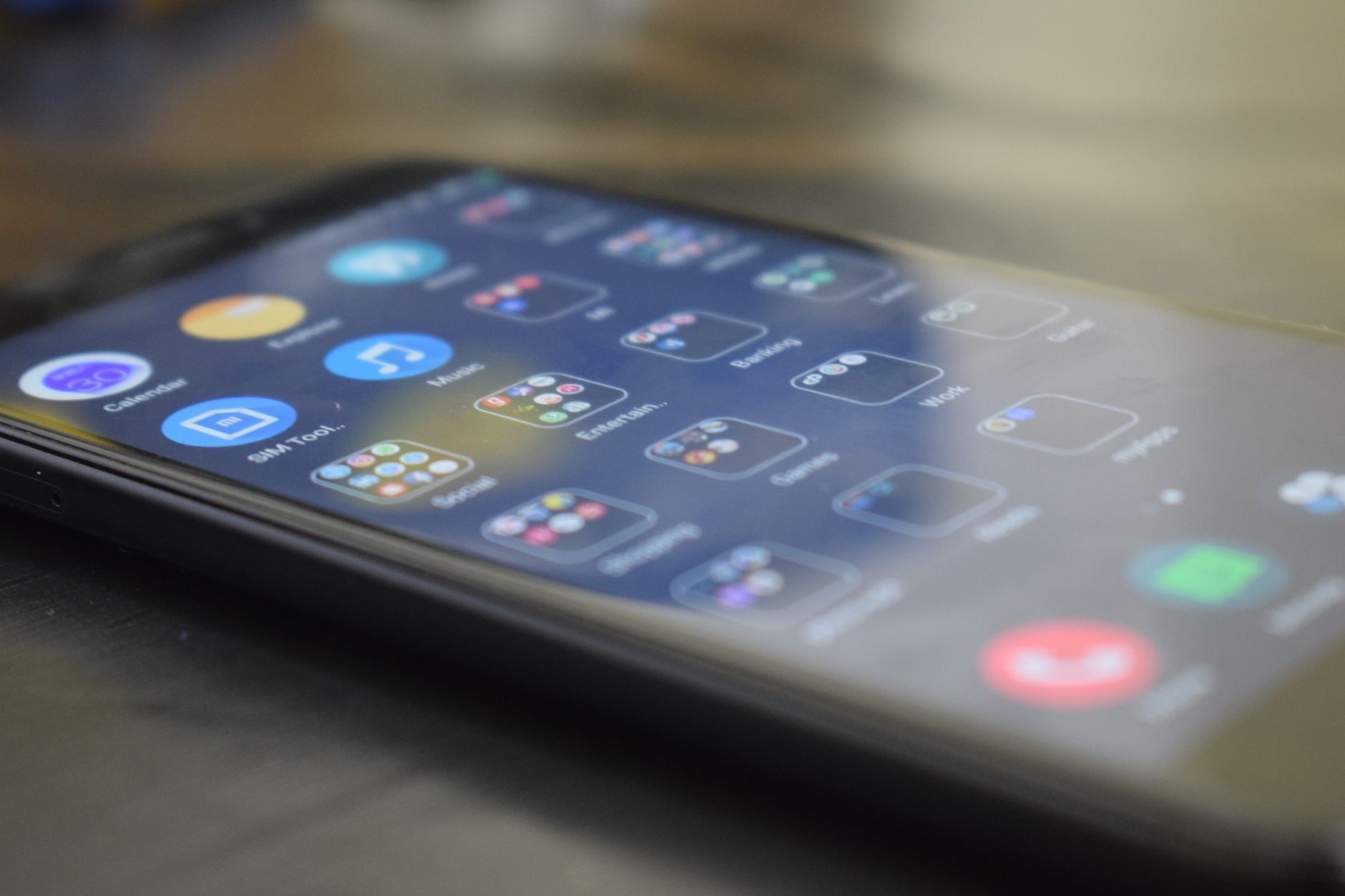
The missed call list says people are calling. Your ears say the phone never made a sound. An iPhone that will not ring has not lost its voice, something is politely covering its mouth, and there are exactly six usual suspects. Here they are, in the order that finds the culprit fastest.
Suspect One: The Switch You Bumped
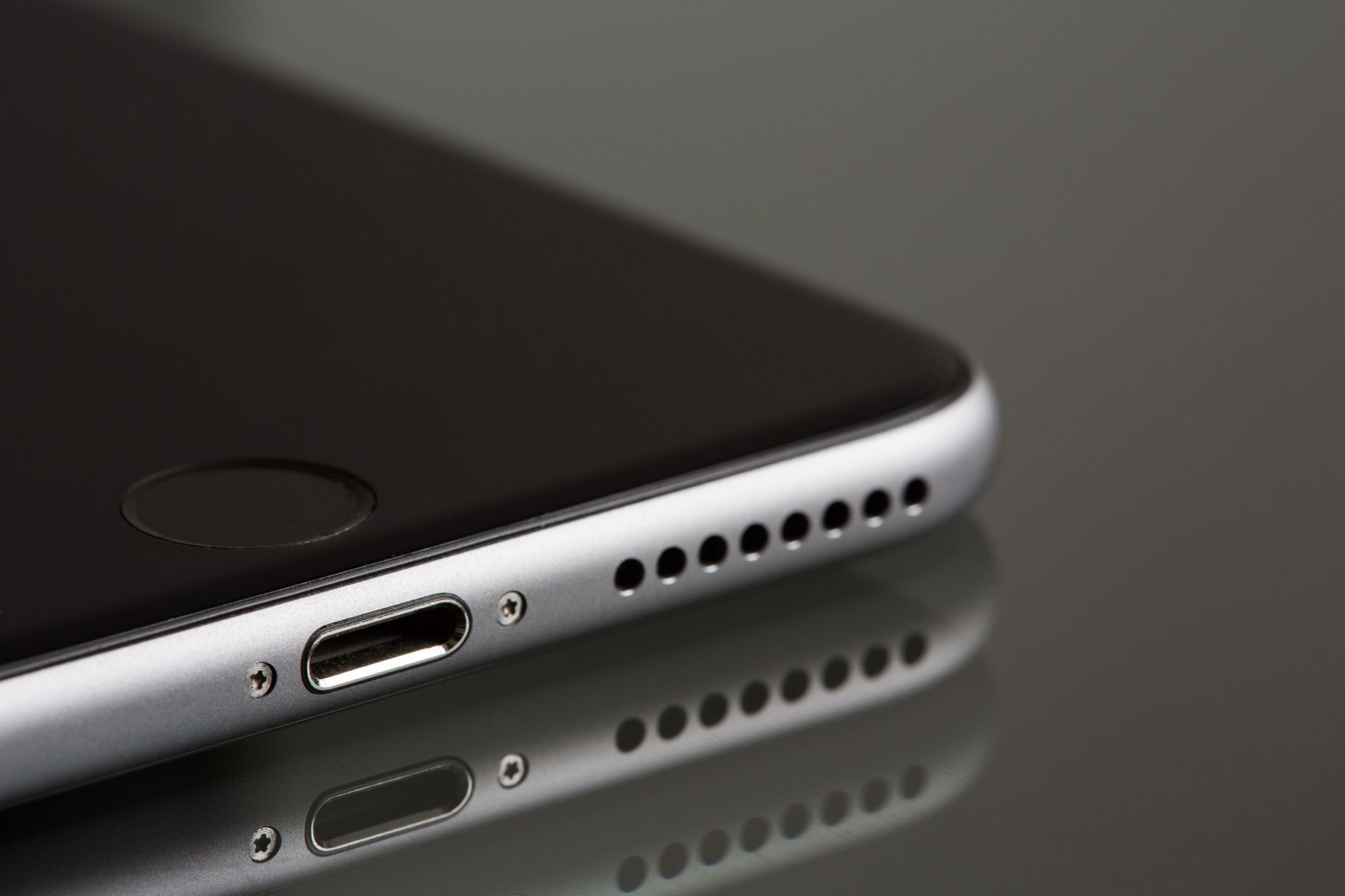
The classic. The ring/silent control on the side of your iPhone gets flipped in pockets and bags without ceremony, and from that moment every call arrives in silence. Check it first, always: if it is set to silent, the mystery is solved in four seconds, and you can stop reading. This one suspect accounts for more not-ringing cases than the other five combined, which is why it earns the top of the list.
Suspect Two: A Focus That Never Clocked Out
Do Not Disturb and its Focus siblings silence calls by design, and they are excellent at their job, including the times you forgot they were on. A scheduled work Focus running into the evening, a sleep Focus that started early, a driving Focus triggered by a bus ride: all of them mute calls without any switch moving. Check the Focus status, and while you are there, review the schedules, because a Focus that turns itself on is a recurring mystery generator.
Suspect Three: The Ringer Volume Nobody Checks
Ring volume and media volume are separate creatures, and the buttons on the side usually adjust media, not the ringer. Your ringer can be sitting near zero while music plays loud and proud, a perfect recipe for confusion. Go into sound settings and check the ringer slider specifically, then set whether the side buttons should change it. A near-silent ringtone at the bottom of a bag is functionally identical to silent mode, and it hides in plain sight.
Suspect Four: Bluetooth Stole the Ring
If your iPhone is connected to earbuds, a car, or a speaker, the ring may be playing beautifully, somewhere else. AirPods in their case but still connected, a car system in the garage, a speaker in another room: all can receive the audio your pocket never gets. Check what is connected in Control Center when calls go quiet, and disconnect the phantom listener. This suspect explains the spookiest cases, where the phone swears it rang and technically, elsewhere, it did.

Suspect Five: Silenced Unknown Callers
The setting that silences unknown callers is a spam-fighting hero with one side effect: genuinely new numbers, the delivery driver, the doctor's office, the plumber calling back, go straight to voicemail without a sound. If your missed calls are mostly unfamiliar numbers, this setting is likely doing exactly what it was told. Decide whether the peace is worth the misses, or turn it off during weeks when you expect calls from strangers, deliveries, job hunts, appointments.
Suspect Six: The Person You Muted
If only one person never rings through, the answer is smaller: that contact or their conversation may be muted, or an old block entry is quietly doing its work. Check the contact's settings and your blocked list. And when all six suspects walk free, run the universal fix, a restart, then confirm ring settings after any recent update. Somewhere in this list is your silencer; the order above finds it in under five minutes for almost everyone.
| The suspect | The check |
|---|---|
| Ring/silent switch | Four seconds, check it first |
| Focus or DND | Status now, schedules after |
| Ringer volume | The slider, not the side buttons |
| Bluetooth theft | Who is connected right now? |
Frequently Asked Questions
Why is my iPhone not ringing when someone calls?
Six usual suspects, in order of likelihood: the side switch flipped to silent, a Focus or Do Not Disturb running, ringer volume set near zero, the ring playing through a connected Bluetooth device elsewhere, the silence-unknown-callers setting, or a muted or blocked contact. Checking them in that order finds the culprit within minutes.
Why does my iPhone ring through my AirPods or car instead?
Because it is still connected to them: a Bluetooth device receives the ring your pocket never hears, even AirPods sitting in an open case or a car system in the garage. Check Control Center for active connections when calls go quiet and disconnect the phantom listener.
Why do unknown numbers never ring my phone?
The silence-unknown-callers setting sends numbers not in your contacts straight to voicemail, silently, by design. It is excellent against spam and terrible during deliveries, job hunts, and appointment weeks. Toggle it based on whether you are currently expecting calls from strangers.
Why is my ringer quiet when my volume is up?
Ringer volume and media volume are separate, and the side buttons usually adjust media. Your ringtone can sit near zero while videos play loud. Check the ringer slider in sound settings specifically, and choose whether the buttons should control it going forward.
How do I check if a Focus is silencing my calls?
Look for the Focus icon on your lock screen and in Control Center, then review the schedules, since a work Focus running late or a sleep Focus starting early silences calls with no visible switch moving. Allow calls from key people inside each Focus so the important ones always ring through.
Only one person cannot ring me, why?
Their contact or conversation may be muted, or an old block entry is still active. Check that contact's settings and your blocked list. Single-person silence is almost never a phone-wide problem, which actually makes it the fastest suspect on the list to clear.
The Bottom Line
An iPhone that will not ring is being silenced by something specific: the bumped side switch, a Focus that never clocked out, a near-zero ringer slider, a Bluetooth device catching the ring elsewhere, the unknown-caller silencer, or one muted contact. Run the list in order, four seconds for the switch, a minute each for the rest, and the calls come back. Then set your Focus schedules and key-people exceptions properly, and the silence stays deliberate instead of mysterious.
Leave a Reply