

The iPad Air and iPad Pro look similar, do similar things, and confuse a lot of buyers into overspending. Comparing the two across specifications and user feedback, I can tell you the truth: the Air is the right iPad for the vast majority of people, and the Pro is a specialist tool most buyers will never push hard enough to justify. Here is exactly how to choose without paying for power you will not use.
How Close Are They, Really?
Closer than the price gap suggests. Both are fast, both have lovely screens, both run the same apps, and both feel premium in the hand. For browsing, watching, note-taking, light photo editing, and everyday creativity, you would struggle to tell them apart in daily use. The Pro pulls ahead only in specific, demanding scenarios. So the real question is not which is better, it is whether your work actually reaches the point where the Pro's advantages appear.
What the iPad Air Does Brilliantly
The Air is the value champion of the premium iPads. It has a fast chip, a great screen, and full support for the pencil and keyboard, all for noticeably less than the Pro. For students, hobbyist artists, note-takers, and anyone who wants a capable tablet without the top price, it is the obvious pick. In practice, most people who buy an Air are delighted, and most who buy a Pro for casual use quietly admit they did not need it.
What the iPad Pro Adds
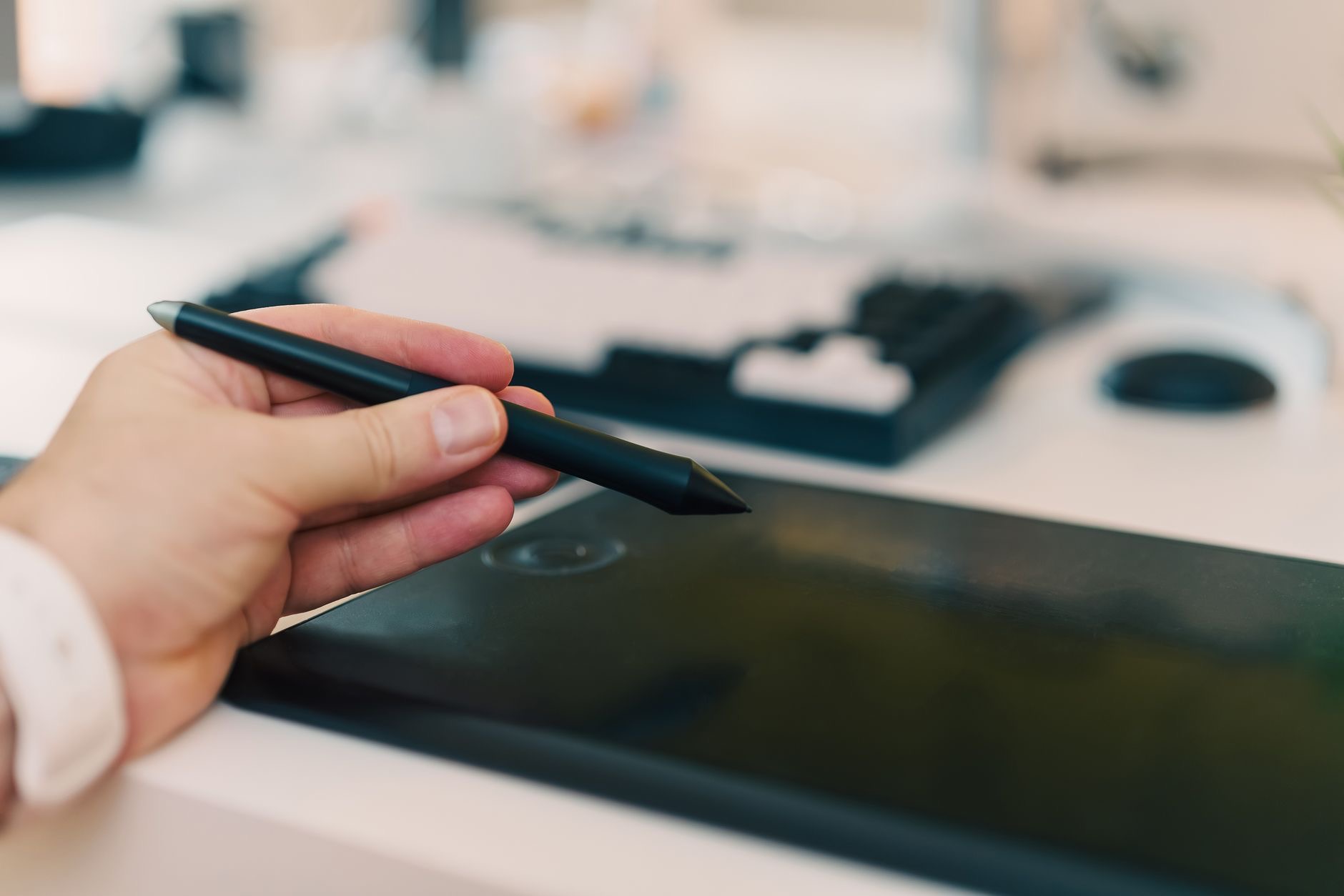
The Pro brings a better, smoother display, more power, better speakers, and pro-grade features that matter to a specific crowd. If you edit video on the go, draw or illustrate professionally, or rely on the most responsive screen for detailed creative work, those upgrades are real and worth paying for. The Pro is a genuine professional tool. The mistake is buying it to browse and watch shows, where every one of those advantages goes unused while you pay the premium anyway.
The Display Difference, Honestly
The Pro's screen is its standout feature: smoother, brighter, and better for serious creative work and HDR video. If you are an artist or a video professional, you will appreciate it every day. But for reading, browsing, and watching, the Air's screen is already excellent, and most people would never notice what they are missing. Be honest about whether you are the kind of user who will actually benefit from the best screen, or whether it is simply a nice number on the box.
Performance: Who Will Feel It
The Pro is more powerful, but power only matters if your work demands it. For heavy multitasking, professional creative apps, and demanding workflows, the extra performance keeps things smooth under pressure. For everything most people do, the Air is already so fast that the Pro's advantage never appears. If you cannot name a task that pushes a tablet to its limits, that is your answer: the Air's performance is more than enough for you.
| Choose the iPad Air if... | Choose the iPad Pro if... |
|---|---|
| You want premium value | You create professionally |
| You browse, note, and do light creative work | You edit video or illustrate seriously |
| You want to save money | You want the best screen and most power |
Do Not Forget the Accessories
Both iPads work with a keyboard and pencil, and those add up fast. A loaded Pro with its accessories can cost as much as a capable laptop, which is worth pausing on. Decide whether you genuinely need the keyboard and pencil before you buy, and remember that good third-party options cost far less than Apple's own. If you find yourself wanting a keyboard attached most of the time, our iPad vs MacBook guide is worth a read before you commit.
Which Should Most People Buy?
If you take one thing from this, take this: most people should buy the iPad Air and put the savings toward storage or accessories. It delivers the overwhelming majority of the iPad experience for less, and you will not feel like you settled. Buy the Pro only if you are a creative professional who will genuinely use its screen and power. For a wider look at the whole lineup, including the cheaper base model, see our best iPad guide.
Size, Weight, and Portability
Beyond the Air versus Pro question, size shapes how you actually use a tablet. A larger iPad is wonderful for video, drawing, and side-by-side apps, but it is heavier to hold for long reading sessions and less pocketable in a bag. A smaller or standard size is easier to carry and hold one-handed, which suits commuters and readers. Think honestly about where the tablet will spend most of its life, on the couch, at a desk, or in transit, and weight that as heavily as the Air versus Pro decision itself, because a tablet you find awkward to hold is one you will reach for less.
Battery Life and Longevity
Both the Air and the Pro deliver strong all-day battery life for normal use, so this is rarely the deciding factor between them. Where it matters is heavy work: sustained video editing or graphics-heavy apps will drain either faster, and that is simply the cost of pushing a tablet hard. On longevity, iPads are famously long-lived, with years of software support and hardware that ages gracefully. Whichever you choose, you are buying a device that will stay useful for five years or more, which is part of why buying the right one for your needs, rather than the cheapest, pays off over time.
Quick Answers Before You Buy
Does the iPad Pro have better battery than the Air?Both last all day for normal use, so battery rarely decides between them. Heavy creative work drains either one faster, but everyday use is comfortable on both.
Is the iPad Pro worth it over the Air?For most people, no. The Air does almost everything the Pro does for less. The Pro is worth it mainly for creative professionals.
What is the main difference between the iPad Air and Pro?The Pro has a better, smoother screen, more power, and pro features. The Air offers most of the experience for a lower price.
Is the Air fast enough for drawing?Yes, easily, for students and hobbyists. The Pro's edge in screen responsiveness mainly matters to professional artists.
Which is better value?The Air, clearly, for the vast majority of buyers. The Pro is only better value if you will genuinely use its professional strengths.
Do both support the keyboard and pencil?Yes. Both work with a keyboard and pencil, though the accessories add significant cost to either one.
Can the iPad Pro replace a laptop?For some workflows, yes, but it depends on your apps. Our iPad vs MacBook guide covers whether a tablet can be your only computer.
★ Editor's Pick · Amazon
iPad Air (M3)
The best value for most people
Compare: iPad Air 11" · iPad Air 13" · iPad Pro 11" · iPad Pro 13"
My Honest Verdict
Buy the iPad Air unless you can name the Pro feature you actually need. For students, note-takers, hobbyists, and everyday users, the Air is the smart, satisfying choice and the better value by far. Reach for the Pro only if you are a creative professional who will truly use its superior screen and power.
Buy for your real work, not for the badge. What would you use your iPad for most? Tell me in the comments and I will point you to the right one.
Leave a Reply