
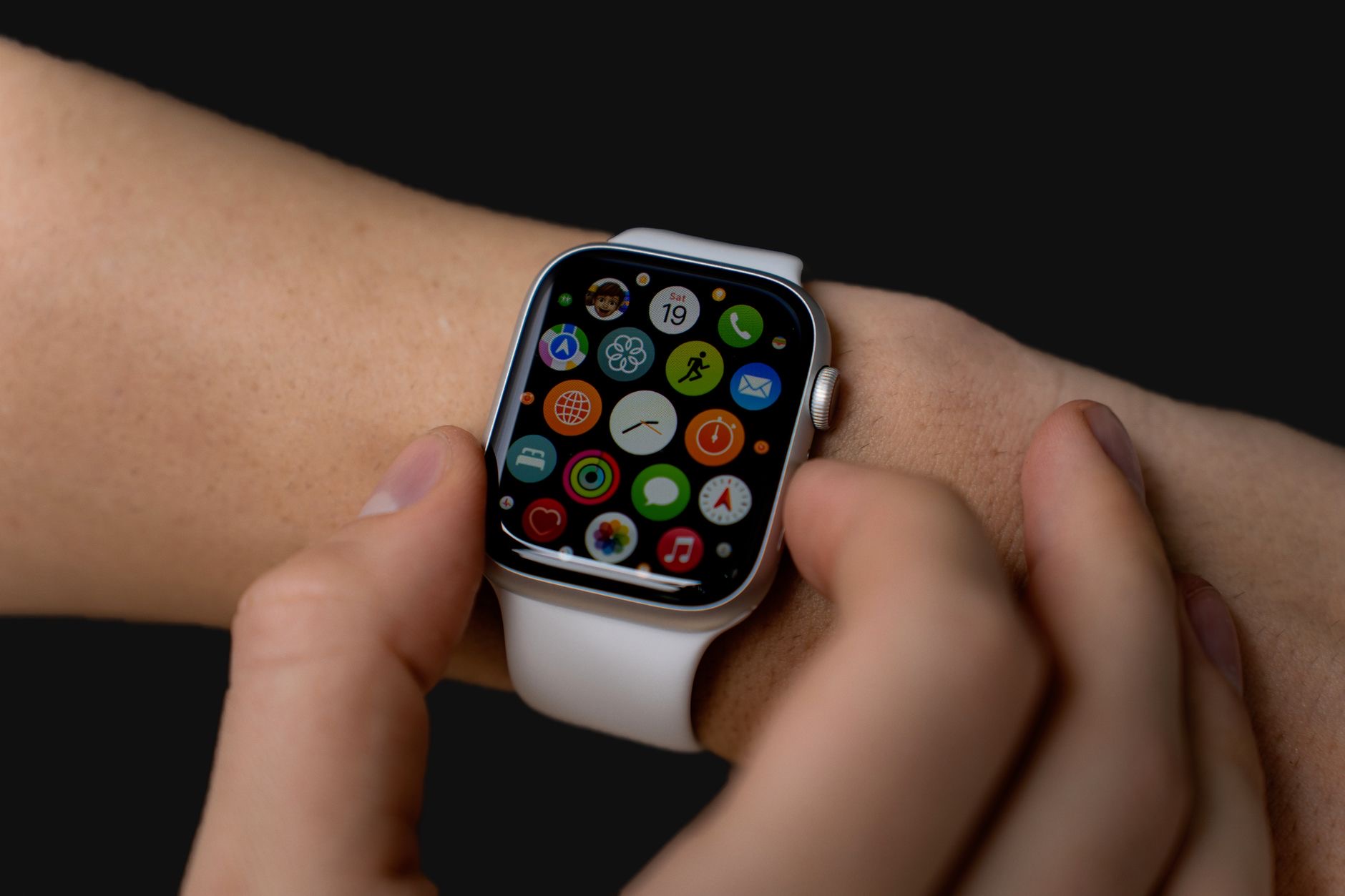
A new Apple Watch is exciting, but that first setup can feel a little mysterious if you have never done it. The truth is that Apple has made the process smooth and guided, and you can be up and running in minutes. Here is exactly what to expect, step by step, so your new watch is ready to go without any guesswork.
Before You Start: A Quick Checklist
A little preparation makes setup effortless. Make sure your iPhone is charged, connected to the internet, and updated, since the watch sets up through your phone. Charge your new Apple Watch enough that it will not die mid-setup, ideally with the charger handy. Have your phone passcode and account password ready, as you will likely need them. And give yourself a few uninterrupted minutes. With those basics in place, the whole process flows naturally from one step to the next without you having to hunt for anything along the way.
Turning On and Pairing
Press and hold the side button to turn on your Apple Watch, then bring it close to your iPhone. A pairing screen appears on the phone almost immediately, inviting you to set up the watch. Follow the prompt, and you will be asked to hold your phone so the watch face appears within a viewfinder on screen, which is how the two devices link up. It feels a bit like scanning a code, and it pairs them in moments. This visual pairing is the heart of the setup and is far simpler than typing codes or digging through menus.
Restore or Set Up as New
Early in setup, you will be asked whether to restore from a backup or set up as a new watch. If you have owned an Apple Watch before, restoring brings back your apps, settings, and preferences so your new watch feels instantly familiar, which is the easy path for upgraders. If this is your first Apple Watch, you will set it up fresh, choosing your preferences as you go. Either way, the process guides you clearly. Restoring saves time and recreates your old setup, while starting fresh gives you a clean slate to configure exactly how you like.
Choosing Your Key Settings
During setup, you will make a series of simple choices that tailor the watch to you. You will confirm which wrist you wear it on and the watch orientation, set up or confirm security like a passcode, and agree to various options for features and services. You can enable things like location and health features that power much of what makes the watch useful. Do not feel you must perfect everything now, since all of these can be adjusted later. Just make sensible choices to get going, and know that nothing here is permanent or difficult to change down the line.
Setting Up Health and Fitness Features
A big part of the Apple Watch is health and fitness, and setup will walk you through getting these ready. You will enter or confirm basic personal details that help the watch tailor its activity and health tracking to you, and you can set up activity goals that the watch will encourage you to meet. Taking a moment to enter accurate information here makes the fitness tracking genuinely more useful from day one. These features are a major reason people love the watch, so it is worth giving this part of setup a little attention rather than rushing past it.
Waiting for Sync and First Charge
After the main choices, your watch and phone will sync, transferring apps and information to the watch. This can take a little time depending on how much is being set up, so be patient and keep the two devices close together while it finishes. It is a good moment to put the watch on its charger if the battery ran low during setup. Once the sync completes, your watch is fully ready. Resist the urge to wander off with your phone during this step, since keeping them near each other helps the sync finish smoothly and quickly.
Getting the Most From Day One
With setup complete, a few first steps help you enjoy the watch right away. Explore the watch faces and pick one you love, since it is the thing you will see most. Arrange the apps and glanceable complications you use most so they are easy to reach. Pick a comfortable band and adjust it for a snug but comfortable fit, which also helps the sensors work accurately. And take a few minutes to learn the basic gestures and the side button and crown. A little exploration on day one turns a new gadget into a watch that genuinely fits into your life.
| Step | What happens | Tip |
|---|---|---|
| Pair | Hold watch near iPhone, scan the face | Keep both charged and close |
| Restore or new | Bring back a backup or start fresh | Restore is easiest for upgraders |
| Settings and health | Choose preferences and enter details | Accurate info improves tracking |
| Sync | Apps and data transfer to the watch | Be patient, keep devices near |
Frequently Asked Questions
How do I pair a new Apple Watch with my iPhone?
Turn on the watch with the side button, bring it near your iPhone, and a pairing screen appears. Follow the prompt to hold your phone so the watch face fits in the on-screen viewfinder, which links the two devices in moments. It is quick and requires no codes.
Should I restore from a backup or set up as new?
If you have owned an Apple Watch before, restoring brings back your apps and settings so the new watch feels familiar instantly. If this is your first, set it up fresh and choose preferences as you go. Both paths are guided clearly through the setup process.
How long does Apple Watch setup take?
The main steps take only a few minutes, after which the watch and phone sync to transfer apps and data, which can take a bit longer depending on how much is involved. Keep the devices close during the sync, and the whole thing is usually done quickly.
Do I need my iPhone to set up an Apple Watch?
Yes. The Apple Watch sets up through your iPhone, so have it charged, updated, connected to the internet, and nearby. The phone handles the pairing and guides you through the choices, making it an essential part of the setup process.
Can I change my settings after setup?
Absolutely. Nothing chosen during setup is permanent. Wrist orientation, watch faces, app layout, health details, and feature options can all be adjusted later. Just make sensible choices to get started, knowing you can refine everything once you are using the watch.
What should I do first with my new Apple Watch?
Pick a watch face you love, arrange your most-used apps and complications, adjust the band for a snug, comfortable fit, and learn the basic gestures plus the crown and side button. A little exploration on day one helps the watch fit naturally into your daily routine.
The Bottom Line
Setting up a new Apple Watch is a smooth, guided process: charge both devices, hold the watch near your iPhone to pair, choose to restore or start fresh, make a few simple settings and health choices, and let the two sync. None of it is complicated, and nothing you pick is permanent. Within minutes you will have a watch tailored to you, ready to track your days and keep you connected right from your wrist.
Leave a Reply