
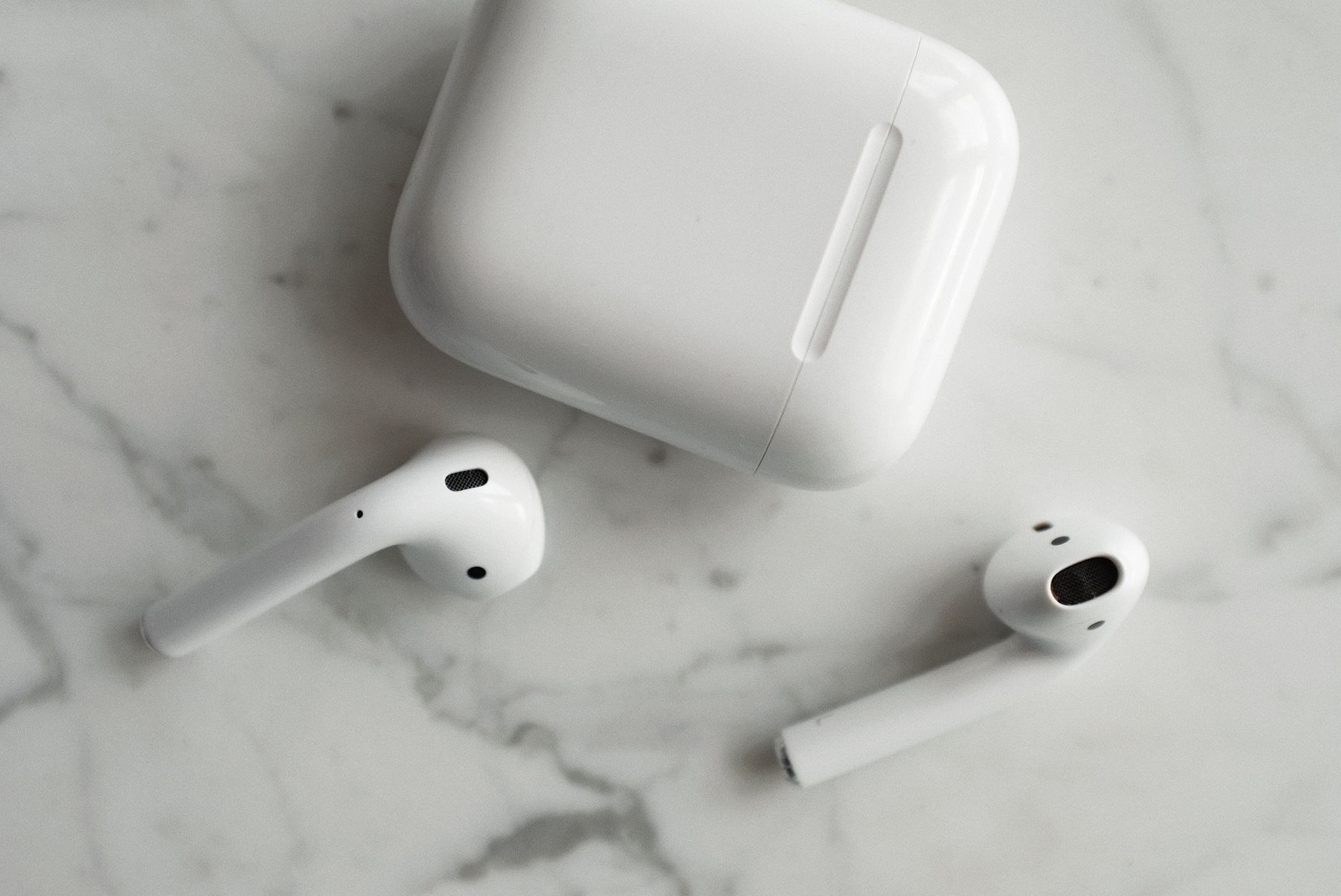
It is a small piece of everyday magic that is easy to take for granted: pop an AirPod out of your ear and the music pauses, put it back in and it resumes. How do these tiny earbuds actually know whether they are in your ears or not? The answer is a neat bit of clever engineering, and understanding it makes you appreciate the design even more. Let us explain how it works in plain terms.
The Short Answer
AirPods contain small sensors that can detect when they are placed in your ears, and the earbuds use that information to respond automatically, most notably by pausing your audio when you take one out and resuming when you put it back. So when it feels like your AirPods just "know" you have removed them, that is exactly what is happening: a sensor detects the change and the earbuds react accordingly. It is not guesswork or coincidence, but a deliberate feature built into the hardware to make using them feel effortless and intuitive.
Sensors That Detect Your Ear
The heart of this feature is detection built into each earbud that senses whether it is seated in your ear. When you place an AirPod in, the sensor recognizes that it is now in position, and when you remove it, the sensor recognizes the change. This presence detection is what lets the AirPods distinguish between sitting in your ear and sitting on a table or in your pocket. The earbuds then use that simple but powerful piece of information, in my ear or not, as the trigger for their automatic behaviors, which is the foundation of the whole experience.
Why Your Music Pauses Automatically
The most beloved result of this detection is automatic play and pause. Because the AirPods know when one has left your ear, they can pause your audio the moment you remove an earbud, so you do not miss anything when someone talks to you or you take a break. Put the earbud back in, and your audio resumes. This thoughtful touch means you rarely need to reach for your phone to control playback during these natural interruptions. It is a perfect example of hardware and software working together to anticipate what you want, making the earbuds feel genuinely smart.
Saving Battery When You Take Them Out
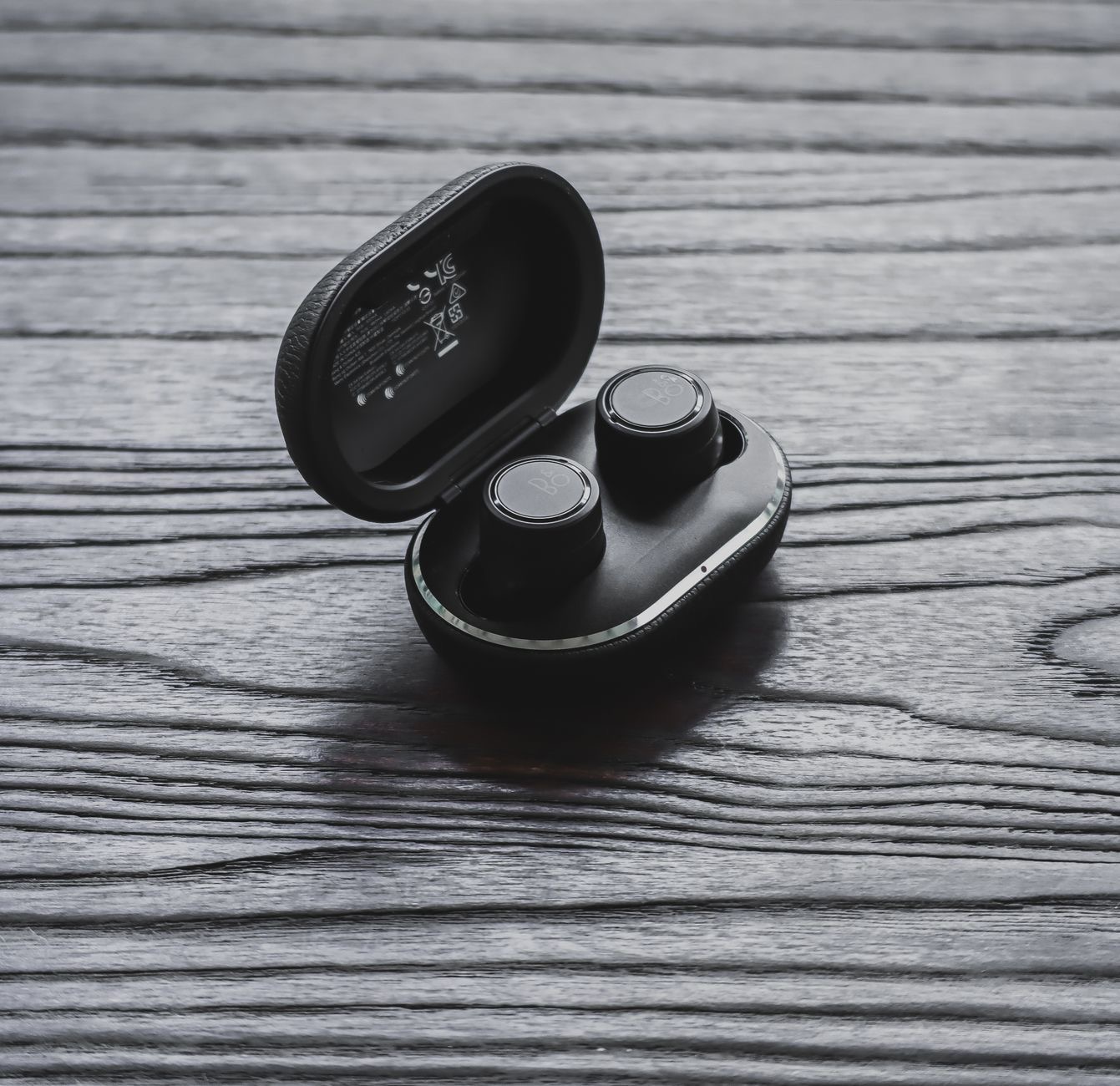
There is a practical bonus to this awareness beyond convenience: it helps conserve battery. When the AirPods detect that they are not in your ears, they can avoid wasting power on audio you are not listening to, since there is no point playing into thin air. This sensible behavior means removing an earbud does not just pause your music for your benefit, it also avoids draining the battery unnecessarily. Over a day of taking your AirPods in and out, this contributes to the listening time you get, which is a quiet efficiency working in the background on your behalf.
Smarter Listening With Multiple Earbuds
This detection also enables flexible listening. Because each earbud knows whether it is in an ear, you can often listen with just one AirPod while the other rests in the case, which is handy when you want to stay aware of your surroundings or save the other bud's battery for later. The earbuds adapt to how you are using them, whether that is both in for full immersion or just one in for casual listening. This adaptability, made possible by each earbud sensing its own status, is part of what makes AirPods feel so naturally suited to the way people actually use earbuds throughout a day.
Why This Design Matters
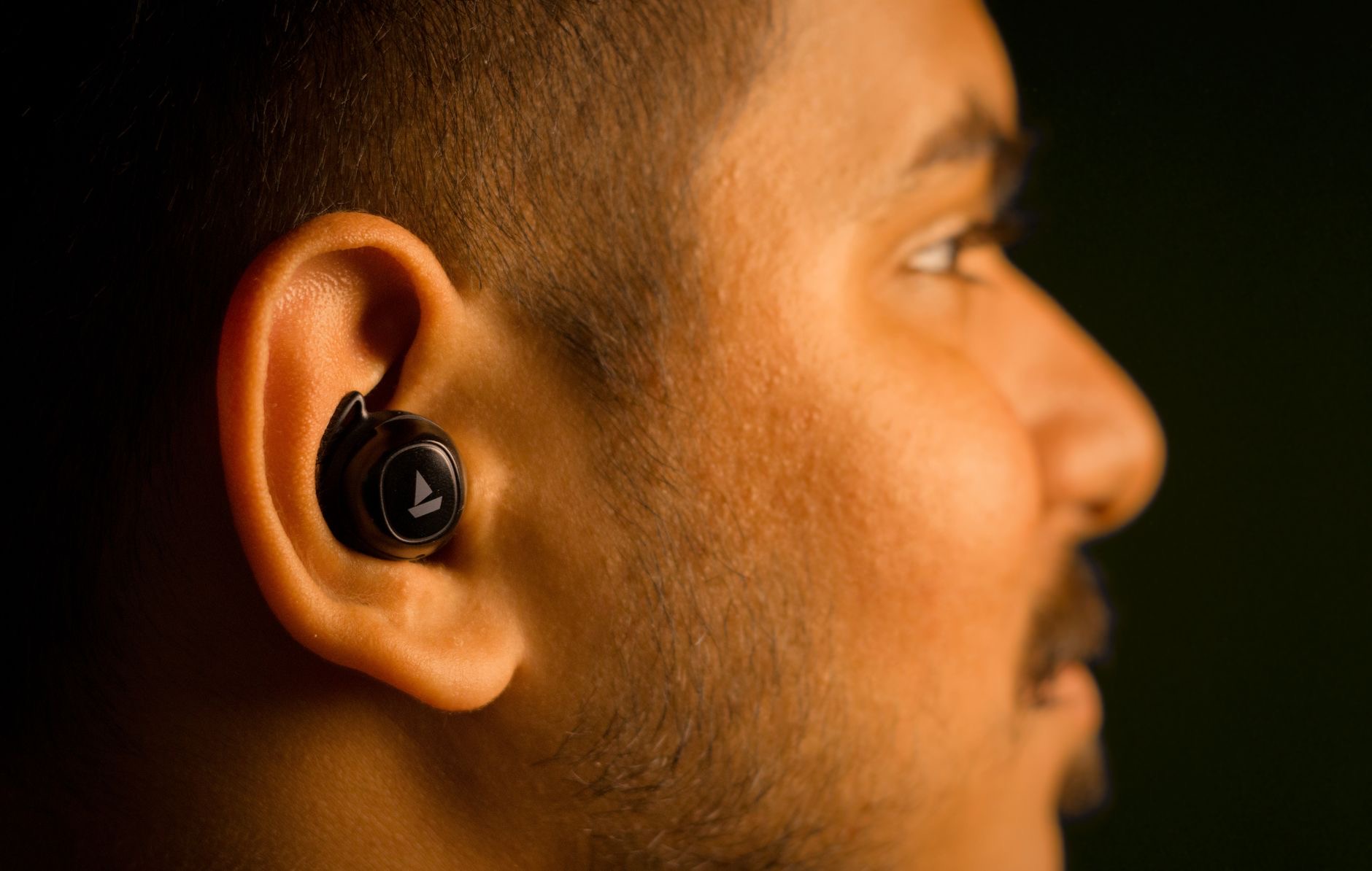
All of this reflects a design philosophy of making technology feel effortless. Rather than forcing you to manually pause, resume, or fiddle with settings every time you take an earbud out, the AirPods handle it for you by simply knowing whether they are in your ears. The result is an experience that feels intuitive and almost invisible, where the earbuds quietly do the right thing without you thinking about it. It is a small feature, but it is the kind of thoughtful detail that defines a well-designed product, turning a simple pair of earbuds into something that feels genuinely smart and considerate.
Getting the Most From the Feature
To enjoy this automatic behavior reliably, a good fit helps, since the sensors work best when the earbuds are properly seated in your ears. If you find the automatic pausing is not behaving as expected, making sure the AirPods are clean and correctly positioned usually helps, and the feature can typically be turned on or off in settings according to your preference. For most people, leaving it on is part of what makes AirPods such a pleasure to use day to day. With a proper fit and the feature enabled, your AirPods will respond smoothly every time you take them in and out.
| Question | Answer |
|---|---|
| How do AirPods know they are in your ears? | Built-in sensors detect when they are seated |
| Why does music pause when I remove one? | The sensor triggers automatic pause |
| Does it save battery? | Yes, by not playing when not in your ears |
| Can I use just one earbud? | Yes, each bud senses its own status |
Frequently Asked Questions
How do AirPods know when they are in my ears?
Each AirPod contains sensors that detect when it is seated in your ear versus out of it. The earbuds use that information to respond automatically, such as pausing your audio when you remove one. It is a deliberate hardware feature, not guesswork, designed to make them feel effortless.
Why do my AirPods pause when I take one out?
Because they detect when an earbud has left your ear and pause your audio automatically, so you do not miss anything when interrupted. Putting the earbud back in resumes playback. This means you rarely need to reach for your phone to control playback during natural breaks.
Does this feature save battery?
Yes. When the AirPods detect they are not in your ears, they can avoid wasting power playing audio you are not listening to. Over a day of taking them in and out, this sensible behavior contributes to the listening time you get, working quietly in the background.
Can I listen with just one AirPod?
Often yes. Because each earbud senses whether it is in an ear, you can listen with one while the other rests in the case, which is handy for staying aware of your surroundings or saving the other bud's battery. The earbuds adapt to how you are using them.
Why is automatic pause not working for me?
A proper fit matters, since the sensors work best when the earbuds are correctly seated. Making sure the AirPods are clean and properly positioned usually helps. The feature can typically be turned on or off in settings, so also check it is enabled if you want the automatic behavior.
Can I turn the automatic pause feature off?
Yes, this automatic ear detection behavior can typically be enabled or disabled in settings according to your preference. For most people, leaving it on is part of what makes AirPods so pleasant to use, but the choice is yours if you would rather control playback manually.
The Bottom Line
The little bit of magic behind AirPods pausing when you take one out is simply clever sensing: each earbud can detect when it is in your ear and uses that to play, pause, and save battery automatically. It is a thoughtful design touch that makes the earbuds feel intuitive and almost invisible to operate, adapting to whether you wear one bud or two. Keep them clean and well-fitted, leave the feature on, and your AirPods will keep quietly doing the right thing every time.
Leave a Reply