
It is a worry that crosses almost every iPhone owner's mind at some point, often after a scary pop-up or a suspicious message: can my iPhone get a virus? The honest answer is nuanced and genuinely reassuring, but it does not mean you can switch your brain off entirely. Let us clear up exactly what the risks are, why iPhones are so secure, and what actually deserves your caution.
The Short Answer
Traditional computer viruses, the kind that spread and infect a device on their own, are extremely rare on iPhones for the vast majority of users. The iPhone is designed with strong security at its core, which makes the classic idea of catching a virus very unlikely in normal use. However, and this is the important part, that does not mean there are no risks. The real dangers iPhone users face are usually not viruses at all, but scams, phishing, and trickery that try to fool you into handing over information or access. Understanding that distinction is the key to staying safe.
Why iPhones Are So Resistant to Viruses
The iPhone's security comes from how it is built. Apps are largely kept separated from one another and from the core system, so a misbehaving app cannot easily reach across and infect the whole device. Apps for the iPhone are also primarily distributed through Apple's official App Store, where they go through a review process, which greatly reduces the chance of malicious software reaching your phone in the first place. This combination of app separation and a controlled, reviewed source of apps is the foundation of why traditional viruses struggle to take hold on an iPhone in everyday use.
The Real Risks: Scams and Phishing
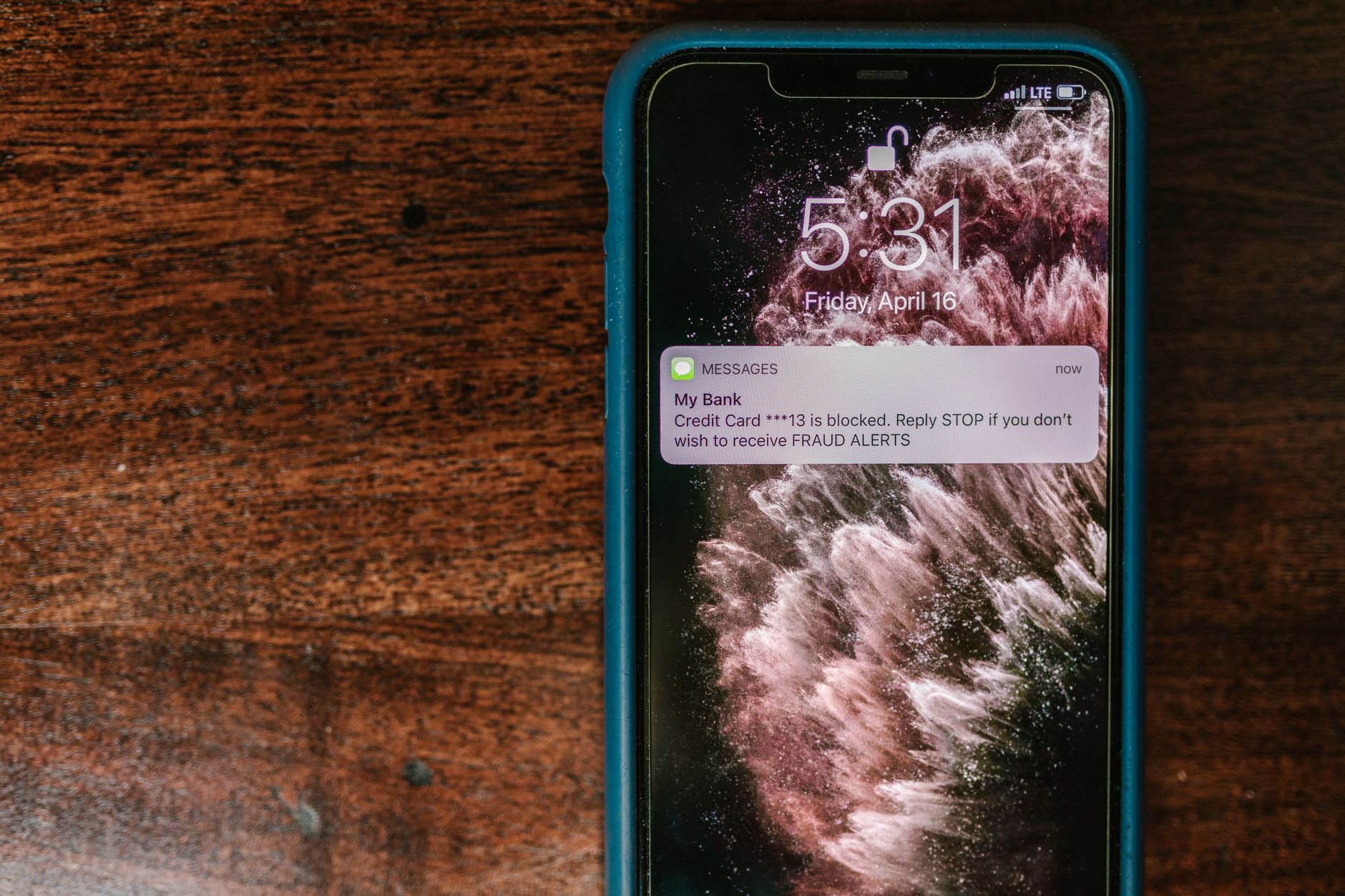
Here is what you should actually watch for. The most common threats to iPhone users are phishing and scams: deceptive emails, text messages, pop-ups, and websites designed to trick you into revealing passwords, personal details, or payment information, or into tapping something you should not. These do not rely on infecting your phone with a virus, they rely on fooling you, the user. A message claiming there is a problem with your account, a too-good-to-be-true prize, or an urgent demand for action are classic examples. Recognizing these attempts for what they are is far more protective than worrying about traditional viruses.
What About Those Scary Pop-Ups?
A very common scare is a pop-up while browsing that claims your iPhone is infected and urges you to tap a button, install something, or call a number. These are almost always scams, not genuine virus warnings, and the goal is to frighten you into taking an action that benefits the scammer. The safe response is simple: do not tap anything in the pop-up, do not call any number it shows, and just close the browser tab or page. A legitimate warning will never pressure you like this. Treating these alarming pop-ups as the scams they are keeps you out of trouble.
Do You Need Antivirus on an iPhone?
Because of how the iPhone is designed, traditional antivirus software in the way people know it from computers is generally not necessary or even possible in the same form on an iPhone. The phone's built-in security handles the core protection. What is genuinely worthwhile instead are tools and habits focused on the real risks: being cautious with links and messages, using strong and unique passwords, enabling extra account security where offered, and keeping your software updated. Your awareness and good habits are the most powerful security tools you have on an iPhone, far more than any app promising virus protection.

Simple Habits That Keep You Safe
Staying safe on an iPhone comes down to sensible habits. Keep your software updated, since updates include important security improvements. Be skeptical of unexpected messages, emails, and pop-ups, especially those creating urgency or asking for information. Only download apps from the official App Store. Use strong, unique passwords and enable the extra layer of account protection where it is offered. And never hand over personal or payment details in response to an unsolicited request. These straightforward practices address the risks that actually matter and keep your iPhone and your information secure in everyday life.
The Reassuring Reality
Put together, the picture is genuinely reassuring. The iPhone's design makes traditional viruses extremely unlikely for normal users, so the constant fear of catching one is largely unwarranted. The risks that do exist are scams and trickery aimed at fooling you rather than infecting your device, and those are precisely the things your own awareness can defend against. By staying alert to phishing, ignoring scary pop-ups, sticking to the App Store, and keeping good password habits, you can use your iPhone with confidence. Security on an iPhone is less about software you install and more about staying sensibly cautious.
| Concern | Reality |
|---|---|
| Traditional viruses | Extremely rare on iPhone in normal use |
| Phishing and scams | The real, common risk to watch for |
| Scary pop-ups | Almost always scams; do not tap, just close |
| Best protection | Updates, caution, strong passwords |
Frequently Asked Questions
Can an iPhone get a virus?
Traditional computer viruses that spread and infect on their own are extremely rare on iPhones for most users, because the phone is designed with strong security at its core. The real risks are not viruses but scams and phishing that try to trick you, the user, into handing over information or access.
Why are iPhones so resistant to viruses?
Apps are largely kept separated from one another and the core system, so a bad app cannot easily infect the whole device, and apps come primarily through the reviewed official App Store. This combination makes it very hard for traditional viruses to take hold in everyday use.
Are those pop-ups saying my iPhone is infected real?
Almost always no. Pop-ups claiming your iPhone is infected and urging you to tap, install, or call are scams designed to frighten you into a harmful action. Do not tap anything or call the number shown. Just close the tab or page. A legitimate warning never pressures you this way.
Do I need antivirus software on my iPhone?
Generally not, because the iPhone's built-in security handles core protection and traditional antivirus does not work the same way on it. What helps instead is caution with links and messages, strong unique passwords, extra account security, and keeping software updated. Your habits are your best protection.
What is the biggest security risk for iPhone users?
Phishing and scams: deceptive emails, texts, pop-ups, and websites trying to trick you into revealing passwords or payment details. These fool the user rather than infecting the phone, so recognizing them is far more protective than worrying about traditional viruses.
How do I keep my iPhone secure?
Keep software updated, be skeptical of unexpected messages and pop-ups, download apps only from the App Store, use strong unique passwords, enable extra account protection where offered, and never share personal or payment details in response to unsolicited requests. These habits address the risks that matter.
The Bottom Line
The honest truth is reassuring: traditional viruses are extremely rare on iPhones thanks to the phone's strong, built-in security, so you do not need to live in fear of catching one. The risks that genuinely exist are scams and phishing that try to trick you rather than infect your device, and your own awareness is the best defense. Ignore scary pop-ups, stay skeptical of unexpected messages, stick to the App Store, keep good password habits, and you can use your iPhone with real confidence.
Leave a Reply