
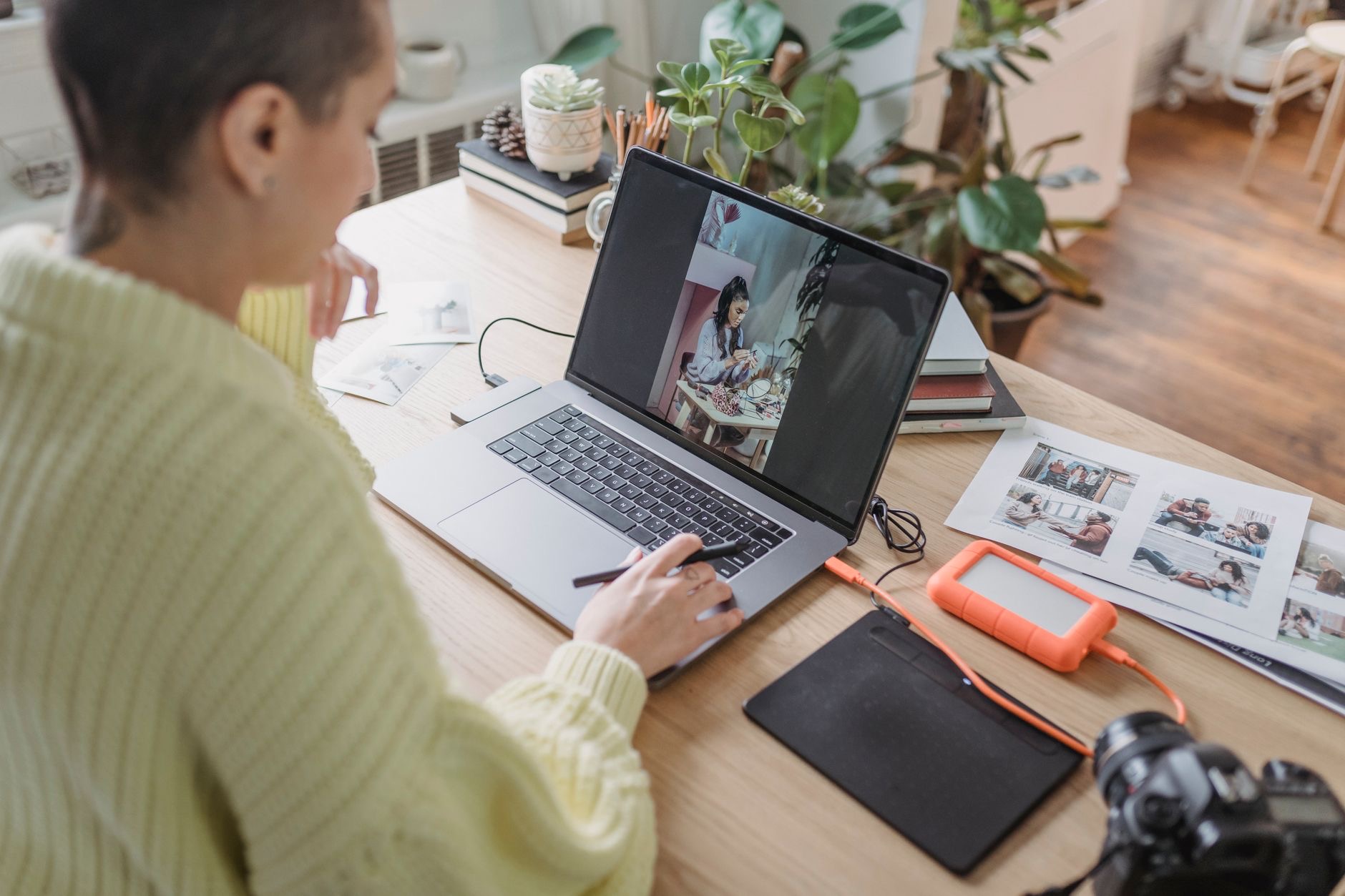
For anyone who shoots and edits photos, the Mac is a beloved tool, prized for its screens and its smooth, stable performance. But "buy a Mac" is only the start of the conversation. Whether you tweak a few phone shots or process thousands of high-resolution raw files changes which Mac is right for you. Let us match the machine to the photos you actually edit, without overspending on power you will never tap.
What Photo Editing Asks of a Mac
Editing photos leans on a handful of strengths. A color-accurate, high-quality display matters more here than almost anywhere else, because you are making fine decisions about color and detail that need to be true. Processing power speeds up edits, exports, and working with large raw files. Memory keeps your editing app responsive when you stack adjustments or juggle many images. Fast storage helps with big libraries, and a good screen ties it all together. The heavier your files and the larger your catalog, the more each matters. Picture your real editing day honestly, then prioritize the screen and the specs you will genuinely use.
MacBook Pro: The Photographer's Choice
If editing photos is your profession or serious passion, the MacBook Pro is built for it, and its display is the headline reason. The screen is excellent for judging color and fine detail, which is exactly what photo work demands, and the higher-tier chips handle large raw files and heavy edits with ease. It sustains that performance through long editing sessions and adds the connectivity you want for card readers and external drives. For someone working with high-resolution images, large catalogs, or client work where color accuracy is non-negotiable, the MacBook Pro is the tool that lets you trust what you see and work without waiting.
★ Editor's Pick · Amazon
MacBook Pro 14" (M4)
Color-accurate screen and power for serious editing
Sizes: 14-inch · 16-inch M4 Pro
MacBook Air: Plenty for Most Editors
The MacBook Air handles a great deal of photo editing and suits many photographers well. For editing phone photos, smaller raw files, and moderate catalogs, it is comfortably capable, and it does the job silently, lightly, and on excellent battery life that lets you edit on the move. Its screen is genuinely good for everyday editing too. The limits show with very large, demanding workloads, like processing thousands of high-resolution raws, where sustained heavy use asks more than its design intends. But for hobbyists, enthusiasts, and editors with moderate needs, the Air delivers a lovely editing experience for far less money than the Pro.
★ Editor's Pick · Amazon
MacBook Air (M4)
Silent, portable, great for everyday photo editing
Colors: Sky Blue · Midnight · Starlight · Space Gray
Mac mini: The Best Value for an Editing Desk
If you edit at a desk and pair your Mac with a quality monitor, the Mac mini is the smartest money in the lineup for photography. You get strong desktop performance for far less than a comparable laptop, then connect a display you trust for color. For photographers, where the monitor is central to good editing, this split makes real sense: put your budget into the Mac's power and a great screen rather than into a laptop's built-in everything. For a home editing station on a budget, the Mac mini delivers the most editing muscle per dollar, as long as you invest in a good monitor to go with it.
★ Editor's Pick · Amazon
Mac mini (M4)
Most editing power per dollar for a desk setup
Versions: Mac mini M4 · M4 Pro
The Display Is Half the Decision
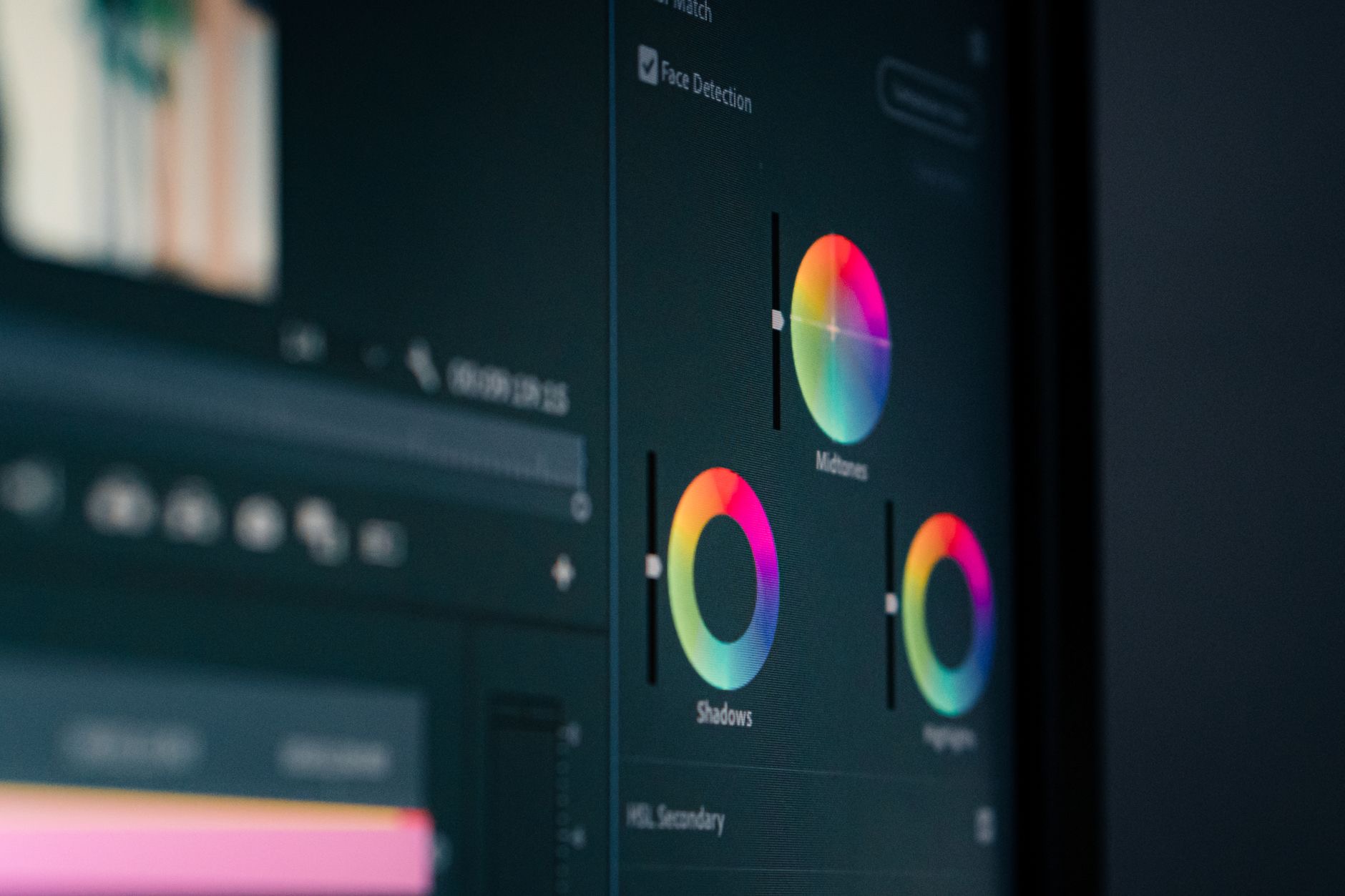
For photo editing, the screen is not a detail, it is central, because every color and exposure decision you make is only as trustworthy as the display showing it. The MacBook Pro's screen is a real advantage here, designed to render color and detail faithfully. If you choose a Mac mini, your monitor becomes the deciding factor, so invest in a display with good color accuracy rather than pairing a capable Mac with a poor screen that leads you astray. Even the most powerful Mac will produce questionable edits on a bad display. Treat the screen as part of the editing decision, not an afterthought, especially if accurate color matters to your work.
Memory and Storage for Big Libraries
Two specs quietly shape your editing life, and neither can be upgraded later on these machines. Memory keeps your editing app smooth when you stack adjustments, work with large files, or have many images open, so lean toward more than feels necessary if you edit seriously. Storage matters because photo libraries, especially raw files, grow enormous. You can either buy more internal storage up front or pair a smaller Mac with a fast external drive to hold your catalog, which many photographers do. Plan both deliberately around the size of your files and library, because running short mid-project is a frustration that a little foresight at purchase easily prevents.
Laptop or Desktop for Your Workflow
Finally, think about where and how you edit. If you cull on location, edit while traveling, or simply value working from anywhere, a MacBook gives you that freedom, with the Pro for heavy work and the Air for lighter needs. If your editing happens at a fixed desk, the Mac mini paired with a great monitor often delivers more value and a better screen setup for the money. Many photographers are happiest at a desk where they can control lighting and use a calibrated display. Be honest about your real workflow, then let it steer you between a portable MacBook and a desk-based Mac mini.
| If you... | Best Mac | Why |
|---|---|---|
| Edit professionally, large raw files | MacBook Pro | Best screen, top power, sustained speed |
| Edit moderate photos, want portability | MacBook Air | Silent, capable, far cheaper |
| Edit at a desk on a budget | Mac mini | Most power per dollar plus your monitor |
Frequently Asked Questions
Can a MacBook Air handle photo editing?
Yes, for phone photos, smaller raw files, and moderate catalogs it is comfortably capable, and it edits silently on great battery. It struggles only with very large, demanding workloads like thousands of high-resolution raws. For hobbyists and enthusiasts, the Air is a lovely, affordable editing machine.
Is the Mac mini good for photo editing?
For a desk setup, it is the best value, giving strong performance for less than a laptop, then pairing with a monitor you trust for color. Since the display is central to photo work, investing your budget in the Mac's power plus a great screen makes real sense for desk-based editing.
How important is the screen for photo editing?
Very. Every color and exposure decision is only as trustworthy as the display showing it. The MacBook Pro's screen is a real advantage. With a Mac mini, invest in a color-accurate monitor. Pairing a capable Mac with a poor screen leads to questionable edits, so treat the display as central.
How much memory do I need for editing photos?
Enough to keep your editing app smooth when stacking adjustments, working with large files, or having many images open. It cannot be upgraded later, so lean generous if you edit seriously. Under-buying memory leads to slowdowns exactly when you are deep in a detailed edit.
Should I store my photo library internally or externally?
Both work. Internal storage cannot be expanded after purchase, so either buy more up front or pair a smaller Mac with a fast external drive for your catalog, which many photographers do. Plan storage around the size of your library, since raw files grow enormous over time.
Do I need a MacBook Pro or is the Air enough?
It depends on your files. Professionals with large raw files, big catalogs, and color-critical client work benefit clearly from the Pro's screen and power. Hobbyists and moderate editors are often perfectly served by the cheaper Air. Match the machine to the size and demands of your real editing.
Our Honest Take
For serious photographers, the MacBook Pro is the machine to trust, with a screen built for color decisions and the power to fly through large files. For most enthusiasts, the MacBook Air is a silent, portable editor that costs far less, and for desk-based work, the Mac mini paired with a quality monitor is the value champion. Whatever you choose, prioritize a good display and generous memory, and your photos will look right and edit smoothly for years.
★ Editor's Pick · Amazon
MacBook Pro 14" (M4)
Ready to edit with confidence? Check the current price
Leave a Reply