
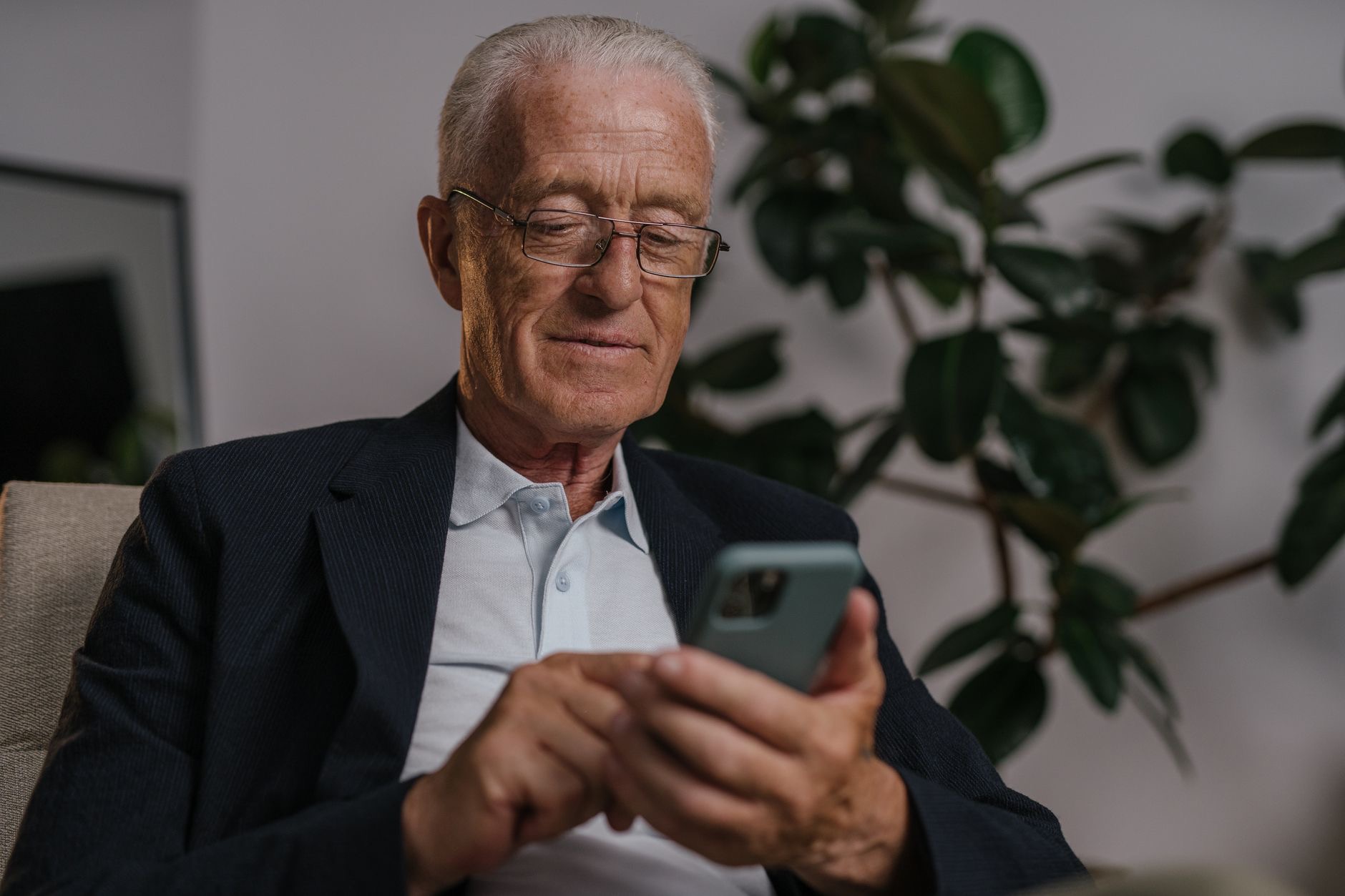
Buying an iPhone for an older parent or grandparent is a lovely gift, but it is easy to get lost in specs that simply do not matter for the person using it. What an older user actually wants is a phone that is easy to see, easy to hear, easy to hold, and easy to understand, not the most powerful camera. The wonderful thing is that almost any iPhone can become wonderfully senior-friendly with the right setup. Here is how to choose the best iPhone for a senior, and how to make it genuinely easy to use.
What Actually Matters for an Older User
Forget the flagship features for a moment and think about real daily life. For most seniors, the priorities are a clear, readable screen, simple navigation, reliable calls and messages, a comfortable size to hold, and dependable battery life. Fancy cameras, the latest chip, and pro features rarely matter, and can even add confusing complexity. So the best iPhone for a senior is not the most expensive one; it is the one that is easiest to live with, set up thoughtfully for how they actually use it.
You Do Not Need the Newest or Priciest Model
Here is the money-saving truth: an older user is generally better served by an affordable, straightforward iPhone than a top-tier flagship. A standard current model, an affordable model like the iPhone SE, or even a good older or refurbished iPhone all do everything a senior typically needs, calls, messages, photos, video chats with family, browsing, beautifully. The premium features of expensive models go unused, so the savings are better kept or spent on a good case. Our iPhone buying guide helps you choose, and our iPhone SE guide covers a popular budget pick.
Screen Size: Bigger Is Often Better
For older eyes and hands, a larger screen is frequently the friendlier choice. Bigger text, bigger buttons, and bigger photos are easier to see and tap, which makes the whole phone less frustrating to use. A larger iPhone also tends to have longer battery life. The trade-off is that very large phones can be harder to hold for some, so consider the person's hands and dexterity. For many seniors, though, a comfortably large screen strikes the best balance between readability and handling.
The Accessibility Features That Change Everything
This is where iPhones truly shine for older users, and it is the most important part. Every iPhone includes built-in accessibility features that can transform it into a senior-friendly device: you can make text much larger and bolder, increase contrast, zoom the whole screen, and turn on spoken feedback. You can simplify the home screen, enlarge the icons, and make sounds louder and clearer for hearing. Setting these up thoughtfully matters far more than which model you buy, since they tailor the phone to the person.
Make Calls, Hearing, and Sound Easier
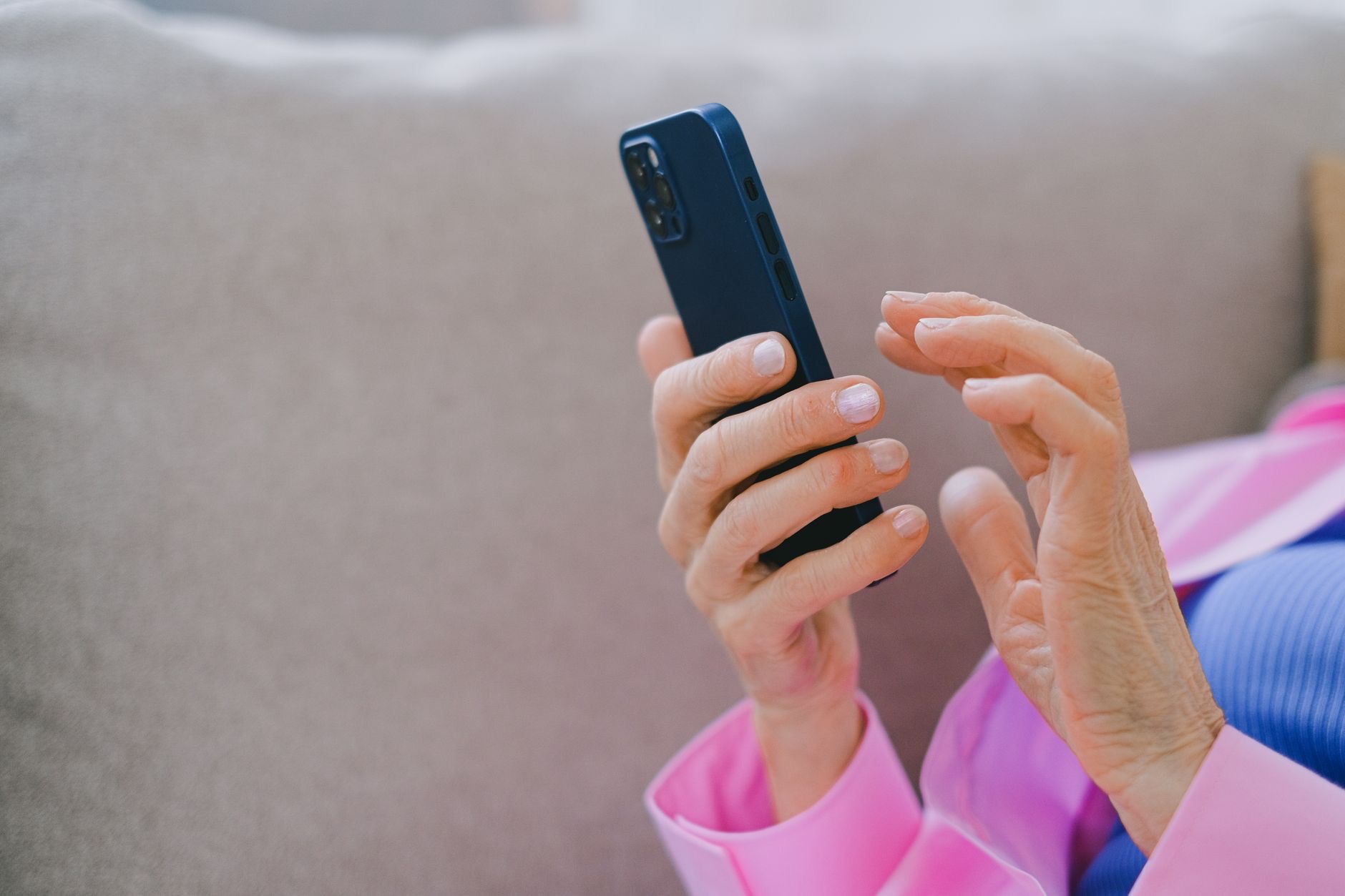
Clear communication is usually the whole point, so optimize for it. Turn the ringer and call volume up, and explore the hearing features that make audio clearer, including support for hearing devices. Make sure contacts and the phone and message apps are easy to find, ideally front and center on the home screen. For someone who mainly wants to call and text family, getting these basics right, loud, clear, and simple, makes the iPhone feel approachable rather than intimidating, which is exactly the goal.
Set It Up Simply
A senior-friendly iPhone is as much about setup as hardware. Simplify the home screen to just the apps they use, with large icons and clear labels, and remove the clutter they will never touch. Add important contacts as favorites for one-tap calling. Turn on larger text and any accessibility features they need. Consider setting up emergency features and medical information too. Spending an hour setting the phone up thoughtfully, ideally together, makes an enormous difference to how confident and comfortable they feel using it.
Safety and Peace of Mind Features
Modern iPhones include features that bring real peace of mind for older users and their families. Emergency calling, fall detection on some models, location sharing with family, and medical ID information that is accessible in an emergency all add a layer of safety. These can be genuinely reassuring, both for the senior and for relatives who worry. Setting up location sharing and emergency contacts is a thoughtful, practical step that turns the iPhone from just a phone into a quiet safety net for daily life.
Which iPhone Should You Choose?
To pull it together: choose an affordable, easy-to-handle iPhone with a comfortably large, readable screen, rather than an expensive flagship. A standard or older model works wonderfully. Then invest your time in the setup, large text, a simplified home screen, loud clear sound, favorite contacts, and safety features, because that is what truly makes an iPhone senior-friendly. A thoughtfully configured affordable iPhone will serve an older user far better than a pricey one left on its default settings. For a great-value older option, see our iPhone 13 guide.
| Priority for seniors | What to choose |
|---|---|
| Easy to see and tap | A comfortably large screen, large text |
| Best value | A standard, SE, or older model |
| Ease of use | Accessibility features and a simple setup |
★ Editor's Pick · Amazon
iPhone 16
See the current price on Amazon
Quick Answers
What is the best iPhone for seniors?An affordable, easy-to-handle model with a comfortably large, readable screen, set up with accessibility features, rather than an expensive flagship. A standard, SE, or older iPhone works wonderfully.
Do seniors need an expensive iPhone?No. The premium features of flagship models rarely matter for older users. An affordable or older iPhone does everything most seniors need, beautifully.
How do I make an iPhone easier for an older person?Turn on larger, bolder text, simplify the home screen to essential apps with big icons, raise the ringer and call volume, add favorite contacts, and set up safety features.
What accessibility features help seniors?Larger and bolder text, increased contrast, screen zoom, spoken feedback, louder and clearer sound, and hearing-device support. These tailor the phone to the user.
Is a bigger iPhone better for seniors?Often, yes. A larger screen makes text, buttons, and photos easier to see and tap, and usually means longer battery life, though consider the person's hands and grip.
What safety features are useful?Emergency calling, fall detection on some models, location sharing with family, and accessible medical information all bring peace of mind for seniors and their relatives.
Helping Them Learn It, Not Just Own It
The kindest thing you can do when giving an older person an iPhone is not just to set it up, but to help them feel confident using it. A beautifully configured phone still intimidates someone who was handed it cold. Sit down together and walk through the everyday basics, how to answer and make a call, send a message, take a photo, and reach their favourite contacts, at an unhurried pace. Write down a few simple steps if it helps. Reassure them that they cannot easily break anything, since that fear holds many people back from exploring. A short, patient lesson or two does more for an older user's experience than any spec on the box, because confidence is what turns a phone from a source of anxiety into a genuinely useful, even enjoyable, part of daily life. So budget a little time for teaching alongside the setup, and check in now and then, since a quick refresher keeps their confidence growing rather than fading.
★ Editor's Pick · Amazon
iPhone 16
A simple, capable iPhone for any age
Options: iPhone 16 · iPhone SE (budget)
My Honest Verdict
The best iPhone for a senior is an affordable, comfortably sized model set up with care, not the priciest flagship. Choose a standard, SE, or good older iPhone with a readable screen, then spend your time on the setup, large text, a simple home screen, loud clear sound, and safety features.
That thoughtful setup matters far more than the model. Who are you buying for, and what do they struggle with most? Tell me in the comments and I will help you choose and set it up.
Leave a Reply