
Disclosure: Some links on this page are affiliate links. Device Review Lab may earn a small commission from qualifying purchases, at no extra cost to you. Learn more.
The iPhone camera has become legitimately excellent, capable of results that required dedicated cameras and significant skill a few years ago. But there is a ceiling on what handheld shooting with available light can produce. The right accessories push past that ceiling in meaningful ways, and the gap between a bare iPhone and an iPhone with a tripod, decent light, and a good microphone is large enough that anyone serious about their photos or content will feel the difference immediately.
A Tripod: The Highest-Impact Purchase
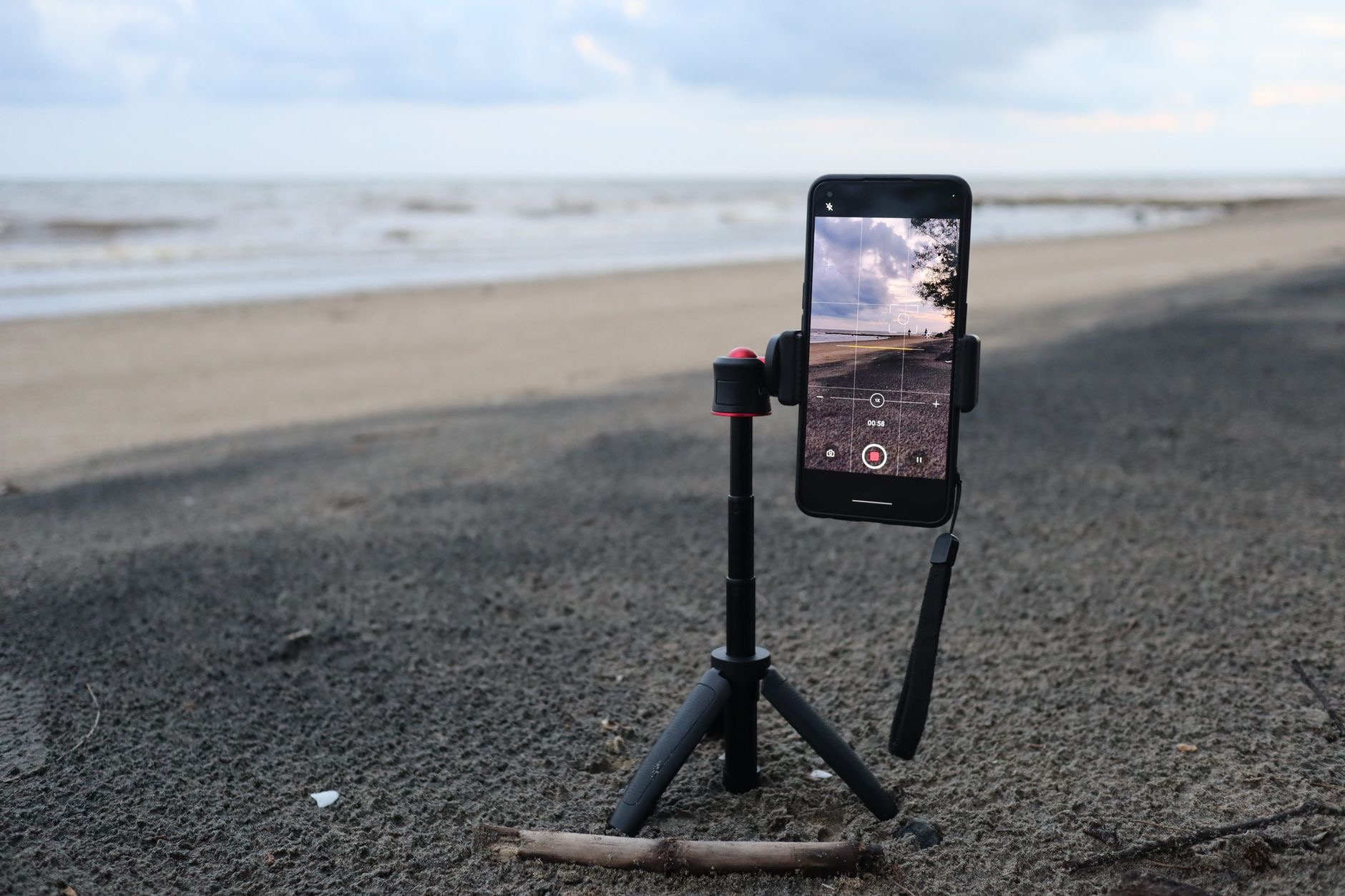
A tripod solves the fundamental constraint of handheld shooting: camera shake. On a tripod, you can shoot at slower shutter speeds in low light without blur, frame shots precisely and hold them exactly, include yourself in photos without asking someone else, and shoot video that looks intentional rather than shaky. For video specifically, the difference between handheld and tripod footage is immediately visible to any viewer even if they cannot identify why. A phone tripod does not need to be large or expensive to be useful. A compact tabletop tripod handles desk, kitchen, and travel scenarios well. A full-height tripod with a flexible head opens up outdoor shooting and more creative framing. The phone mount matters more than most people realize: a loose clamp introduces vibration and a stable grip is the foundation of everything else the tripod does.
★ Editor's Pick · Amazon
Phone Tripod
The highest-impact camera upgrade
Gimbals for Moving Video: Cinematic Results While Walking
A gimbal is a motorized stabilizer that keeps the camera level and smooth regardless of hand movement. Walking shots that would look shaky become smooth and cinematic. Following a subject through a crowd, filming outdoor events, or any video that involves movement looks dramatically better with a gimbal than without. Modern phone gimbals fold flat for travel, have battery life sufficient for a full day of shooting, and include features like subject tracking and time-lapse modes in companion apps. The learning curve is minimal since the basic operation is simply holding the gimbal with the phone mounted on it and the motors handle the rest. For anyone who shoots significant amounts of moving video, a gimbal is the upgrade that makes footage look genuinely professional rather than phone-video.
Lens Kits: More Optical Versatility
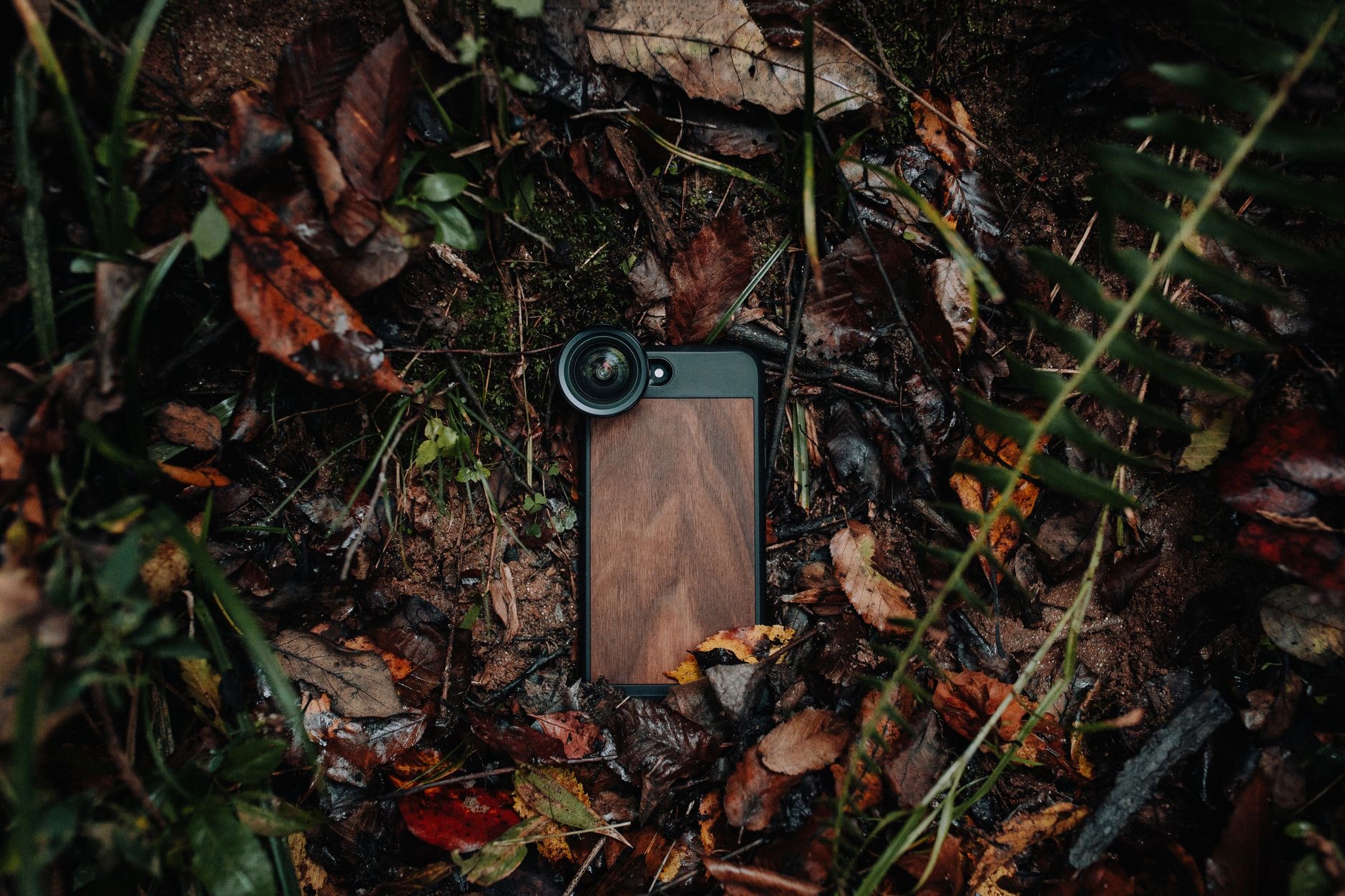
Clip-on lens kits that attach over the iPhone's existing camera extend its capabilities beyond what the built-in system can do. Wide-angle add-ons make the field of view broader for landscapes and confined interior spaces. Macro lenses allow extreme close-up photography revealing detail invisible to the naked eye, which is excellent for flowers, textures, product photography, and insects. Anamorphic lenses create a wider cinematic aspect ratio with horizontal lens flares popular for short films and creative video. The quality of lens accessories varies enormously between brands. Cheap clip-ons often add edge softness and chromatic aberration that make images worse. Better-made kits are optically much cleaner. For casual experimentation, mid-range kits are sufficient. For consistent serious use, quality glass matters more than the price difference suggests.
★ Editor's Pick · Amazon
iPhone Lens Kit
Wide, macro and fisheye in one kit
Lighting: The Variable That Changes Everything
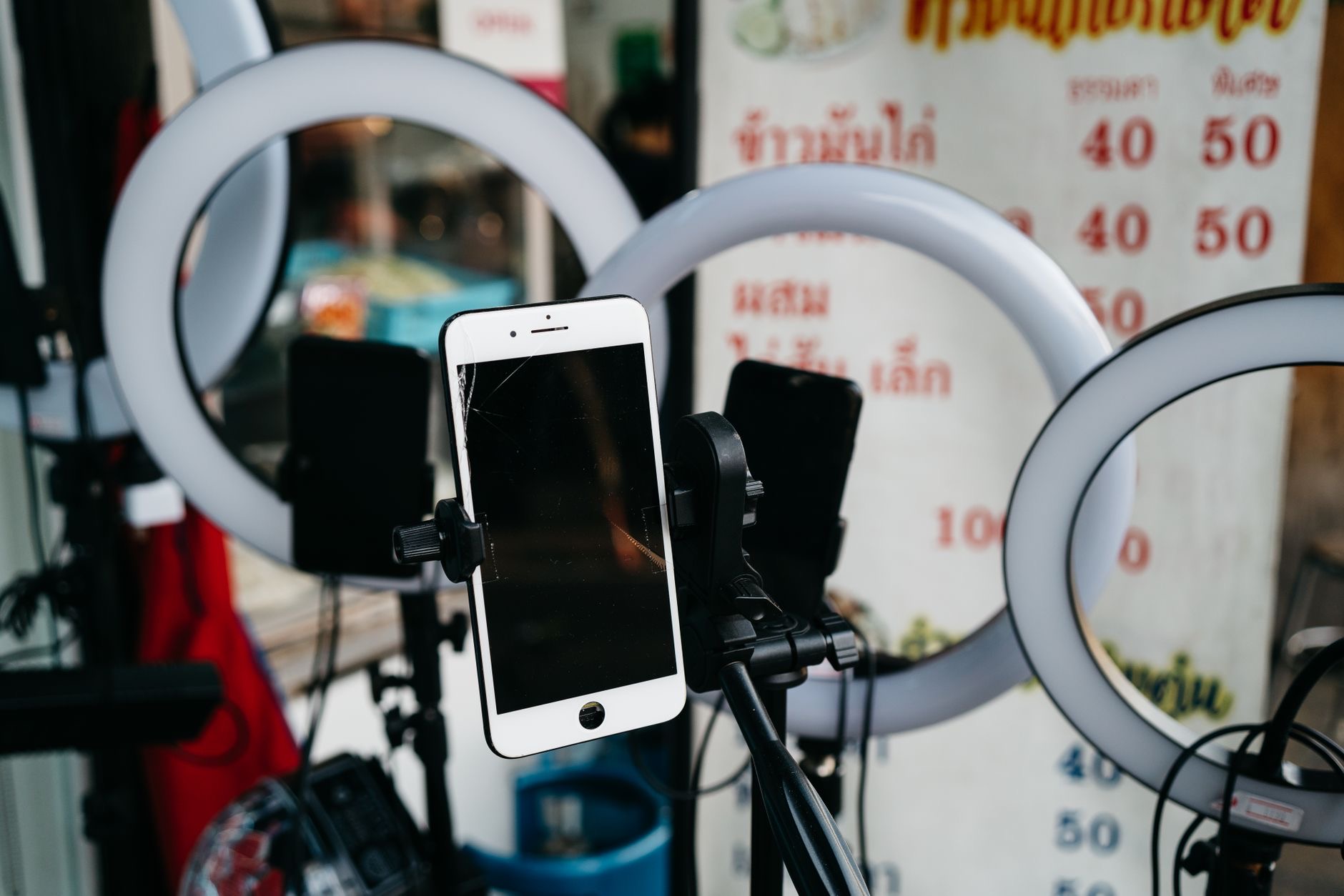
Good light makes average photos excellent. Poor light makes an excellent camera produce mediocre results. A portable light source gives you control over the most important variable in photography that is otherwise entirely determined by where you happen to be standing. Ring lights produce flattering, even illumination with a characteristic circular catchlight in the eyes, which is why they are ubiquitous in social media photography and YouTube content. For portraits, product photography, and interview-style video, a ring light mounted behind the camera pointing at the subject produces results that look dramatically more polished than available light alone. Portable LED panels offer more directional control for broader photography scenarios. Either is a meaningful investment for anyone creating content regularly.
★ Editor's Pick · Amazon
Ring Light
Flattering, even light for video and selfies
Sizes: 18-inch · Compact clip
Bluetooth Remote Shutters: Simple and Highly Useful
A Bluetooth remote shutter for the iPhone lets you trigger the camera without touching the phone. The benefit for tripod photography is immediate: touching the phone to tap the shutter vibrates the camera, introducing blur especially at slower shutter speeds. A remote eliminates this. For selfies and group shots with the phone on a tripod, a remote shutter lets you be in the frame without the timer countdown awkwardness or the extended-arm phone hold. Most iPhone-compatible remotes are compact enough to clip to a keychain. Pairing is via Bluetooth and typically takes a few seconds once. For the low cost relative to what it enables with a tripod already in hand, a remote shutter is one of the best value camera accessories available.
Microphones: Audio Is Half the Video
The iPhone's built-in microphone is competent for general use but picks up wind, room echo, and ambient noise in ways that noticeably reduce video quality in challenging environments. An external microphone plugged into the Lightning or USB-C port dramatically improves audio quality for vlogging, interviews, and any video where the audio experience matters alongside the visuals. Lavalier microphones that clip to clothing are excellent for interviews and vlogging since they are close to the speaker's mouth and reject ambient noise effectively. Directional microphones that mount near the camera are better for capturing audio from in front, such as music performances or events. Audio quality in video is something audiences notice immediately even when they cannot explain why, and fixing it is far less expensive than most video gear.
MagSafe Car and Bike Mounts
MagSafe magnetic mounts for car dashboards and bicycle handlebars offer a clean, quick-attach solution for iPhone navigation and content capture. A MagSafe car mount snaps the phone on in a second, holds it at eye level for navigation, and releases just as fast when you arrive. For cycling, a handlebar mount provides navigation and music control without stopping. These work with any MagSafe-compatible case or with a MagSafe ring added to the back of any case. The magnetic grip on quality mounts is strong enough for all-day driving on varied roads without the phone falling. The convenience over clip mounts that can damage cases and require precise repositioning is real.
Portable Power for Long Shoots
Camera work, particularly video, drains iPhone batteries significantly faster than normal use. A portable battery pack that charges the iPhone while you shoot extends a session from an hour or two to as long as needed. Key specs: capacity in milliamp-hours (more is longer), maximum output wattage (faster charging for iPhone 15 and later), and physical size. For photography where you are already carrying gear, a compact battery that fits in a jacket pocket is more useful than a large high-capacity brick. MagSafe battery packs that attach magnetically to the back of the phone allow charging without holding a cable, though they add some thickness. Keeping a charged battery in the camera bag has saved many shoots from ending prematurely.
Cases Designed for Photography
Some cases are specifically designed with camera use in mind: grip handles for more stable one-handed holding, cold shoe mounts for attaching lights or microphones, and threaded tripod mounts integrated into the case itself. These are niche products most useful for regular video content creators who want a setup that handles like a small camera. For casual photographers, a standard case is fine. For creators who shoot frequently and want more ergonomic control during longer handheld sessions, a dedicated photography case meaningfully changes how the phone handles. The tradeoff is bulk: a full grip system is considerably larger than a standard case.
ND Filters for Outdoor Video Quality
Neutral density filters reduce the light entering the camera without affecting color, which lets you use slower shutter speeds in bright outdoor conditions. For video, the standard guideline is a shutter speed approximately double the frame rate, giving natural-looking motion blur. In bright sunlight without an ND filter, achieving that shutter speed overexposes the image. An ND filter solves this. This accessory is specifically for people serious enough about video quality to think about shutter speed and motion rendering. For that audience it is a meaningful tool; for casual video users it is unnecessary complexity. Clip-on ND filters for phones are available in various densities matching different light conditions.
| Accessory | Best Use Case | Experience Level |
|---|---|---|
| Tripod | All photography and video | Beginner |
| Gimbal | Moving video content | Beginner |
| Lens Kit | Creative range expansion | Intermediate |
| Ring Light | Portraits, social content | Beginner |
| Microphone | Vlogging, interviews | Beginner |
| ND Filters | Outdoor cinematic video | Advanced |
Frequently Asked Questions
Do clip-on lens kits actually improve iPhone photos?
Quality ones do, particularly for macro and wide-angle uses that extend what the built-in camera can do. The improvement depends heavily on the lens quality. Cheap clip-ons often add edge distortion that makes images worse. Mid-range and above options produce genuine results. For macro especially, a good lens kit creates capabilities the built-in camera simply does not have at any setting.
What tripod works best for iPhone video?
For video, a tripod with a fluid pan head is ideal since it allows smooth camera movement without the jerky behavior of a ball head. A full-height tripod of around 150 to 170 centimeters gives the most framing flexibility. For portability, a mid-sized model that collapses under 40 centimeters balances height and packability well.
Is a gimbal difficult to learn?
No. The basics are straightforward: mount the phone balanced on the gimbal head, power it on, and the motors handle stabilization automatically. Most gimbals have companion apps with tutorials for advanced features, but basic stabilization works from the moment you power it on. Balancing the phone correctly before powering on takes a minute to learn and a few seconds in practice.
What lighting works best for a YouTube channel shot on iPhone?
A ring light positioned directly behind the camera pointing at your face is the simplest and most flattering starting setup. A ring light of at least 30 centimeters diameter gives more even coverage. For more professional results, a three-point lighting setup (key, fill, and background lights) gives better depth and separation, though it requires more gear and setup time.
Does a microphone need to plug into the iPhone directly?
No. Wireless microphone systems that clip onto clothing and transmit wirelessly to a receiver that plugs into the iPhone are widely available and give excellent results without a cable between the subject and camera. For desk recording and fixed setups, wired condenser microphones with Lightning or USB-C connection are also good options.
Do MagSafe car mounts hold securely on rough roads?
Quality MagSafe car mounts hold the iPhone securely through normal driving including rough roads and sharp turns. Very aggressive off-road conditions can occasionally challenge the grip of lower-quality mounts. Reading reviews specifically for grip strength and looking for mounts from established brands with verified user reviews is the best approach before buying.
Our Honest Take
A tripod is the first iPhone camera accessory to buy without question. The improvement it makes to both photos and video is the single largest upgrade available at any price point, and it costs less than most other camera gear. After the tripod, buy based on what you actually shoot: ring light for content featuring yourself, gimbal for moving video, lens kit for optical range, microphone for audio quality in video. The iPhone is already a capable camera. These accessories let you use it more intentionally, and that is where the meaningful quality improvement actually comes from.
Leave a Reply