
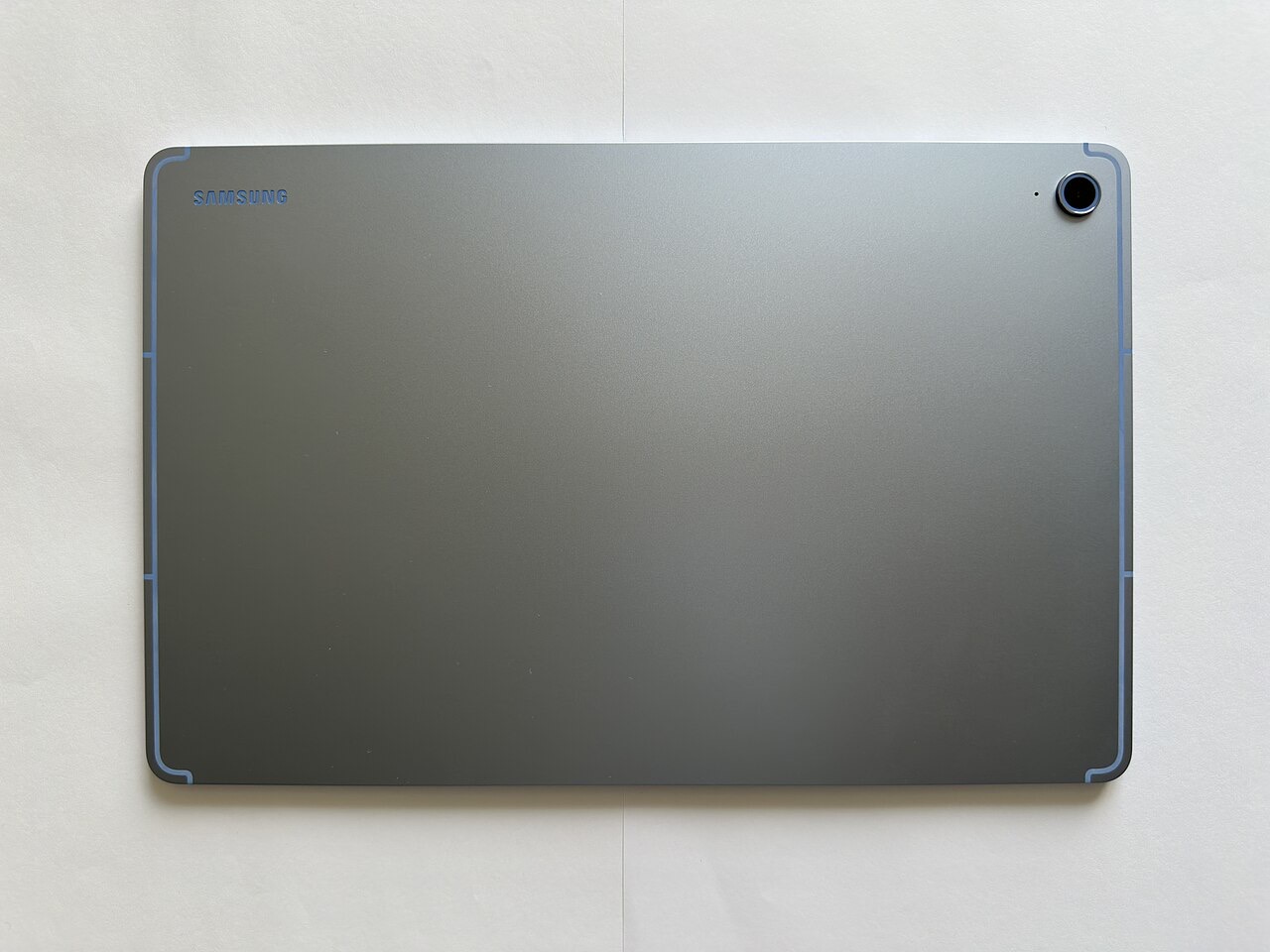
The iPad vs MacBook question trips up more buyers than any other in Apple's lineup, and the wrong choice is an expensive one. Looking across specifications, pricing and user feedback, I can tell you the decision comes down to one honest question about how you actually work. Answer it correctly and the choice makes itself.
The One Question That Decides It
Forget the spec sheets. Ask yourself this: do you create with a keyboard and many windows, or do you mostly consume, touch, and do focused single tasks? If your day is documents, dozens of browser tabs, and real multitasking, you want a Mac. If your day is reading, drawing, watching, browsing, and light tasks you can do one at a time, the iPad shines.
The iPad is a touch-first device that can act like a computer. The MacBook is a computer that will never be a tablet. That difference, not the chip inside, is what you will feel every single day.
Where the iPad Genuinely Wins
The iPad is the better buy when:
- You draw, sketch, or take handwritten notes. With a pencil, nothing from Apple comes close.
- You want the lightest device for reading, streaming, and browsing on the couch or in bed.
- You travel light and value a touchscreen and cellular data.
- Your "work" is email, light docs, and web apps you handle one at a time.
In practice, people who buy an iPad for these uses adore it. The trouble starts only when they try to force it to be a laptop. Pair it with the right earbuds and it is a fantastic media machine, which is why we cover audio in our best wireless earbuds guide.
Where the MacBook Is the Clear Choice
The MacBook wins decisively when:
- You write a lot, manage many windows, or juggle real multitasking all day.
- You use desktop-class software: full Office, pro creative apps, developer tools.
- You need a real file system and the freedom of a full operating system.
- You want one device that does everything without workarounds.
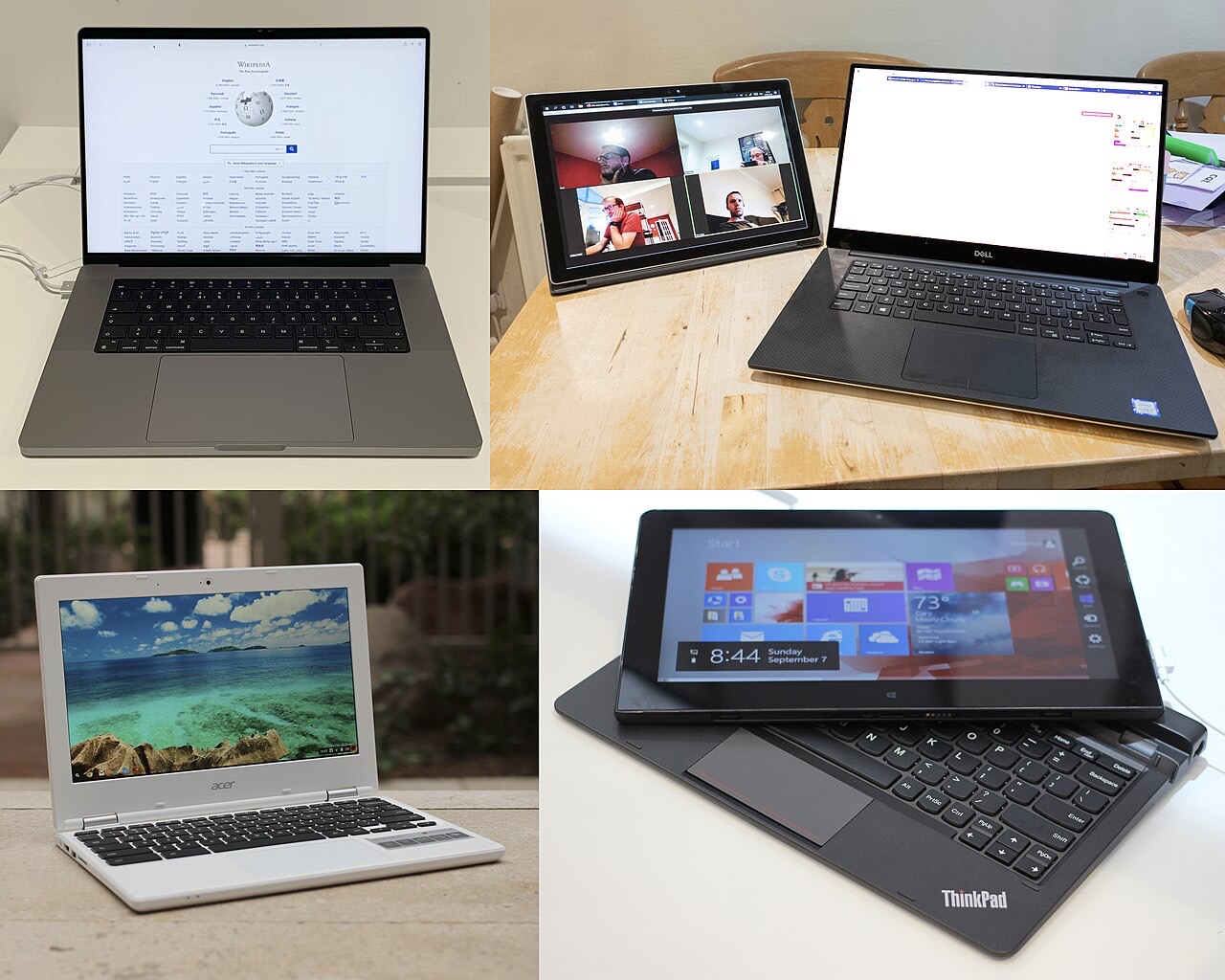
The Costly Mistake: Buying the iPad as a Laptop
Here is the trap that wastes the most money. People buy an iPad plus a keyboard plus a pencil, spend nearly MacBook money, and then fight the iPad to do laptop work it was never built for. If you find yourself needing a keyboard attached 90% of the time, you did not want a tablet. You wanted a laptop. Buy the MacBook and skip the frustration. The accessory pile that turns an iPad into a "laptop" is exactly where the budget quietly disappears.
Price and the Accessory Reality
On paper the iPad looks cheaper, but the honest comparison includes the keyboard and pencil most people add. Once you do, a loaded iPad often costs as much as an entry MacBook. So compare the real, kitted-out price, not the headline tablet price.
| Choose iPad if... | Choose MacBook if... |
|---|---|
| You draw or take handwritten notes | You write and multitask all day |
| You mostly read, watch, and browse | You need desktop software |
| You want the lightest touch device | You want one do-everything machine |

Can One Replace the Other?
For a specific kind of user, the iPad truly can be their only computer, and they are happy. But be honest about which user you are. If you have ever felt boxed in by the iPad's one-thing-at-a-time nature, that feeling will not go away. If a touchscreen and a pencil make you light up, the Mac will feel heavy and cold by comparison. Match the device to your instincts, not to what reviewers use.
Battery and Portability
This is where the iPad quietly wins for a lot of people. It is lighter, starts instantly, and lasts a long time on a charge, which makes it the device you actually grab off the table. The MacBook is portable too, but it is a different kind of portable, a full computer you sit down with rather than a slate you pick up. If your life is mostly on the move and in short bursts, the iPad fits that rhythm. If you settle in for longer work sessions, the MacBook is built for exactly that.
Software: The Real Dividing Line
Hardware aside, software is what truly separates these two. The MacBook runs a full desktop operating system, which means real multitasking, a proper file system, and professional apps with no compromises. The iPad runs a touch-first system that has grown remarkably capable but still works best one task at a time. This is not about which is better, it is about which matches your work. If the apps you depend on only exist in full form on a desktop, the choice is already made for you.
Which Holds Its Value Better?
If resale matters to you, here is some reassurance: both the iPad and the MacBook hold their value better than almost anything else on the market. That quietly lowers the real cost of either one, because you recover a healthy chunk when you upgrade years later. It is one more reason to buy the device that genuinely fits your needs rather than settling for the cheaper compromise, since you are not throwing money away with either choice. Think of the higher sticker price as partly refundable down the road, and the gap between the two options shrinks more than the price tags suggest.
Quick Answers Before You Buy
Is an iPad good for working from home?For email, calls, light documents, and reading, yes. For heavy multitasking, spreadsheets, and desktop apps all day, a MacBook is the more comfortable and productive choice.
Can an iPad replace a laptop?For light users who mostly read, browse, draw, and do single tasks, yes. For heavy multitasking and desktop software, a MacBook is still the better tool.
Is the iPad cheaper than a MacBook?Only until you add a keyboard and pencil. A fully kitted iPad often costs about the same as an entry-level MacBook, so compare the real price.
Which is better for students?It depends on the work. Lots of handwritten notes and reading favor the iPad. Lots of essays, research, and multitasking favor the MacBook.
Is the iPad good for drawing?Yes, it is the best in Apple's lineup for sketching and handwritten notes with a pencil. The MacBook cannot match that.
Do I need both?Most people do not. Pick the one that matches how you work and put the savings elsewhere. Buying both usually means one sits unused.
My Honest Verdict
If you create with a keyboard and multitask, buy the MacBook and never look back. If you mostly consume, draw, and do focused single tasks, the iPad will delight you. The expensive mistake is buying an iPad and then demanding it behave like a laptop, so be honest about which one you actually are.
Decide on how you work, not on which looks cooler. If you have already landed on a Mac, our MacBook Air vs Pro guide picks the right model for you.
What would be your main use, creating or consuming? Tell me in the comments and I will give you a straight answer.
Photos: Tablet Computer by KA KIT (CC BY-SA 4.0) · Laptop collage by Top left: PremeditatedTop right: Tom PageBottom left an... (CC BY 2.0) · Münster, St.-Paulus-Dom, nördliches Seitenschiff -- 2019 -- 3934-8 by Dietmar Rabich (CC BY-SA 4.0) — via Wikimedia Commons.
Leave a Reply