
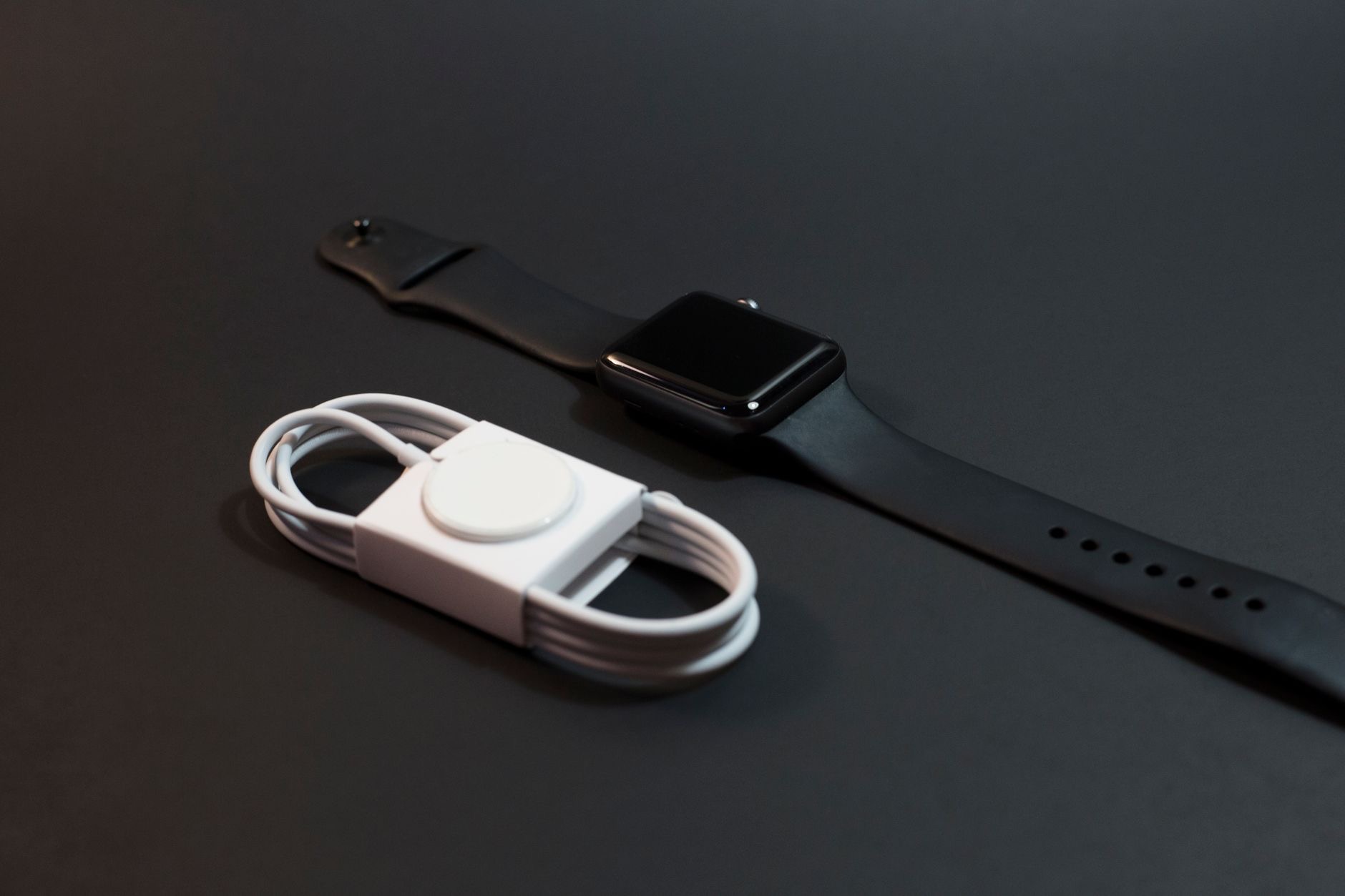
You set the watch on its charger last night, and this morning it greets you with a dead face and zero explanation. An Apple Watch that will not charge is almost never broken, it is almost always a conversation problem between the watch's back and the puck's face, and the interference is usually dirt, alignment, or a tired cable. Five minutes of checks brings nearly every watch back. Here is the order.
Start With the Contact
Watch charging is a contact sport: the back of the watch and the charging puck must meet cleanly, aligned by their magnets, nothing in between. Reseat the watch deliberately, let the magnet pull it into place, and watch for the charging indicator. No response? Take the watch off the puck, inspect both surfaces, and try again rotated slightly. A watch bumped askew overnight, or resting on a fold of its own band, charges nothing while looking perfectly parked.
The Dirt Nobody Sees
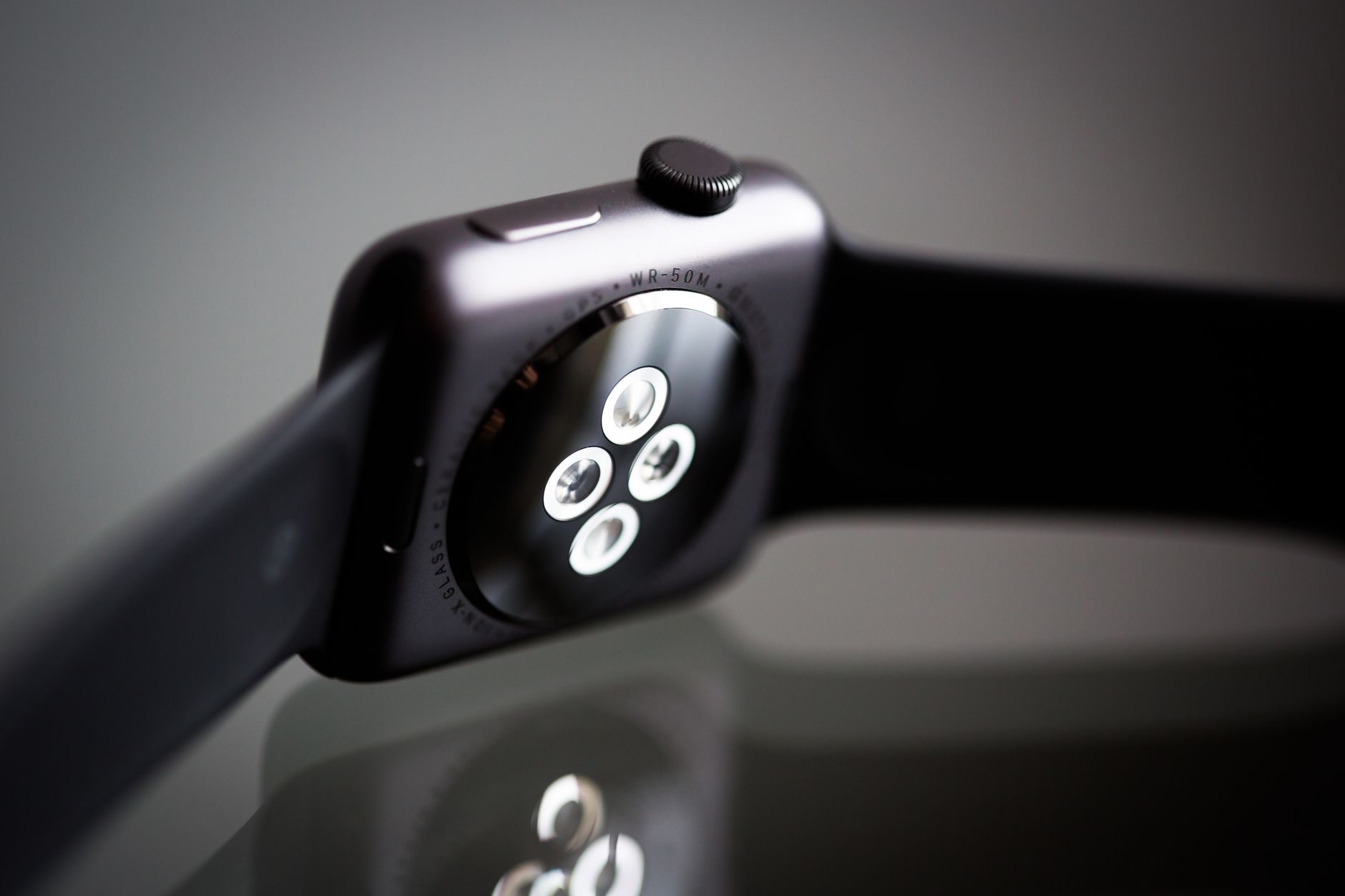
The watch back lives against your skin through workouts, sunscreen seasons, and daily life, and the puck sits collecting dust between uses. A film of sweat residue, lotion, or grime on either surface is invisible and completely capable of blocking the charge. Wipe both, the watch back and the puck face, with a soft, dry or slightly damp cloth, dry them, and reseat. This unglamorous step resolves an outsized share of charging failures, especially for active wearers, and it takes ninety seconds.
Interrogate the Cable and Power
If contact and cleanliness pass, suspect the supply chain: the puck's cable, the adapter, and the outlet. Cables fray invisibly at the puck end, adapters die quietly, and outlets controlled by wall switches troll everyone eventually. Test the puck on a different adapter and outlet, and inspect the cable along its length. Charging pucks live coiled in bags and pinched behind nightstands, exactly the biography of a cable that fails young. A borrowed known-good charger settles the question in one try.
The Dead Battery Patience Rule
A watch that ran completely flat plays dead convincingly: minutes can pass on the charger before it shows any sign of life. Park it properly on a working puck and walk away for half an hour before concluding anything. When the charge symbol appears, recovery is underway, and the watch will boot when it has gathered enough. The classic mistake is declaring death at minute three; deeply drained batteries need a courtesy window before the screen agrees to wake.
The Software Nudge and the Real Failures
Charged contact, clean surfaces, proven cable, patience served, still nothing? Force a restart of the watch while it sits on the charger, holding the buttons per your model, which clears the rare software freeze that mimics a charging failure. Beyond that, genuine hardware faults exist, aging pucks fail, and old watch batteries eventually wear out, but they are the last chapter, not the first guess. If a second known-good charger changes nothing, the watch has earned a professional look.
Build a Charging Spot That Prevents All This
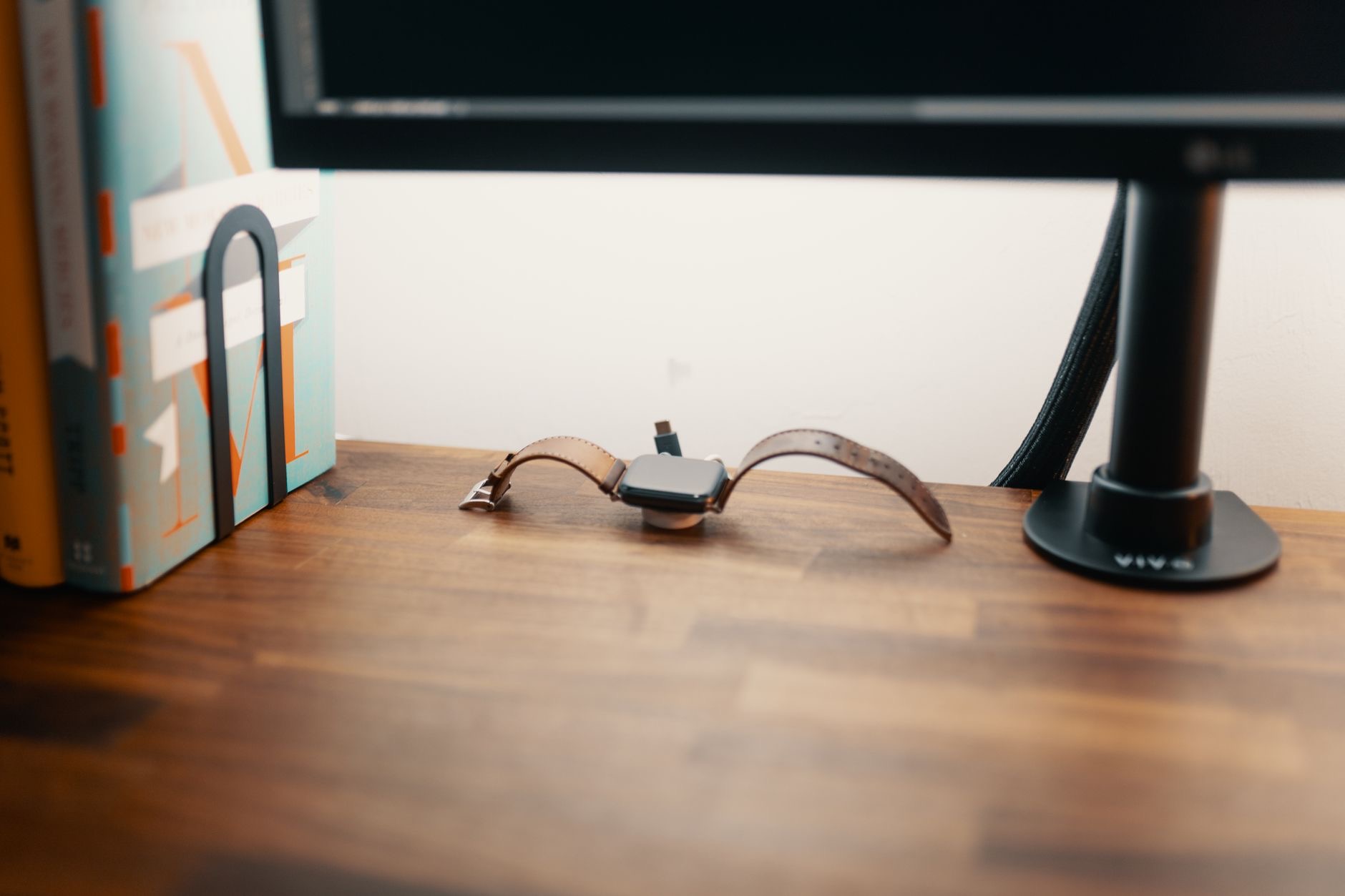
Most watch charging failures are logistics: a loose puck sliding around a nightstand, cable strain, misalignment in the dark. A charging stand fixes the geometry permanently, holding the puck at the right angle so the watch clicks into the same aligned position every night, cable strain relieved, no fold-of-band accidents. Watches that live on a stand mostly stop having charging mysteries, which is the cheapest ending this article can offer.
★ Editor's Pick · Amazon
Apple Watch Charging Stand
Aligned every night, mysteries retired
| The check | The time |
|---|---|
| Reseat and align on the puck | 30 seconds |
| Clean watch back and puck | 90 seconds |
| Different adapter and outlet | 2 minutes |
| Flat-battery patience | 30 quiet minutes |
Frequently Asked Questions
Why is my Apple Watch not charging?
Usually contact, dirt, or supply: the watch is askew on the puck, an invisible film of sweat or lotion blocks the connection, or the cable, adapter, or outlet has quietly failed. Reseat and align, clean both surfaces, and test different power. A completely flat watch also needs up to half an hour before showing life.
How do I clean the Apple Watch charging contacts?
Wipe the back of the watch and the face of the puck with a soft, dry or slightly damp cloth, then dry both and reseat. Sweat residue, sunscreen, and dust form an invisible film fully capable of blocking the charge, and this ninety-second wipe resolves a surprising share of failures.
My watch is on the charger but the screen stays black, is it dead?
Possibly just deeply drained: a fully flat watch can sit minutes on a working charger before any sign of life appears. Give it thirty quiet minutes before concluding anything. When the charging symbol appears, recovery is underway and the watch will boot once it has gathered enough.
How do I know if the charger is the problem?
Test the puck on a different adapter and outlet, inspect the cable for fraying near the puck end, and if possible try a known-good charger, one attempt settles it. Pucks live coiled in bags and pinched behind furniture, which is exactly the life story of cables that fail young.
Does a force restart help a watch that will not charge?
It clears the rare software freeze that impersonates a charging failure: with the watch sitting on the charger, hold the buttons for your model to force a restart. It is the right move after contact, cleaning, cable, and patience have all been checked, and before assuming hardware.
How do I prevent charging problems?
Fix the geometry: a charging stand holds the puck at the right angle so the watch clicks into aligned position every night, no sliding puck, no band folds, no dark-room misalignment. Watches that live on a stand mostly stop generating charging mysteries at all.
The Bottom Line
An Apple Watch that will not charge is usually having a contact dispute, not a health crisis: reseat it aligned on the puck, wipe the invisible film off both surfaces, and prove the cable and outlet with a different supply. Give a flat watch its thirty-minute courtesy window, force restart on the charger for the rare freeze, and only then suspect hardware. Then put a stand on the nightstand, and let perfectly aligned nights make the whole genre of mystery extinct.
Leave a Reply