
Somewhere in a drawer, an old iPad is doing nothing at all, which is a strange fate for a working screen you already paid for. Old iPads rarely deserve retirement; they deserve reassignment. Here are seven second lives an aging iPad performs beautifully, and how to match yours to the right one.
1. The Kitchen Command Center
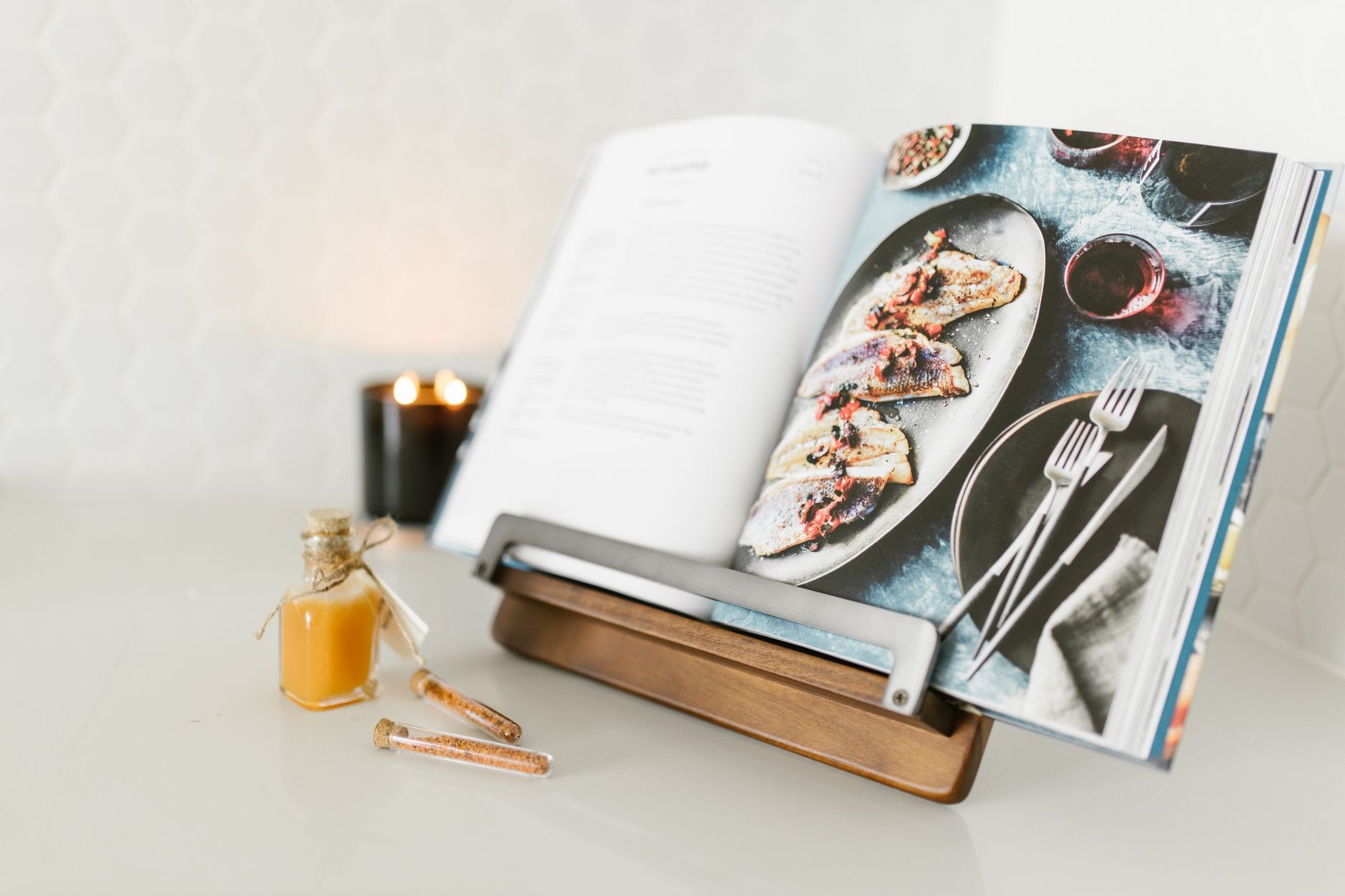
The single best second life: prop the old iPad on a stand on the kitchen counter, and it becomes the recipe display, the timer board, the podcast machine, and the video-call-with-mom screen, all while your hands are covered in flour. Older hardware handles all of it without complaint, and the kitchen is exactly where you do not want to risk your newest device anyway. A stand and a wipe-down habit, and the drawer iPad becomes the most-used screen in the house.
★ Editor's Pick · Amazon
Tablet Stand
The kitchen promotion starts here
2. The Digital Photo Frame That Beats Real Ones
Set the old iPad on a shelf, point it at a shared family album, and let it rotate through the photos everyone keeps adding. Unlike store-bought digital frames, it shows the pictures your family actually takes, updating itself as new grandkid photos land in the album. Plugged in quietly in a corner, it becomes the object guests ask about. Of all the second lives, this one generates the most joy per watt.
3. The Kids' Device That Saves Your New One
An old iPad absorbs childhood so the new one does not have to. Erase it, set it up with a child account, configure Screen Time, wrap it in the toughest case available, and hand it over: games, drawing, and cartoons run fine on old hardware, and every drop it survives is a drop your current iPad never felt. For the full setup, the same playbook as any kid device applies, limits first, armor always.
★ Editor's Pick · Amazon
Rugged iPad Case
Childhood-proofing for its new career
4. The Second Monitor You Already Own
If the old iPad is recent enough to play with your Mac, Sidecar turns it into a wireless second screen: reference documents, the inbox, the calendar, parked beside your main display. It is the productivity upgrade that costs nothing and travels in a bag. Even as a non-Sidecar fallback, a stand beside the Mac holding notes or a video call earns desk space honestly. The drawer tablet was a monitor all along.
5. The Dedicated E-Reader and Bedtime Tablet
Strip an old iPad down to reading apps and nothing else, no mail, no social, no news, and it becomes a wonderfully boring bedtime device: books, articles saved for later, and nothing that argues with you at 11pm. The deliberate limitation is the feature. Older iPads with tired batteries still read for nights on a charge, and a device that only reads is a device that actually gets read on.

6. The Guest Room and Travel Spare
Loaded with streaming apps and the house Wi-Fi, an old iPad in the guest room is hotel-grade hospitality. The same logic makes it the travel spare: the beach tablet, the flight entertainment for the back seat, the loaner that goes where you would never take your main device. Its job is simple: absorb risk, deliver video, cost nothing when life happens to it. Old hardware is perfect at exactly this.
7. The Honest Exit: Pass It On Properly
And if no second life fits, let it go well. Erase it completely, sign out of your account so the next owner can actually use it, and sell it while it still holds value or hand it to a family member who will give it the kitchen or kids career you did not need. An iPad working in someone else's house beats one depreciating in your drawer. Whatever you choose, the drawer is the one wrong answer.
| The second life | What it needs |
|---|---|
| Kitchen command center | A stand and a counter corner |
| Photo frame | A shelf, power, a shared album |
| Kids device | Child account, limits, rugged case |
| Second monitor | Sidecar and a spot beside the Mac |
Frequently Asked Questions
What can I do with an old iPad?
Seven strong options: kitchen recipe-and-timer hub on a stand, self-updating digital photo frame, armored kids device with a child account, Sidecar second monitor for a Mac, distraction-free e-reader, guest room and travel spare, or an honest erase-and-sell. The drawer is the only wrong answer.
Is an old iPad still good for the kitchen?
It is the ideal kitchen device: recipes, timers, podcasts, and video calls all run happily on older hardware, and the kitchen's flour, splashes, and chaos are exactly what you want kept away from your newest screen. A stand and an occasional wipe-down complete the promotion.
How do I turn an old iPad into a photo frame?
Park it on a shelf plugged in, point it at a shared family album, and let the photos rotate. Because family members keep adding to the album, the frame updates itself with real, current pictures, which beats any store-bought frame showing the same twelve photos forever.
Should I give my old iPad to my kids?
It is one of the best uses: erase it, set up a child account with Screen Time limits, and wrap it in the toughest case available. Games and cartoons run fine on old hardware, and every drop the old iPad survives is one your current device never experiences.
Can an old iPad be a second monitor?
If it is recent enough for Sidecar with your Mac, yes, a wireless second screen for reference, inbox, and calendar. Even without Sidecar, on a stand beside the Mac it holds notes and calls usefully. Either way the drawer tablet earns desk space honestly.
How do I safely sell or give away an old iPad?
Erase all content and settings, and critically, sign out of your account first so activation lock releases and the next owner can set it up. A properly erased iPad sells while it still holds value, or makes a genuinely useful hand-me-down within the family.
The Bottom Line
An old iPad is a working screen you already own, and it has seven good careers waiting: kitchen hub on a stand, self-updating photo frame, armored kids device, Sidecar second monitor, distraction-free e-reader, guest and travel spare, or a properly erased sale. Match yours to the gap in your household, spend the small accessory cost the new role needs, and retire the only truly bad option, the drawer.
Leave a Reply