
Your iPhone has a feature called Screen Time that quietly keeps track of how you use your phone and gives you tools to manage it. Many people ignore it, but it is genuinely one of the most useful features for building a healthier relationship with your phone, and for helping families too. Here is a simple explanation of what Screen Time is, what it shows you, and how to use it to take control of your phone habits.
The Short Answer
Screen Time is a built-in feature that shows you how much you use your iPhone and in which apps, and gives you tools to set limits and manage that use. It turns your phone habits, which are usually invisible, into clear information, and lets you set boundaries like time limits on apps. It is also valuable for parents wanting to manage their children's device use. In short, Screen Time is your dashboard and toolkit for understanding and taking control of how you and your family use your devices.
See How You Use Your Phone
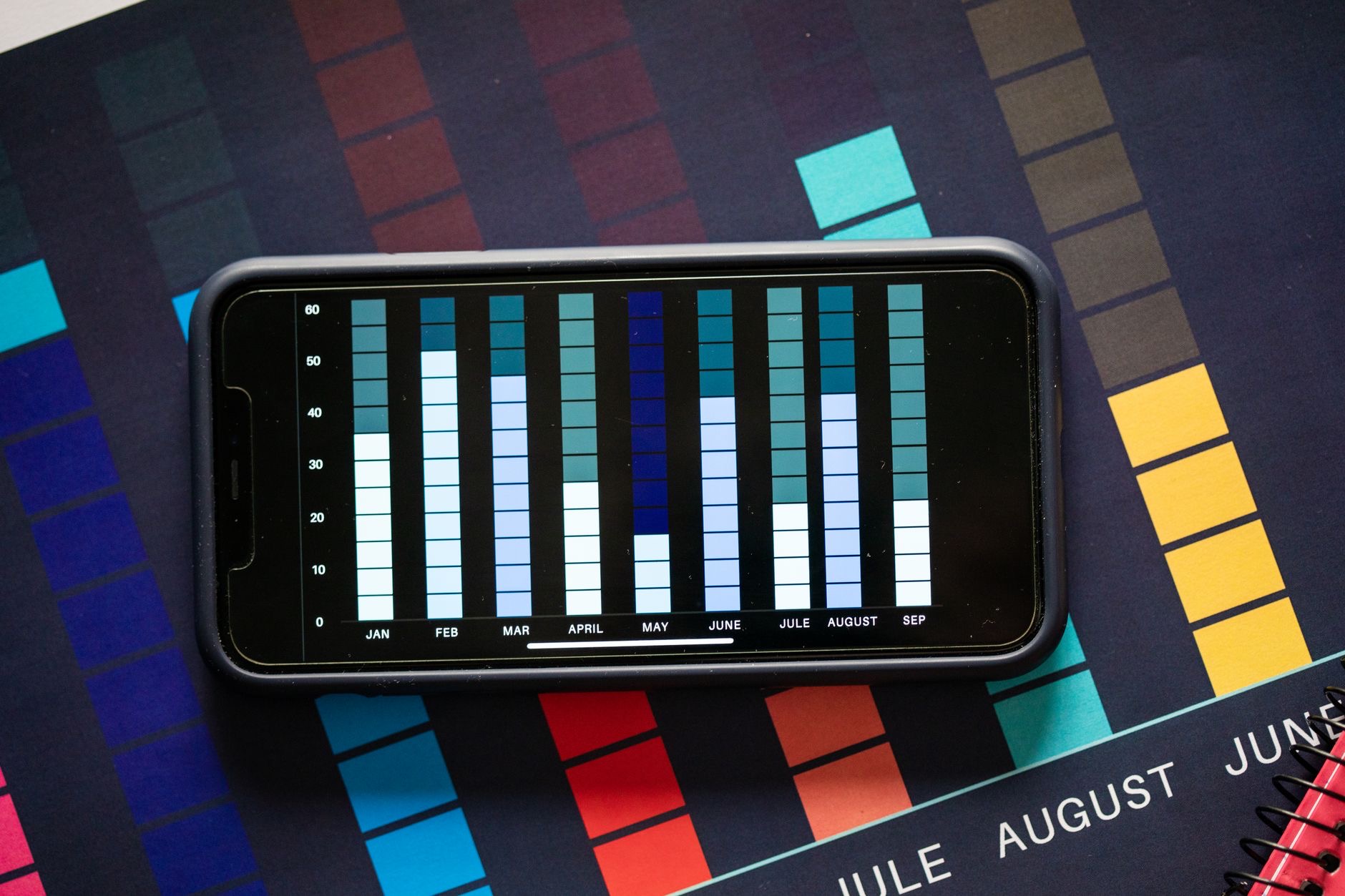
The first thing Screen Time does is show you the reality of your phone use, how much time you spend, and which apps take up the most of it. This information is often eye-opening, since our sense of how much we use our phones is frequently far off from the truth. Seeing the actual numbers can be a powerful motivator, helping you understand your habits and decide whether you want to change them. This awareness is the foundation of using your phone more intentionally, and Screen Time provides it effortlessly.
Set Limits on Apps
Beyond showing you information, Screen Time lets you set limits to help manage your use. You can set daily time limits on specific apps, so when you reach your limit, you get a reminder prompting you to stop. This is a powerful tool for curbing time spent on apps that tend to pull you in, creating a helpful boundary without needing constant willpower. Setting sensible limits on your most time-consuming apps is one of the most effective ways to reduce mindless use and reclaim time for other things.
Schedule Downtime
Screen Time also lets you schedule downtime, periods where your phone encourages a break from the screen. You might set downtime for the evening before bed, during meals, or other times you want to be phone-free. During downtime, your phone nudges you away from distracting apps, helping you protect important parts of your day. This is a great way to build healthy boundaries into your routine automatically, ensuring you have regular time away from your screen without having to rely on remembering or resisting in the moment.

Great for Families
One of Screen Time's most valuable uses is for families. Parents can use it to understand and manage their children's device use, setting appropriate limits and downtime and guiding healthy habits. This gives parents helpful tools to ensure their children have a balanced relationship with their devices, with boundaries that suit their age and needs. For families navigating the challenges of kids and screens, Screen Time offers practical, built-in support, making it easier to encourage good habits and keep device use healthy and age-appropriate.
Take Control of Your Habits
Ultimately, Screen Time is a tool for intention. By showing you how you really use your phone, letting you set limits, scheduling downtime, and supporting families, it helps you and your loved ones use devices in a way that serves you rather than consumes you. You do not have to use every feature, even just checking your usage or setting one app limit can make a difference. Explore what Screen Time offers, use the parts that help, and take back a little more control over your phone habits.
| Screen Time feature | What it does |
|---|---|
| Usage information | Shows how much you use apps |
| App limits | Sets daily limits on chosen apps |
| Downtime | Schedules phone-free periods |
| Family tools | Helps parents manage kids' use |
Frequently Asked Questions
What is Screen Time on iPhone?
Screen Time is a built-in feature that shows how much you use your iPhone and in which apps, and gives you tools to set limits and manage that use. It turns your usually invisible phone habits into clear information, and is also valuable for parents managing their children's device use.
How do I see my phone usage?
Screen Time shows you the reality of your phone use, how much time you spend and which apps take the most. This information is often eye-opening, since our sense of our usage is frequently off. Checking it helps you understand your habits and decide whether you want to change them.
Can Screen Time limit my app use?
Yes. You can set daily time limits on specific apps, so when you reach your limit you get a reminder prompting you to stop. This creates a helpful boundary on apps that pull you in, without needing constant willpower, making it an effective way to reduce mindless use and reclaim time.
What is downtime in Screen Time?
Downtime lets you schedule periods where your phone encourages a break from the screen, such as in the evening before bed or during meals. Your phone nudges you away from distracting apps during these times, helping you build healthy, phone-free boundaries into your routine automatically.
Is Screen Time good for families?
Yes, it is one of its most valuable uses. Parents can understand and manage their children's device use, setting appropriate limits and downtime and guiding healthy habits. It gives families practical, built-in tools to keep device use balanced, healthy, and age-appropriate for their children.
Do I have to use every Screen Time feature?
No. You can use just the parts that help you. Even checking your usage or setting one app limit can make a difference. Explore what Screen Time offers and use what suits you, whether that is awareness, app limits, downtime, or family tools, to take a little more control of your habits.
The Bottom Line
Screen Time is your iPhone's built-in toolkit for understanding and managing how you use your phone. It shows you your real usage, lets you set app limits, schedules phone-free downtime, and gives parents valuable tools for their children. You do not have to use everything, even a little awareness or one limit can help. Explore it, use the parts that suit you, and take back more control over your phone habits, for yourself and your family.
Leave a Reply