
Airplane Mode is one of those iPhone features everyone has seen but few fully understand. It is named for flying, but it is genuinely useful in all sorts of everyday situations, from saving battery to fixing connection glitches. Understanding what it does helps you use it to your advantage. Here is a simple explanation of what Airplane Mode is, what it actually does, and the many times it comes in handy beyond just being on a plane.
The Short Answer
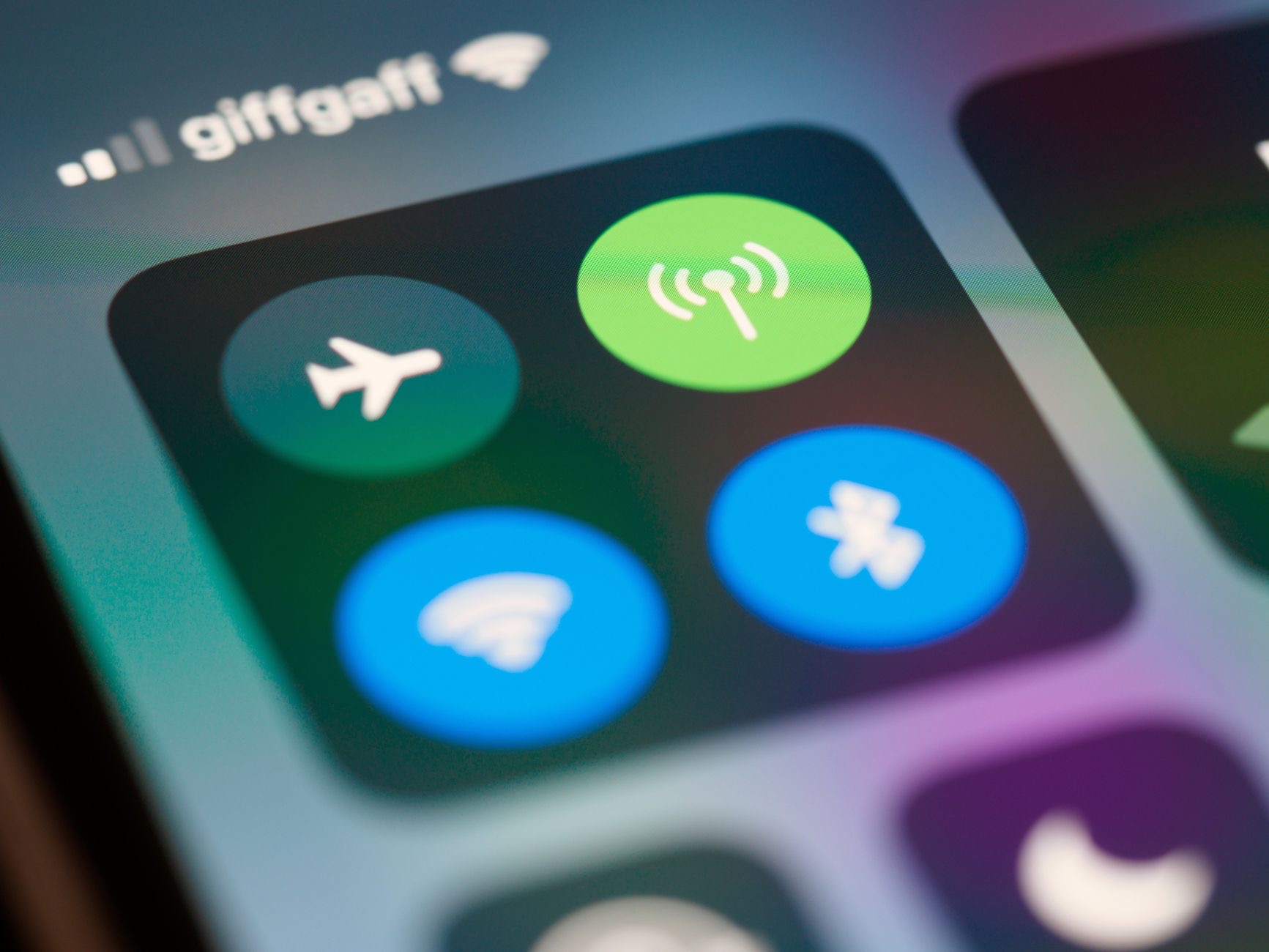
Airplane Mode is a setting that quickly turns off your iPhone's wireless connections, the features that let it communicate with mobile networks and other wireless signals. With one tap, it disconnects your phone from these, which is why it is used on flights where wireless transmissions may need to be off. But beyond flying, this quick way to switch off your connections has several handy everyday uses, making Airplane Mode a more versatile tool than its name suggests. In short, it is a fast on-off switch for your phone's wireless features.
What It Actually Does
When you turn on Airplane Mode, your iPhone disconnects from wireless networks and stops transmitting and receiving those signals. Your phone still works for things that do not need a connection, like using apps that work offline, viewing downloaded content, or taking photos, but it will not receive calls, messages, or internet over those connections while it is on. It is essentially a quick way to put your phone into a disconnected state, cutting off wireless communication until you turn it back off and reconnect.
Beyond Flying: Save Battery
One of the most useful everyday uses of Airplane Mode is saving battery. Searching for and maintaining wireless connections uses power, so when you are somewhere with poor signal, or you simply do not need to be connected for a while, turning on Airplane Mode can help your battery last longer. It is handy when your battery is low and you want to stretch it, since it stops your phone constantly working to stay connected. This makes Airplane Mode a quick, effective tool for conserving power when you need to.
Reduce Distractions and Focus
Airplane Mode is also a wonderful way to disconnect and focus. Turning it on stops calls, messages, and notifications from coming through, giving you uninterrupted time to concentrate, rest, or simply be present. It is a simple, decisive way to create a distraction-free bubble, whether you are working, sleeping, spending time with people, or just want a break from your phone's constant demands. For a quick escape from interruptions without turning your phone fully off, Airplane Mode is a handy and effective choice.
Fix Connection Glitches
Here is a genuinely useful trick: Airplane Mode can fix connection problems. If your phone is struggling with its wireless connection, turning Airplane Mode on for a moment and then off again forces your iPhone to reconnect fresh, which often clears up glitches. It is a quick, easy troubleshooting step that resolves many minor connection hiccups without needing a full restart. Whenever your connection seems stuck or flaky, toggling Airplane Mode is one of the first simple things to try, and it frequently gets things working again.
A Handy Everyday Tool
So while Airplane Mode is named for flights, it is a versatile everyday tool. Use it on planes when required, to save battery when you are low or have poor signal, to create focused, distraction-free time, and to quickly fix connection glitches. It is a fast, simple switch with several genuinely useful purposes. Knowing what it does and when to reach for it lets you get real value from a feature many people only ever associate with flying, making your iPhone more useful in a range of everyday situations.
| Use Airplane Mode to | Benefit |
|---|---|
| Comply on flights | Switch off wireless when required |
| Save battery | Stop your phone working to stay connected |
| Reduce distractions | Create focused, uninterrupted time |
| Fix connection glitches | Force a fresh reconnection |
Frequently Asked Questions
What is Airplane Mode?
It is a setting that quickly turns off your iPhone's wireless connections with one tap, disconnecting it from mobile networks and other wireless signals. It is named for flights where transmissions may need to be off, but it has several handy everyday uses beyond flying, making it a versatile tool.
What does Airplane Mode do?
It disconnects your iPhone from wireless networks and stops it transmitting and receiving those signals. Your phone still works for things that do not need a connection, like offline apps, downloaded content, or photos, but will not receive calls, messages, or internet over those connections while it is on.
Can Airplane Mode save battery?
Yes. Searching for and maintaining wireless connections uses power, so turning on Airplane Mode when you have poor signal or do not need to be connected can help your battery last longer. It is handy when your battery is low, since it stops your phone constantly working to stay connected.
Does Airplane Mode help with focus?
Yes. Turning it on stops calls, messages, and notifications, giving you uninterrupted time to concentrate, rest, or be present. It is a simple, decisive way to create a distraction-free bubble whether you are working, sleeping, or want a break, without turning your phone fully off.
Can Airplane Mode fix connection problems?
Often, yes. If your phone is struggling with its wireless connection, turning Airplane Mode on for a moment and then off forces your iPhone to reconnect fresh, which frequently clears up glitches. It is a quick troubleshooting step that resolves many minor connection hiccups without a full restart.
When should I use Airplane Mode?
On flights when required, to save battery when low or in poor signal, to create focused distraction-free time, and to quickly fix connection glitches by toggling it on and off. It is a fast, simple switch with several genuinely useful everyday purposes beyond just flying.
The Bottom Line
Airplane Mode is far more useful than its name suggests. It quickly switches off your iPhone's wireless connections, which is handy not just on flights but for saving battery when you are low or have poor signal, creating focused, distraction-free time, and fixing connection glitches by toggling it on and off. It is a fast, simple tool with several genuinely valuable everyday uses. Keep these in mind, and you will get real benefit from a feature many people underuse.
Leave a Reply