
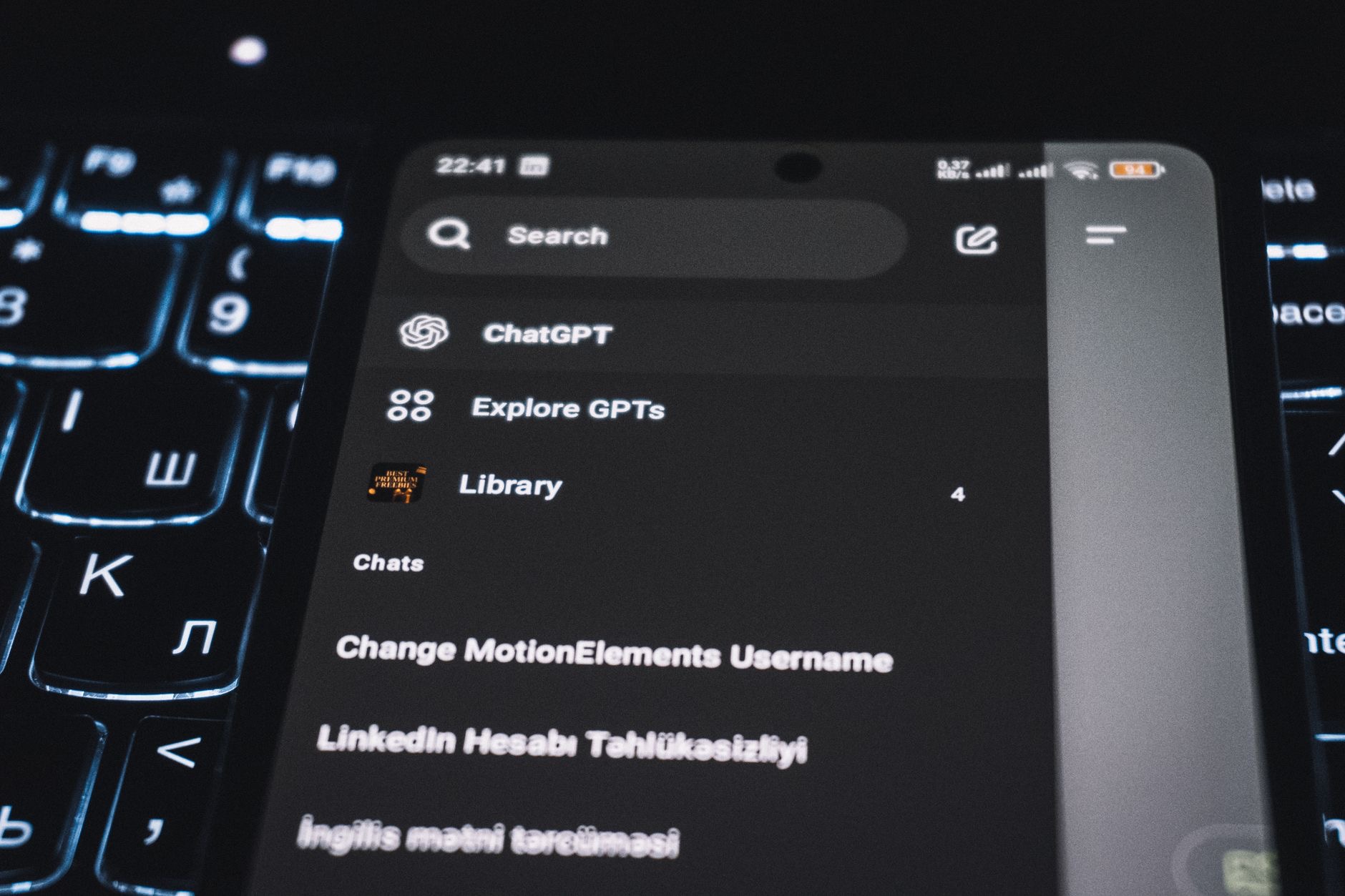
You have probably seen apps and phones with a dark, black background instead of the usual bright white, and maybe wondered what it is about. That is Dark Mode, a display option many people love and swear by. But what exactly is it, and is it worth switching to? Here is a simple explanation of what Dark Mode is, its benefits, and how to decide whether it is right for you.
The Short Answer
Dark Mode is a display option that changes your screen's look to use dark backgrounds with light text, instead of the traditional bright backgrounds with dark text. It gives your phone and apps a darker, easier-on-the-eyes appearance, especially in low light. Many people find it more comfortable, more attractive, or simply prefer the look. It is a personal choice, easily turned on or off, that changes how your screen appears without affecting how anything works. In short, it is a darker way to view your phone.
Why People Love Dark Mode
Dark Mode has become hugely popular for a few reasons. Many people find a dark screen more comfortable to look at, particularly in dim environments or at night, when a bright white screen can feel harsh. Others simply prefer the sleek, elegant look of dark backgrounds. Some feel it is easier on their eyes during evening use. Whatever the reason, Dark Mode has a devoted following, and once people try it, many stick with it. It is one of those preferences that can genuinely change how pleasant your phone feels to use.
Easier on the Eyes in Low Light
One of the biggest appeals of Dark Mode is comfort in low light. When you are using your phone in a dark room, in bed, or at night, a bright screen can feel glaring and uncomfortable, while a dark screen is gentler and less jarring. For evening and nighttime use, many people find Dark Mode noticeably more pleasant, reducing that harsh brightness in dim surroundings. If you often use your phone in low light, this comfort benefit alone can make Dark Mode well worth trying, and it may become your preferred way to view your screen at night.
A Sleek, Modern Look
Beyond comfort, many people simply love how Dark Mode looks. The dark backgrounds give your phone a sleek, elegant, modern appearance that a lot of people find more attractive than bright white screens. Apps and interfaces can look striking in Dark Mode, with content standing out against the dark background. For those who appreciate the aesthetic, this is a big part of the appeal. If you like the idea of a more understated, stylish look for your phone, Dark Mode delivers it, which is a genuine reason many people choose to use it.
How to Decide if It Is for You
The best way to know if Dark Mode suits you is simply to try it. Turn it on and use your phone for a while, especially in different lighting, to see how it feels. You might love the comfort in low light and the sleek look, or you might prefer the familiar bright screen, especially in bright daylight where light backgrounds can be easier to read. There is no right answer, it is entirely personal. You can even set your phone to switch automatically between light and dark at different times if you want the best of both.
Switch Anytime
The great thing about Dark Mode is that it is completely flexible. You can turn it on or off whenever you like, and you can set it to change automatically, for example switching to dark in the evening and back to light during the day. This means you are never locked into one look, you can enjoy Dark Mode when it suits you and light mode when it does not. Give it a proper try, see how it fits your eyes and your taste, and use whichever mode, or automatic combination, makes your phone most pleasant for you.
| Dark Mode benefit | What it offers |
|---|---|
| Low-light comfort | Gentler on the eyes at night |
| Sleek look | An elegant, modern appearance |
| Personal preference | A different, darker way to view your screen |
| Flexible | Switch anytime or set it automatically |
Frequently Asked Questions
What is Dark Mode?
Dark Mode is a display option that changes your screen to use dark backgrounds with light text instead of bright backgrounds with dark text. It gives your phone and apps a darker, easier-on-the-eyes look, especially in low light. It changes how your screen appears without affecting how anything works.
Why do people like Dark Mode?
Many find a dark screen more comfortable to look at, particularly in dim light or at night when a bright screen feels harsh. Others prefer the sleek, elegant look of dark backgrounds, and some feel it is easier on their eyes in the evening. It is a popular preference people often stick with.
Is Dark Mode better for your eyes?
Many people find it more comfortable in low light, since a bright screen can feel glaring in a dark room or at night, while a dark screen is gentler. For evening and nighttime use it is often noticeably more pleasant. Comfort is personal, so trying it in different lighting helps you decide.
Should I use Dark Mode?
It is entirely personal, so the best way to know is to try it. You might love the low-light comfort and sleek look, or prefer the familiar bright screen, especially in daylight. There is no right answer, and you can switch anytime or set it to change automatically to enjoy both.
Can I set Dark Mode to turn on automatically?
Yes. You can set your phone to switch automatically between light and dark at different times, for example dark in the evening and light during the day. This gives you the best of both without manually switching, enjoying Dark Mode when it suits you and light mode when it does not.
Does Dark Mode change how my phone works?
No. Dark Mode only changes how your screen appears, using dark backgrounds with light text, without affecting how your phone or apps function. It is purely a visual preference you can turn on or off anytime, so you can try it freely and switch back if you prefer the familiar look.
The Bottom Line
Dark Mode swaps bright backgrounds for dark ones with light text, giving your phone a sleek look that many find easier on the eyes, especially in low light and at night. Whether it suits you is entirely personal, so the best approach is to try it and see how it feels in different lighting. You can switch anytime or set it to change automatically. Give it a proper go, and use whichever mode makes your phone most comfortable and pleasant for you.
Leave a Reply