
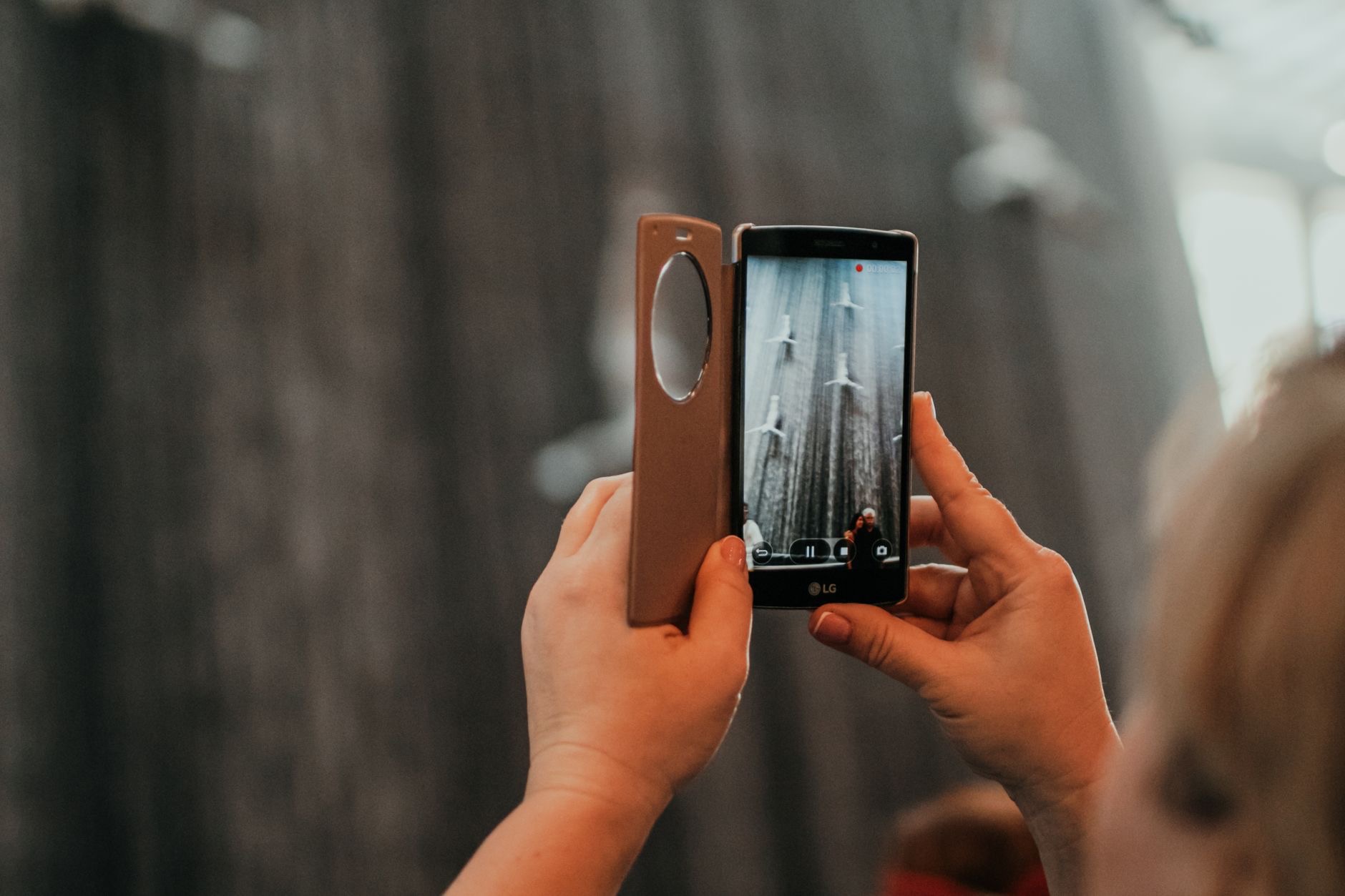
You take what you think is a lovely photo, then look closer and it is soft, fuzzy, or blurred. Blurry iPhone photos are a common frustration, but here is the good news: your iPhone camera is excellent, and blur almost always comes down to a few fixable causes. Once you know them, you can take consistently sharp, clear photos. Here is how to fix blurry iPhone photos and capture crisp shots every time.
Why Your Photos Come Out Blurry
Blurry photos usually come from one of a few things: a dirty lens, camera shake from moving as you shoot, the camera not focusing on the right spot, or difficult low-light conditions. The reassuring part is that all of these are within your control. Your iPhone is capable of beautifully sharp images, so blur is almost never the camera's fault, it is the conditions or technique. By understanding and addressing these common causes, you can dramatically improve your photos and stop the frustration of soft, fuzzy results.
Clean Your Lens First
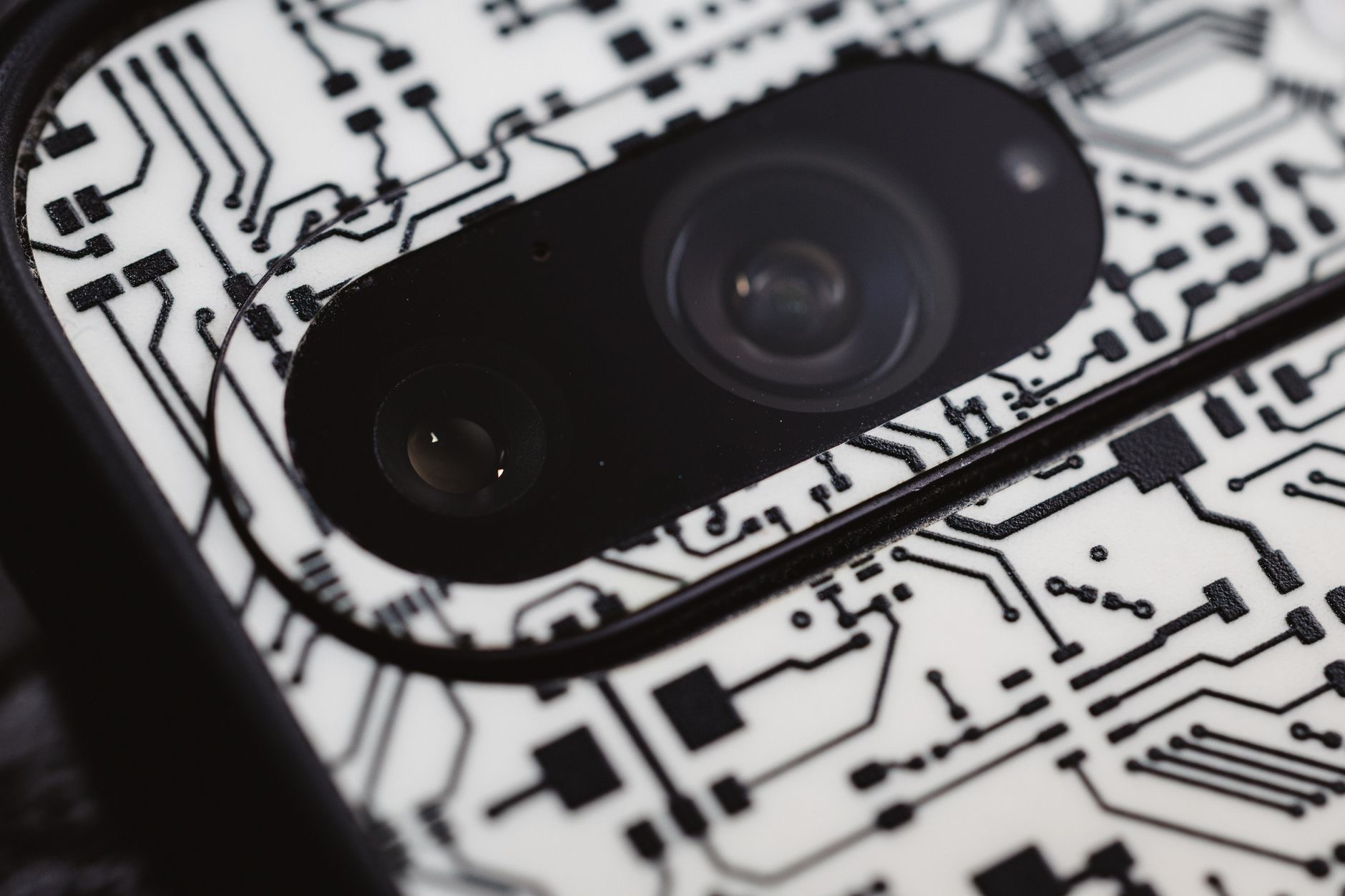
This is the fix people overlook most, and it is often the biggest culprit. Your iPhone lives in pockets and bags and gets handled constantly, so the camera lens picks up fingerprints, smudges, and grease that soften and blur every photo. Before blaming anything else, gently wipe the lens with a soft, clean cloth. You will be amazed how often a quick clean transforms hazy, soft photos into crisp ones. Making a habit of wiping your lens before important shots is the simplest and most effective way to keep your photos sharp.
Hold Steady and Tap to Focus
Camera shake is a major cause of blur, especially if you move as you press the shutter. Hold your iPhone steady with both hands, brace yourself if you can, and gently take the shot without jerking the phone. Just as important, tap on your screen where you want the camera to focus, on your subject, so it locks focus on the right spot rather than something in the background. Steadying your hands and telling the camera what to focus on together eliminate a huge amount of blur and instantly sharpen your results.
Get More Light
Low light is a common cause of blur, because the camera needs more time to capture a darker scene, and any movement during that time shows up as blur. Wherever possible, shoot in good light, move toward a window, turn on lights, or go outside. Better light lets your iPhone capture sharper, cleaner images more easily. If you often shoot in dim conditions and get blur, improving your lighting is one of the most effective changes you can make, giving the camera the light it needs to freeze the moment crisply.
Use a Tripod for Guaranteed Sharpness
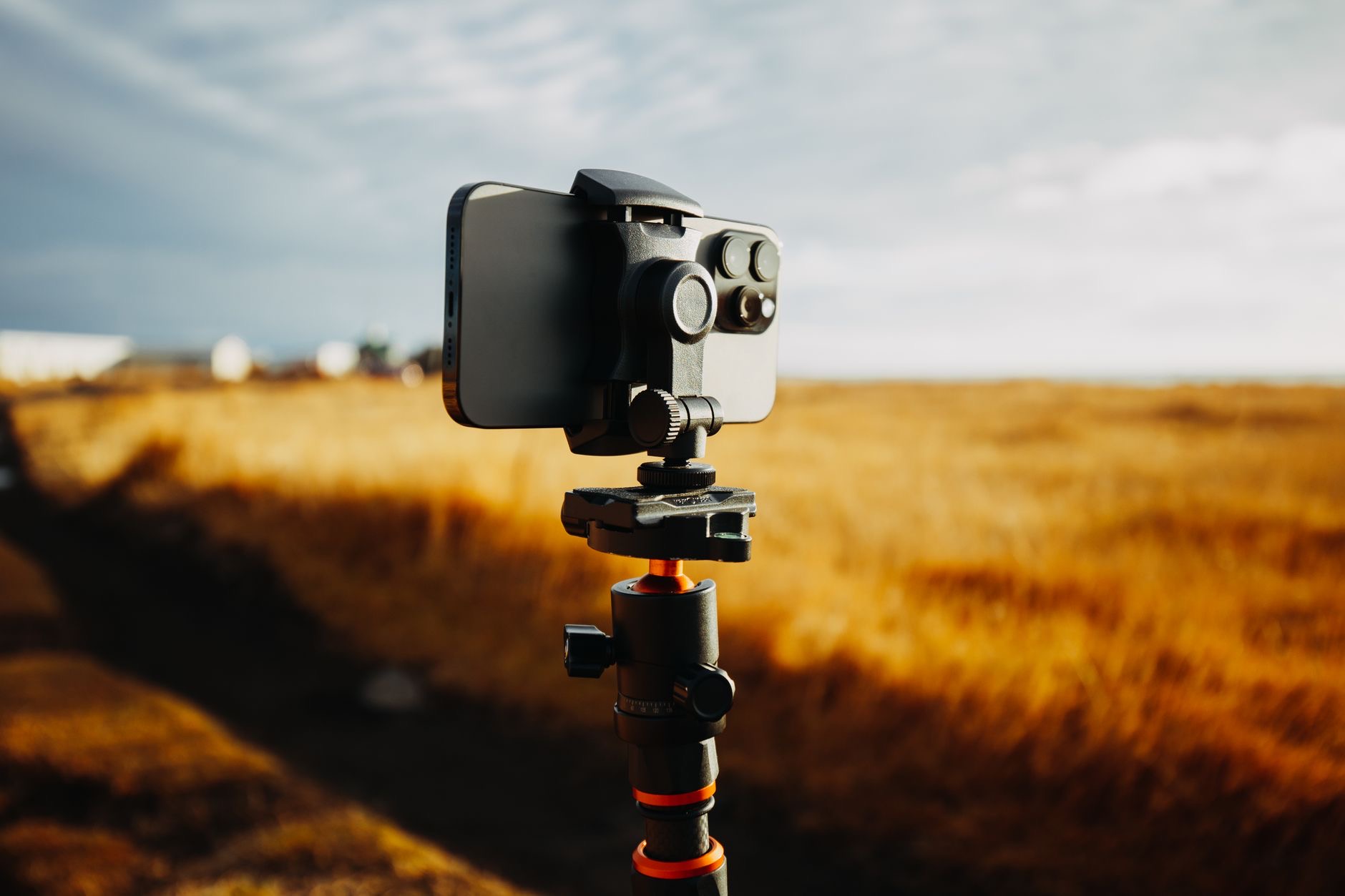
For truly sharp photos, especially in low light, at a distance, or for anything where steadiness matters, a tripod is a game-changer. By holding your iPhone perfectly still, it eliminates camera shake entirely, letting you capture crisp, clear images that are simply impossible when handholding in challenging conditions. A tripod is invaluable for low-light shots, long exposures, group photos, and any situation where you want guaranteed sharpness. If blur has been a persistent problem, or you want to take your photography seriously, a tripod is an affordable accessory that makes a dramatic difference.
★ Editor's Pick · Amazon
iPhone Tripod
Eliminate camera shake for consistently sharp, clear photos
Build Sharp-Photo Habits
Putting it together, sharp photos come from a few simple habits: wipe your lens, hold steady, tap to focus on your subject, shoot in good light, and use a tripod when steadiness really matters. None of these are difficult, and together they transform your results. Your iPhone has a superb camera, so with these habits you will capture the crisp, beautiful photos it is capable of. Next time you shoot something important, run through these quickly, and you will be delighted with how much sharper your photos turn out.
| Cause of blur | Fix |
|---|---|
| Dirty lens | Wipe it with a soft, clean cloth |
| Camera shake | Hold steady with both hands |
| Wrong focus | Tap your subject to focus on it |
| Low light | Add light or use a tripod |
Frequently Asked Questions
Why are my iPhone photos blurry?
Usually because of a dirty lens, camera shake from moving as you shoot, the camera focusing on the wrong spot, or low light. All of these are fixable. Your iPhone camera is excellent, so blur is almost never the camera's fault, but the conditions or technique, which you can control.
How do I take sharper photos with my iPhone?
Wipe your lens clean, hold your iPhone steady with both hands, tap your subject on screen to focus on it, and shoot in good light. For guaranteed sharpness in low light or at a distance, use a tripod. These simple habits together eliminate most blur and produce crisp, clear photos.
Does a dirty lens cause blurry photos?
Yes, and it is the most overlooked cause. Your iPhone picks up fingerprints, smudges, and grease from pockets and handling, which soften and blur every photo. Gently wiping the lens with a soft cloth before shooting often transforms hazy photos into crisp ones, making it the simplest effective fix.
How do I stop camera shake?
Hold your iPhone steady with both hands, brace yourself if you can, and take the shot gently without jerking the phone. For situations where steadiness really matters, like low light or long distances, a tripod eliminates shake entirely by holding the phone perfectly still for sharp results.
Why are my photos blurry in low light?
Because the camera needs more time to capture a darker scene, and any movement during that time appears as blur. Shooting in better light, near a window, with lights on, or outside, helps a lot, and a tripod keeps the phone perfectly still so low-light shots come out sharp.
Is a tripod worth it for iPhone photos?
Yes, especially if you want guaranteed sharpness. A tripod holds your iPhone perfectly still, eliminating camera shake, which is invaluable for low-light shots, long exposures, group photos, and any situation where steadiness matters. It is an affordable accessory that makes a dramatic difference to sharpness.
The Bottom Line
Blurry iPhone photos almost always come from fixable causes. Start by wiping your lens, the most overlooked culprit, then hold steady, tap your subject to focus, and shoot in good light. For guaranteed sharpness in tricky conditions, a tripod eliminates camera shake entirely. Your iPhone has a superb camera, so with these simple habits you will capture the crisp, clear photos it is capable of. Run through them before important shots, and blur will become a thing of the past.
Leave a Reply