
Here is a feature on your iPhone that you hope never to need but could one day be genuinely lifesaving: Medical ID. It stores your vital health information and emergency contacts so that first responders and helpers can access them quickly in an emergency, even from a locked phone. Setting it up takes just a few minutes, and it is one of the most worthwhile things you can do with your iPhone. Here is how.
Why Medical ID Matters
In an emergency, when you might be unable to speak for yourself, the people helping you need to know critical information fast: any medical conditions, allergies, medications, and who to contact. Medical ID puts exactly this information where it can be found quickly, potentially making a real difference to the care you receive and how fast your loved ones are reached. It is a simple feature with enormous value in a crisis. Taking a few minutes to set it up is a small act that could one day matter enormously for you or someone you love.
What Medical ID Stores
Medical ID holds the key health details that matter in an emergency: things like your medical conditions, allergies and reactions, medications you take, your blood type, and other important notes, along with your emergency contacts. The idea is to give a first responder or helper an immediate, clear picture of your essential health information and who to call. You choose what to include, so you can add whatever is most important for your situation. It is a concise, focused summary designed for exactly the moment when this information is needed most.
How to Set It Up
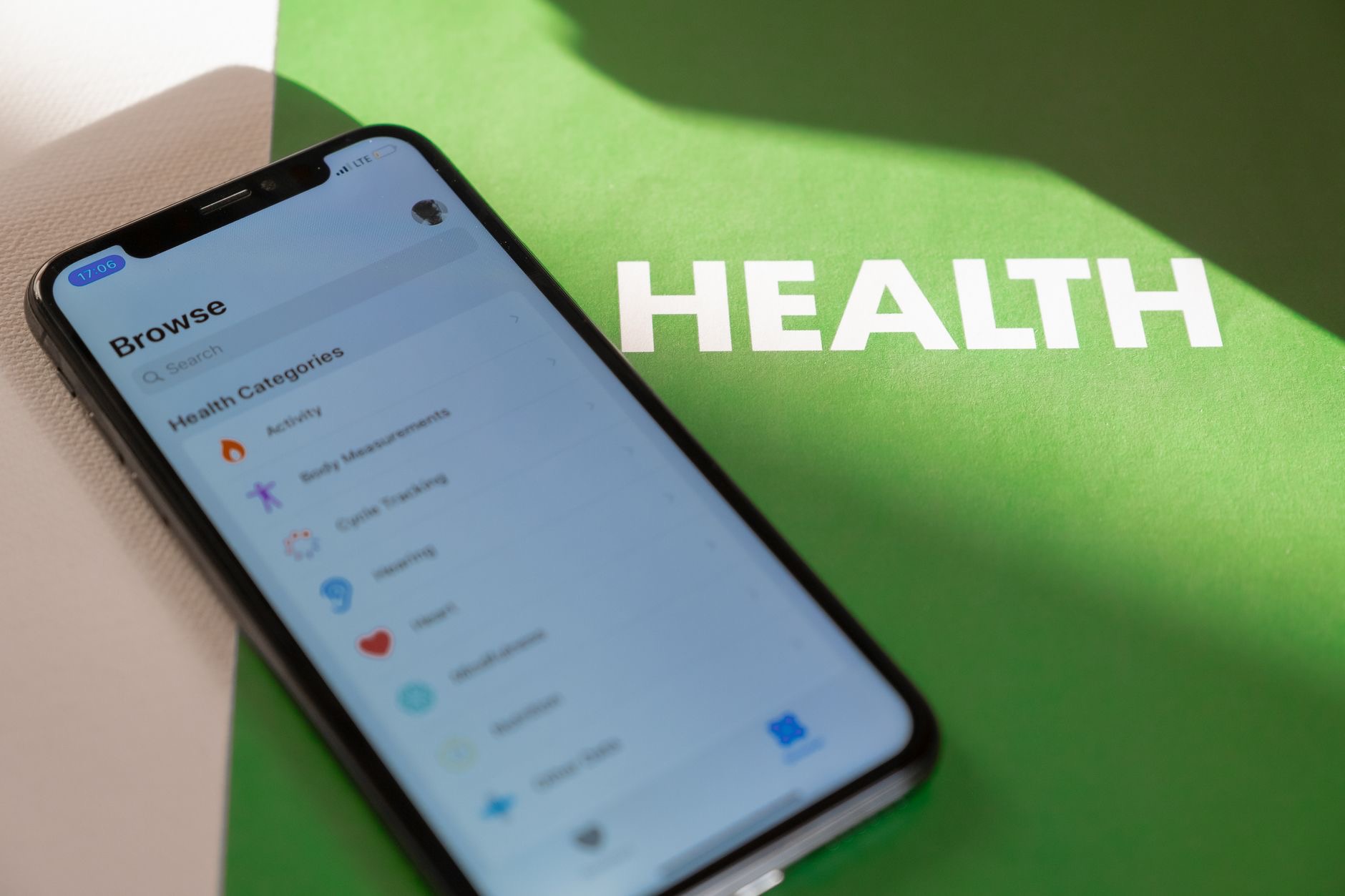
Setting up Medical ID is done through your iPhone's Health app, where you can create and edit your Medical ID. You simply fill in your health details and add your emergency contacts, entering as much or as little as you feel is important. The process is guided and straightforward, taking only a few minutes. Once complete, your Medical ID is saved and ready. It is well worth sitting down and doing this properly, thinking about what information would genuinely help someone caring for you in an emergency, and making sure it is accurate and up to date.
Make It Accessible From the Lock Screen
A crucial part of Medical ID is the option to make it accessible even when your iPhone is locked. This means a first responder or helper can view your emergency health information and contacts without needing your passcode, through the emergency options on the lock screen. Enabling this is essential, because in an emergency, your phone will likely be locked. Make sure this option is turned on when you set up your Medical ID, since it is what allows your vital information to actually be seen and used by those helping you when it counts.

Add Your Emergency Contacts
Alongside your health details, adding emergency contacts is one of the most valuable parts of Medical ID. These are the people who should be notified if something happens to you, and having them listed means helpers can reach your loved ones quickly. Choose people who would want to be contacted and could act in an emergency. Keeping these contacts current is important, so update them if your situation changes. Together with your health information, your emergency contacts turn your iPhone into a genuine safety tool that connects you to help and to the people who care about you.
Keep It Updated
Medical ID is only useful if it is accurate, so make a habit of reviewing and updating it when things change, new medications, updated conditions, or different emergency contacts. It takes just a moment to keep current, and doing so ensures the information is reliable when it matters. Consider encouraging the people you care about to set up their own Medical ID too, since it is valuable for everyone. This simple, free feature is one of the most genuinely important things your iPhone offers, so set it up, keep it current, and have peace of mind.
| Medical ID includes | Why it helps |
|---|---|
| Conditions and allergies | Guides emergency care safely |
| Medications and blood type | Gives responders vital details |
| Emergency contacts | Reaches your loved ones fast |
| Lock screen access | Viewable even without your passcode |
Frequently Asked Questions
What is Medical ID on iPhone?
Medical ID is a feature that stores your vital health information and emergency contacts so first responders and helpers can access them quickly in an emergency, even from a locked phone. It gives those caring for you an immediate picture of your key health details and who to contact.
How do I set up Medical ID?
Set it up through your iPhone's Health app, where you can create and edit your Medical ID. Fill in your health details, add your emergency contacts, and enable lock screen access. The guided process takes just a few minutes, and it is well worth doing properly and keeping accurate.
Can people see my Medical ID if my phone is locked?
Yes, if you enable the option to make it accessible from the lock screen. This lets a first responder or helper view your emergency health information and contacts without your passcode, through the emergency options. Since your phone will likely be locked in an emergency, enabling this is essential.
What information should I put in Medical ID?
Include the health details that matter in an emergency, such as your medical conditions, allergies and reactions, medications, blood type, and other important notes, plus your emergency contacts. You choose what to add, so include whatever would genuinely help someone caring for you in a crisis.
Why should I add emergency contacts?
Emergency contacts let helpers quickly notify your loved ones if something happens to you. Choose people who would want to be contacted and could act in an emergency, and keep them current. Together with your health information, they turn your iPhone into a genuine safety tool that connects you to help.
Is Medical ID worth setting up?
Absolutely. It takes only a few minutes and could be genuinely lifesaving, giving those helping you fast access to critical information when you may be unable to speak for yourself. It is one of the most worthwhile things you can do with your iPhone, and it is free, so set it up and keep it updated.
The Bottom Line
Medical ID is a simple, free iPhone feature that could one day be genuinely lifesaving. It stores your vital health information and emergency contacts where first responders can find them fast, even from a locked phone. Set it up through the Health app, enable lock screen access so it can actually be seen in an emergency, add your emergency contacts, and keep it all current. It takes just a few minutes, and it is one of the most worthwhile things you can do with your iPhone.
Leave a Reply