
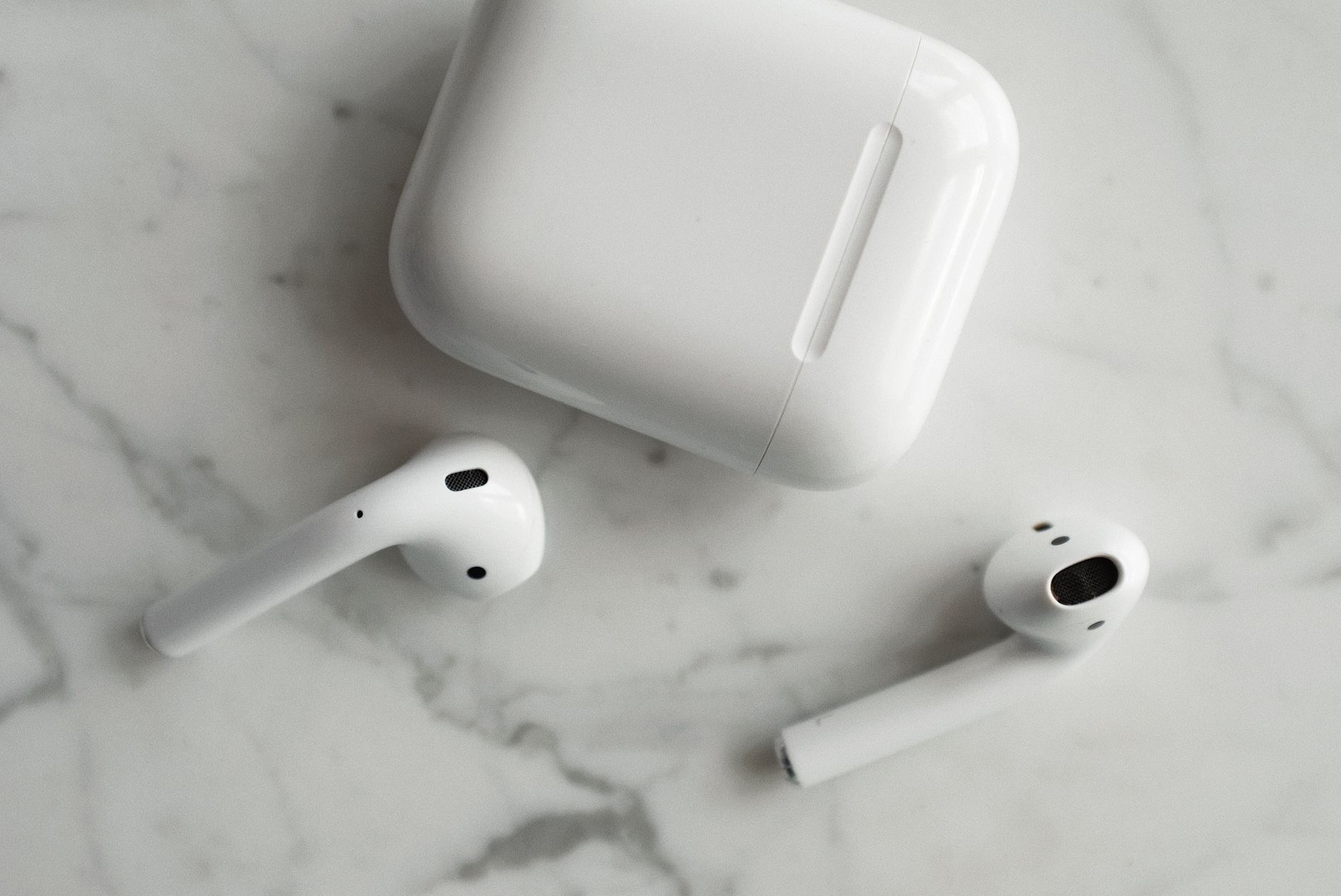
AirPods are wonderfully simple to use, which is exactly why so many people never discover the clever features hiding beneath that simplicity. Beyond popping them in and pressing play, there is a whole layer of handy tricks that can genuinely improve your listening. Here are the AirPods hidden features worth knowing, so you can get far more from the earbuds you already own.
1. Customize What the Controls Do
You can customize what happens when you press, hold, or interact with your AirPods, assigning different actions to each earbud. For example, you might set a press-and-hold to switch between noise cancellation modes, or adjust what controls your playback. Diving into the AirPods settings when they are connected lets you tailor the controls to how you actually listen, making them feel truly your own rather than one-size-fits-all.
2. Find Lost AirPods With Find My
If you have ever misplaced an AirPod down the sofa, the Find My feature can help. It can show the last known location of your AirPods and, for many models, play a sound to help you locate them nearby. This has saved countless people from a frantic search, and knowing it exists means a misplaced earbud is far less stressful. It is one of the most practically useful hidden features of all.
3. Share Audio With a Friend
You can share what you are listening to with a second pair of compatible Apple earbuds, letting two people enjoy the same movie or music from one device. It is perfect for a flight, a commute, or sharing a song with someone next to you, without anyone needing to unplug or turn up speakers. This audio sharing feature is a delightful trick that many people never realize is available.
4. Switch Between Devices Automatically
If you use several Apple devices signed in to the same account, your AirPods can switch between them fairly seamlessly. Start a video on your iPad and the audio can move to your AirPods, then take a call on your phone and they follow. Understanding this automatic switching, and how to control it, removes a lot of friction when you move between your phone, tablet, and computer throughout the day.
5. Use Noise Cancellation and Transparency Modes
On models that support them, you can switch between noise cancellation, which blocks out the world, and transparency mode, which lets outside sound in so you stay aware of your surroundings. Knowing how to toggle these and when to use each, cancellation for focus and travel, transparency for walking near traffic or holding a conversation, transforms how versatile your AirPods feel in different situations.
6. Check Your Battery at a Glance
You can quickly check the battery level of both your AirPods and their charging case, so you are never caught by surprise. There are simple ways to see this on your device, including a battery widget. Getting into the habit of glancing at the levels means you can top up the case before a long day, avoiding the frustration of earbuds dying mid-listen.

7. Automatic Ear Detection
Your AirPods can detect when they are in your ears, automatically pausing your audio when you take one out and resuming when you put it back. This thoughtful feature means you rarely need to reach for your device during natural interruptions. If it is not behaving as expected, it can be toggled in settings, but for most people leaving it on is part of what makes AirPods feel so effortless.
8. Rename Your AirPods
A small but fun touch: you can rename your AirPods to something personal, which also makes them easier to identify when connecting. It is a tiny customization, but it adds a little personality and can be genuinely helpful in a household with several pairs floating around. A quick trip into the settings is all it takes.
9-10. Announce Notifications and Optimize the Fit
Two more worth knowing. Your AirPods can read out incoming notifications and messages aloud, so you can stay informed hands-free while busy, which you can enable or disable to taste. And for models with silicone tips, getting the right tip size is crucial for both comfort and sound quality, and some models even offer a fit test to help. Taking a moment to dial in the fit dramatically improves your listening experience and the effectiveness of noise cancellation.
★ Editor's Pick · Amazon
AirPods Pro 2
Noise cancellation, transparency, and customizable controls
Frequently Asked Questions
Can I customize my AirPods controls?
Yes. In the AirPods settings when connected, you can customize what happens when you press or hold, assigning different actions to each earbud, such as switching noise modes or controlling playback. Tailoring the controls to how you listen makes them feel truly your own.
How do I find lost AirPods?
The Find My feature can show the last known location of your AirPods and, for many models, play a sound to help you locate them nearby. It has saved many people from a frantic search, making a misplaced earbud far less stressful once you know it exists.
Can two people listen to one device with AirPods?
Yes. Audio sharing lets you share what you are listening to with a second pair of compatible Apple earbuds, so two people can enjoy the same movie or music from one device. It is perfect for flights and commutes, and many people never realize it is available.
How do AirPods switch between devices?
If your Apple devices are signed in to the same account, your AirPods can switch between them fairly seamlessly, following your audio from an iPad video to a phone call, for example. Understanding this automatic switching removes friction when moving between your devices throughout the day.
How do I check AirPods battery?
You can quickly check the battery level of both your AirPods and their charging case using simple methods on your device, including a battery widget. Glancing at the levels helps you top up the case before a long day and avoid earbuds dying mid-listen.
Why does getting the right ear tip matter?
For models with silicone tips, the right tip size is crucial for comfort, sound quality, and the effectiveness of noise cancellation. A poor fit undermines all three. Some models offer a fit test, and taking a moment to dial in the fit dramatically improves your listening experience.
The Bottom Line
AirPods are far more capable than their simplicity suggests, and these hidden features are the ones genuinely worth using. Customize your controls, learn Find My, try audio sharing, master the listening modes, and dial in your fit, and you will get noticeably more from earbuds you may have thought you already knew. Spend a few minutes exploring the settings, and your everyday listening will feel more powerful and personal.
Leave a Reply