
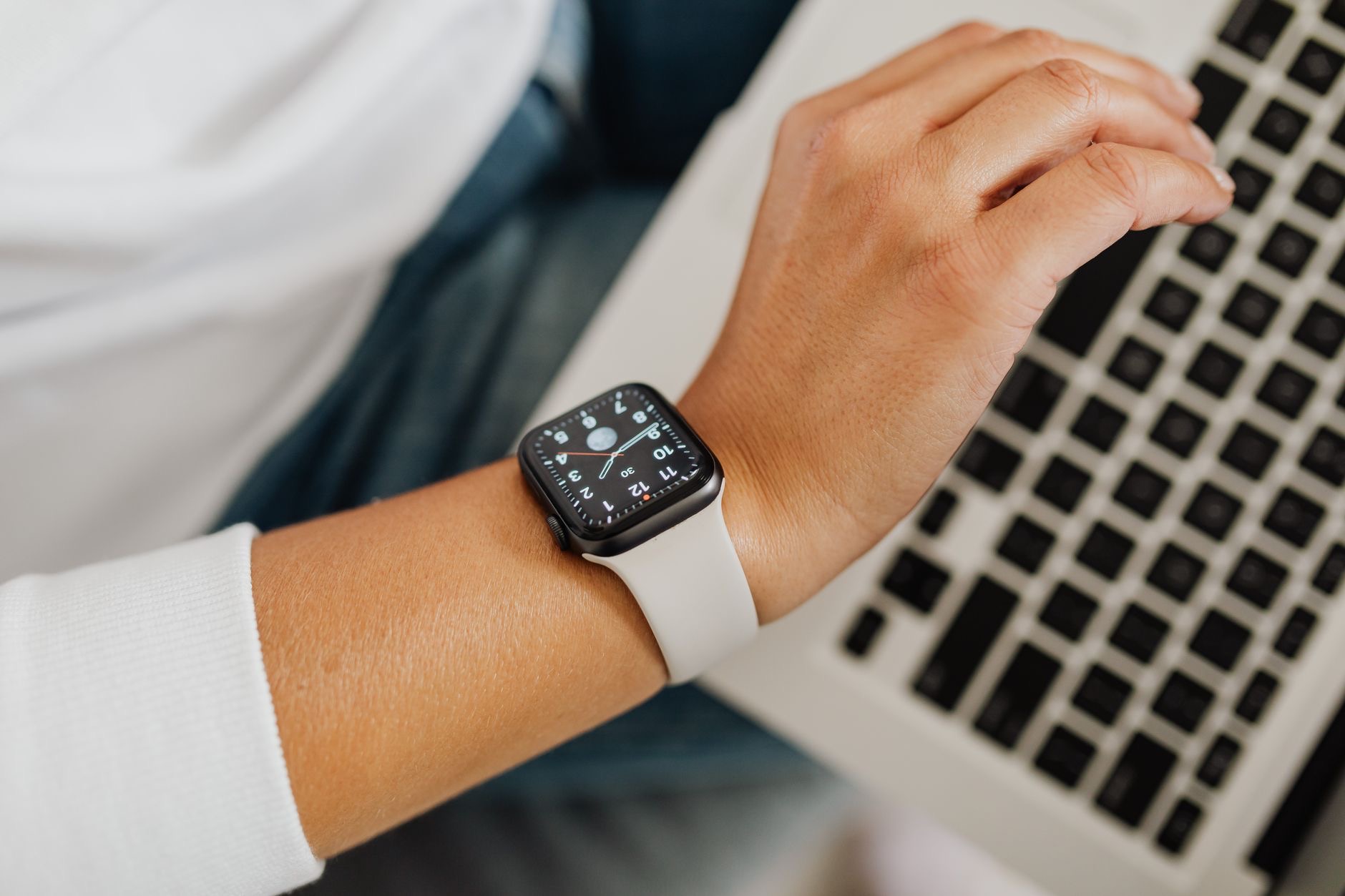
The Apple Watch does so much more than tell time and count steps, yet most people only scratch the surface of what it can do. Tucked into its interface are genuinely useful features that can make daily life easier, safer, and more convenient. Here are the Apple Watch hidden features worth discovering, so you can get far more from the small computer on your wrist.
1. Use It as a Flashlight
Your Apple Watch has a built-in flashlight that is surprisingly handy. It can light your way in the dark, help you find a keyhole at night, or even offer a gentle glow. There is also a mode that flashes, which can help make you more visible if you are out walking or running in the dark. It is one of those simple features you forget exists until the moment you really need a bit of light.
2. Find Your iPhone
If you constantly misplace your phone around the house, your Apple Watch can help you find it by playing a sound on your iPhone so you can follow the noise. It is one of the most-used practical features once people discover it, ending the daily hunt for a phone lost in the sofa cushions or another room. A quick tap on your wrist and your phone chirps to reveal itself.
3. Silence Your Watch by Covering It
If your watch chimes at an awkward moment, you can quickly silence it by simply covering the screen with your palm. It is a discreet, instant way to mute an alert without fumbling for buttons, perfect in meetings or quiet moments. This small gesture feels almost magical the first time, and it quickly becomes second nature.
4. Quick Controls With a Tap or Swipe
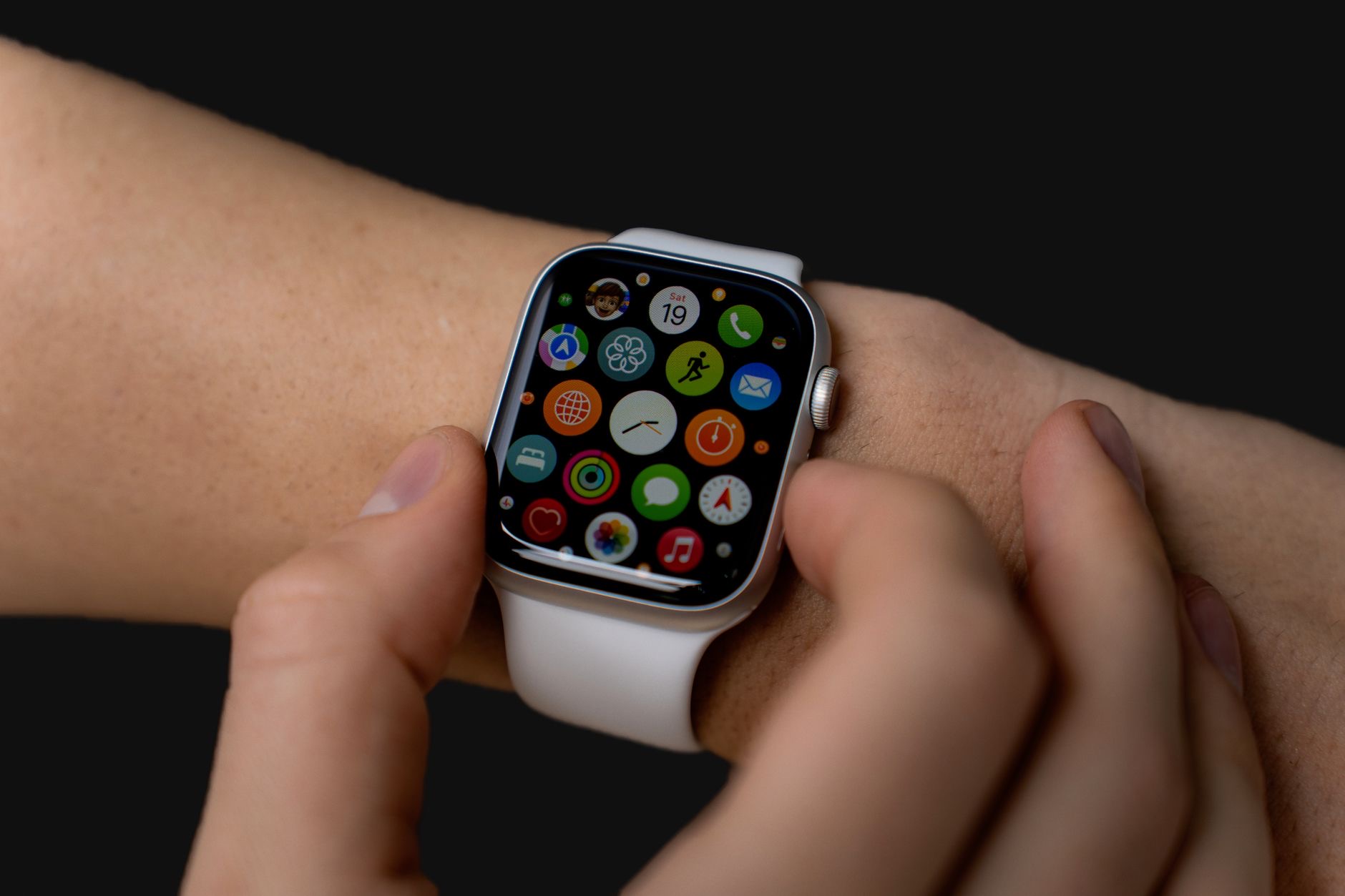
Your Apple Watch has quick-access controls, similar to the Control Center on your iPhone, giving you fast toggles for things like silent mode, a battery check, and more. Learning to reach these quickly puts a lot of handy functions at your fingertips without digging through apps. Customizing what appears there means your most-used controls are always a swipe away.
5. Use Walkie-Talkie
A fun and genuinely useful feature is Walkie-Talkie, which lets you have quick, push-to-talk voice conversations with another Apple Watch user. It is great for a fast exchange with a family member or friend without making a full phone call. Many people never try it, but for quick check-ins it can be delightfully convenient, turning your wrist into an instant intercom.
6. Set Up Your Favorite Complications
Watch faces can display small pieces of information called complications, such as the weather, your activity, a timer, or your next event. Choosing the complications that matter most to you turns your watch face into a personal dashboard, showing the information you care about at a glance. Taking a few minutes to set these up makes your watch dramatically more useful every time you raise your wrist.

7. Track Sleep and Health
Your Apple Watch can track a range of health and wellness information, from your activity to your sleep, giving you insight into your habits over time. Wearing it consistently reveals patterns you might otherwise miss and can gently encourage healthier routines. Exploring the health features beyond basic step counting unlocks one of the watch's most valuable roles as a companion for your wellbeing.
8. Unlock and Pay From Your Wrist
Your watch can make contactless payments and, in various situations, unlock things conveniently, all from your wrist. Paying for a coffee with a tap of your watch, without reaching for your phone or wallet, is one of those small conveniences that feels genuinely futuristic once you get used to it. Setting up wrist-based payment is well worth the few minutes it takes.
9-12. Safety and Everyday Extras
Several more features deserve a mention. Emergency and fall-related safety features can call for help and alert your contacts in a serious situation, which is genuinely reassuring. You can control music and audio playing on other devices right from your wrist. A built-in timer, stopwatch, and alarms are always a tap away. And you can even use your watch as a remote viewfinder and shutter for your iPhone camera, perfect for group photos. Exploring these turns your watch into a remarkably versatile everyday tool.
★ Editor's Pick · Amazon
Apple Watch Series 10
The everyday smartwatch that does far more than tell time
Frequently Asked Questions
Can the Apple Watch find my iPhone?
Yes. Your Apple Watch can play a sound on your iPhone so you can follow the noise and locate it, ending the daily hunt for a phone lost in the couch or another room. It is one of the most-used practical features once people discover it.
Does the Apple Watch have a flashlight?
Yes. The built-in flashlight can light your way in the dark, help you find a keyhole, or offer a gentle glow, and it has a flashing mode that can make you more visible when walking or running at night. It is handy the moment you need a bit of light.
How do I quickly silence my Apple Watch?
Cover the screen with your palm to instantly and discreetly silence a chime, without fumbling for buttons. It is perfect in meetings or quiet moments and quickly becomes second nature, feeling almost magical the first time you use it.
What are complications on the Apple Watch?
Complications are small pieces of information displayed on your watch face, such as the weather, your activity, a timer, or your next event. Choosing the ones that matter to you turns your watch face into a personal dashboard, showing what you care about at a glance.
What is Walkie-Talkie on Apple Watch?
Walkie-Talkie lets you have quick push-to-talk voice conversations with another Apple Watch user, great for fast exchanges with family or friends without a full phone call. Many people never try it, but for quick check-ins it is delightfully convenient.
Can I pay with my Apple Watch?
Yes. Your watch can make contactless payments from your wrist, so you can pay for things with a tap without reaching for your phone or wallet. It feels genuinely futuristic once you get used to it and is well worth the few minutes it takes to set up.
The Bottom Line
The Apple Watch is a remarkably capable device hiding behind a simple face, and these hidden features are the ones worth adopting. Use it to find your phone, light your way, silence alerts with a gesture, pay from your wrist, and keep an eye on your health, and it becomes far more than a step counter. Spend a little time exploring, set up your complications and controls, and the watch on your wrist will earn its place many times over.
Leave a Reply