
The buyer is on their way, and your entire digital life is still on that phone. Photos, messages, banking apps, saved passwords, the lot. Selling an iPhone is easy. Selling it safely takes about twenty minutes and a checklist, and skipping a step can cost you your data or the sale itself. Here is exactly what to do before your iPhone changes hands.
First: Back Up Everything
Before you touch anything else, make a full backup. Your photos, messages, and settings need to exist somewhere that is not the phone you are about to hand to a stranger. An iCloud backup does the job, and if your library is large, this is also the moment to pull an extra copy of irreplaceable photos onto a drive or computer. Once the phone is wiped, there is no going back. Back up first, then proceed with a clear conscience.
Sign Out of Your Apple Account
This is the step people forget, and it is the one that breaks sales. Signing out of your Apple Account turns off Find My and releases Activation Lock, the anti-theft protection that ties the phone to you. Skip it, and the buyer gets a phone they cannot set up, followed shortly by an angry message. Sign out properly in settings before erasing, and the phone becomes genuinely transferable. No step on this list matters more.
Erase It Properly
Do not delete apps one by one or just log out of things. Use the built-in option to erase all content and settings, which wipes the phone completely and securely, returning it to the fresh-out-of-the-box state a buyer expects. This single action removes your accounts, data, and traces in one pass, the way the phone was designed to be handed over. Anything less thorough leaves fragments of your life on someone else's device.
The Physical Details
Three small things finish the job. Pull your SIM card if the phone uses a physical one, because your number should not travel with the sale. Unpair your Apple Watch if you have one, which happens naturally when you erase but is worth confirming. And give the phone a proper clean, because a spotless device photographs better, sells faster, and often earns a better price. Buyers pay for the phone they can see.
Boost the Price While You Are At It
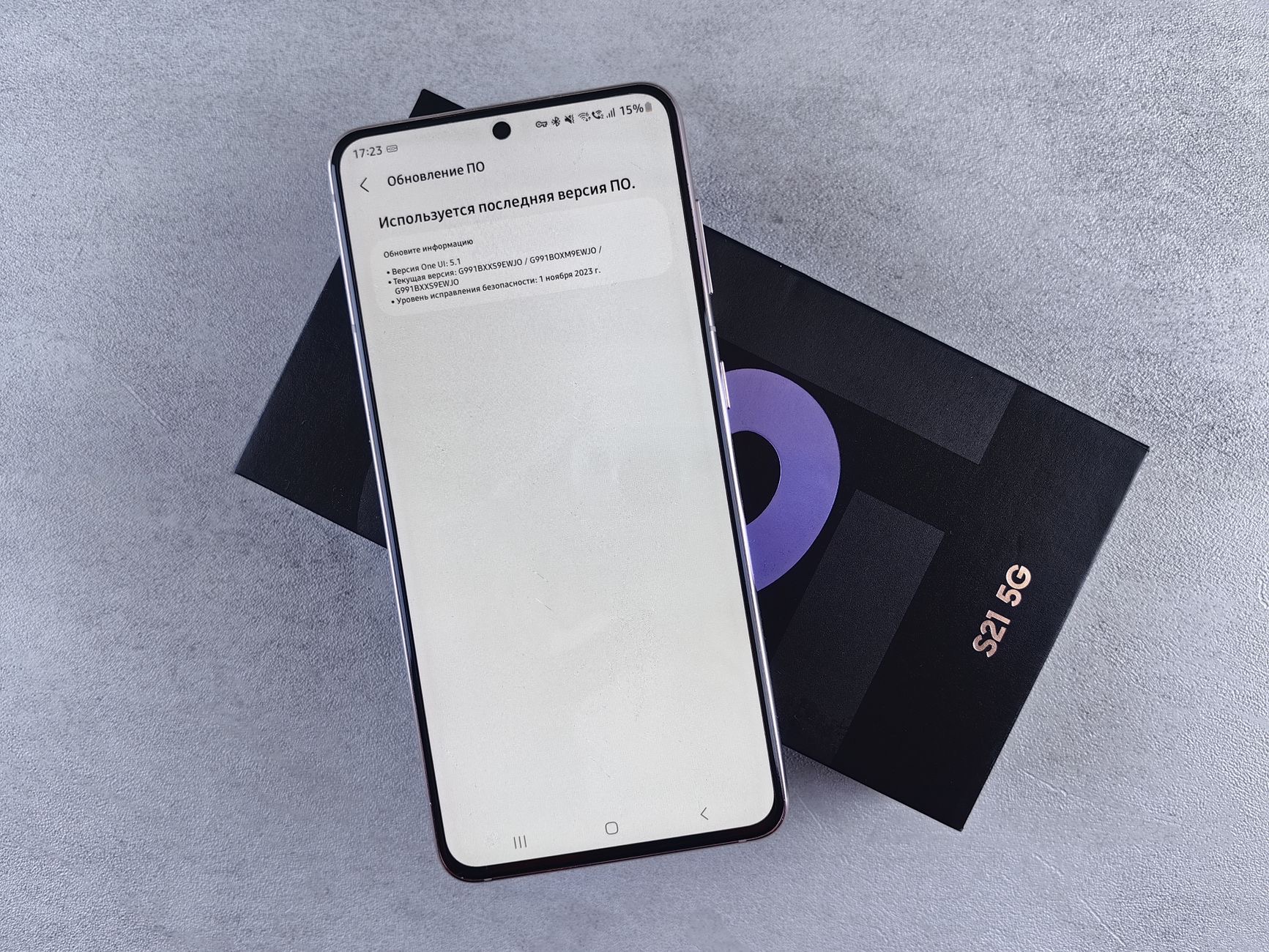
A few minutes of presentation add real money. Find the original box if you kept it. Photograph the phone in good light, front and back, with the screen on. Mention the battery condition honestly, and note if it lived its whole life in a case with a screen protector, because a protected phone is worth more and buyers know it. This is the quiet payoff of protecting a phone from day one: the money comes back at selling time.
Setting Up What Comes Next
If the sale funds an upgrade, set the new phone up before the old one leaves, so the transfer happens device to device while both are in your hands. And spend a slice of the proceeds protecting the new phone from day one, a case and screen protector cost little now and, as you just learned at selling time, pay you back later. The cycle works if you start it early.
★ Editor's Pick · Amazon
iPhone 16
If the sale funds the upgrade, transfer before you hand over
Models: iPhone 16 · iPhone 16 Pro
★ Editor's Pick · Amazon
Case & Screen Protector for the New Phone
Day-one protection is what earns resale value later
Options: Rugged Case · Screen Protector
| Step | Why it matters |
|---|---|
| Back up | Your data survives the wipe |
| Sign out of Apple Account | Releases Activation Lock for the buyer |
| Erase all content and settings | One pass, everything gone securely |
| SIM, Watch, clean | Finishes the handover properly |
Frequently Asked Questions
What should I do before selling my iPhone?
Six things, in order: back up everything, sign out of your Apple Account to release Activation Lock, erase all content and settings, remove your physical SIM if you have one, confirm your Watch is unpaired, and clean the phone for photos. Twenty minutes, done safely.
Why does signing out of my Apple Account matter so much?
Because it releases Activation Lock, the anti-theft protection tying the phone to you. A phone still locked to your account cannot be set up by the buyer, which breaks the sale and starts an argument. Sign out in settings before you erase, every time.
Is erasing all content and settings enough?
Yes, that is what it is designed for. It securely wipes your accounts, data, and settings in one pass and returns the phone to its out-of-the-box state. Deleting apps by hand or logging out of things individually is slower and leaves traces behind.
Does a case history raise resale value?
It does. A phone that lived in a case with a screen protector arrives scratch-free and photographs like new, and buyers pay for the phone they can see. Mentioning the protection honestly in the listing is one of the easiest ways to earn a better price.
Should I back up to iCloud or a computer?
Either works, and doing both is safest for irreplaceable photos. iCloud is convenient and automatic, while an extra copy on a drive or computer means one lost password or account issue can never take your memories with it. Back up before anything else on the list.
When should I set up my new iPhone?
Before the old one leaves your hands, if you can. Device-to-device transfer during setup is the smoothest way to move your life across, and it only works while you still have both phones. Sell the old one the day after the new one is running.
The Bottom Line
Selling an iPhone safely is a twenty-minute job with a fixed order: back up, sign out of your Apple Account, erase all content and settings, pull the SIM, confirm the Watch is unpaired, and clean it until it photographs like new. The sign-out step is the one that breaks sales when skipped, so never skip it. Transfer to your new phone before the old one leaves, protect the new one from day one, and the resale value you just enjoyed will be waiting for you at the next upgrade too.
Leave a Reply