
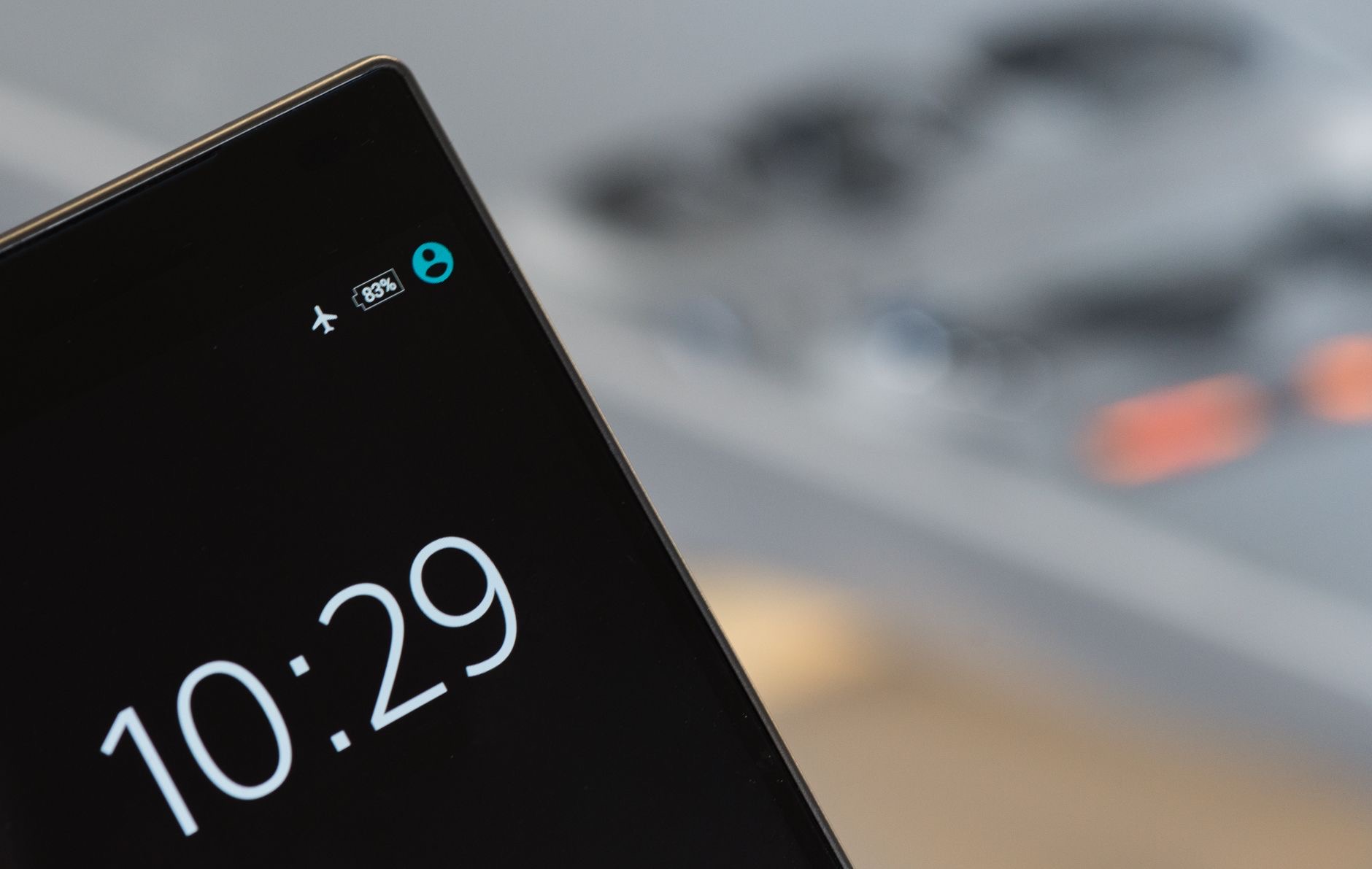
Your iPhone has a secret second life: turn it sideways while it charges, and it stops being a phone and becomes a nightstand clock, a photo frame, a glanceable dashboard. The feature is called StandBy, it arrived quietly on recent iPhones, and most people discover it by accident, if at all. Here is what StandBy mode is, how to summon it on purpose, and the one accessory that turns it from a trick into a fixture.
The Short Answer
StandBy is a full-screen display mode that activates when a recent iPhone is charging and placed on its side, horizontal, at rest. Instead of a lock screen, you get big glanceable faces: clocks, your photos rotating as a frame, widgets like weather and calendar, chosen by swiping. It is designed for across-the-room legibility, a bedside clock at night, a kitchen dashboard while you cook, a desk companion during the day. Same phone, new job, zero cost.
How to Trigger It On Purpose
The recipe has three ingredients: charging, sideways, still. Put the phone on power, wireless or wired, turn it landscape, and rest it against something stable, and StandBy takes over the screen. Swipe horizontally to change the view, clock to photos to widgets, and vertically to change styles within a view. If nothing happens, confirm the feature is enabled in settings and that the phone is truly at rest, propped, not lying flat. Flat on a table does not count; StandBy wants to be seen.
Why the Charger Decides Everything
Here is the practical truth about StandBy: it lives or dies by how the phone stands. Balancing the phone sideways against a lamp is a one-night novelty. A MagSafe charger holds the phone at exactly the right angle, snapped in place, charging, perfectly stable, which turns StandBy into an automatic nightly ritual: phone clicks on, clock appears, morning arrives. The feature was practically designed around a magnetic stand, and using one is the difference between knowing about StandBy and actually living with it.
★ Editor's Pick · Amazon
MagSafe Charger
Snap sideways, and the nightstand clock appears
The Nightstand Setup, Done Right
At night, StandBy earns its keep: a dim, glanceable clock that respects the dark, no more lighting up the whole room to check the time. Pair it with a sleep Focus so notifications hold their fire until morning, and the bedside phone becomes a calm object instead of a glowing slot machine. One tasteful note: the display adapts to darkness, going easy on your eyes at 3am. It is the rare phone feature that makes the bedroom quieter rather than louder.
Beyond the Bedroom
The same trick works wherever the phone charges on its side. In the kitchen, StandBy shows timers and the clock while your hands are covered in flour. On a desk, it becomes a calendar-and-weather sidecar next to your Mac, quietly useful all day. Anywhere a small always-on display would help, your charging iPhone can be that display. People end up wanting a magnetic charging spot in two or three rooms once the habit forms, which says everything about how sticky the feature is.
Photos, Widgets, and Making It Yours
The customization is half the charm. The photo view turns your library into a rotating frame, faces from your camera roll surfacing while the phone charges, which makes the nightstand oddly delightful. The widget view pairs two panels you choose, weather beside calendar, reminders beside battery. Spend five minutes swiping through options and setting up the views you want, and StandBy stops being a demo and becomes your default charging state: useful, personal, and always on when the phone rests.
| The ingredient | The rule |
|---|---|
| Charging | Wired or wireless, power is required |
| Sideways and still | Landscape, propped, at rest |
| The right charger | A magnetic stand makes it automatic |
| Customization | Swipe between clock, photos, widgets |
Frequently Asked Questions
What is StandBy mode on iPhone?
A full-screen display mode on recent iPhones that activates when the phone is charging, horizontal, and at rest: instead of a lock screen you get glanceable clocks, rotating photos, and widget panels designed to be read from across the room, turning a charging phone into a nightstand clock or kitchen dashboard.
How do I turn on StandBy?
Three ingredients: put the phone on power, turn it sideways, and rest it propped and still. Swipe horizontally to switch between clock, photos, and widgets, and vertically for styles. If nothing appears, check the feature is enabled in settings and that the phone is propped rather than lying flat.
Do I need a MagSafe charger for StandBy?
It is not required, any charging counts, but a magnetic charger holds the phone at the perfect angle, stable and snapped in place, which turns StandBy into an automatic nightly habit instead of a balancing act. In practice, the magnetic stand is what makes the feature stick.
Is StandBy good as a bedside clock?
It is the feature's best role: a dim, glanceable clock that adapts to darkness and goes easy on your eyes at night. Paired with a sleep Focus holding notifications until morning, the bedside phone becomes a calm clock instead of a glowing distraction.
What can StandBy show besides the time?
A rotating photo frame from your library, and widget pairs you choose, weather with calendar, reminders with battery, timers in the kitchen. Five minutes of swiping through views and styles makes it personal, and the charging phone becomes a small always-on display wherever it rests.
Does StandBy drain the battery?
StandBy only runs while the phone is charging, so it is spending wall power, not your day's charge. That is the elegance of the design: the display works exactly when energy is free, and the phone returns to normal the moment you pick it up.
The Bottom Line
StandBy gives your iPhone a second job it performs beautifully: sideways on a charger, it becomes a nightstand clock, a photo frame, a glanceable dashboard, readable from across the room and dim-mannered in the dark. The recipe is charging plus sideways plus still, and a MagSafe charger is what turns the trick into a nightly ritual. Five minutes of customization, one magnetic stand, and the phone you already own picks up a permanent evening shift.
Leave a Reply