
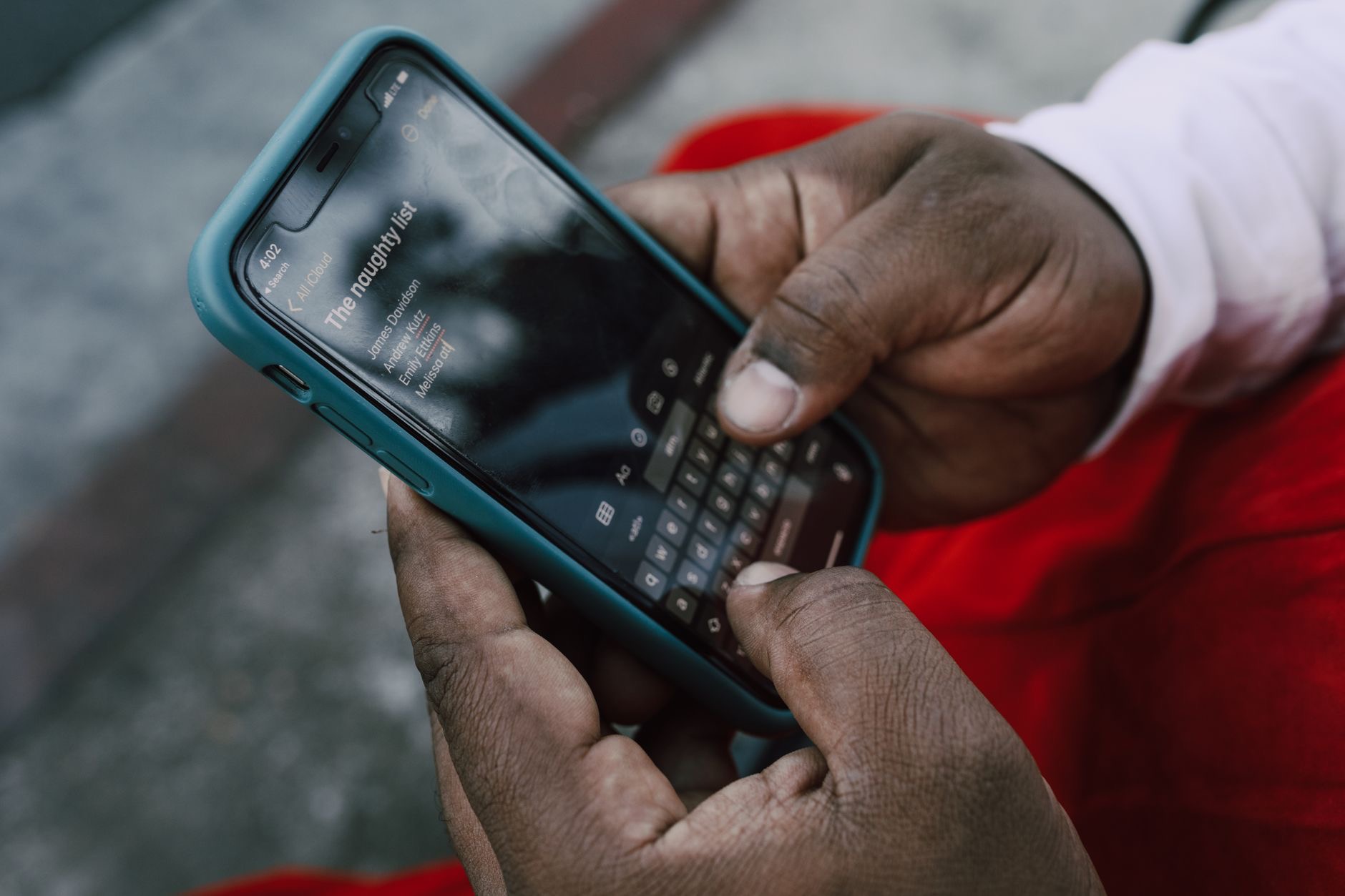
You are one tap from blocking someone, and two questions are holding your thumb: what exactly stops, and what do they see? Blocking on iPhone is quieter and more complete than most people expect, and also more limited in a few ways worth knowing before you tap. Here is the whole picture, your side, their side, and the fine print.
Your Side: The Silence Is Total
Once blocked, their calls do not ring your phone, ever, they divert without a sound, and your phone does not so much as blink. Their texts stop arriving entirely: no notification, no message sitting unread, nothing to resist reading. FaceTime attempts fail to reach you. The blocked list is a genuine wall for calls and messages, and the immediate effect on your daily life is simple: that person's ability to interrupt your day ends the moment you confirm.
Their Side: No Announcement, Just Fog
Here is the part people ask about at dinner: the blocked person receives no notification, no badge of shame, no blocked banner. What they experience is fog. Calls go through the motions and land in voicemail without you ever ringing. Messages leave their phone looking sent but never show the delivered confirmation that normally follows for iMessage. FaceTime rings into eternity. None of it announces blocked; all of it, over time, fails to feel normal. Whether they diagnose the fog is up to them.
The Fine Print: Voicemail
One nuance worth knowing so it never surprises you: blocked callers can still leave voicemail. Their messages land in a separated area of your voicemail, out of your main list, unannounced, but they exist if you ever choose to look. Think of it as mail redirected to a basement box rather than mail refused: your notifications stay silent, your main voicemail stays clean, and the basement exists for the rare day curiosity or necessity sends you downstairs.
What Blocking Does Not Do
Honesty about the limits. Blocking is per-channel, not per-human: a determined person can reach you from a different number, an unknown email address, or inside third-party apps, which have their own separate block buttons worth pressing. It also does not erase history, old conversations remain until you delete them, and it does not notify you of their attempts, silence means silence, not surveillance. For genuine harassment, blocking is one layer; the others are app-level blocks, carrier options, and where it matters, documentation and proper help.
How to Block, and Where the List Lives
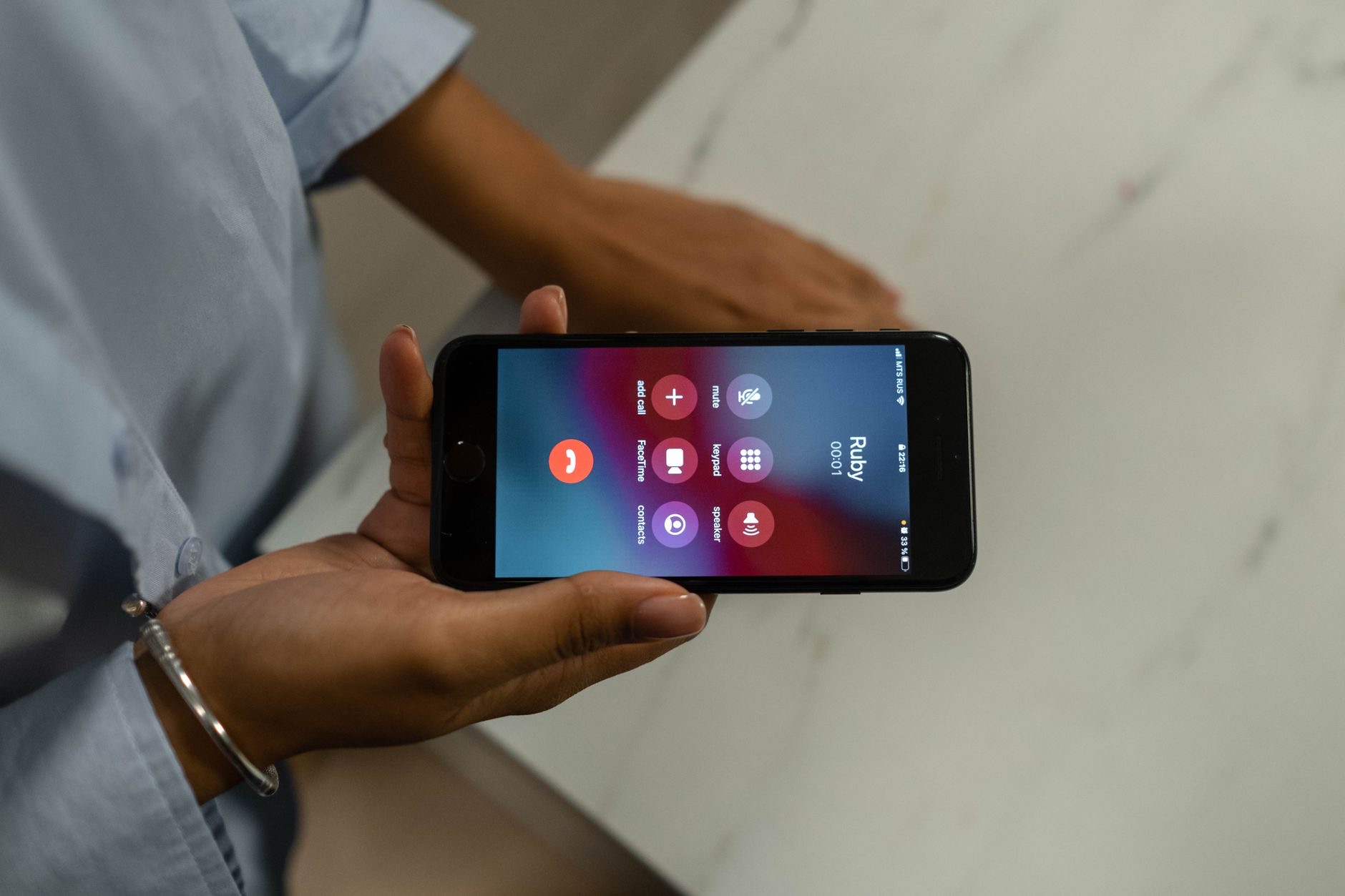
The tap itself is everywhere the person is: open their contact card, or the recent call, or the message thread, and choose to block the caller. Every route feeds the same master list, which lives in settings and is fully editable, visit it to review who is on the wall or to unblock with one tap. Unblocking is undramatic: contact resumes as if nothing happened, no notification in either direction, history unchanged. The wall goes up quietly, and it comes down the same way.
The Softer Alternatives Worth Knowing
Blocking is the loudest quiet option, but the iPhone has gentler dials for gentler problems. Silencing a specific conversation mutes its notifications while messages still arrive, right for the group chat that will not stop, wrong for a person who should not reach you. Focus modes silence by time and context. Silencing unknown callers filters the stranger flood. Blocking is for this person should not reach me; the dials are for not right now. Choosing the right tool keeps relationships and boundaries both intact.
| The channel | What happens when blocked |
|---|---|
| Calls | Never ring you, divert silently |
| Their voicemails | Land in a separated basement box |
| Messages | Never arrive, sender sees no delivered |
| FaceTime | Rings forever on their side |
Frequently Asked Questions
What happens when you block someone on iPhone?
Their calls stop ringing your phone and divert silently, their texts stop arriving with no notification to you, and FaceTime attempts fail. On their side there is no announcement: calls land in voicemail without ringing you, and iMessages look sent but never show delivered. The silence is immediate and total on your end.
Does the blocked person know they are blocked?
They receive no notification, ever. What they get is accumulating fog: straight-to-voicemail calls, messages that never show delivered, FaceTime that rings out. Nothing announces the block; everything gradually fails to feel normal. Whether they interpret the pattern is entirely on their side.
Can a blocked person still leave voicemail?
Yes, and it is the one nuance worth knowing in advance: their voicemails land in a separated section of your voicemail, silent and out of your main list, but existing. Your notifications stay quiet and your main list stays clean, with the basement box there if you ever choose to check it.
Does blocking work if they use another number?
No, blocking is per-channel: a different number, an unknown email, or a third-party app is a new door, each needing its own block. For persistent harassment, layer the defenses, app-level blocks, carrier tools, silencing unknown callers, and where it matters, documentation and proper help.
How do I see and edit my blocked list?
Every block you make from contact cards, calls, or message threads feeds one master list in settings, where you can review the wall and unblock with a tap. Unblocking is silent in both directions: contact simply resumes, no notifications, and old conversation history stays wherever you left it.
Should I block or just mute someone?
Block when the person should not be able to reach you at all. Mute the conversation when the messages are fine but the notifications are not, the endless group chat. Focus modes and unknown-caller silencing handle the by-time and by-stranger cases. Matching the tool to the problem keeps boundaries clean.
The Bottom Line
Blocking on iPhone gives you total, immediate silence, no rings, no texts, no notifications, while the other side gets no announcement, just calls that skip to voicemail and messages that never say delivered. Know the two footnotes: their voicemails exist in a separated box, and blocking is per-channel, so other numbers and apps need their own walls. For lighter problems, mute and Focus are the gentler dials. For this person should not reach me, the block does exactly what it promises, quietly.
Leave a Reply