
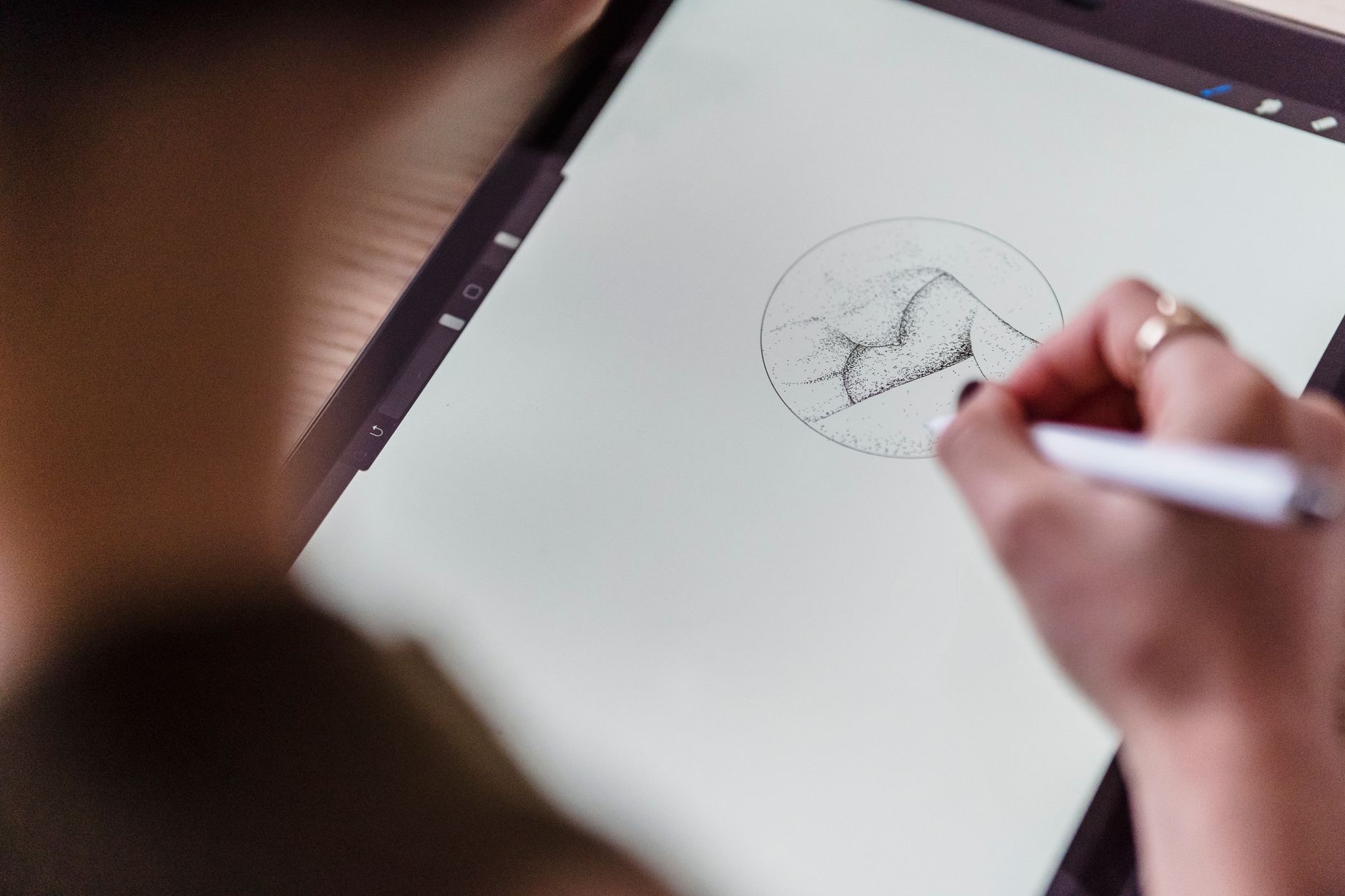
The Apple Pencil turns your iPad into a notebook, a sketchpad, and a precise tool, but it is a separate purchase that adds to the cost, so is it actually worth it for you? For some people it is transformative, while others buy it and rarely use it. The answer depends entirely on how you plan to use your iPad. Let us take an honest look at whether the Apple Pencil is worth the money.
The Short Answer
The Apple Pencil is absolutely worth it if you draw, sketch, take handwritten notes, or annotate documents, since it unlocks these in a way nothing else can, with precision and a natural feel. If you mainly browse, watch, read, and tap around apps, you may find you rarely reach for it, and your money is better spent elsewhere. It comes down to whether you will genuinely use it for writing or creating. For the right person it is fantastic, but it is not essential for everyone.
Who the Apple Pencil Is Perfect For
The Apple Pencil is a must-have for artists, note-takers, and students. If you draw or sketch, it offers the precision and responsiveness that make digital art feel natural, effectively turning your iPad into a professional sketchpad. If you take handwritten notes, it makes your iPad a powerful notebook, great for studying, meetings, and organizing your thoughts. And for annotating documents, marking up PDFs, or signing things, it is wonderfully practical. For anyone whose work or hobbies involve drawing or writing by hand, the Apple Pencil is genuinely transformative and well worth the cost.
★ Editor's Pick · Amazon
Apple Pencil
Precise drawing and note-taking for your iPad
Options: Apple Pencil Pro · Apple Pencil (USB-C)
Who Can Skip It
If you mainly use your iPad for browsing, watching video, reading, messaging, and general apps, you may find the Apple Pencil sits unused. These tasks are all done comfortably with your fingers, and the Pencil does not add much to them. Buying it in the hope you will start drawing or note-taking often leads to it gathering dust, so be honest with yourself. If you do not currently draw or write by hand and have no real plans to, that money is likely better spent on other accessories, like a keyboard, or saved entirely.
What It Actually Feels Like
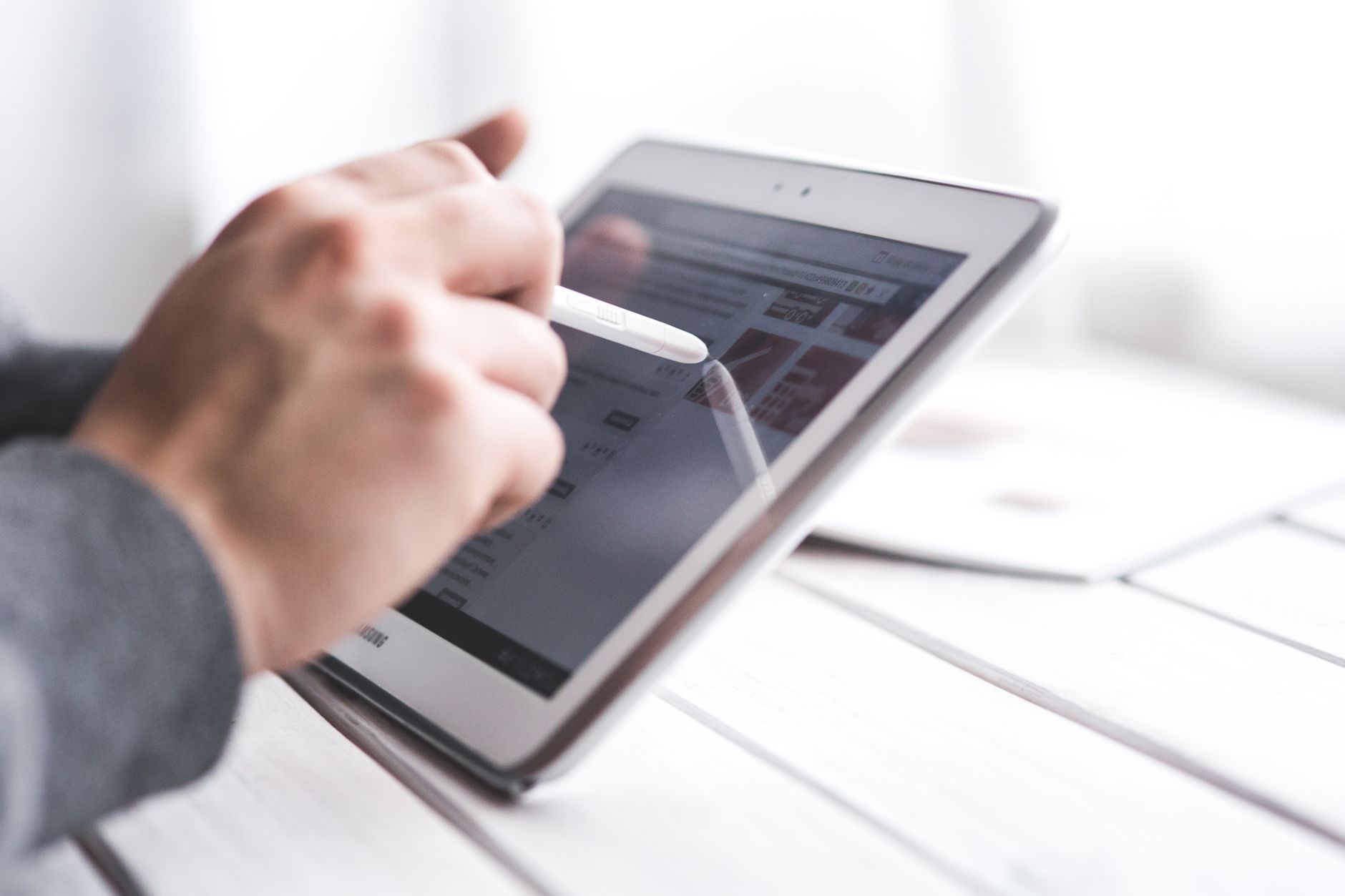
Where the Apple Pencil earns its reputation is the experience. It is precise, responsive, and feels natural on the screen, closely mimicking writing or drawing on paper. This makes it a joy for creative work and genuinely useful for notes, since your handwriting flows and your sketches respond to how you move. It is this natural, accurate feel that separates it from just poking at the screen with your finger. For tasks that need precision, marking a specific spot, writing neatly, drawing a fine line, the Pencil makes the iPad dramatically more capable.
Matching the Pencil to Your iPad
One practical point: different iPads work with different Apple Pencil options, so you need the right one for your specific iPad. Before buying, check which Pencil is compatible with your model so you get one that works. This is an easy step that avoids disappointment, since not every Pencil pairs with every iPad. Once you have the correct match, setup is simple and you are ready to draw and write. Taking a moment to confirm compatibility ensures you buy the Pencil that actually works with the iPad you own.
Is It Worth the Money?
The honest answer depends on you. If you will use it for drawing, note-taking, or annotating, the Apple Pencil is worth every penny, adding a whole dimension of capability to your iPad. If you will mostly browse and watch, it is a nice idea that may go unused, and your money is better spent on a keyboard or saved. Picture your real habits: do you sketch, write by hand, or mark up documents? If yes, buy it with confidence. If not, you can happily skip it and still love your iPad.
| The Apple Pencil is worth it if you... | Skip it if you... |
|---|---|
| Draw or sketch | Mainly browse and watch video |
| Take handwritten notes | Do not write by hand |
| Annotate documents or PDFs | Only tap around apps |
| Study or attend meetings | Would rather have a keyboard |
Frequently Asked Questions
Is the Apple Pencil worth it?
Yes, if you draw, sketch, take handwritten notes, or annotate documents, since it unlocks these with precision and a natural feel. If you mainly browse, watch, and read, you may rarely use it, and your money is better spent elsewhere. It depends on whether you will genuinely use it for writing or creating.
Who should buy the Apple Pencil?
Artists, note-takers, and students benefit most. It turns your iPad into a precise sketchpad for drawing, a powerful notebook for handwritten notes, and a practical tool for annotating documents. For anyone whose work or hobbies involve drawing or writing by hand, it is genuinely transformative.
Do I need an Apple Pencil for my iPad?
Not necessarily. Browsing, watching, reading, and general apps are all comfortable with your fingers, so if that is mostly how you use your iPad, you may not need one. It becomes valuable specifically for drawing, handwritten notes, and precise annotation rather than everyday tapping.
Does any Apple Pencil work with any iPad?
No. Different iPads work with different Apple Pencil options, so you need the right one for your specific model. Before buying, check which Pencil is compatible with your iPad so you get one that works and pairs correctly. It is an easy step that avoids disappointment.
What does the Apple Pencil feel like to use?
Precise, responsive, and natural, closely mimicking writing or drawing on paper. Your handwriting flows and your sketches respond to how you move, which makes creative work a joy and notes genuinely useful. This natural, accurate feel is what separates it from poking the screen with a finger.
Should I buy a Pencil or a keyboard for my iPad?
It depends on your needs. Choose the Pencil if you draw, sketch, or take handwritten notes, and a keyboard if you type a lot for productivity. Some people want both. If you neither draw nor write by hand, a keyboard is often the more useful accessory for getting work done.
The Bottom Line
The Apple Pencil is worth it for anyone who draws, takes handwritten notes, or annotates documents, adding a whole dimension of capability to the iPad with its precise, natural feel. If you mainly browse and watch, it may sit unused, and your money is better spent on a keyboard or saved. Be honest about your habits, check which Pencil fits your iPad, and if you will genuinely use it for creating or writing, buy it with confidence. For the right person, it transforms the iPad.
Leave a Reply