
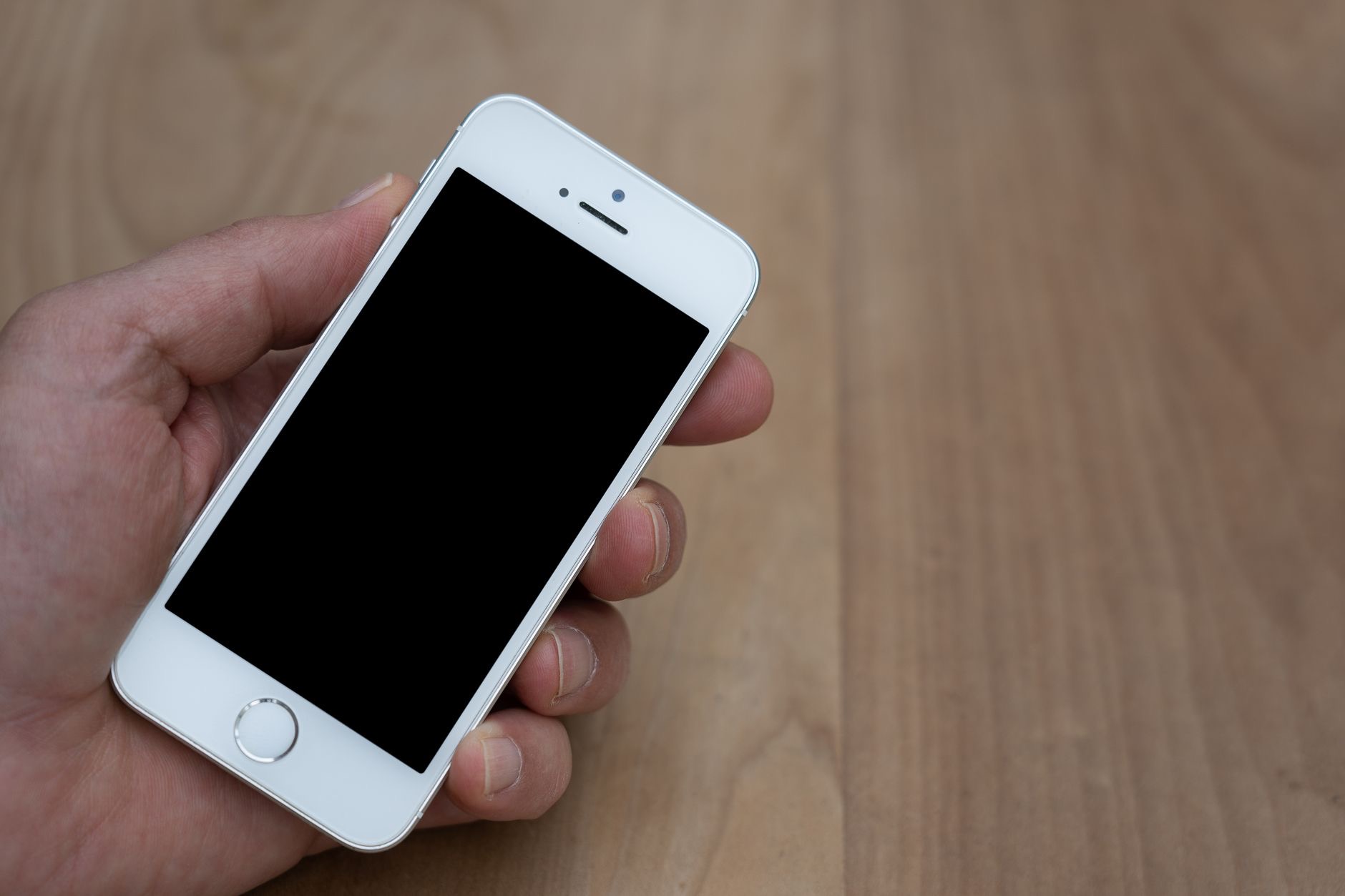
An iPhone that keeps restarting itself, sometimes over and over, is alarming and disruptive. Just when you need it, it reboots, interrupting whatever you were doing. The reassuring news is that random restarts almost always have a fixable cause, and you can usually solve it yourself without a trip to a store. Here are the real reasons an iPhone keeps restarting and the step-by-step fixes to make it stable and reliable again.
Why an iPhone Restarts on Its Own
Random restarts usually come from a software hiccup, a misbehaving app, low storage, or occasionally a hardware issue. The most common causes are software-related and very fixable, which is why working through a few simple steps resolves the problem for most people. It is rarely a sign that your phone is ruined. Instead, think of restarts as a symptom to troubleshoot methodically. By trying the fixes below in order, from easiest to more thorough, you will usually find and solve the cause and restore a stable phone.
Start With a Manual Restart
It sounds counterintuitive for a phone that keeps restarting, but deliberately turning it off and on can help. A clean, manual restart clears temporary glitches that might be causing the random reboots, giving the system a fresh start. Turn your iPhone fully off, wait a moment, then turn it back on. This simple step resolves a surprising number of odd behaviors and is always the right first thing to try. If the restarts continue afterward, move on to the next steps, but often a proper restart settles things down.
Update Your Software
Outdated software is a common cause of instability, including random restarts. Software updates include fixes for bugs that can cause exactly this kind of problem, so making sure your iPhone is on the latest version is one of the most effective solutions. Check for and install any available update. This addresses known issues and often stops restarts caused by software bugs, while also keeping your phone secure. If your iPhone has been rebooting and you have not updated in a while, this step alone may well solve it.
Free Up Storage and Check Apps
Very low storage can cause instability, so freeing up space by removing apps and files you do not need can help a struggling iPhone settle down. A particular app can also be the culprit if it misbehaves. If restarts seem to happen while using or after installing a specific app, try updating that app, or removing and reinstalling it. Keeping your apps updated generally helps too. Clearing storage and dealing with a problematic app resolves many restart issues, since both give your iPhone the room and stability it needs.
Consider Battery and Charging
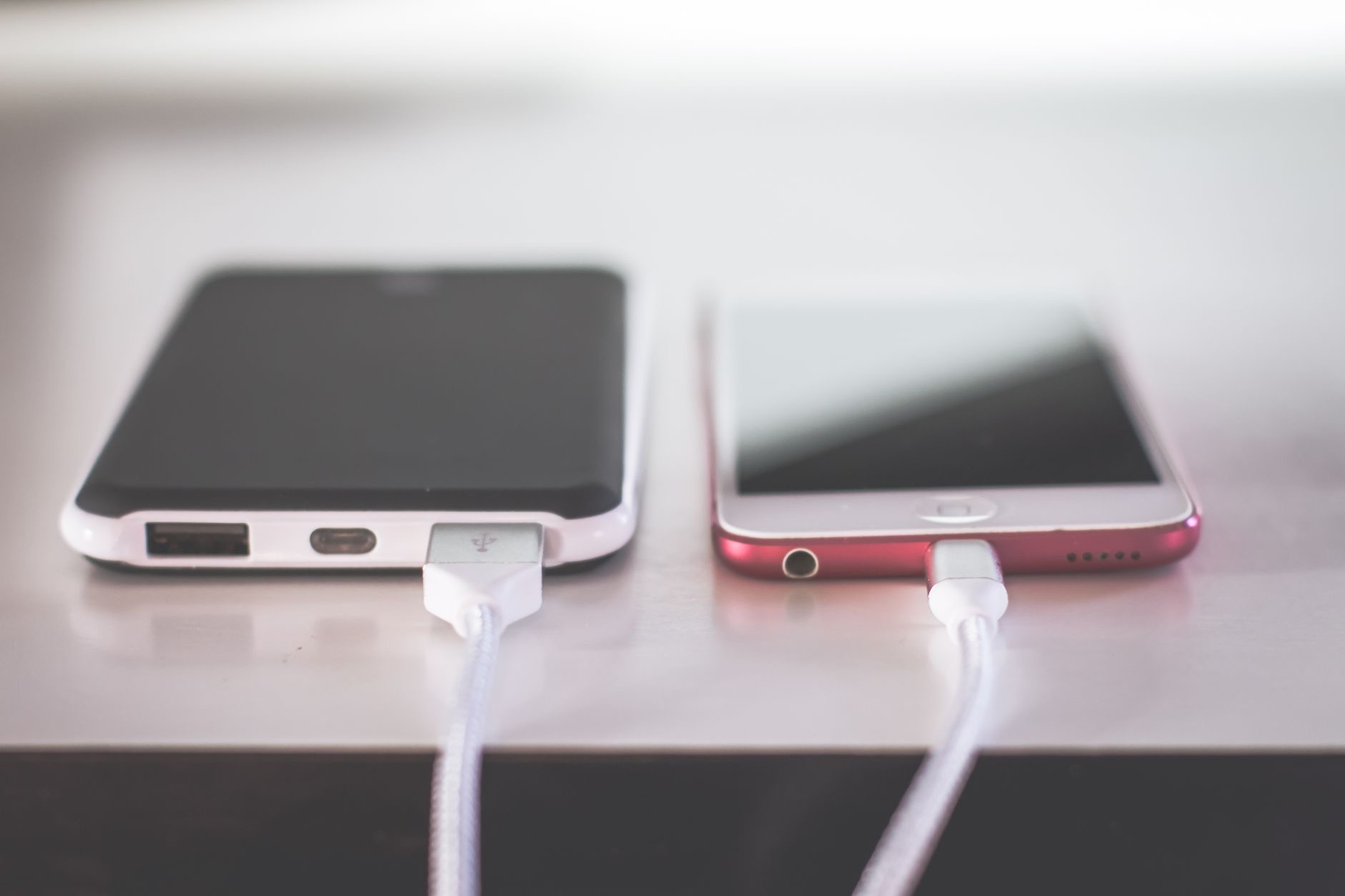
Sometimes battery or charging issues can contribute to unexpected restarts, particularly on older iPhones. A worn battery may struggle to deliver steady power, and a faulty cable or charger can cause odd behavior while plugged in. Try a different, good-quality cable and adapter, and check your battery health in settings. If your iPhone is older and the battery is significantly degraded, a battery replacement can restore stable operation and give the phone a genuine second life. Ruling out battery and charging factors is a worthwhile part of troubleshooting persistent restarts.
When to Seek More Help
If you have updated your software, freed up storage, dealt with apps, and checked charging, but your iPhone still restarts, more thorough steps may be needed. Backing up your data and then resetting your iPhone can give it a clean slate that clears deeper software issues. If problems persist even after that, it may point to a hardware issue worth having checked by a professional. For most people, though, the software and storage fixes above solve random restarts, and the phone returns to being stable and dependable.
| Likely cause | Fix |
|---|---|
| Temporary glitch | A clean manual restart |
| Software bug | Update to the latest version |
| Low storage or bad app | Free space, update or reinstall the app |
| Battery or charging | Try a good cable, check battery health |
Frequently Asked Questions
Why does my iPhone keep restarting?
Usually a software hiccup, a misbehaving app, low storage, or occasionally a battery or hardware issue. The most common causes are software-related and very fixable. Working through simple steps like updating, freeing storage, and checking apps resolves random restarts for most people.
How do I stop my iPhone from restarting randomly?
Start with a clean manual restart to clear glitches, then update your software, which fixes bugs that cause instability. Free up storage, and update or reinstall any app that seems linked to the restarts. Checking your cable, charger, and battery health helps too. These steps solve most cases.
Can a software update fix random restarts?
Often, yes. Updates include fixes for bugs that can cause exactly this kind of instability, so being on the latest version is one of the most effective solutions. If your iPhone has been rebooting and you have not updated in a while, installing the update may well solve the problem.
Can an app cause my iPhone to restart?
Yes. A misbehaving app can trigger restarts, especially if they happen while using or after installing a particular one. Try updating that app, or removing and reinstalling it. Keeping your apps updated generally helps, since a problematic app is a common and fixable cause of random reboots.
Could the battery cause my iPhone to restart?
It can, particularly on older iPhones. A worn battery may struggle to deliver steady power, and a faulty cable or charger can cause odd behavior. Try a good-quality cable and adapter, check your battery health, and consider a battery replacement if it is significantly degraded on an older phone.
What if my iPhone still restarts after trying everything?
Back up your data and reset your iPhone to give it a clean slate that clears deeper software issues. If it still restarts after that, it may point to a hardware issue worth having checked by a professional. For most people, though, the software and storage fixes resolve the problem.
The Bottom Line
An iPhone that keeps restarting is almost always fixable, usually through software. Begin with a clean manual restart, then update your software, free up storage, and deal with any misbehaving app. Check your cable, charger, and battery health, especially on an older phone. If restarts persist, backing up and resetting gives a clean slate. Work through these steps in order, and your iPhone will almost certainly return to being stable, reliable, and free of those disruptive random reboots.
Leave a Reply