

Sharing photos with family and friends one at a time gets tedious fast, and group chats quickly become cluttered with images. There is a much better way: Shared Albums. This iPhone feature lets you create photo albums that the people you choose can view, and even add their own photos to, keeping everyone connected to shared memories. Here is how to use Shared Albums on your iPhone to share photos with family and friends effortlessly.
What Shared Albums Are
Shared Albums let you create a collection of photos that specific people you invite can see, all in one place, rather than sending images individually. The people you share with can view the photos, and depending on how you set it up, add their own too, so an album can become a shared, growing collection. It is a wonderful way to keep family and friends connected to memories from an event, a trip, or everyday life, without cluttering messages or sending photos over and over. Everyone simply enjoys the album together.
Why They Are So Useful
Shared Albums solve the hassle of sharing lots of photos with the same group of people. Instead of repeatedly sending images or filling up a group chat, you create one album everyone can access anytime. This is perfect for families wanting to keep grandparents in the loop, friends sharing photos from a trip, or anyone documenting an ongoing occasion. Because others can often add their photos too, you get everyone's pictures from an event gathered in one place. It keeps your shared memories organized, accessible, and easy for everyone to enjoy together.
How to Create a Shared Album
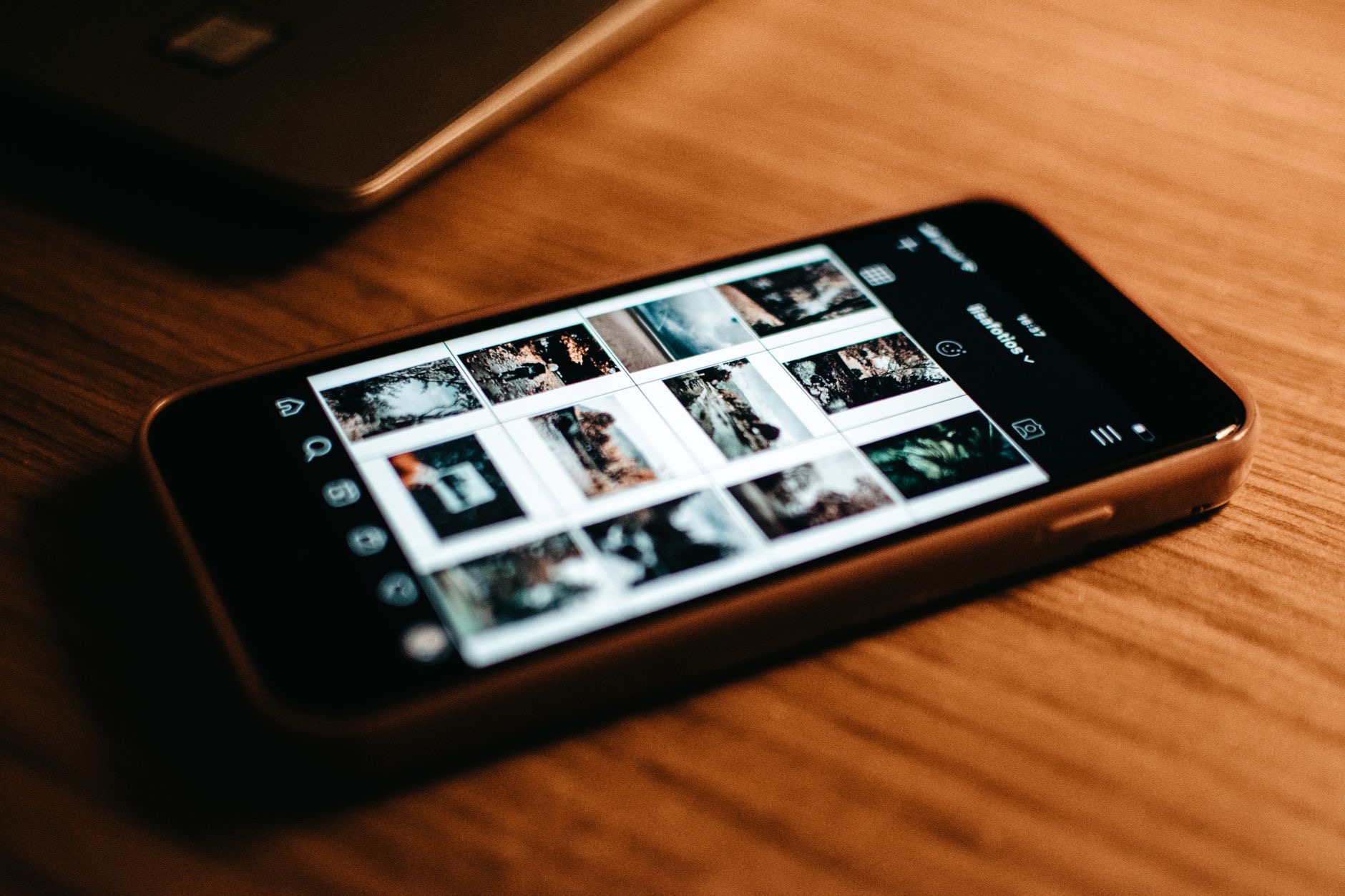
Creating a Shared Album is done in your Photos app, where you can make a new shared album and invite the people you want to share with. You give the album a name, add the photos you want to include, and choose who to invite. The people you invite can then view the album. The process is guided and simple, letting you set up a shared collection in just a few steps. Once created, your album is ready for others to enjoy, and you can keep adding photos to it over time.
Let Others Add Their Photos
One of the best features of Shared Albums is that you can allow the people you share with to add their own photos, turning the album into a collaborative collection. This means everyone at an event, a family gathering, a holiday, a celebration, can contribute their pictures, so you all get to see the occasion from everyone's perspective in one place. Enabling this makes the album a shared memory book that grows with contributions from all involved. It is a lovely way to gather a complete picture of a shared experience without anyone having to send photos around.

Keep Everyone Connected
Shared Albums are especially valuable for staying connected with family who are not nearby. Grandparents, relatives, and distant friends can see new photos as you add them, keeping them involved in your life and the moments that matter. Adding photos to a shared family album is a simple, thoughtful way to include loved ones in everyday memories and special occasions alike. For keeping your wider circle connected to your life through photos, without the effort of individual sharing, Shared Albums are a genuinely heartwarming and practical tool.
Share Your Memories With Ease
Once you start using Shared Albums, sharing photos with your favorite people becomes effortless and enjoyable. Create an album for an event, trip, or ongoing family life, invite the people you want, let them add their own photos, and enjoy a shared collection everyone can access anytime. It keeps your memories organized and your loved ones connected, without cluttering messages. Give it a try for your next occasion, and you will discover a far nicer way to share the moments that matter with the people you care about.
| Shared Albums let you | Benefit |
|---|---|
| Share many photos at once | No repeated sending or clutter |
| Invite specific people | Only those you choose can view |
| Let others add photos | Everyone's pictures in one place |
| Keep family connected | Distant loved ones see new memories |
Frequently Asked Questions
What are Shared Albums on iPhone?
Shared Albums let you create photo collections that specific people you invite can view, and often add their own photos to, all in one place. Instead of sending images individually, you share an album everyone can enjoy, making it a great way to keep family and friends connected to memories.
How do I create a Shared Album?
In your Photos app, create a new shared album, give it a name, add the photos you want, and invite the people to share with. They can then view the album. The process is simple and guided, letting you set up a shared collection in a few steps that you can keep adding to over time.
Can others add photos to my Shared Album?
Yes, if you allow it. You can let the people you share with add their own photos, turning the album into a collaborative collection. This means everyone at an event can contribute their pictures, so you all see the occasion from everyone's perspective gathered in one place.
Who can see my Shared Album?
Only the specific people you invite can view it, so you control who has access. This makes Shared Albums a private way to share with chosen family and friends, rather than posting publicly, keeping your memories shared just with the people you want to include.
Are Shared Albums good for families?
Yes, especially for keeping family who are not nearby connected. Grandparents, relatives, and distant friends can see new photos as you add them, staying involved in your life and special moments. It is a simple, thoughtful way to include loved ones in everyday and special memories alike.
Why use Shared Albums instead of a group chat?
They avoid cluttering a chat with lots of images and repeated sending. Instead, you create one organized album everyone can access anytime, where others can add their photos too. This keeps shared memories tidy, accessible, and easy for everyone to enjoy together in one place.
The Bottom Line
Shared Albums make sharing photos with family and friends effortless. Instead of sending images one by one or cluttering a group chat, you create an album the people you invite can view, and often add their own photos to, so everyone's pictures from an event gather in one place. It is perfect for keeping distant loved ones connected to your memories. Create one in your Photos app, invite your people, and enjoy a lovely, organized way to share the moments that matter.
Leave a Reply