
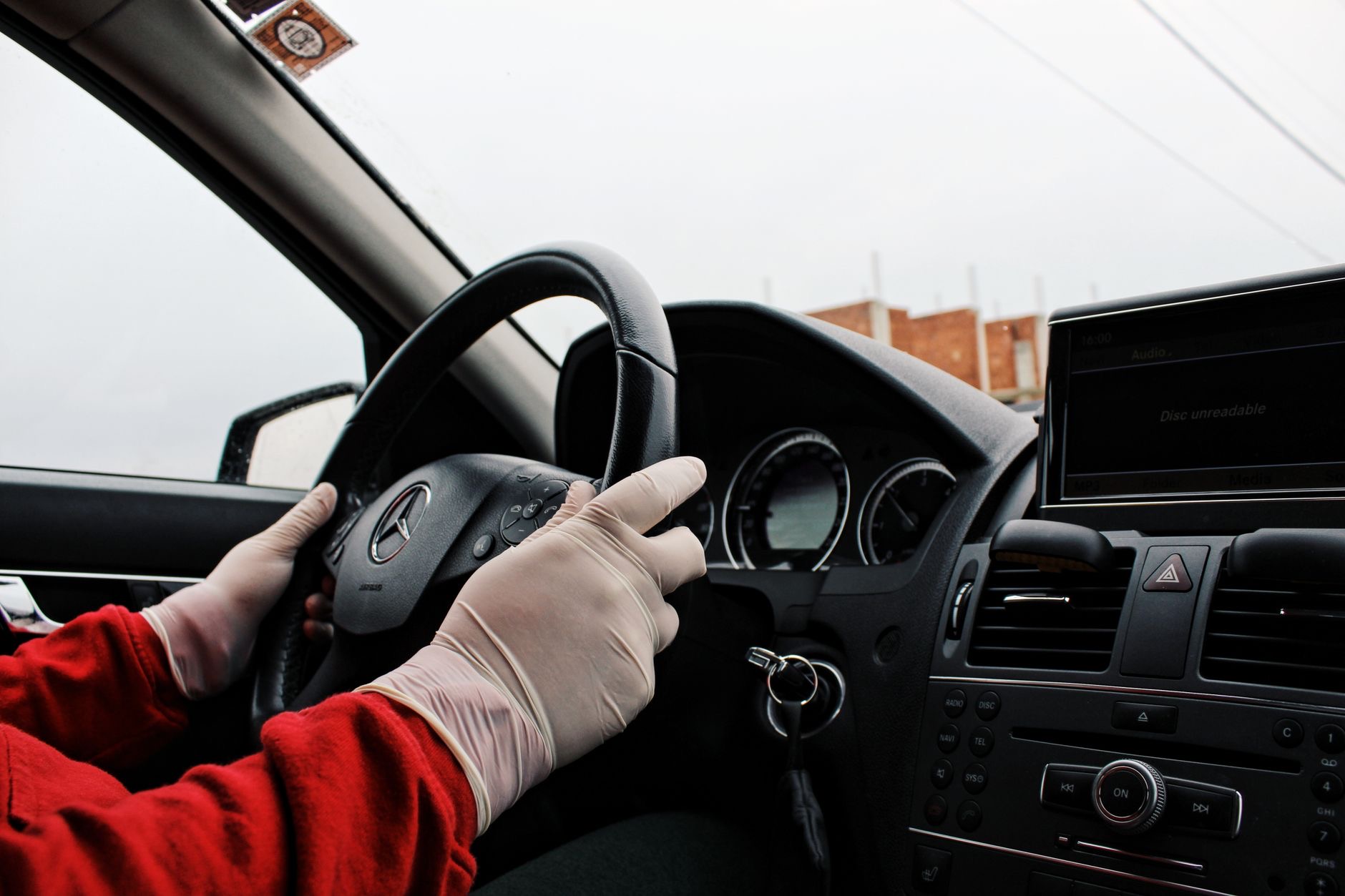
Among the most reassuring features on modern iPhones is Crash Detection, a safety capability designed to recognize a severe car crash and help get you assistance, even if you are unable to reach your phone. It is the kind of feature you hope never to need, but that could genuinely matter in an emergency. Here is how Crash Detection works, why it is valuable, and how to make sure it is set up to help protect you.
What Crash Detection Does
Crash Detection is designed to recognize when you may have been in a severe car crash. If it detects one, your iPhone can respond by checking on you and, if you are unresponsive, helping to contact emergency services and alert your emergency contacts. The idea is that if you are in a serious accident and unable to act, help can still be summoned automatically. This is a powerful safety feature, offering an extra layer of protection on the road, working to get you assistance in exactly the situation when you might not be able to get it yourself.
Why It Is So Valuable
The value of Crash Detection lies in those critical moments after a severe accident, when getting help quickly matters enormously and you might be unable to call for it. By automatically working to summon assistance and notify your loved ones, it can help ensure you are not left without aid when you need it most. For drivers, passengers, and their families, knowing this feature is there provides real peace of mind. It is a genuinely meaningful safety capability, quietly ready to help in the kind of emergency no one wants to imagine but everyone should be prepared for.
Make Sure It Is Enabled
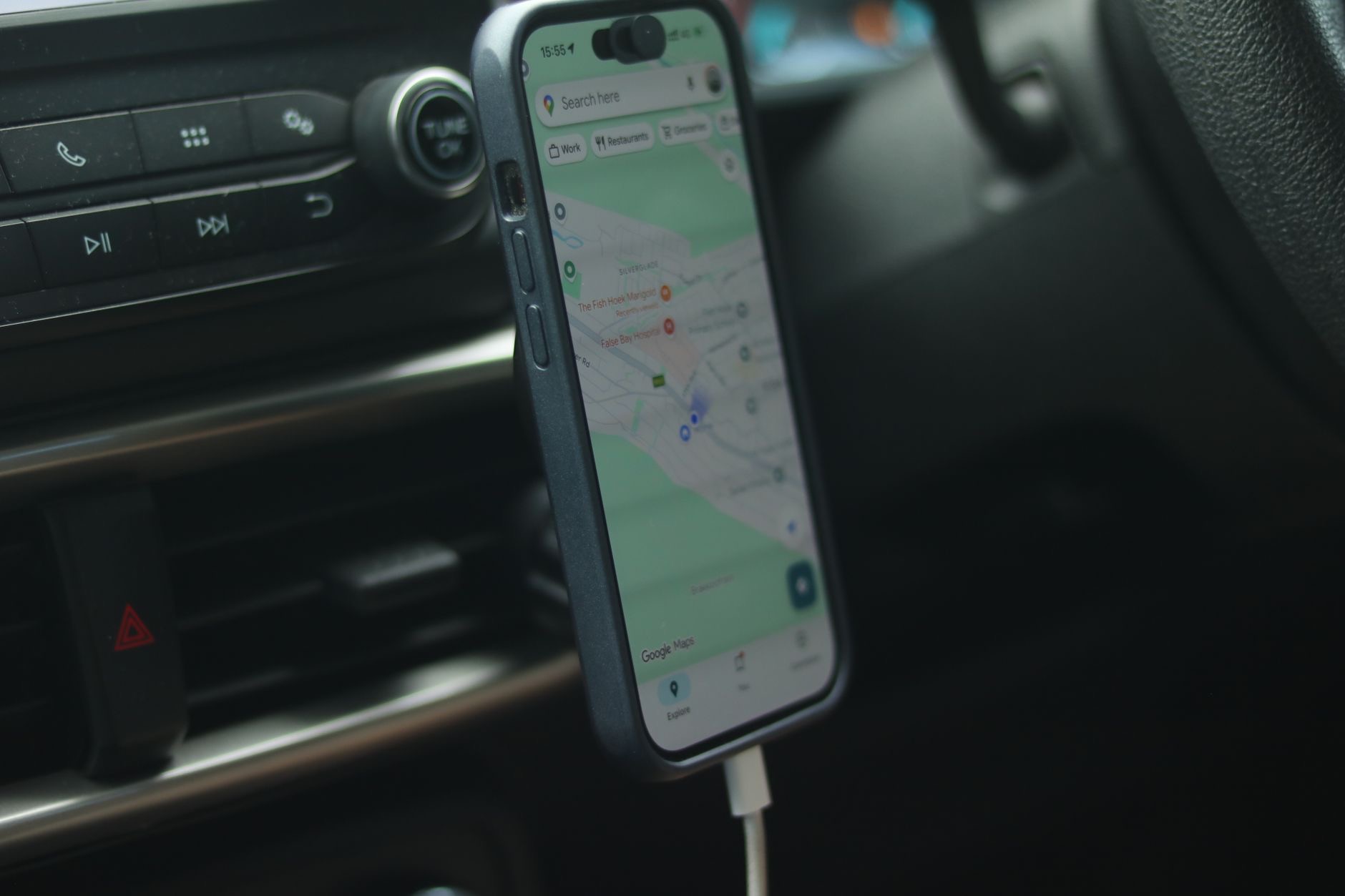
Crash Detection is a built-in safety feature, and it is worth checking that it is set up and enabled on your iPhone so it is ready to help if ever needed. You can review the relevant safety settings to confirm it is turned on and configured. Since this is a safety feature, taking a moment to make sure it is active is genuinely worthwhile. Knowing it is enabled means your iPhone is ready to respond in a severe crash, providing that extra protection automatically without you having to do anything in the moment.
Set Up Your Emergency Contacts
For Crash Detection to alert your loved ones, your emergency contacts need to be set up, since these are the people who can be notified if you are in a serious accident. Make sure you have added the right emergency contacts, people who would want to know and could help. This works alongside the crash detection to ensure that if something happens, both emergency services and the people who care about you can be reached. Combined with your emergency contacts, Crash Detection becomes a complete safety response, connecting you to help and to your loved ones.
Part of Your iPhone's Safety Features
Crash Detection works best as part of your iPhone's broader safety setup. Along with features like Emergency SOS, which lets you summon help, and Medical ID, which stores your health information for responders, Crash Detection adds automatic protection for serious car accidents. Setting all of these up together makes your iPhone a genuine safety companion. Taking the time to configure your safety features, including making sure Crash Detection is enabled and your emergency contacts and Medical ID are set, gives you comprehensive protection and real peace of mind on every journey.
Peace of Mind on the Road
Crash Detection is a feature you hope never activates, but its presence is deeply reassuring. Knowing that if you were in a severe crash, your iPhone could help summon assistance and alert your loved ones, even if you could not, offers genuine peace of mind for you and your family. Make sure it is enabled, set up your emergency contacts and Medical ID, and drive knowing you have this extra layer of protection. It is a small setup step for a safety capability that could one day make a real difference.
| Crash Detection helps by | What it means |
|---|---|
| Detecting a severe crash | Recognizes a serious accident |
| Contacting emergency services | Can summon help if you are unresponsive |
| Alerting your contacts | Notifies your loved ones |
| Working automatically | Helps even if you cannot act |
Frequently Asked Questions
What is Crash Detection on iPhone?
Crash Detection is a safety feature designed to recognize when you may have been in a severe car crash. If it detects one and you are unresponsive, your iPhone can help contact emergency services and alert your emergency contacts, working to summon help automatically in a serious accident.
How does Crash Detection help me?
In the critical moments after a severe crash, when you might be unable to call for help, it can automatically work to summon assistance and notify your loved ones. This helps ensure you are not left without aid when you need it most, offering an extra layer of protection on the road.
How do I make sure Crash Detection is on?
Crash Detection is a built-in safety feature, so review the relevant safety settings on your iPhone to confirm it is set up and enabled. Taking a moment to make sure it is active means your iPhone is ready to respond in a severe crash, providing extra protection automatically.
Does Crash Detection alert my family?
It can, if your emergency contacts are set up. When a severe crash is detected and help is needed, your iPhone can alert these contacts. Make sure you have added the right people who would want to know and could help, so both emergency services and your loved ones can be reached.
Does Crash Detection work with other safety features?
Yes. It works alongside Emergency SOS, which lets you summon help, and Medical ID, which stores your health information for responders. Setting these up together makes your iPhone a genuine safety companion, giving comprehensive protection for emergencies including serious car accidents.
Is Crash Detection worth setting up?
Yes. It is a feature you hope never activates, but its presence is deeply reassuring, since it could help summon assistance and alert loved ones after a severe crash even if you could not. Making sure it is enabled, along with your emergency contacts and Medical ID, gives real peace of mind.
The Bottom Line
Crash Detection is a genuinely valuable safety feature that can recognize a severe car crash and help summon assistance and alert your loved ones, even if you are unable to act. Make sure it is enabled on your iPhone, and set up your emergency contacts and Medical ID so it can reach the right people. Together with Emergency SOS, these features make your iPhone a real safety companion. It is a small setup step for protection that could one day make a profound difference.
Leave a Reply