

Here is a genuinely useful iPhone feature that many people have never heard of: Back Tap. It lets you tap the back of your iPhone to trigger an action, turning the back of your phone into a handy shortcut button. Once you set it up, you will wonder how you managed without it. Here is how to use Back Tap on your iPhone to make common actions faster and easier, with just a tap or two on the back of your phone.
What Back Tap Is
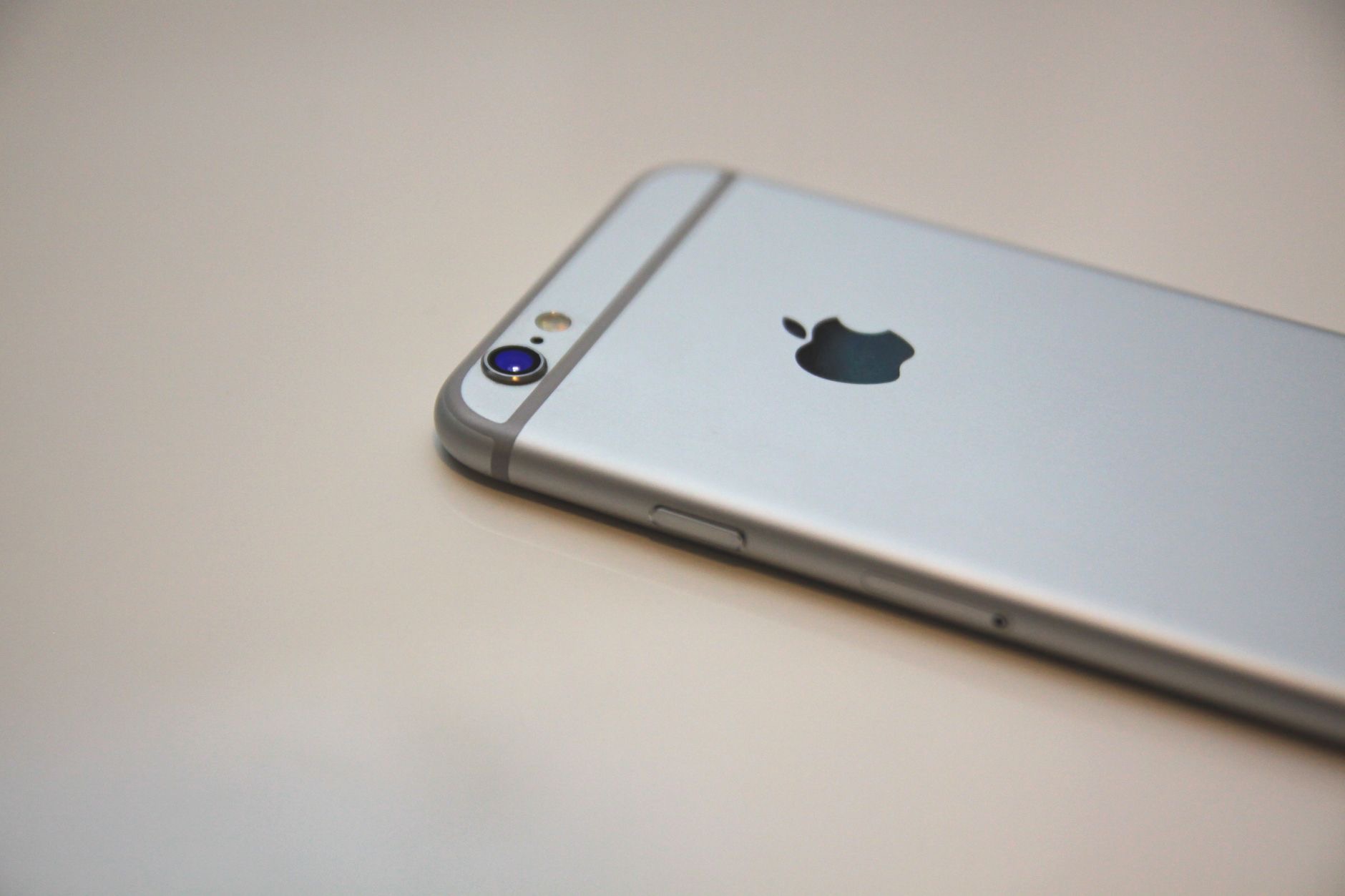
Back Tap is a feature that lets you trigger an action by tapping the back of your iPhone, either a double tap or a triple tap. You choose what each gesture does, so tapping the back of your phone can instantly perform a task you assign to it. It effectively adds a hidden shortcut button to your iPhone that is always available, no matter what is on screen. It is one of those clever features that, once discovered, becomes a genuinely handy part of how you use your phone every day.
Why It Is So Handy
The appeal of Back Tap is quick, easy access to actions without hunting through menus or screens. Because you can trigger something just by tapping the back of your phone, common tasks become faster and more convenient. It is especially useful for actions you use often, giving you an instant shortcut that works from anywhere. Many people find it a delightful little time-saver once they set it up, turning a simple tap into a quick way to do something they would otherwise need several steps to accomplish.
How to Set It Up
Back Tap is set up through your iPhone's accessibility settings, where you can find the Back Tap option and choose what a double tap and a triple tap each do. You assign an action to each gesture, picking from the available options. The setup is simple, letting you customize your taps to trigger the things most useful to you. Taking a few minutes to explore the options and assign your taps means you will have your own personal shortcuts ready, activated just by tapping the back of your iPhone whenever you need them.
Useful Actions to Assign
Back Tap can trigger a range of handy actions, so think about what would help you most. Common choices include quick access to a useful tool, taking a screenshot, opening something you use often, or an accessibility feature. Consider the actions you perform regularly and whether having them a tap away would be convenient. Assigning your most-used or most-wanted actions to your back taps makes the feature genuinely valuable, turning the back of your phone into a shortcut for exactly the things you find yourself reaching for again and again.

Great for Accessibility and Convenience
Back Tap is not just a neat trick, it is genuinely useful for accessibility and everyday convenience. For anyone who finds certain actions fiddly to reach, a simple tap on the back of the phone can make them far easier. And for everyone, it adds a fast, effortless way to trigger common tasks. This combination of accessibility benefit and everyday handiness is what makes Back Tap such a worthwhile feature to set up. It is a small addition that can make using your iPhone noticeably smoother and more convenient for all sorts of people.
Try It and See
The best way to appreciate Back Tap is simply to set it up and try it. Assign an action to a double or triple tap, use it for a while, and see how it fits into your routine. You can always change the actions if you find something more useful. Many people who try Back Tap end up loving it and relying on it daily for a favorite shortcut. Give it a go, experiment with different actions, and enjoy the convenience of turning the back of your iPhone into a handy, always-available shortcut button.
| Aspect | What it means |
|---|---|
| What it is | Tap the back of your phone for an action |
| Gestures | Double tap and triple tap, each assignable |
| Where to set it | In your accessibility settings |
| Good for | Quick shortcuts and easier access |
Frequently Asked Questions
What is Back Tap on iPhone?
Back Tap is a feature that lets you trigger an action by tapping the back of your iPhone, with a double tap or triple tap. You choose what each gesture does, effectively adding a hidden shortcut button to your phone that is always available no matter what is on screen.
How do I set up Back Tap?
Go to your iPhone's accessibility settings, find the Back Tap option, and choose what a double tap and a triple tap each do by assigning an action to each. The setup is simple, letting you customize your taps to trigger the things most useful to you in just a few minutes.
What can Back Tap do?
It can trigger a range of handy actions, such as quick access to a useful tool, taking a screenshot, opening something you use often, or an accessibility feature. You assign the actions, so think about the tasks you perform regularly and would like a tap away for the most convenience.
Why is Back Tap useful?
It gives quick, easy access to actions without hunting through menus, so common tasks become faster and more convenient. Triggered just by tapping the back of your phone, it works from anywhere and is especially handy for actions you use often, acting as an instant shortcut you will love.
Is Back Tap good for accessibility?
Yes. For anyone who finds certain actions fiddly to reach, a simple tap on the back of the phone can make them far easier, and for everyone it adds a fast way to trigger common tasks. This combination of accessibility benefit and everyday convenience makes it genuinely worthwhile.
Can I change what my back taps do?
Yes, anytime. You assign actions to your double and triple taps in the settings, and you can change them whenever you find something more useful. Experimenting with different actions lets you settle on the shortcuts that fit your routine best, so try a few and keep what you love.
The Bottom Line
Back Tap is a hidden gem that turns the back of your iPhone into a handy shortcut button. Set it up in your accessibility settings, assigning an action to a double tap and a triple tap, and choose the tasks you find most useful. It gives you fast, effortless access to common actions from anywhere, and it is genuinely helpful for accessibility too. Try it, experiment with different actions, and you will likely find it becomes a favorite little shortcut you use every day.
Leave a Reply