
The guest asks for the Wi-Fi, and the household enters the ritual: someone crouches behind the router squinting at a sticker, someone else misreads a zero as an O, the password is recited three times and typed wrong twice. Meanwhile, two iPhones in the same room could have handled it with one tap. Here is the sharing trick, the conditions that make it fire, and the fixes for when it sulks.
The Magic, When It Works
The scene: your friend selects your Wi-Fi network on their iPhone and the password field appears. If the stars are aligned, your iPhone, nearby and unlocked, spontaneously offers a card: share your Wi-Fi password with them? One tap on share, and their phone fills the password itself, correct, invisible, untyped. No sticker, no recital, no zeros versus Os. It is one of the ecosystem's best party tricks, and it works between iPhones, iPads, and Macs alike.
The Conditions Behind the Curtain
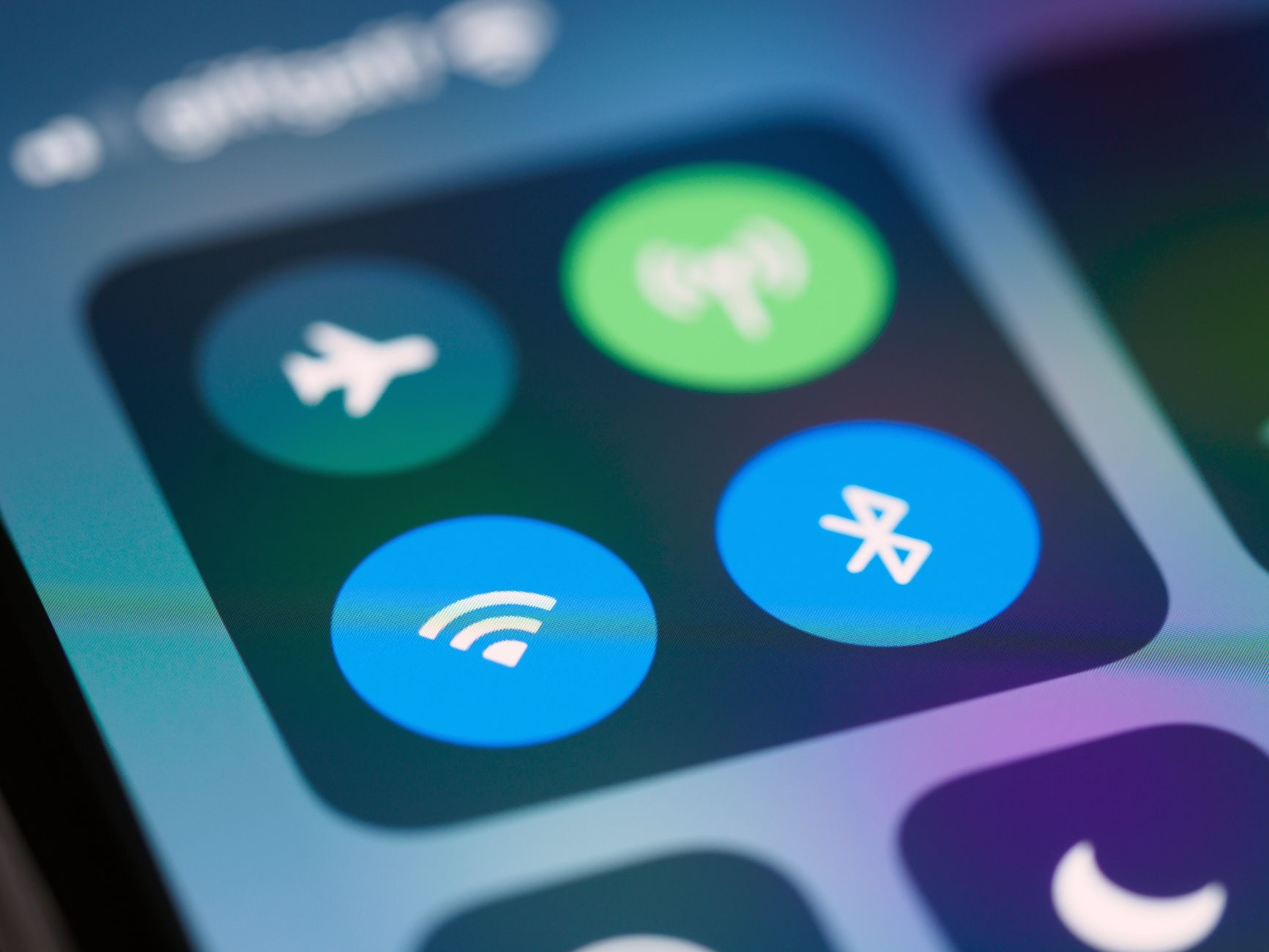
The trick has requirements, and knowing them is the difference between magic and mystery. Both devices need Wi-Fi and Bluetooth on, the offer travels over that nearby handshake. Your device must be unlocked and actually connected to the network in question. And the crucial one everyone misses: you must know each other, literally, the other person's Apple Account email needs to be in your contacts, or yours in theirs. Strangers do not get the card; the feature checks the guest list before offering your keys.
When the Card Refuses to Appear
The fix list, in firing order. Add each other to contacts using the email tied to their Apple Account, the missed requirement behind most failures. Toggle both phones' Wi-Fi and Bluetooth off and on. Unlock your phone and hold the two devices close, screen awake, while they sit on the password field. Still nothing? Restart both phones, the ritual's deeper reset, and try once more. The card is shy but consistent: with contacts, radios, proximity, and an unlocked host, it shows up for duty.
The Fallback Worth Knowing
When the trick refuses or the guest is on Android, your iPhone still spares you the router crouch: the Wi-Fi settings can reveal the stored password of the network you are on, authenticate with your face or code, and there it is, copyable, readable, correct. Read it out or paste it into a message, and the sticker era stays over regardless. Between the one-tap card and the reveal fallback, no household should be squinting behind furniture again.

Guest Wi-Fi Wisdom
Since we are handing out keys: households that host often deserve a guest network, most routers offer one, a separate name and password for visitors that keeps your main network private. Share the guest one freely with the one-tap trick, keep the main one for the family. It is the digital equivalent of a guest bathroom, cleaner for everyone, and the day a visitor's laptop misbehaves, it misbehaves in the guest wing rather than the house.
The Household That Flows
Small feature, real quality of life: visits stop opening with IT support, the password stays unspoken and untyped, and the new tablet or returning relative connects in seconds. Add the reveal fallback for the Android guests and the guest network for the frequent hosts, and Wi-Fi hospitality becomes a solved problem. The router sticker can finally retire to what it does best: being unreadable in peace.
| The requirement | Why it matters |
|---|---|
| Wi-Fi and Bluetooth on, both sides | The offer travels over the nearby handshake |
| In each other's contacts | The guest-list check before the card appears |
| Host unlocked and connected | Locked phones make no offers |
| The reveal fallback | Settings show the password, authenticated |
Frequently Asked Questions
How do I share my Wi-Fi password from my iPhone?
Have the guest select your network so their password field is open, then bring your unlocked iPhone close: a card appears offering to share the password, one tap and their device fills it automatically. Requirements: Wi-Fi and Bluetooth on for both, you connected to that network, and each other's Apple Account emails in contacts.
Why does the Wi-Fi share prompt not appear?
Usually the contacts requirement: the feature checks that you know each other via the email tied to their Apple Account. Add each other properly, toggle both phones' Wi-Fi and Bluetooth, keep your phone unlocked and close while they sit on the password field, and restart both devices as the deeper reset.
Can I see my Wi-Fi password on my iPhone?
Yes, the fallback for stubborn cases and Android guests: in Wi-Fi settings, the network's details can reveal the stored password after you authenticate with your face or passcode. Copy it, read it out, or paste it into a message, and the router sticker stays retired.
Does Wi-Fi sharing work with iPads and Macs?
Yes, the one-tap card travels across iPhones, iPads, and Macs under the same conditions: radios on, proximity, the host unlocked and connected, and the contact relationship in place. A new iPad in the house connects with the same tap as a guest's phone.
Can I share Wi-Fi with an Android phone this way?
The one-tap card is Apple-to-Apple only, so for Android guests use the reveal fallback: show the stored password from your Wi-Fi settings and let them type or paste it. Same outcome, one extra step, still no crouching behind the router.
Should I set up a guest network?
If you host often, yes: a separate visitor network keeps your main one private, and you can share the guest password freely with the one-tap trick. It is the guest bathroom of networking, cleaner boundaries for everyone, and misbehaving visitor devices stay in the guest wing.
The Bottom Line
The Wi-Fi ritual is obsolete: with radios on, phones close, your device unlocked, and each other in contacts, iPhones share the password in one tap, filled invisibly on the guest's device. When the card sulks, the contact requirement is usually the culprit, and the settings reveal is the universal fallback for stubborn cases and Android visitors. Add a guest network if you host often, and Wi-Fi hospitality becomes what it should have always been: a tap, not a treasure hunt.
Leave a Reply