

A single glance at a notification while driving can have serious consequences, yet the temptation to check a buzzing phone is powerful. Your iPhone has a feature designed to remove that temptation entirely: Do Not Disturb While Driving. It silences distractions so you can focus on the road, and setting it up could genuinely help keep you and others safe. Here is how to set up Do Not Disturb While Driving for safer, more focused trips.
Why Distracted Driving Is So Dangerous
Looking at your phone while driving, even for a moment, takes your attention off the road at exactly the wrong time. Notifications are designed to grab your attention, and the urge to check them is strong, but doing so while driving is genuinely dangerous for you and everyone around you. The safest approach is to remove the distraction altogether, so your phone does not pull your focus in the first place. Do Not Disturb While Driving is built for exactly this, helping you keep your eyes and mind on the road where they belong.
What the Feature Does
Do Not Disturb While Driving silences incoming notifications and calls while you are driving, so your phone stays quiet and does not tempt you to look. Instead of buzzing and lighting up with messages, it holds them until you are safely stopped, letting you drive without interruption. This removes the constant pull of a notifying phone, making it far easier to stay focused. It is a simple but powerful safety feature, turning your phone from a source of dangerous distraction into a quiet companion while you are behind the wheel.
Set It to Turn On Automatically
The best way to use this feature is to have it turn on automatically when you are driving, so you never have to remember. Your iPhone can detect when you are likely driving and activate it on its own, or you can set it to turn on in ways that suit you. Setting it to automatic means the protection is always there without any effort, kicking in every time you drive. This is the key to making it genuinely effective, since a safety feature works best when it happens reliably without depending on you remembering to switch it on.
Let People Know You Are Driving
A thoughtful part of the feature is that it can let people who message you know you are driving and will respond later, so they are not left wondering. This means you can stay unreachable and focused without worrying that someone needs an urgent reply, since they understand you are on the road. You can also allow important calls to come through if you wish, for genuine emergencies. This balance lets you drive distraction-free while still handling truly urgent situations, giving you both safety and peace of mind on every trip.

Build Safe Driving Habits
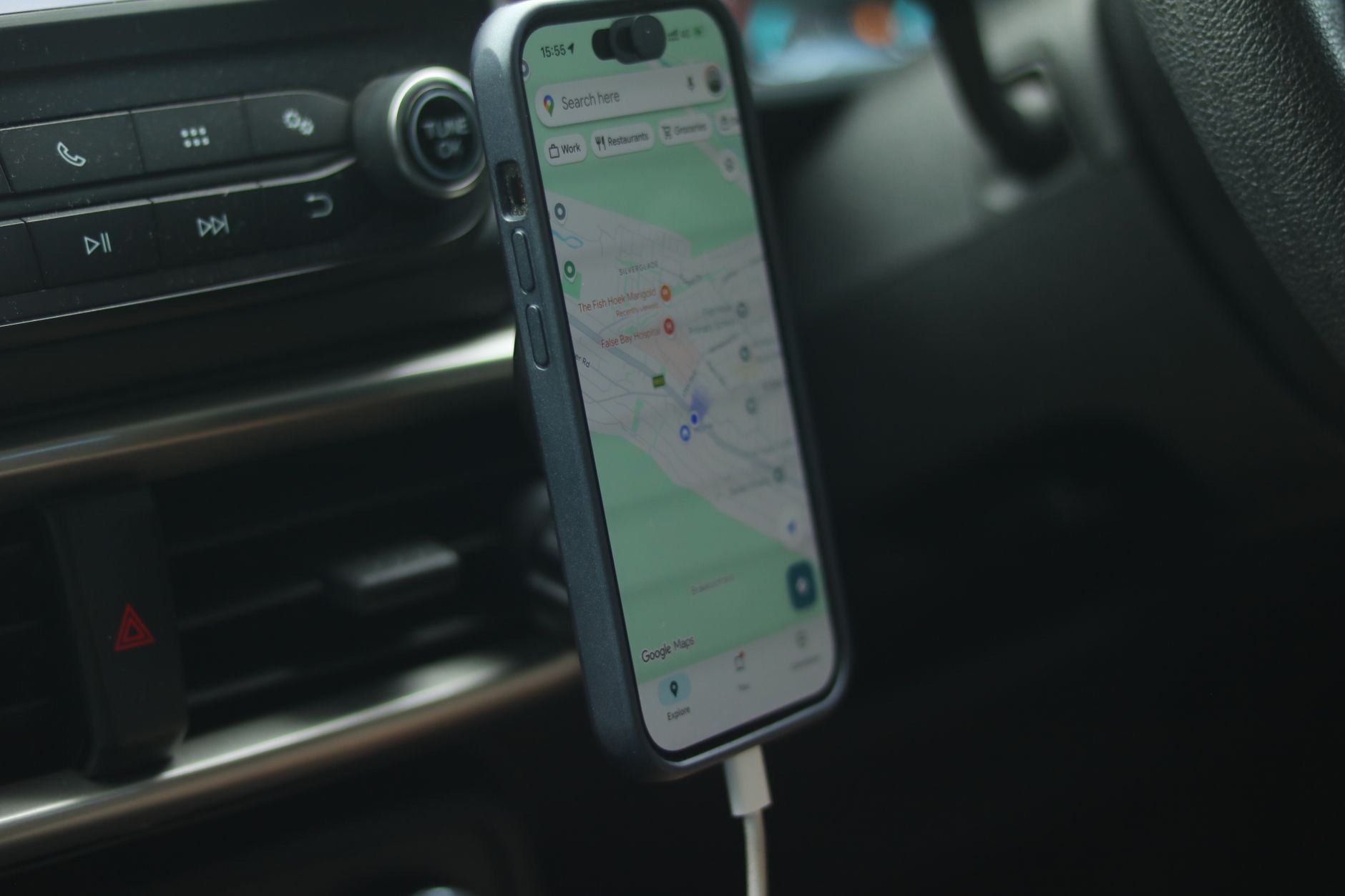
Do Not Disturb While Driving works best alongside good habits. Set up your navigation and music before you set off, keep your phone somewhere you will not be tempted to reach for it, and commit to not touching it while driving. If you use your phone for navigation, a mount keeps it in view without you handling it. The feature removes the temptation of notifications, and pairing it with these habits means your full attention stays on driving. Together, they make every trip safer for you and everyone else on the road.
A Simple Step Toward Safer Driving
Setting up Do Not Disturb While Driving is a small action with potentially life-saving value. By silencing the notifications that tempt you to look away from the road, it helps you drive with your full attention, which is exactly what safe driving requires. Set it to turn on automatically so it protects every trip without effort, let people know you are driving, and pair it with good habits. It is one of the most genuinely worthwhile safety features on your iPhone, so take a moment to set it up and drive more safely.
| Step | Benefit |
|---|---|
| Turn on the feature | Silences distractions while driving |
| Set it to automatic | Protects every trip without effort |
| Auto-reply to messages | Lets people know you are driving |
| Pair with safe habits | Keeps your full attention on the road |
Frequently Asked Questions
What is Do Not Disturb While Driving?
It is a feature that silences incoming notifications and calls while you are driving, so your phone stays quiet and does not tempt you to look. It holds messages until you are safely stopped, removing the distraction of a notifying phone so you can keep your focus on the road.
How do I set up Do Not Disturb While Driving?
Enable the feature and, ideally, set it to turn on automatically when you are driving so you never have to remember. Your iPhone can detect when you are likely driving and activate it on its own. You can also allow important calls through and set an auto-reply to let people know you are driving.
Can it turn on automatically?
Yes, and this is the best way to use it. Your iPhone can detect when you are likely driving and activate the feature on its own, so the protection is always there without effort, kicking in every time you drive. A safety feature works best when it happens reliably without depending on you remembering.
Will people know I am driving?
They can. The feature can let people who message you know you are driving and will respond later, so they are not left wondering. This lets you stay focused and unreachable without worrying someone needs an urgent reply, while you can still allow important calls through for genuine emergencies.
Why is distracted driving so dangerous?
Looking at your phone while driving, even briefly, takes your attention off the road at exactly the wrong time. Notifications are designed to grab your attention, making the urge to check them strong, but doing so while driving endangers you and everyone around you, which is why removing the distraction matters.
What else can I do to drive safely with my phone?
Set up navigation and music before you set off, keep your phone where you will not be tempted to reach for it, use a mount if you need navigation in view, and commit to not touching it while driving. Paired with Do Not Disturb While Driving, these habits keep your full attention on the road.
The Bottom Line
Do Not Disturb While Driving is a genuinely valuable safety feature that silences the notifications tempting you to look away from the road. Set it to turn on automatically so it protects every trip without you having to remember, let it reply to people so they know you are driving, and allow important calls through for emergencies. Pair it with good habits like setting up navigation beforehand and keeping your phone out of reach. It is a small step that helps keep every trip safer.
Leave a Reply