

It is 11pm, the movie is finally good, and the volume knob has two settings: wake-the-baby and read-their-lips. The third option is AirPods, TV audio delivered privately to your ears at whatever volume you like while the house sleeps on. How you connect depends on what is under your TV, and there is a clever fallback almost nobody knows. Here are both routes.
The Best Route: Through an Apple TV
If an Apple TV box drives your screen, private listening is a built-in luxury: AirPods pair with it directly, and the TV's audio moves entirely into your ears. Bring the AirPods close, or connect them through the Apple TV's audio settings, and the room goes silent while the movie goes full and rich for you. Volume rides the remote, dialogue is suddenly crisp at any hour, and two sets of ears can even share the night showing. Of all the routes, this is the one that feels designed rather than improvised, because it is.
The Clever Fallback: Live Listen
No Apple TV? Your iPhone hides a workaround: Live Listen, an accessibility feature that turns the iPhone into a remote microphone feeding your AirPods. Place the phone near the TV speaker, enable Live Listen from Control Center, keep the TV at low-but-audible volume, and the phone relays the sound into your ears with useful amplification. Honest expectations: it is a relay, not a studio feed, a touch of delay and room character comes along. For late-night episodes without waking anyone, it is a surprisingly serviceable trick.
Setting Up Live Listen Properly
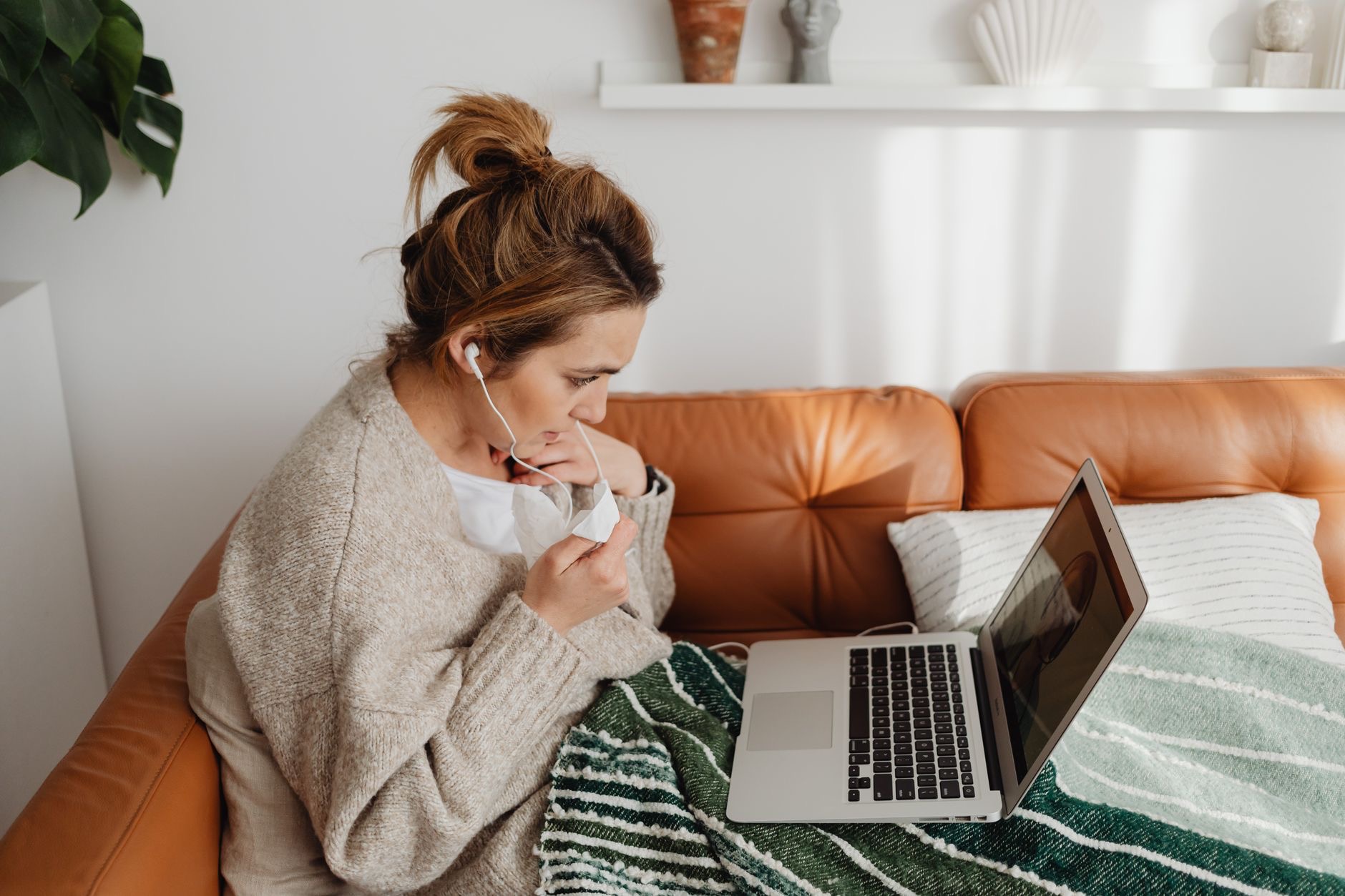
The fallback rewards a little technique. Add the hearing control to Control Center in settings so Live Listen sits one swipe away. Park the iPhone close to the TV's actual speaker, bottom-firing sets like their sound met near the base, and plug the phone in, relaying audio is hungrier work than it looks. Set TV volume low, let the amplification in your ears do the lifting, and adjust from the phone. Two evenings in, the routine takes thirty seconds and the house stays asleep.
Which AirPods Shine Here
Any AirPods handle both routes, but the night-watching crown belongs to noise cancellation: AirPods Pro erase the refrigerator hum, the street noise, and the creaks of a settling house, leaving pure movie at gentle volume. Gentle matters, private listening tempts the volume knob upward precisely because no one else can hear it, and cancellation lets quiet volumes feel full instead. Your ears keep score even at midnight; the feature that silences the room is also the one that protects them.
★ Editor's Pick · Amazon
AirPods Pro
The room disappears, the movie stays
The Shared-Sofa Question
Private listening for two is route-dependent: through an Apple TV, a second pair of AirPods can join the audio, movie night for both of you, silence for everyone else. Through the Live Listen fallback, the relay feeds one phone's paired AirPods, so couples improvise, one on AirPods, one on low TV volume, or a second iPhone running its own relay. If shared silent movie nights are a lifestyle, the Apple TV route is the one built for it.
The Late-Night Listening Kit
Assembled, the kit is small: AirPods, ideally with noise cancellation, the Apple TV route if your setup has one, the Live Listen trick if it does not, and a charging habit so 11pm never meets an empty case. Add a sleep-respecting volume philosophy, quiet plus cancellation beats loud every time, and the two-setting volume knob problem is solved permanently. The house sleeps, the movie sings, and nobody reads lips again.
| The route | When it is yours |
|---|---|
| AirPods via Apple TV | An Apple TV drives the screen |
| Live Listen relay | Any TV, iPhone near the speaker |
| Noise cancellation | Full sound at gentle volume |
| Second pair on Apple TV | Silent movie night for two |
Frequently Asked Questions
How do I listen to TV with AirPods?
Two routes: with an Apple TV, pair the AirPods directly and the audio moves entirely into your ears, volume on the remote. Without one, use the iPhone's Live Listen feature as a relay, phone parked near the TV speaker, AirPods receiving the amplified sound, TV kept low.
What is Live Listen and how does it work for TV?
An accessibility feature that turns your iPhone into a remote microphone feeding your AirPods. Placed near the TV speaker with Live Listen enabled from Control Center, the phone relays the audio into your ears with amplification. Expect a relay's character, slight delay, some room sound, serviceable and clever rather than studio-grade.
Can two people watch TV with AirPods at once?
Through an Apple TV, yes, a second pair can join the audio for a silent movie night for two. The Live Listen fallback feeds one phone's AirPods, so couples without an Apple TV improvise with one relay each or one person on low TV volume.
Are AirPods Pro better for night TV watching?
Meaningfully: noise cancellation removes the fridge hum, street noise, and house creaks, which lets quiet volumes feel full and rich. That matters because private listening tempts volume upward, and cancellation delivers the fullness without the loudness your ears would pay for.
Why is there a delay with Live Listen?
Because it is a microphone relay, the sound travels TV to phone to AirPods, and a touch of latency and room character ride along. Parking the phone close to the TV's actual speaker and keeping its battery fed minimizes the artifacts. For dialogue-driven late-night viewing it holds up well.
What is the best setup for not waking the house?
AirPods Pro through an Apple TV where available: room silent, movie full, volume gentle thanks to cancellation. Otherwise the Live Listen relay with the TV low. Either way, keep the AirPods charged so 11pm never meets an empty case, and retire the wake-the-baby volume setting forever.
The Bottom Line
Late-night TV has a third volume setting after all: AirPods. With an Apple TV, pair directly and the movie moves into your ears at any hour, sharable with a second pair. Without one, the Live Listen relay, iPhone parked by the TV speaker, delivers a clever, serviceable private feed. Noise cancellation is the night watcher's upgrade, full sound at gentle volume, and a charged case is the only discipline required. The house sleeps; the movie finally gets watched properly.
Leave a Reply