

Spam calls are one of modern life's most maddening interruptions, buzzing during dinner, meetings, and quiet moments, often several times a day. The relentless barrage of unknown numbers and robocalls is exhausting. The good news is that your iPhone has built-in tools to fight back, and with a few settings you can dramatically cut the interruptions. Here is how to block spam calls on your iPhone and reclaim your peace and quiet for good.
Why You Get So Many Spam Calls
Spam and scam calls have become a widespread nuisance, with automated systems dialing huge numbers of people in the hope that someone answers. It is not personal, and it is not your fault, it is simply a plague of the modern phone. Understanding this helps, because the goal is not to figure out why they target you, but to reduce how much they disturb you. Fortunately, your iPhone gives you real, effective tools to filter and block these unwanted calls, so you can take back control of your phone.
Silence Unknown Callers
One of the most powerful features is the option to silence calls from unknown numbers. When enabled, calls from numbers not in your contacts are silenced and sent to voicemail, so they do not interrupt you, while still leaving a record you can check later. This single setting can transform your experience, since most spam comes from numbers you do not know. Genuine callers can leave a voicemail, and you lose nothing important while gaining blessed quiet. For many people, this is the single most effective step against spam calls.
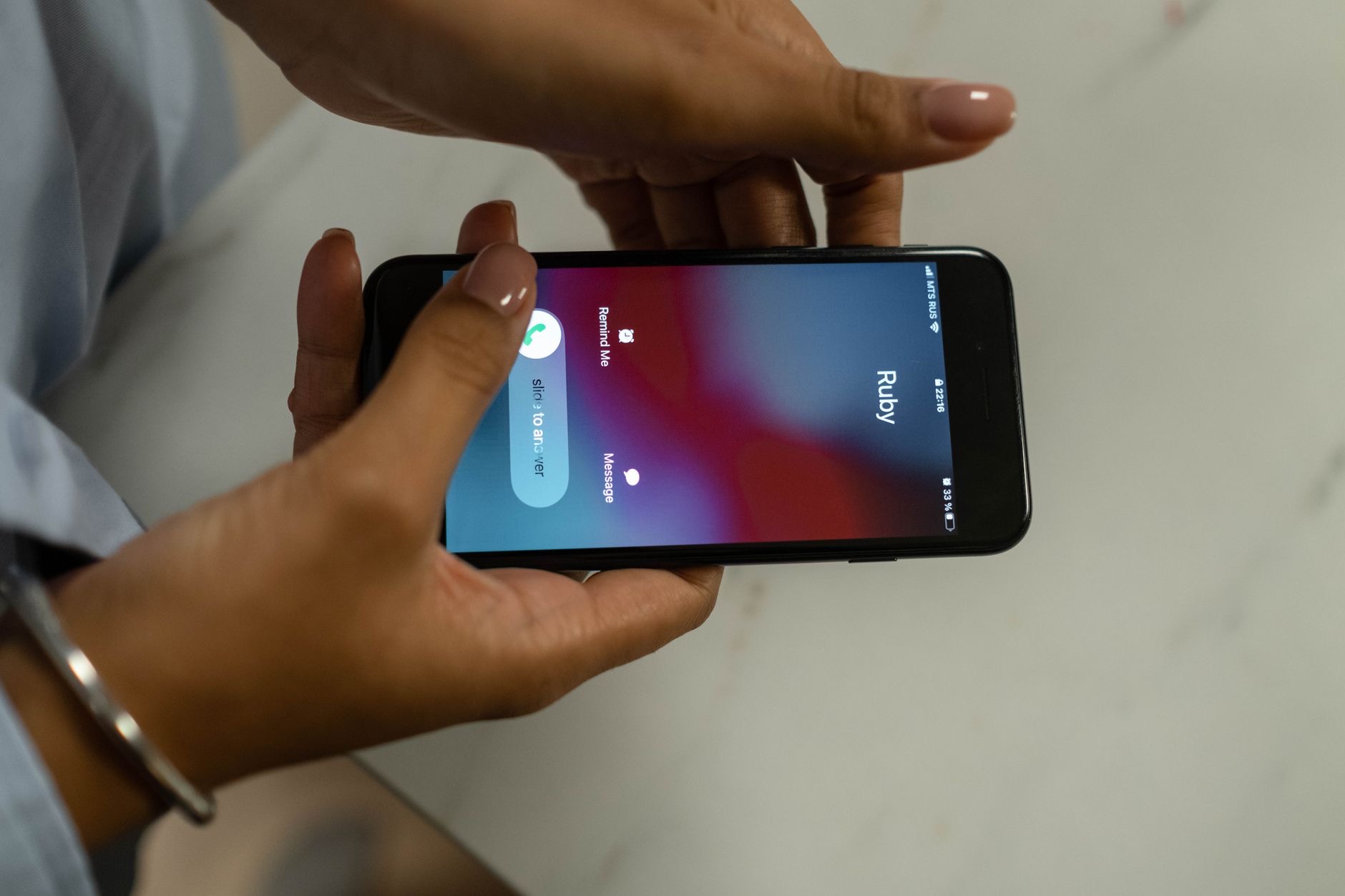
Block Specific Numbers
When a particular number keeps bothering you, you can block it directly. After a call, you can choose to block that contact, and once blocked, they can no longer call or message you. This is perfect for persistent nuisance numbers that keep coming back. While spammers often switch numbers, blocking the repeat offenders still helps, and it is very satisfying to shut down a specific number that has been pestering you. Combined with silencing unknown callers, blocking individual numbers gives you strong, direct control over who reaches you.
Send Suspected Spam to Voicemail
Your carrier and certain tools can help identify and filter suspected spam, and some calls may be flagged so you know to avoid them. Letting suspected spam go to voicemail rather than answering is a smart habit, since answering can sometimes signal that your number is active and lead to more calls. When you see an unknown or flagged number, it is usually best not to pick up. If it matters, they will leave a message. Treating unknown calls with healthy caution reduces both interruptions and the risk of scams.
Use a Focus Mode for Total Quiet
For times you truly cannot be interrupted, a Focus mode adds another layer. You can set your iPhone to only allow calls from your contacts or specific people, silencing everyone else during work, sleep, or family time. This ensures that even a spam call that slips through never disturbs an important moment. Combining a Focus mode with silencing unknown callers gives you powerful, reliable quiet exactly when you need it. It is a great way to protect focused time and rest from any unwanted interruption, spam or otherwise.

Extra Habits to Cut Spam Calls
A few habits help further. Be cautious about where you share your phone number, since the more it circulates, the more spam you may attract. Do not engage with spam calls or follow their prompts, as this can lead to more. And keep your iPhone updated, since updates can improve the tools that help filter unwanted calls. None of this requires much effort, but together with your iPhone's blocking features, these habits steadily reduce the flood of spam and help keep your phone a source of connection rather than constant annoyance.
| Tool | What it does |
|---|---|
| Silence unknown callers | Sends non-contacts to voicemail quietly |
| Block a number | Stops a specific nuisance caller |
| Let spam go to voicemail | Avoids signaling your number is active |
| A Focus mode | Allows only chosen people during key times |
Frequently Asked Questions
How do I block spam calls on my iPhone?
Use the option to silence unknown callers, which sends calls from numbers not in your contacts to voicemail quietly, and block specific nuisance numbers directly after they call. Combining these with letting suspected spam go to voicemail dramatically cuts the interruptions from unwanted and scam calls.
What does silencing unknown callers do?
It silences calls from numbers not in your contacts and sends them to voicemail, so they do not interrupt you, while still leaving a record to check later. Since most spam comes from unknown numbers, this single setting is often the most effective step, and genuine callers can still leave a voicemail.
Should I answer calls from unknown numbers?
Usually it is best not to, especially if a number looks suspicious or is flagged as spam. Answering can sometimes signal your number is active and lead to more calls. If it matters, the caller will leave a voicemail, so letting unknown calls go to voicemail is a smart, safer habit.
Can I stop a specific number from calling?
Yes. After a call, you can choose to block that number, and once blocked it can no longer call or message you. This is ideal for persistent nuisance numbers. Spammers often switch numbers, but blocking repeat offenders still helps and shuts down the specific ones pestering you.
Why do I get so many spam calls?
Spam and scam calls are a widespread nuisance, with automated systems dialing huge numbers of people hoping someone answers. It is not personal or your fault. The goal is not to understand why they target you but to reduce the disturbance, which your iPhone's filtering and blocking tools do effectively.
How can I get total quiet during important times?
Use a Focus mode set to allow calls only from your contacts or specific people, silencing everyone else during work, sleep, or family time. This ensures even a spam call that slips through never disturbs an important moment, giving you reliable quiet exactly when you need it.
The Bottom Line
You do not have to accept a constant flood of spam calls. Silence unknown callers to send non-contacts quietly to voicemail, block persistent nuisance numbers directly, and let suspected spam go unanswered rather than picking up. Add a Focus mode for total quiet during important times, and be careful where you share your number. Together, these tools and habits dramatically cut the interruptions and hand control of your phone back to you, restoring the peace and quiet you deserve.
Leave a Reply