
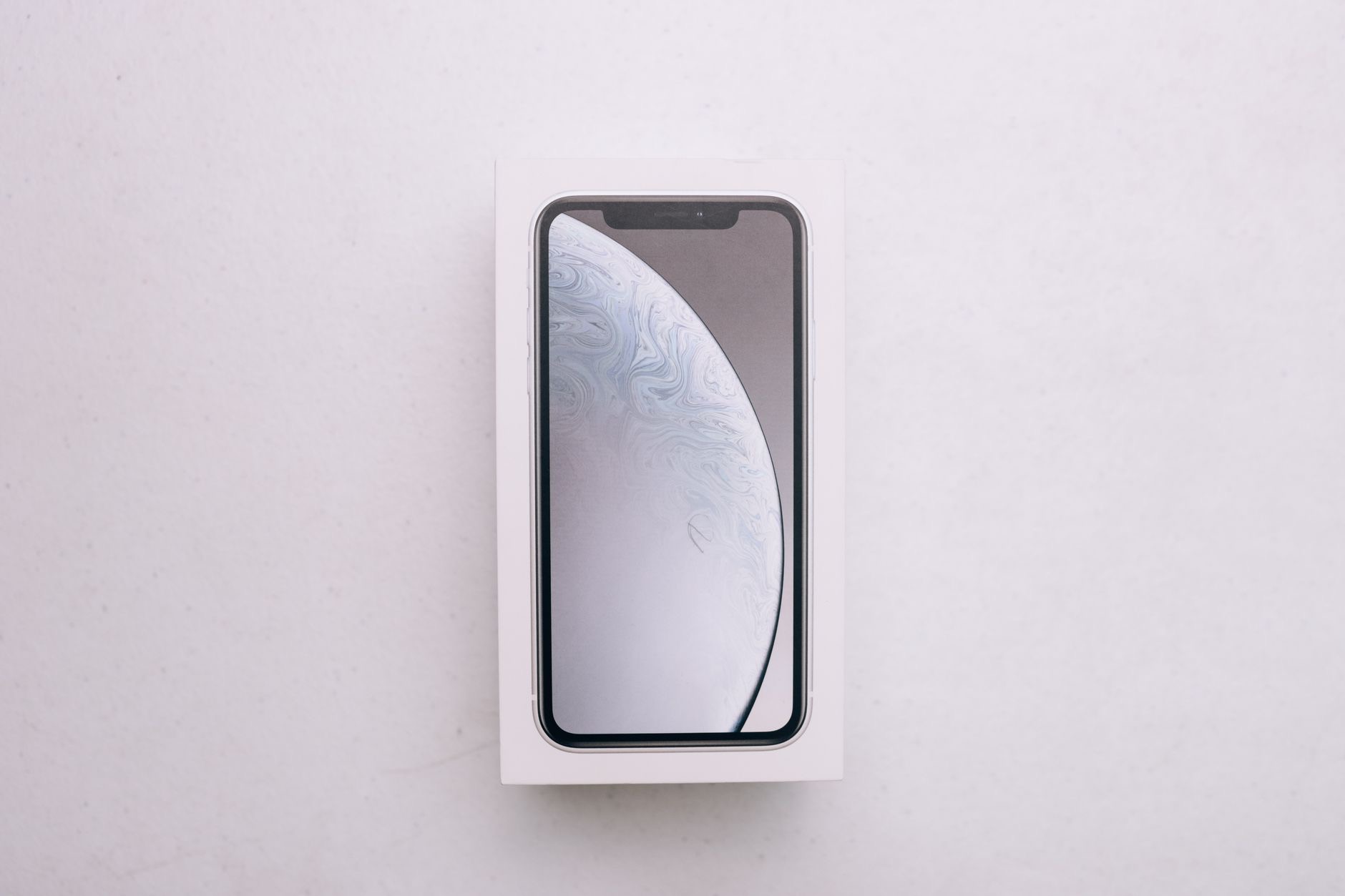
You unbox your shiny new iPhone, lift the tray, and find... a cable and not much else. So does the iPhone come with a charger? The short answer surprises many buyers: you get a charging cable, but no power adapter to plug it into. Here is exactly what is in the box, what you need to buy, and the smartest way to set up charging for a new iPhone.
What Is Actually in the Box
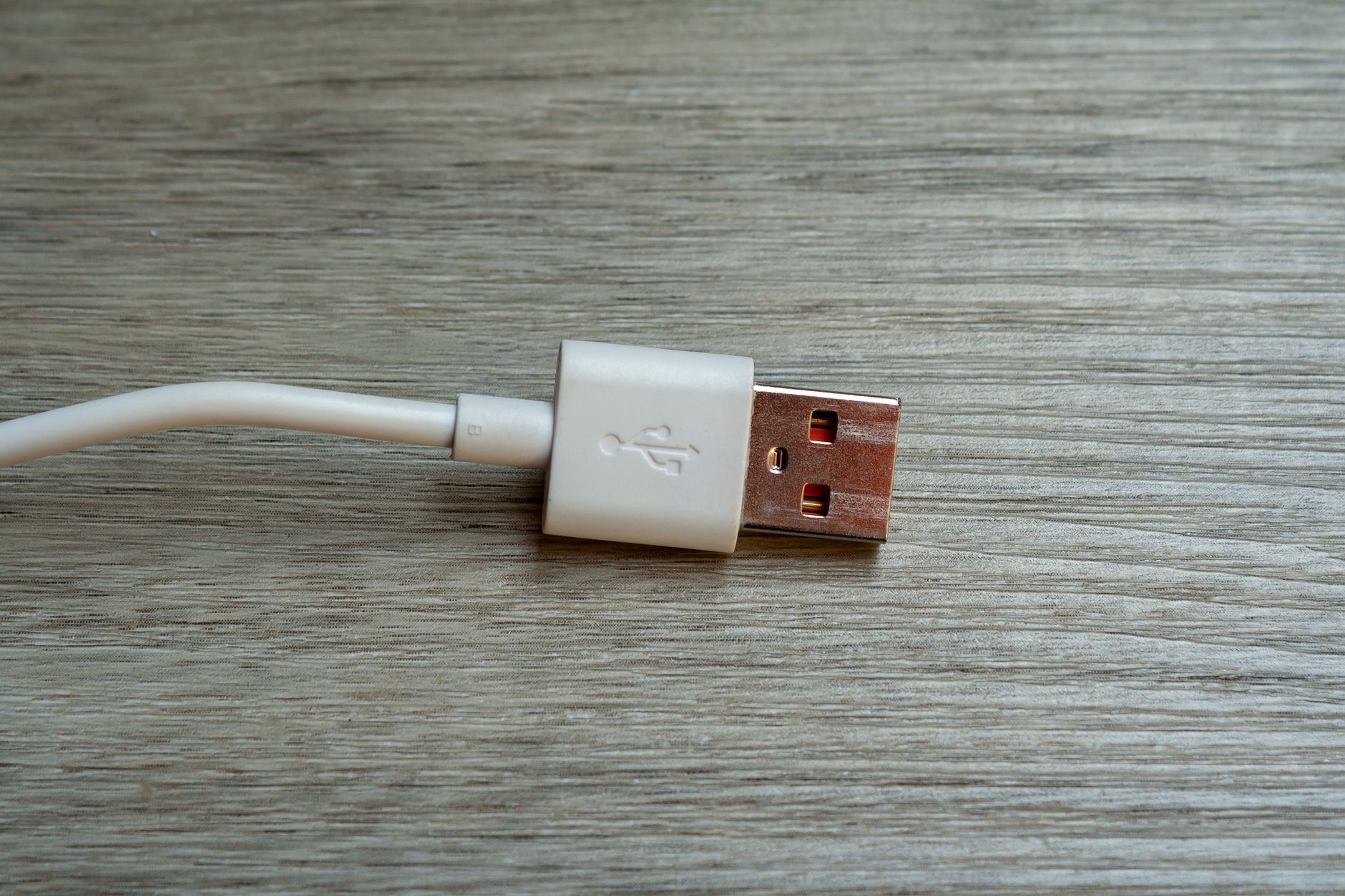
Recent iPhones ship with the phone itself, a USB-C charging cable, and documentation, and that is essentially it. There is no power adapter, the wall plug part, and no headphones. Apple made this change citing environmental reasons, and it means the cable in the box needs something to plug into. If you already own a compatible power adapter from a previous device, you are covered. If not, a charger is the first purchase to plan alongside a new iPhone.
So What Do You Need to Buy?
At minimum, you need a power adapter that the included cable plugs into, and many households already have a drawer of them. Beyond the minimum, this is the moment to set up charging properly: a spare quality cable for your bag or bedside saves daily shuffling, and a wireless option adds genuine convenience. Think of the empty box as an invitation to build the charging setup you actually want, rather than limping along on one cable forever.
★ Editor's Pick · Amazon
Quality USB-C Cable
A spare cable for bag or bedside ends the shuffling
The Convenient Upgrade: MagSafe
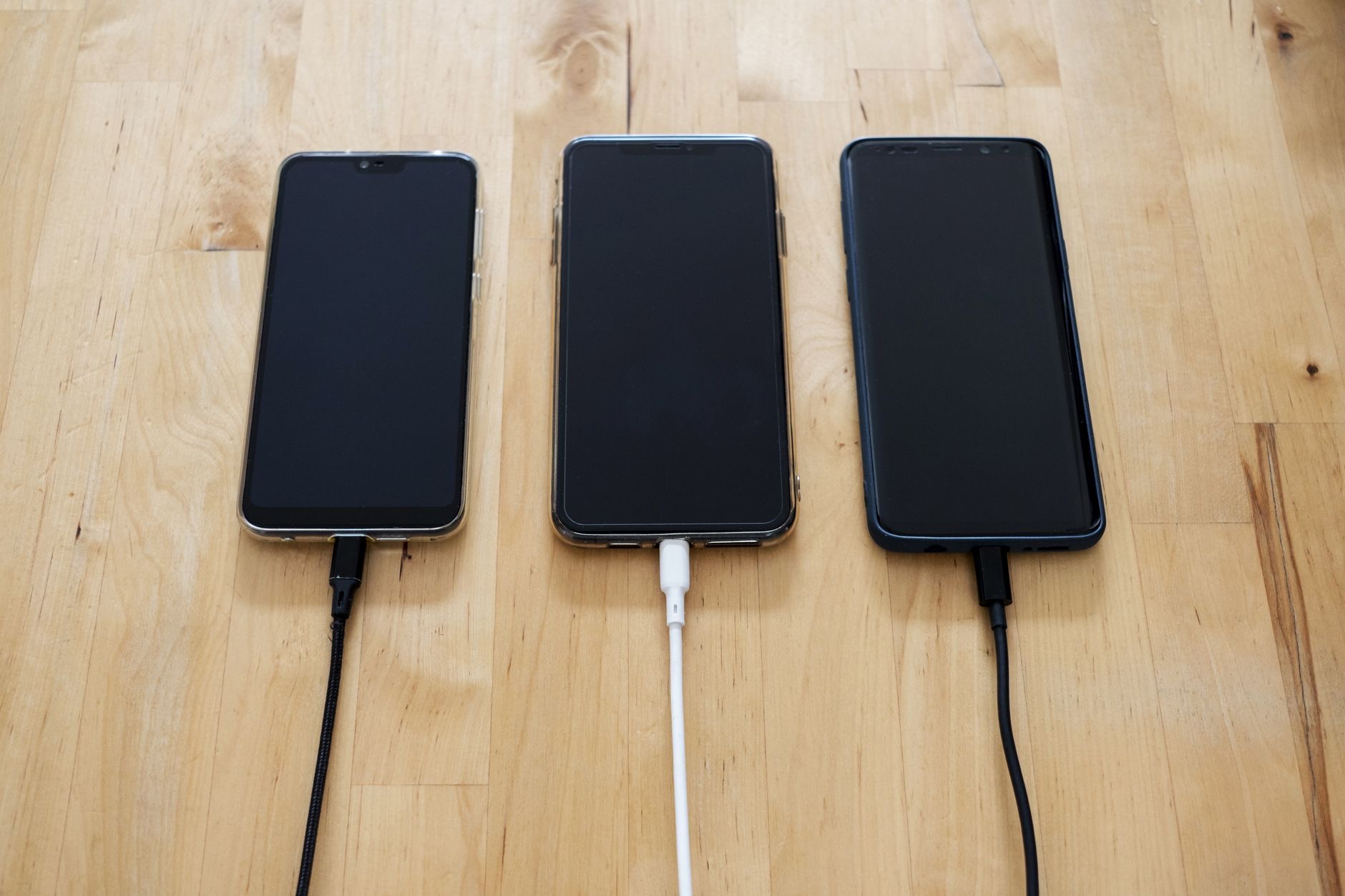
Since you are setting up charging anyway, consider skipping the cable dance entirely at home. A MagSafe charger snaps magnetically onto the back of your iPhone and charges it wirelessly, so your desk or nightstand gets a fixed spot where you simply set the phone down. No port, no fumbling, no wandering cable. For a brand-new iPhone, it is the charging setup that makes daily life nicest, and the one most new owners wish they had bought on day one.
★ Editor's Pick · Amazon
MagSafe Charger
Set the phone down and it charges, no fumbling
Charging Away From Home
The in-the-box question matters most the first time your battery dies away from an outlet. A magnetic power bank solves the away-from-home half of charging: it snaps onto your iPhone and tops it up wirelessly from your pocket or bag, no adapter or outlet required. New iPhone owners who add one stop thinking about battery entirely. Between a home charger and a portable one, your charging is genuinely complete.
★ Editor's Pick · Amazon
Magnetic Power Bank
Charging with no outlet at all
What About Headphones?
The other absence in the box is headphones, which also no longer ship with iPhones. If you have working earbuds, carry on happily. If you are due an upgrade, AirPods pair with a new iPhone the moment you open the case and cover music, calls, and videos with zero setup friction. Many people time their AirPods purchase to a new phone precisely because the pairing experience is at its most magical on day one.
★ Editor's Pick · Amazon
AirPods 4
The missing headphones, paired in seconds
The Smart Day-One Setup
Here is the checklist that turns an empty-ish box into a complete setup: confirm you have a power adapter for the included cable, add a spare quality cable so one lives where you need it, put a MagSafe charger on the desk or nightstand for effortless daily charging, and consider a magnetic power bank for life away from outlets. Do this on day one and you will never think about charging again, which is exactly how it should be.
| In the box | Buy separately |
|---|---|
| iPhone | Power adapter |
| USB-C cable | Spare cable, MagSafe charger |
| Documentation | Power bank for the road |
| No headphones | AirPods if you need them |
Frequently Asked Questions
Does the iPhone come with a charger?
It comes with a USB-C charging cable but no power adapter, the wall plug part, and no headphones. If you already own a compatible adapter, you are covered; if not, plan to buy one alongside a new iPhone so the included cable has something to plug into.
Why does the iPhone not include a power adapter?
Apple removed the adapter and headphones from the box citing environmental reasons, on the basis that many buyers already own them. In practice it means the included cable needs an adapter you provide, which is worth knowing before your new phone arrives with a low battery.
What should I buy with a new iPhone?
At minimum, a power adapter if you do not own one. For a genuinely good setup, add a spare quality cable for bag or bedside, a MagSafe charger for effortless charging at home, and optionally a magnetic power bank for away-from-outlet days and AirPods if you need headphones.
Is a MagSafe charger better than the cable?
For daily home charging, most people find it nicer: the phone snaps magnetically into place and charges wirelessly, no port fumbling, no wandering cable. The included cable remains useful for fast charging and travel, so the ideal setup uses both for different moments.
Do iPhones come with headphones?
No, headphones no longer ship in the box. If you have working earbuds you are fine, and if you are due an upgrade, AirPods pair with a new iPhone the moment you open the case, which is why many people time that purchase to a new phone.
Can I charge an iPhone without any adapter?
You need some power source: an adapter for the cable, a wireless charger which itself plugs in, or a charged magnetic power bank, which is the one option that needs no outlet in the moment. Most people combine a home charger with a power bank for complete coverage.
The Bottom Line
The iPhone box contains a USB-C cable but no power adapter and no headphones, so plan accordingly. Confirm you own an adapter, add a spare quality cable, and treat the moment as your chance to build charging properly: a MagSafe charger for effortless home top-ups, a magnetic power bank for the road, and AirPods if your earbuds are due retirement. One day of setup, and charging becomes something you never think about again.
Leave a Reply