
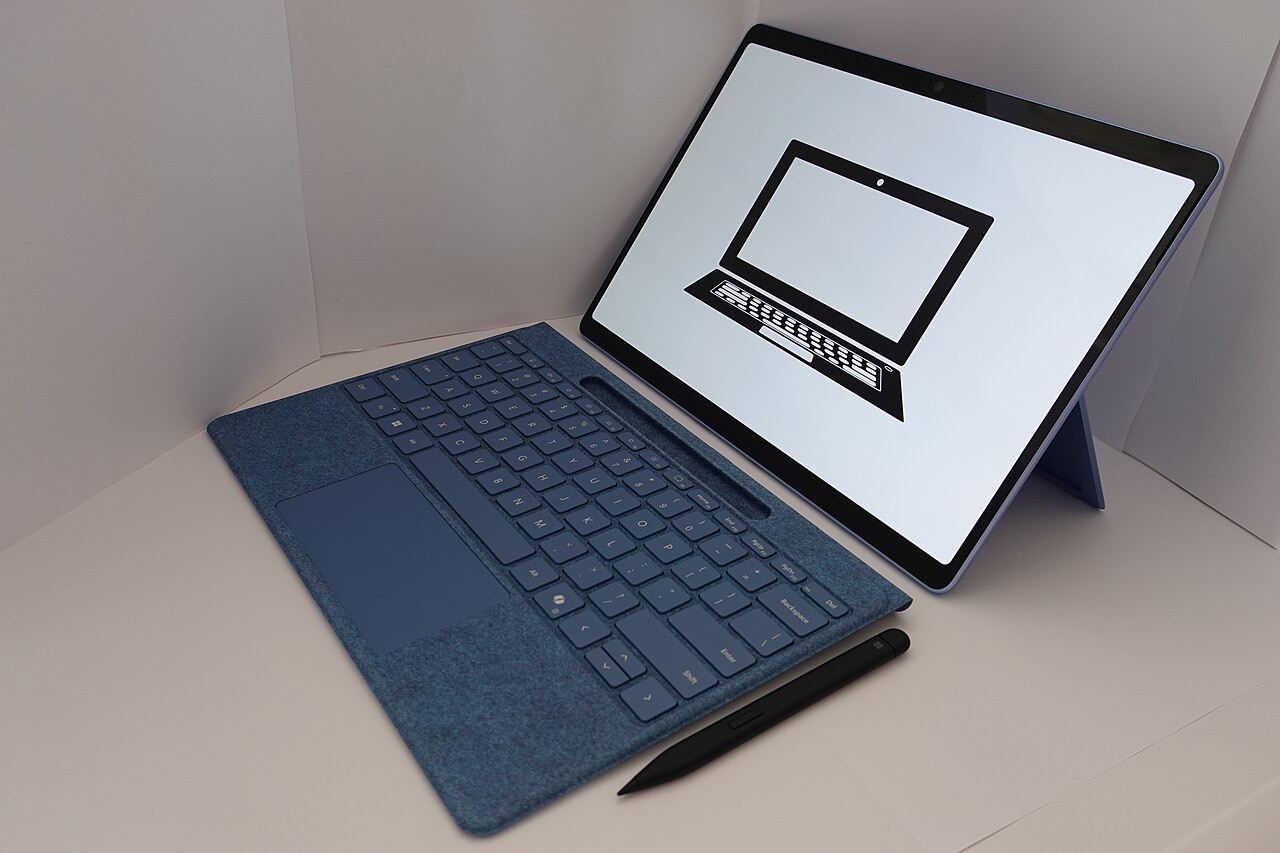
Apple sells more iPad models than most people can keep straight, and the most expensive one is rarely the right answer. Looking across specifications, pricing and user feedback, I can tell you that most buyers are perfectly served by one of the cheaper iPads and would never feel the difference. Here is how to pick the right one without overpaying for power you will not touch.
Start With What You Will Actually Do
The iPad decision is not about specs, it is about use. Most people use an iPad to browse, watch, read, take notes, and run everyday apps. For that, the base iPad is outstanding and the obvious value pick. The pricier models add power and screen quality that only matter for specific creative or professional work. So before you look at any price, be honest about whether you are a casual user or a creator, because that answer makes the choice for you.
The Base iPad: Right for Most People
The standard iPad is the value champion of the lineup, and I recommend it to most people without hesitation. It is fast, the screen is lovely, it runs every app, and it handles streaming, browsing, notes, and casual creativity with ease. Unless you have a specific professional need, this is the iPad to buy, and the money you save is better kept in your pocket or spent on a case and a keyboard.
The iPad Air: The Sweet Spot for Creators
Step up to the iPad Air if you draw seriously, edit photos, or want a faster chip and a nicer screen without paying Pro prices. The Air hits a genuine sweet spot: most of the Pro experience for noticeably less. For students in creative fields, hobbyist artists, and people who want their iPad to do real work, the Air is the smart middle choice that very few people regret.
The iPad Pro: Who It Is Really For
The iPad Pro is a beautiful, powerful machine, and most people should not buy it. It is built for professionals who push it hard: video editors, illustrators, and creators who rely on the best screen and the most power Apple puts in a tablet. If that is your work, it is worth every dollar. If you are buying it to browse and watch shows, you are paying a heavy premium for capability you will never reach.
| You are... | Buy the... |
|---|---|
| A casual everyday user | Base iPad |
| A creator or student on a budget | iPad Air |
| A demanding professional | iPad Pro |
★ Editor's Pick · Amazon
iPad Air (M3)
Check today's price on Amazon
The Accessories That Change the Math
Here is the trap that quietly inflates the bill: the keyboard and the pencil. They are genuinely useful, but they add up fast, and a loaded iPad can suddenly cost as much as a laptop. Decide whether you truly need them before you buy, and remember that good third-party keyboards and styluses cost far less than Apple's own. If you find yourself needing a keyboard attached most of the time, it may be worth reading our iPad vs MacBook guide before you commit.
Storage: Get It Right Up Front
One firm piece of advice: do not buy the smallest storage to save a little money. You cannot upgrade it later, and a full iPad is a frustrating iPad. If you store photos, games, or downloaded shows, step up at least one tier. It is the one spec where spending a bit more genuinely pays off over the years you will own the device.
Screen Size: Which Fits Your Life
iPads come in several sizes, and the right one depends on how you hold it. A smaller iPad is lighter and easier to carry and read one-handed, ideal for commuting, reading, and travel. A larger iPad is better for video, drawing, and using two apps side by side, but it is heavier to hold for long. Think about where you will actually use it most, on the couch, at a desk, or on the move, and let that guide the size more than the spec sheet does.
How Long Will an iPad Last?
iPads are famously long-lived. Apple supports them with software updates for many years, and the everyday tasks most people do are not getting heavier. A current iPad bought today will comfortably serve you for five years or more of browsing, watching, and note-taking. That longevity is a big part of the value story, and it is another reason not to overspend on the Pro for casual use, since even the base model will still feel capable long after you bought it.
iPad or a Cheap Laptop?
A fair question many buyers face: should you get an iPad or a budget laptop for the same money? If you mainly consume content, draw, and do light tasks with a touchscreen, the iPad is the more pleasant device. If you type a lot, multitask heavily, or need desktop software, a laptop wins. It comes down to how you work, which is exactly the trade-off we dig into in our iPad vs MacBook guide.
Quick Answers Before You Buy
Which iPad size should I get?A smaller iPad suits reading, travel, and one-handed use, while a larger one is better for video, drawing, and multitasking. Pick based on where you will use it most.
Which iPad should most people buy?The base iPad. It is fast, runs every app, and handles browsing, streaming, and notes beautifully for far less than the Air or Pro.
Is the iPad Pro worth it?Only for demanding creative professionals. For everyday use, you are paying a large premium for power you will never use.
What is the difference between iPad and iPad Air?The Air has a faster chip, a nicer screen, and better accessory support. It suits creators and students, while the base iPad is ideal for casual use.
How much storage do I need?Avoid the smallest tier. If you keep photos, games, or downloads, step up at least once, because you cannot add storage later.
Do I need the keyboard and pencil?Only if you type a lot or draw. They are useful but pricey, and a fully kitted iPad can cost as much as a laptop.
A Word on Resale and Trade-In
One quiet advantage of buying an iPad is how well it holds its value. When you eventually upgrade, a well-kept iPad fetches a healthy trade-in or resale price, which lowers the true cost of owning it. That is one more reason to buy the model that genuinely fits your needs rather than the cheapest option you will outgrow, since you recover a good chunk of your money either way. It also means a mid-range iPad you love can be the smarter buy over a bargain model you merely tolerate, because the resale gap narrows the real price difference between them. Keep the box, use a case to protect it, and your iPad becomes not just a device you enjoy for years, but one that gives a meaningful amount back when it is finally time for the next one.
★ Editor's Pick · Amazon
iPad Air (M3)
The best all-round iPad for most people
My Honest Verdict
For most people, the base iPad is the best iPad, full stop. Choose the iPad Air if you create or study and want more speed and a better screen, and reach for the Pro only if you are a professional who will truly use its power. Then spend wisely on storage, and add a keyboard or pencil only if you genuinely need them.
Buy the iPad that matches your real use, not the one with the biggest number. What would you use yours for most? Tell me in the comments and I will recommend the right model.
Hero photo: Tablet computer by KK IN HK (CC BY-SA 4.0) via Wikimedia Commons.

Leave a Reply