
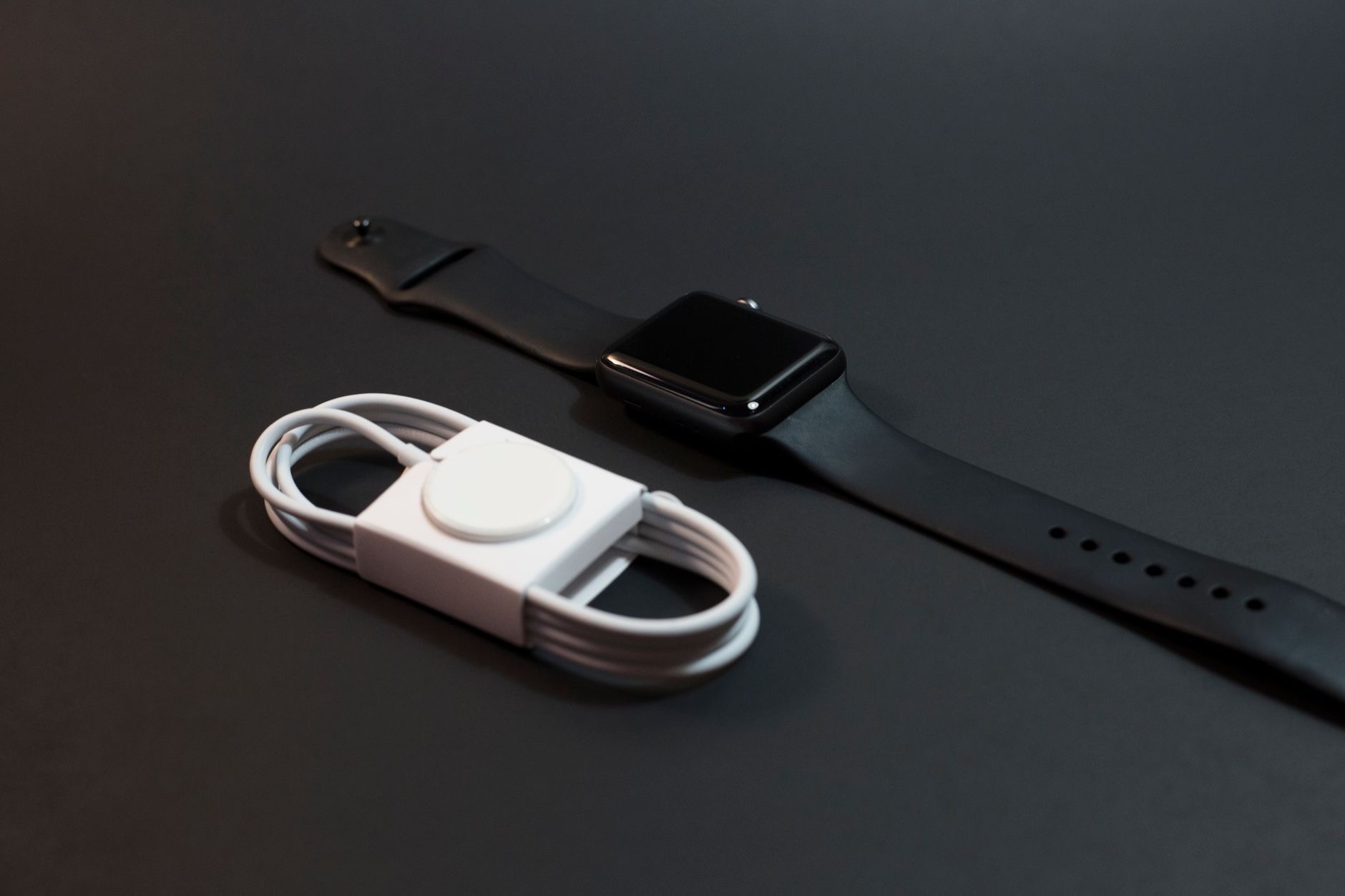
When your Apple Watch suddenly will not last the day, needing a charge by lunchtime, it turns a helpful companion into a frustration. The reassuring news, based on the most common causes and widely reported fixes, is that fast battery drain is usually caused by settings or a software glitch, not a worn-out battery. Work through these nine fixes and your Apple Watch will very likely be lasting all day again, often after just one or two changes.
First, Was It Always This Bad?
It helps to know whether the drain is new or gradual. A sudden drop in battery life, where the watch was fine yesterday and dying fast today, usually points to a software glitch or a setting that changed, both easy to fix. A slow decline over a long time may indicate an aging battery. Most fast-drain complaints are the sudden kind, which is good news, because that means a few simple changes will very likely restore your battery life.
1. Restart Your Apple Watch
The simplest fix clears the most common cause. A software glitch can make the watch drain rapidly, and a restart resets it. Turn the watch off, wait a few seconds, and turn it back on, then watch how the battery behaves over the next few hours. This classic step resolves a surprising share of sudden battery-drain problems, because it clears whatever stuck process or glitch was quietly consuming power in the background without you knowing.
2. Check the Always-On Display
If your watch has an always-on display that keeps the screen lit, it uses noticeably more battery than letting the screen sleep. If your battery life is poor and you do not need the screen always visible, turning off the always-on display is one of the biggest single savings you can make. The watch will then light up when you raise your wrist or tap it, which is plenty for most people and can dramatically extend how long a charge lasts.
3. Reduce Notifications
Every notification lights the screen, vibrates, and wakes the watch, and a flood of them drains the battery steadily through the day. Review which apps are allowed to send notifications to your wrist and turn off the ones you do not need. Cutting back to only the notifications that genuinely matter not only saves battery but makes the watch less distracting. For heavy notification users, this is often one of the most effective battery fixes there is.

4. Turn Off Background App Refresh
Apps refreshing their content in the background quietly consume battery even when you are not using them. Turning off background app refresh, or limiting it to only the apps that need it, reduces this constant drain. Many apps do not need to update on your wrist in the background at all, so disabling this for them is an easy saving with little downside. It is one of the settings most worth checking when your watch battery is disappearing faster than it should.
5. Disable Unnecessary Health Features
Some health and sensor features run continuously and use power. While many are worth keeping, features you do not use, such as certain constant background measurements, can be turned off to save battery if you do not rely on them. Be selective, since some of these features are genuinely valuable, but disabling the ones you never look at is a reasonable trade for longer battery life, especially if your watch is struggling to make it through a full day.
6. Update the Software
Outdated software causes bugs, and battery drain is a very common symptom, especially after a poorly behaving update. Check for and install any available update for both your Apple Watch and your iPhone, since Apple regularly fixes battery issues. If your fast drain began right after an update, the next update often resolves it. Keeping both devices current is one of the most reliable ways to fix battery problems caused by software rather than settings.
7. Unpair and Re-Pair the Watch
If settings changes and updates do not help, unpairing the watch from your iPhone and pairing it again often clears stubborn battery problems. This refreshes the connection and the watch's software, resolving glitches that simpler steps cannot. When you unpair, the watch backs up to your iPhone, so you can restore your settings during the re-pairing. It is a slightly heavier step, but it resolves many cases of mysterious, persistent battery drain that nothing else fixes.
8. Check Your Charging Habits, 9. Consider the Battery's Age
Make sure the watch is charging properly and fully overnight, since a watch that never reaches a full charge will seem to drain fast. Build charging into a daily routine, such as while you shower or get ready. Finally, if you have tried everything and the battery still fades quickly, and your watch is old, the battery itself may simply be worn from years of use, in which case Apple's battery service can restore it. For choosing your next watch, see our Apple Watch buying guide and SE vs Series guide.
| Cause | Fix |
|---|---|
| Sudden drain after an update | Restart, then update again |
| Steady all-day drain | Cut notifications, always-on display |
| Old watch fading slowly | Battery service may be needed |
Quick Answers
Why is my Apple Watch battery draining so fast?Usually settings like the always-on display and heavy notifications, or a software glitch, rather than a worn battery. Restarting and adjusting these settings fixes most sudden drain.
How do I make my Apple Watch battery last longer?Turn off the always-on display, reduce notifications, limit background app refresh, and disable health features you do not use. Restarting and updating also help a lot.
Did an update cause my battery drain?It can. Battery drain often follows a buggy update. Restart the watch, and install the next update for both the watch and iPhone, which usually resolves it.
Does the always-on display drain the battery?Yes, noticeably. Turning it off so the screen sleeps until you raise your wrist is one of the biggest single battery savings you can make.
Will re-pairing my watch help?Often, for stubborn cases. Unpairing and re-pairing refreshes the software and connection, clearing glitches that cause drain. Your settings are backed up and restored.
Could my watch battery just be old?If you have tried everything and an older watch still fades fast, the battery may be worn from years of use. Apple's battery service can restore it.
Cold Weather and Battery Drain
One environmental factor people overlook is temperature, which affects battery performance more than most realize. In very cold conditions, the watch's battery can drain noticeably faster and even shut down temporarily until it warms up, which is normal behavior for the battery chemistry rather than a fault. Extreme heat is harder on long-term battery health, while extreme cold causes temporary drain. If your fast battery drain coincides with cold weather, outdoor winter activity, for example, the temperature is likely a factor, and the battery will perform normally again once it returns to a comfortable range. Keeping the watch closer to your body warmth in very cold conditions helps. So if your battery suddenly seems worse during a cold spell, do not assume the worst, since temperature alone can explain it, and the situation usually corrects itself as things warm up. It is one more reason to consider the conditions before concluding that your battery is genuinely worn out.
The Honest Bottom Line
An Apple Watch draining fast is usually a settings or software problem, not a dead battery. Restart it, turn off the always-on display, cut back notifications and background refresh, and update the software, which solves the vast majority of sudden drain. Re-pair the watch for stubborn cases.
Only an old watch that fades after every fix likely needs battery service. Which change brought your battery life back? Tell me in the comments and I will help you find more savings.
Leave a Reply