
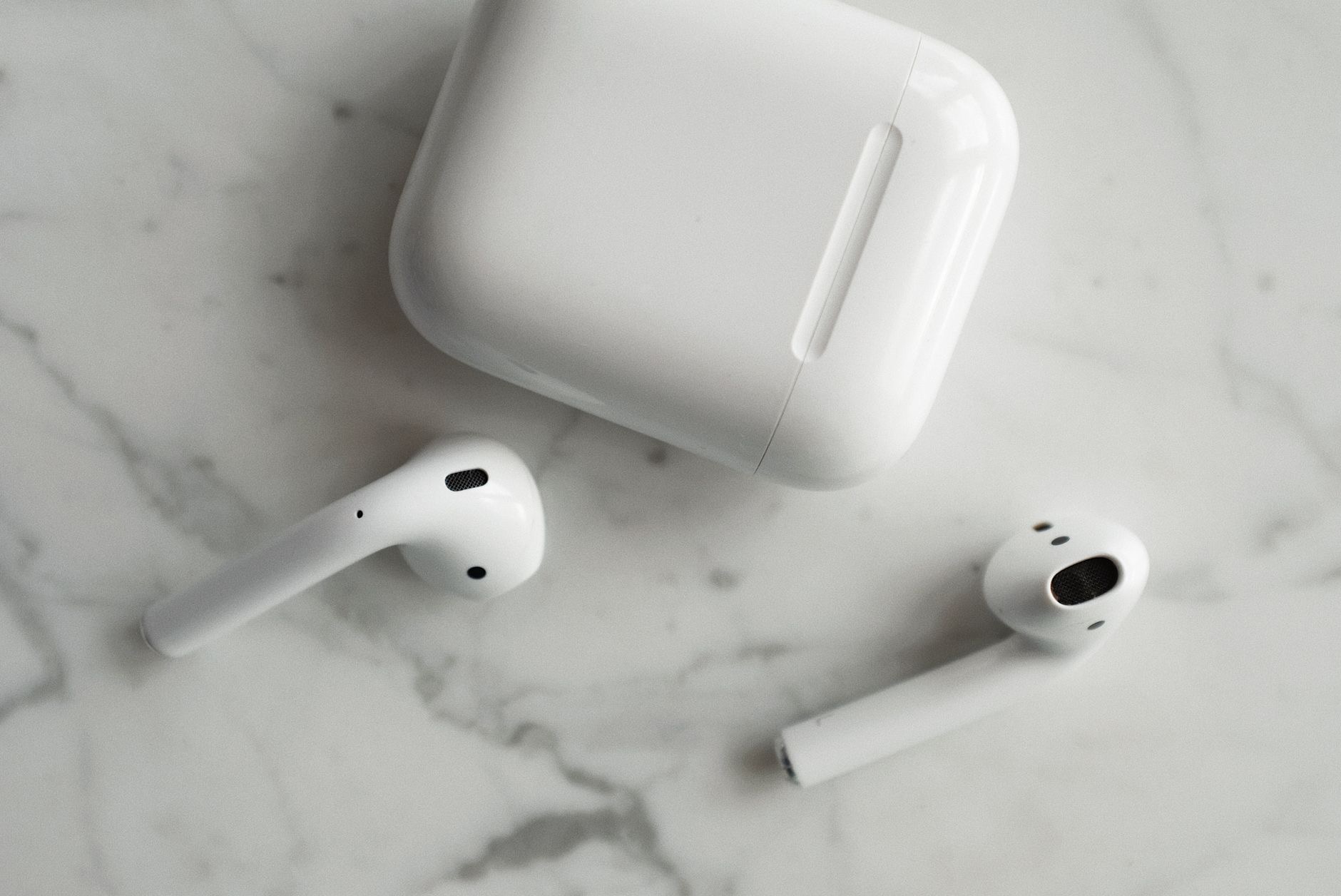
Few things are as annoying as AirPods that will not connect when you just want to listen. The good news, based on the most common causes and widely reported fixes, is that it is almost always a quick, free fix, not a sign your AirPods are broken. Work through these eight solutions in order, and your AirPods will almost certainly be pairing again within minutes. Start with the simple ones first.
Why AirPods Stop Connecting
AirPods connect over Bluetooth, and Bluetooth occasionally gets confused, especially when your AirPods switch between several devices. A low battery, a software hiccup, a dirty charging contact, or a stale connection are the usual culprits. None of these mean your AirPods are failing. Understanding that the problem is almost always a temporary glitch, not hardware, is the first step, because it means the fix is usually fast and costs nothing.
The Eight Fixes That Actually Work
Go in order. Most people are connected again by the third step.
- 1. Charge them. A surprising number of connection problems are simply a dead battery. Put both AirPods in the case, charge for at least fifteen minutes, and try again.
- 2. Put them in the case and wait. Place both AirPods in the case, close the lid for thirty seconds, then open it near your device. This resets the connection more often than you would think.
- 3. Toggle Bluetooth off and on. On your phone, turn Bluetooth off, wait a few seconds, and turn it back on. This clears the most common stale-connection glitch instantly.
- 4. Restart your device. A quick restart of your iPhone, Mac, or Android phone clears Bluetooth bugs that no toggle can. It is the classic fix for a reason.
- 5. Make sure you are selecting them. Open your Bluetooth settings and tap your AirPods to connect manually. Sometimes the device simply needs to be told which audio output to use.
- 6. Clean the AirPods and case contacts. Earwax and dust on the AirPods or inside the case can stop charging and connecting. A gentle wipe with a dry, soft cloth often does the trick.
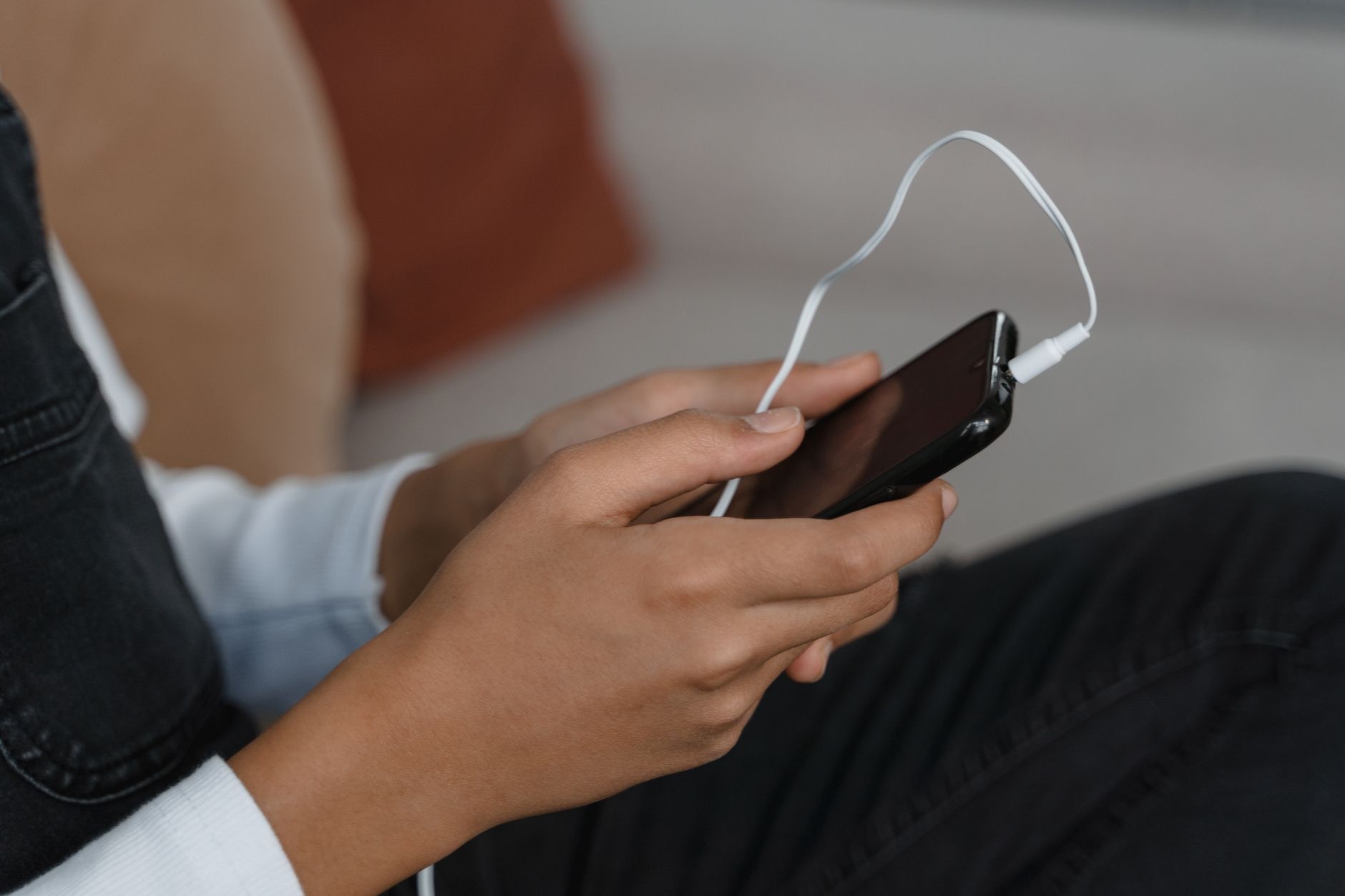
- 7. Update your software. Outdated software on your phone causes Bluetooth problems, and AirPods firmware updates install automatically when they are near your charging iPhone. Keep everything current.
- 8. Forget and re-pair. If nothing else works, go to Bluetooth settings, forget the AirPods, then hold the button on the back of the case until the light flashes and pair them fresh. This resolves the stubborn cases.
The Fix That Solves Most Cases
If you only try one thing, try the combination of putting both AirPods in the case, waiting, and toggling Bluetooth off and on. This clears the vast majority of connection glitches in under a minute, because it resets both ends of the connection at once. People reach for complicated solutions when this simple reset would have worked, so start here before you go further down the list.
AirPods and Android: A Special Note
AirPods work with Android as standard Bluetooth earbuds, but the experience is less seamless, and connection drops are more common because you lose Apple's automatic switching and management. If you mostly use Android and your AirPods keep disconnecting, it may simply be the mismatch at work. For Android users, a pair built for your phone often connects more reliably, which is one reason our best wireless earbuds guide matters when choosing.
When It Might Be the Battery or Hardware
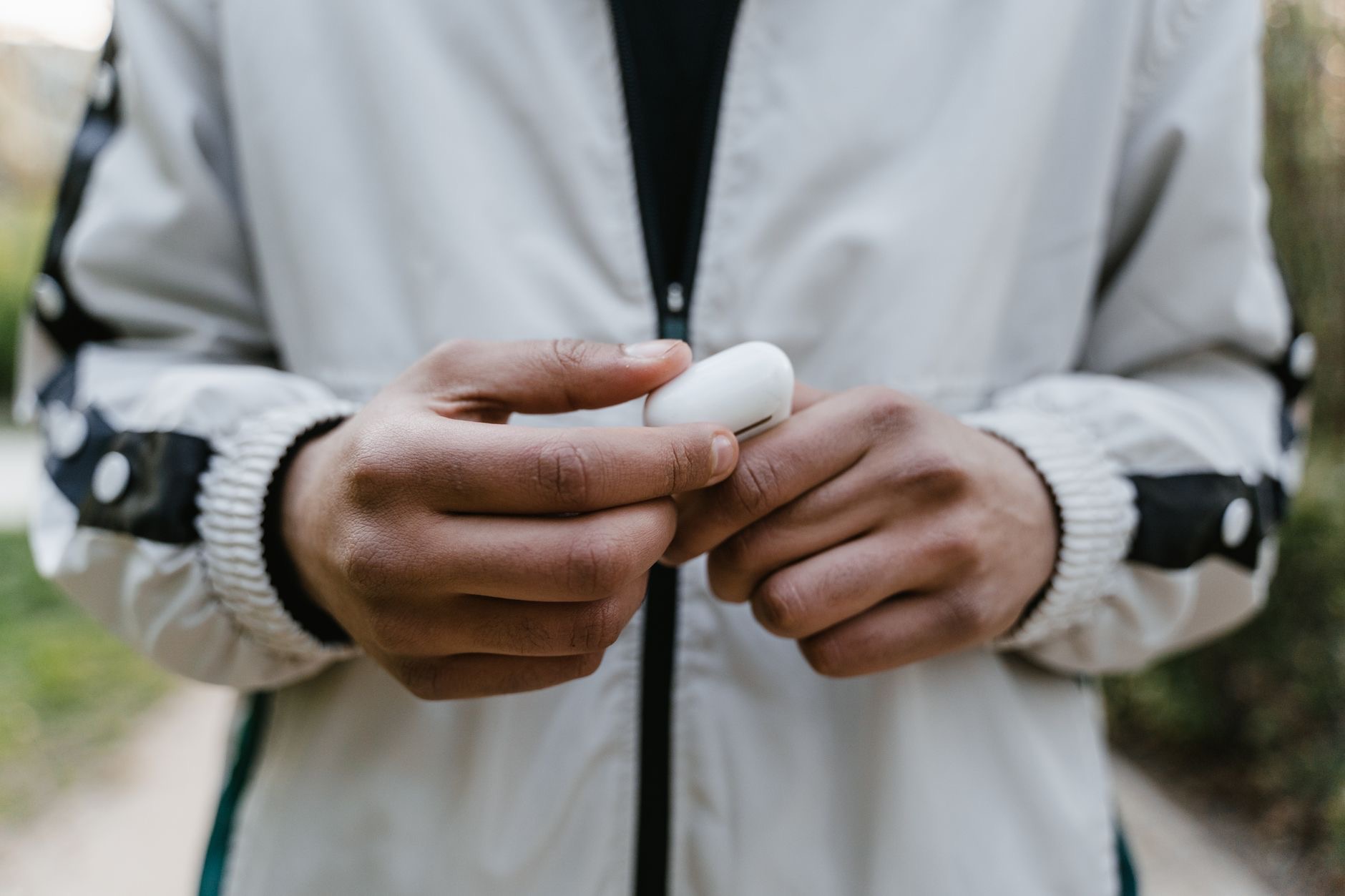
If you have worked through every fix and your AirPods still will not connect or hold a charge, the problem may be genuinely worn batteries after years of use, not a software glitch. At that point it is worth weighing Apple's battery service against a new pair, and our AirPods battery tips can help you confirm whether age is the real issue. But try every fix above first, because the overwhelming majority of connection problems are simple and free to solve.
Connecting to a Mac, iPad, or Other Device
If your AirPods connect to your iPhone but not your Mac or iPad, the cause is usually that they are simply connected somewhere else. AirPods can only actively play from one device at a time, and they often cling to the last one you used. On the device you want, open the Bluetooth menu or the sound output control and select your AirPods manually to pull the connection over. As long as you are signed into the same Apple account on all your devices, this switch usually takes one tap once you tell the device to grab them.
When to Reset Network or Bluetooth Settings
For stubborn cases that survive every basic fix, resetting your device's connectivity settings is the heavier hammer. On an iPhone, resetting network settings clears tangled Bluetooth and Wi-Fi configurations without deleting your photos or apps, and it often resolves problems that nothing else can. You will need to reconnect your AirPods and Wi-Fi afterward, which is a minor inconvenience for a reliable fix. Treat this as a near-last resort, after charging, resetting the AirPods in the case, and re-pairing have all failed, but know that it clears the kind of deep glitch that simple toggles cannot reach.
Stop It Happening Again
Once your AirPods are connecting reliably, a few habits keep them that way. Keep your software and AirPods firmware current, since updates fix Bluetooth bugs. Clean the AirPods and the case contacts every so often, because grime is a quiet cause of dropouts. And keep them charged rather than running them flat, which avoids the low-battery disconnects that catch people out mid-listen. These small habits prevent the majority of repeat problems, and they take only a moment compared with the frustration of earbuds that drop out when you least want them to.
Quick Answers
Why do my AirPods connect to the wrong device?AirPods cling to the last device you used and only play from one at a time. On the device you want, open Bluetooth or sound output and select them manually.
Why won't my AirPods connect?Usually a temporary Bluetooth glitch, a low battery, or a stale connection. Charging them and toggling Bluetooth off and on fixes most cases quickly.
How do I reset my AirPods?Put them in the case, forget them in Bluetooth settings, then hold the case button until the light flashes and pair them fresh.
Why do my AirPods keep disconnecting?Often a software bug or, on Android, the lack of seamless Apple switching. Update your software and clean the contacts, and try re-pairing.
Do AirPods work with Android?Yes, as basic Bluetooth earbuds, but with less reliable switching. If you mainly use Android, a pair built for it may connect more smoothly.
Could dirty AirPods cause connection issues?Yes. Earwax and dust on the AirPods or in the case can block charging and connecting. A gentle wipe with a dry cloth often helps.
When should I get my AirPods serviced?If every fix fails and they still will not connect or hold charge after years of use, the batteries may be worn. Weigh service against a new pair.
The Honest Bottom Line
AirPods that will not connect are almost always a quick, free fix, not a broken product. Charge them, reset them in the case, toggle Bluetooth, and restart your device, and you will solve the vast majority of cases in minutes. Keep the contacts clean and your software current to prevent it happening again.
Only after every fix fails, on a pair that is years old, is hardware likely the cause. Which fix got yours working again? Tell me in the comments and I will help with any stubborn cases.
Leave a Reply