
Disclosure: Some links on this page are affiliate links. Device Review Lab may earn a small commission from qualifying purchases, at no extra cost to you. Learn more.
The iPad alone is capable. With the right accessories, it becomes something different entirely: a laptop replacement for most student tasks, a full illustration tool for creatives, a note-taking machine that makes handwritten notes searchable and organized. The accessories worth buying are not gimmicks. They are the ones that change what the iPad can do in your specific life.
Cases First: Protection That Also Stands the iPad Up
An iPad case matters more than a phone case because the device is used in so many modes. Flat for drawing. Propped on a desk for typing. Held in both hands for reading. Balanced on a plane tray table. Folio cases that fold into a stand position cover most of these uses well: they protect front and back, prop the iPad at a useful angle without a separate stand, and close flat for easy carrying. The tradeoffs are bulk and weight. For a device used primarily for drawing or reading, a slim back case without a stand is lighter. For students who carry the iPad to class and use it at desks, the folio with stand is almost always the more practical daily choice.
Apple Pencil: The Accessory That Changes What iPad Is
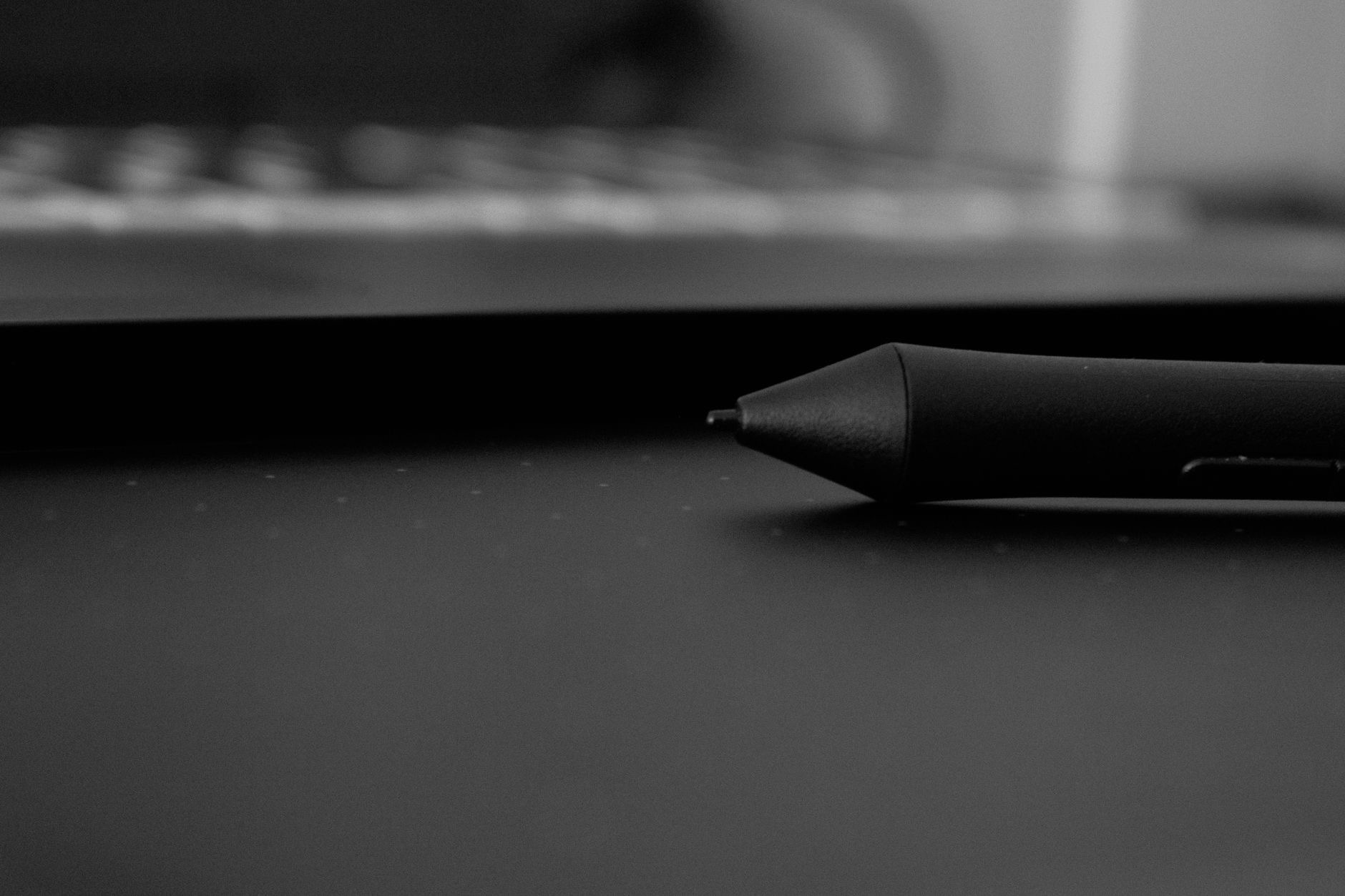
The Apple Pencil transforms the iPad from a passive screen into an active creation and notes tool. Handwritten notes, annotated PDFs, sketched diagrams, illustrated artwork, marked-up readings: all of these become fluid and natural in a way that neither a keyboard nor finger touch matches for these specific tasks. Multiple Apple Pencil generations exist and they are not universally compatible. Some charge via a Lightning port, some magnetically attach to the iPad's side and pair automatically. Compatibility depends specifically on which iPad model you have, so checking Apple's compatibility guide for your exact iPad before buying is essential. The magnetic-charging versions are the most convenient since they are always charged and always paired.
★ Editor's Pick · Amazon
Apple Pencil Pro
Turns the iPad into a real notes and drawing tool
Options: Pencil Pro · Pencil USB-C
Keyboard Cases: Making the iPad Your Laptop
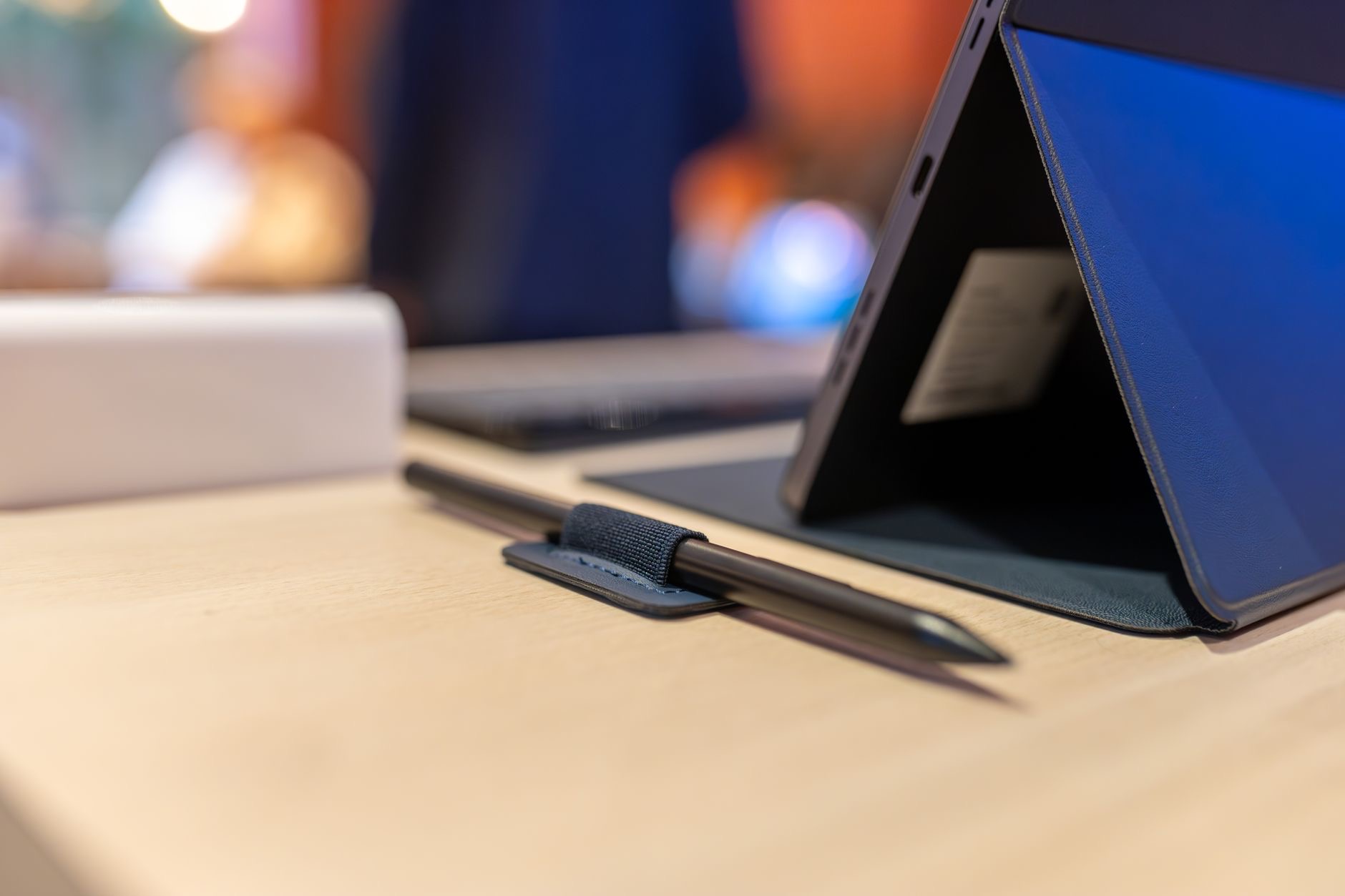
For students who want to use the iPad as a laptop replacement, a keyboard case is probably the most important accessory. Typing essays, research papers, emails, and notes on the glass screen is slow and tiring over long sessions. A physical keyboard changes everything. Apple's keyboard cases connect magnetically and include a trackpad. Third-party cases are typically less expensive, and many offer good key travel and functional trackpads. The key things to look for: key travel and tactile feel (mushy keys become tiring for long writing sessions), whether a trackpad is included (it adds real pointer control to iPadOS), and stand stability (a wobbly keyboard case is irritating every single time). A trackpad-equipped keyboard case makes the iPad genuinely laptop-like for text-heavy academic work.
★ Editor's Pick · Amazon
iPad Keyboard Case with Trackpad
Makes the iPad a real laptop for essays
Screen Protectors: Standard Glass vs Paper-Feel
A standard tempered glass screen protector protects against scratches, which is useful for a device carried daily. For heavy Pencil users, a paper-texture screen protector is worth considering specifically because it changes how the Pencil feels on the screen. Glass is smooth and the Pencil glides with little resistance, which feels unnatural compared to writing or drawing on paper. A paper-feel protector adds subtle drag that makes writing and sketching feel closer to a physical medium. The tradeoff is a slight reduction in display brightness and sharpness compared to clear glass, which bothers media viewers more than note-takers. Many illustrators and students strongly prefer the paper-feel once they have tried both.
Stands for Desk-Based Creative Work
For creative work where exact angle control matters, a dedicated adjustable stand is more versatile than a folio case. Articulated arm stands let you position the iPad flat for drawing, angled for reference, or upright for video calls. For illustration and photo editing at a desk, adjustable height and angle meaningfully improve posture and reduce wrist fatigue over long sessions. Simple folding desktop risers that hold the iPad at a fixed angle are less adjustable but also less expensive and take up less space. A folio case with a few stand positions covers basic desk use; a dedicated stand matters most if you spend hours drawing or editing at the same desk daily.
AirPods for Focus and Calls
For students studying in shared spaces, noise isolation changes the work experience significantly. AirPods with active noise cancellation let you block out a busy library, coffee shop, or shared apartment and actually focus on the task at hand. For video calls and group meetings, earbuds with a built-in microphone produce better audio for everyone else than the iPad's internal microphone from across a room. AirPods pair instantly to any iPad signed into the same Apple account. For tighter budgets, standard AirPods without noise cancellation are still excellent for calls and music, and the passive isolation from having earbuds in handles most study environments.
★ Editor's Pick · Amazon
AirPods for Studying
Block out a busy library and focus
Options: AirPods 4 · AirPods Pro 2
External Storage for Creatives
Modern iPads with USB-C support direct connection to USB-C external SSDs, and iPadOS files can access and work with files stored on external drives directly. For photography students importing camera files, video students working with raw footage, or creatives with large project libraries, a compact USB-C SSD extends the iPad's effective storage without requiring cloud storage. Most major creative apps including Files, Photos, and third-party video and design tools handle external drive access cleanly. Transfer speeds are fast enough for all but the most demanding 4K workflows.
Cable and Power Accessories
The iPad charges via USB-C or Lightning depending on the model, and a quality braided cable that holds up through daily bag packing and unpacking is genuinely worth a small premium over the cheapest option. Braided cables resist fraying at the connector ends, which is where cheap cables reliably fail within months. A compact multi-port charger that charges the iPad, iPhone, and AirPods from a single wall plug simplifies the cable situation for students who carry a bag daily. Right-angle or short cables take up less bag space and are easier to manage on cramped desk surfaces.
Priority Order: Students vs Creatives
Students and creatives tend to prioritize accessories in a different order because the primary use cases differ. Students typically need: protective case first (carried to class daily), keyboard second (writing is the primary task), Pencil third (notes and annotations), headphones fourth. Creatives typically need: Pencil first (it changes what the device fundamentally does for them), case second, stand third, keyboard fourth. Either way, buying the highest-priority item first and using the setup before buying the next one tends to produce better results than buying everything at once, since actual use reveals what matters most for your specific workflow.
What to Skip
Stick-on lens accessories for the iPad camera are rarely worth the money since most people use a phone as their primary camera. Expensive third-party styluses from brands other than Apple rarely match the Pencil's accuracy and palm rejection for iPads that support the real thing. USB hubs for iPad are occasionally useful but less consistently necessary than for a MacBook since most iPad use is more wireless. Screen cleaning kits are almost always overpriced compared to a clean microfiber cloth that does the same job. Spend on the accessories that change what the iPad can do for your workflow, not on accessories that look good in an unboxing photo.
| Accessory | Students | Creatives |
|---|---|---|
| Protective Case | Essential | Essential |
| Apple Pencil | High priority | Essential (buy first) |
| Keyboard Case | Essential | Medium |
| Adjustable Stand | Medium | High |
| Screen Protector | Standard glass | Paper-feel preferred |
| AirPods | High | Medium |
Frequently Asked Questions
Can the iPad replace a laptop for university students?
For most coursework, yes. Essay writing, research, note-taking, presentations, video calls, and light creative work all work well on iPadOS with a keyboard case. The limitations appear with subject-specific desktop software. If your program requires Windows-only applications or specialized scientific software, a laptop remains necessary. For general humanities, business, arts, and most professional programs, an iPad with keyboard and Pencil handles the academic workload well.
Which Apple Pencil should I buy for my iPad?
Check Apple's compatibility page for your specific iPad model since not all Pencils work with all iPads. If your iPad supports the USB-C Apple Pencil or a magnetic-charging version, those are the most convenient since they charge and pair automatically on contact with the iPad's side. Older compatibility versions charge via Lightning or require adapters.
Do I need a keyboard case with a trackpad?
A trackpad makes navigation significantly faster for productivity work. Without one, you can add a Bluetooth trackpad separately. iPadOS pointer support is well implemented and meaningfully improves the text editing and navigation experience compared to touch-only. For heavy writing and research work, trackpad support is worth having in whichever form makes sense for your budget.
Is a paper-feel screen protector worth it for note-taking?
For heavy note-takers and illustrators who use the Pencil for hours, yes. The added texture makes handwriting feel more natural and reduces the fatigue that comes from the Pencil skating on smooth glass. The slight reduction in display sharpness matters less for handwriting than it does for watching video, so the tradeoff is favorable for this use case.
Should I get iPad Pro or iPad Air for creative work?
For most creative students, the iPad Air is the better value. It handles drawing, photo editing, and video editing well, and costs meaningfully less than the Pro. The iPad Pro justifies its premium if you need the Liquid Retina XDR display for color-critical professional work, the ProMotion 120Hz display for ultra-smooth illustration, or the highest available processing power for the heaviest creative tasks.
Can I use any Bluetooth keyboard with an iPad?
Yes. Any Bluetooth keyboard pairs with iPad via iPadOS settings. Apple's magnetic keyboard cases have the advantage of a built-in stand and instant magnetic connection, but a standard Bluetooth keyboard works fine for desk use and is typically less expensive. Full-size Bluetooth keyboards with numpads also work if you have a fixed desk setup.
Our Honest Take
Start with the one accessory most relevant to your primary use case and learn how you actually use the setup before buying more. Students: a keyboard case first. Creatives: a Pencil first. Both: a protective case day one. The iPad reveals what you actually need through use, and most people find that two or three accessories done well cover the vast majority of their real workflow far better than a full collection of accessories bought from a checklist.
Leave a Reply