

There is one iPad and four people who consider it theirs. The seven-year-old's game progress sits next to your work email, someone changed the wallpaper to a frog, and the battery is always at 9 percent because nobody owns the charging job. Sharing an iPad is genuinely doable, but it takes honesty about what the device can do, and a few house rules. Here is the peace treaty.
The Honest Limitation First
Start with the truth that explains every frustration: an iPad is a one-account device. Unlike a family computer, it has no user profiles to switch between, so everyone shares one environment, one set of apps, one photo library, one browser history. Every strategy below works around that single fact. Knowing it upfront saves you an evening of searching for a login-switching setting that does not exist.
Guided Access: The Handover Button
The most useful tool in the shared-iPad arsenal is Guided Access, which locks the iPad into a single app until a passcode releases it. Handing a toddler the drawing app becomes safe: no wandering into your email, no accidental purchases, no frog wallpaper. Triple-click, lock it to the app, hand it over, and the iPad becomes exactly one thing until you say otherwise. For households with small kids, this feature alone makes sharing survivable.

Screen Time Does the Refereeing
For older kids, Screen Time carries the rules so you do not have to: app limits for the games, downtime around homework and bed, and a passcode that keeps the settings yours. Content restrictions filter what the shared browser can reach. The point is not surveillance, it is outsourcing the arguments, the iPad says time is up, and the iPad is famously immune to negotiation. Set it once, referee never.
Organize for Cohabitation
A shared home screen works like a shared kitchen: it needs zones. First page for the family apps everyone uses, a folder per person for their own things, and the grown-up apps parked on the last page out of casual reach. Web accounts add a wrinkle, since browsers remember logins, so sign out of anything sensitive and let each person use their own accounts in their own sessions. Not elegant, but neither is the alternative discovered through a kid replying to your work email.
The Physical Peace Treaty
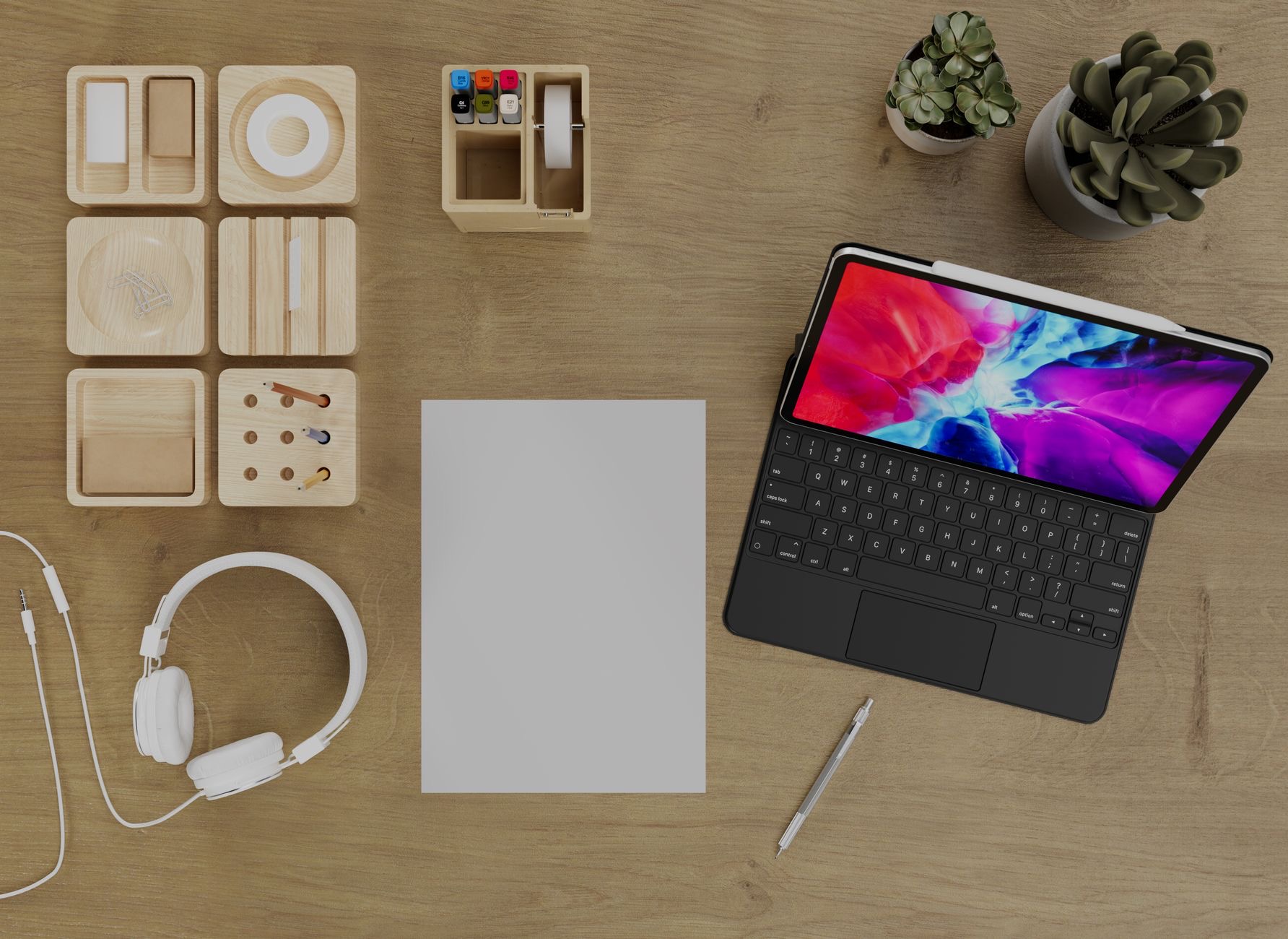
Most shared-iPad fights are actually logistics fights, and hardware solves those. A rugged folio means the device survives its most enthusiastic user. A stand in the living room gives it a public home, visible, charged, and findable, instead of migrating to whoever's room saw it last. And one fixed charging spot with a durable cable ends the 9 percent problem: the rule is simple, it sleeps on its stand, plugged in, every night.
★ Editor's Pick · Amazon
Folio Case & Stand
Survives the youngest user, lives in one place
Options: Folio Case · Tablet Stand
★ Editor's Pick · Amazon
Durable 2m Cable
The charging spot that ends the 9 percent era
When Sharing Stops Making Sense
There is a tipping point, and it looks like this: daily scheduling conflicts, homework colliding with someone's show, and the workarounds taking more energy than they save. The standard iPad's price makes the second-device math surprisingly gentle, and one iPad for the kids plus one for the adults dissolves nearly every rule on this page. Sharing is a great season. It does not have to be a permanent religion.
★ Editor's Pick · Amazon
iPad (10th gen)
The peace treaty that ends all treaties
| The problem | The fix |
|---|---|
| Toddler wandering into email | Guided Access locks one app |
| Endless time-limit arguments | Screen Time referees instead |
| Always at 9 percent | One stand, one spot, every night |
| Daily scheduling fights | The second iPad tipping point |
Frequently Asked Questions
Can an iPad have multiple user accounts?
No, and that single fact explains most shared-iPad friction: it is a one-account device with one environment, one app set, and one photo library for everyone. The workable strategies, Guided Access, Screen Time, zoned home screens, and house rules, all exist to work around that limitation.
How do I let my toddler use the iPad safely?
Guided Access. It locks the iPad into a single app until your passcode releases it, so the drawing app cannot become your email or an app store spree. Triple-click, lock, hand over. For households with small children it is the single most valuable feature on the device.
How do I stop fights over iPad time?
Let Screen Time be the referee: app limits on the games, downtime around homework and bedtime, protected by a passcode. The tablet announces time is up and accepts no counteroffers, which removes the parent from the nightly negotiation entirely. Set once, argue never.
Why is the shared iPad always dead?
Because charging is nobody's job. Give the iPad a public home, a stand in the living room, and one rule: it sleeps there, plugged in, every night. A fixed spot with a durable long cable turns the battery from a daily crisis into a solved problem.
Is my browsing private on a shared iPad?
Assume not: one account means one browser history and remembered logins. Sign out of sensitive accounts after use, keep grown-up apps on a back page, and treat the device like a family bulletin board rather than a diary. True privacy on a shared iPad is a second iPad.
When should a family get a second iPad?
When scheduling conflicts happen daily and the workarounds cost more energy than they save, homework versus cartoons is the classic sign. The standard iPad makes the second-device math gentle, and splitting kids from adults dissolves most of the rules a shared device needs.
The Bottom Line
Sharing an iPad works once you accept the truth that it is a one-account device and build around it: Guided Access for the smallest hands, Screen Time as the tireless referee, a zoned home screen, and a stand with a fixed nightly charging spot so the battery stops being a crisis. Armor it in a folio and it survives its own popularity. And when the scheduling fights turn daily, let the affordable second iPad end the treaty era, sharing is a season, not a sentence.
Leave a Reply