
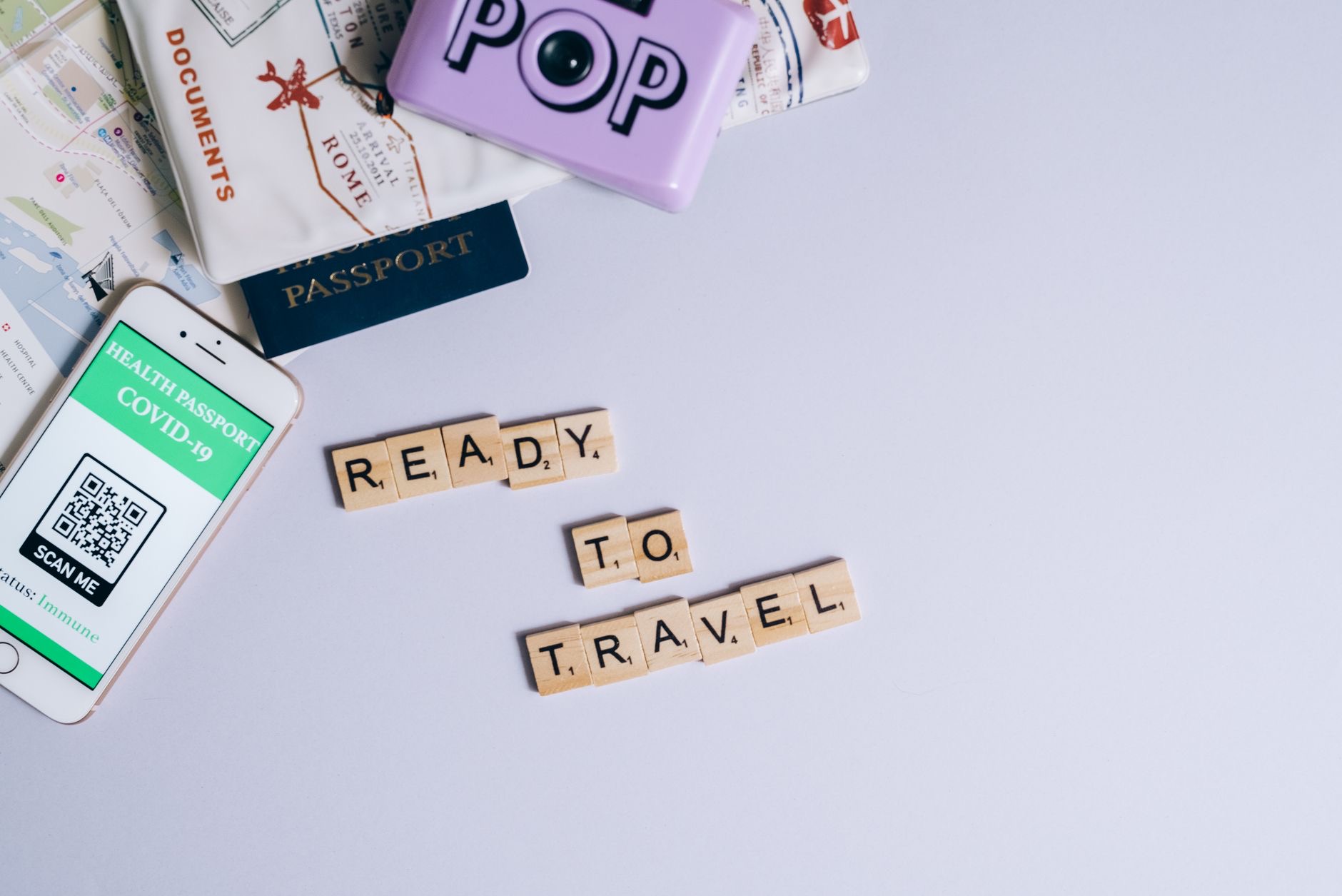
Six hours in seat 23F with a dying phone and nothing downloaded is its own kind of turbulence. The difference between that flight and a good one is thirty minutes of preparation the night before, because at 35,000 feet there is no signal to save you and no outlet guaranteed. Here is how to prepare your iPhone for a long flight, in the order that matters.
The Night Before: Download Like the Internet Is Ending
Because for you, tomorrow, it is. Download the shows, the playlists, the podcasts, the audiobook, and the boarding passes while you still have real Wi-Fi. Streaming does not exist over the ocean, and airport Wi-Fi is where downloads go to time out. Grab offline maps for your destination city too, so the moment you land you can navigate before sorting out data. The rule is simple: anything you want in the air or on arrival must be on the phone before you leave the house.
Battery Strategy Beats Battery Luck
Start the flight at full charge, obviously, but the real strategy is what is in your bag. A magnetic power bank turns your phone's battery from a countdown into a non-issue: it snaps on and charges in your lap, no cable dance over a stranger's tray table. One important real-world note: batteries and power banks belong in your carry-on, not checked luggage, which is standard airline practice. Keep it with you, keep it charged, and seat 23F loses its power to scare you.
★ Editor's Pick · Amazon
Magnetic Power Bank
The battery countdown, cancelled at any altitude
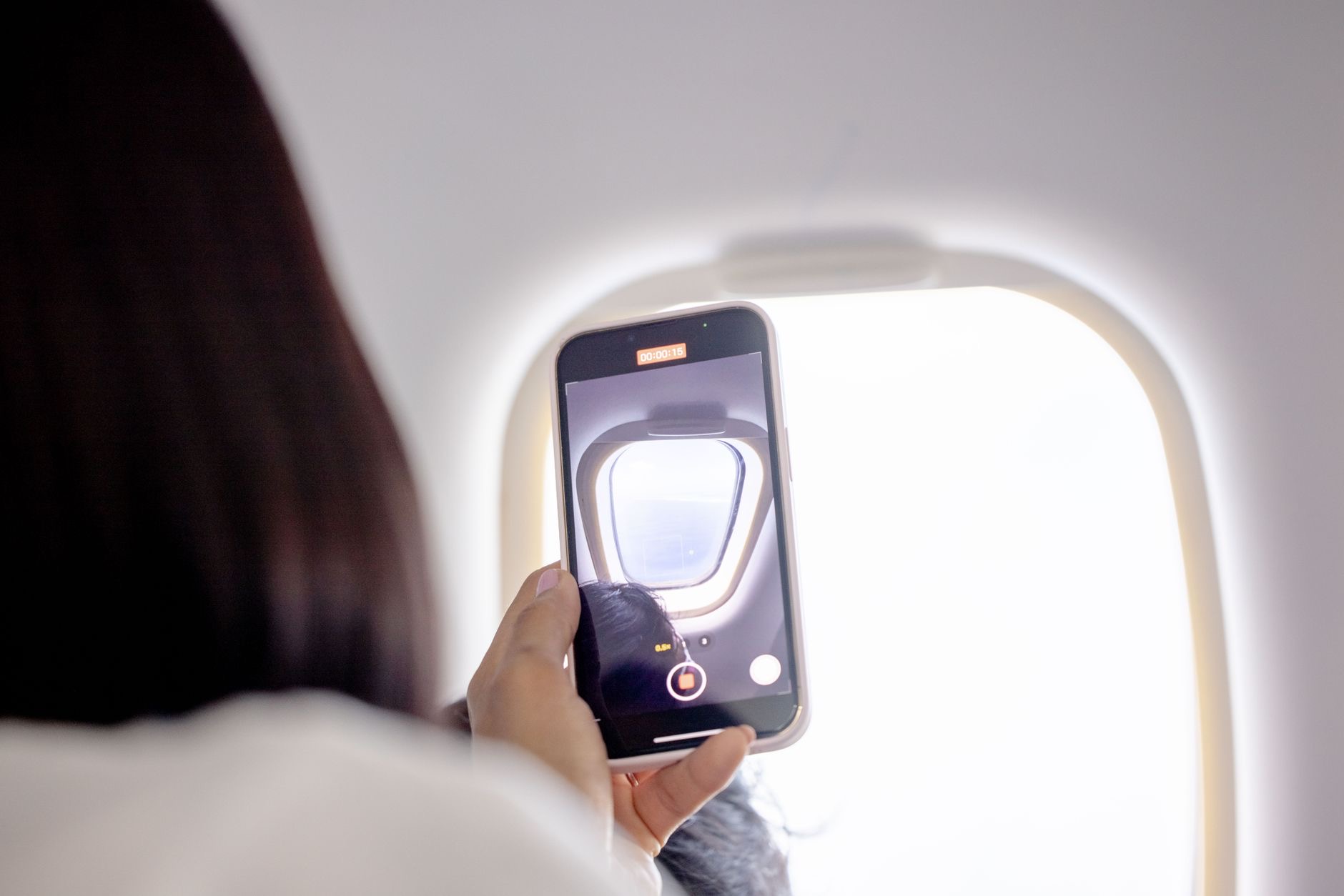
The Quiet That Changes Everything
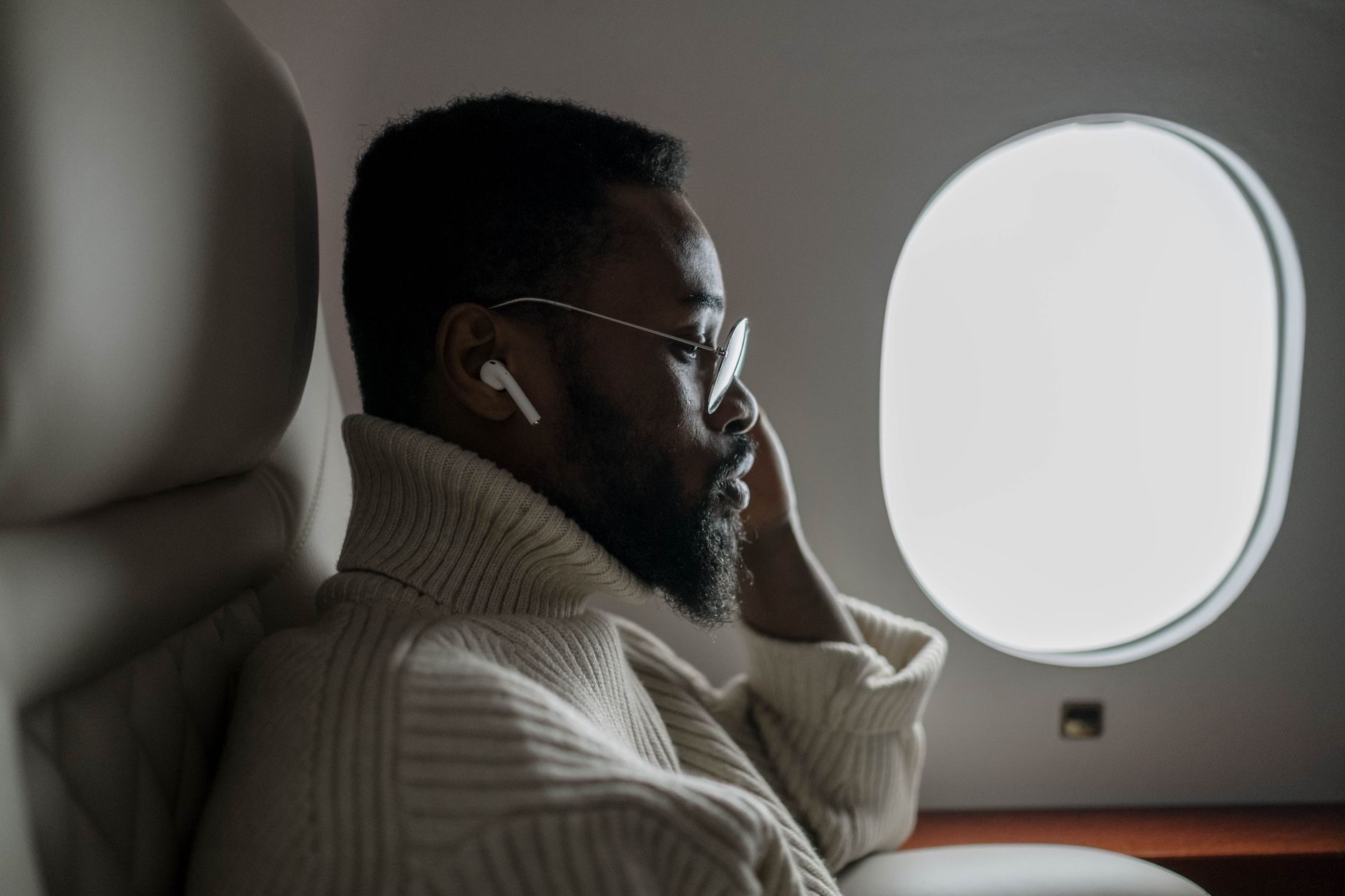
Engine drone is the exhausting part of flying that nobody names. Eight hours of low roar is why you land tired even after doing nothing. Noise-cancelling earbuds erase most of it, and the difference on a long haul is hard to overstate: movies become watchable at reasonable volume, sleep becomes possible, and you walk off the plane noticeably more human. Frequent flyers treat AirPods Pro as flight equipment, not accessories, and one long haul explains why.
★ Editor's Pick · Amazon
AirPods Pro
Erase the engine drone, land like a person
In the Air: Airplane Mode Is Also Battery Mode
Airplane mode is required, but it is also your friend: a phone that stops hunting for signal sips battery instead of gulping it, which stretches everything you charged and packed. Drop the screen brightness a little, and your fully charged phone plus power bank now comfortably outlasts even the longest routes. The phone that lands with charge is the phone that summons the ride, shows the hotel booking, and translates the taxi conversation.
Pack the Small Things That Save the Day
A short, durable cable earns its bag pocket every trip: it charges from the seat outlet when one exists, tops up the power bank at the airport, and rescues a travel companion, which is worth more goodwill than it costs. If your trip involves working, the same pocket fits a hub. The theme of good tech packing is not more gear, it is the two or three small items that keep everything else alive.
Landing Prepared Instead of Scrambling
The preparation pays off twice: once in the air, and again in the arrivals hall. Offline maps guide you out of the airport, the charged phone handles bookings and rides, and the boarding passes for the connection are already in the wallet app instead of buried in email over dead Wi-Fi. Thirty minutes the night before buys you a calm traveler's landing. The scrambling passengers at the charging pillar did not do the thirty minutes.
| When | Do this |
|---|---|
| Night before | Download everything, offline maps included |
| Packing | Power bank in carry-on, cable in bag pocket |
| In the air | Airplane mode, lower brightness, AirPods Pro on |
| Landing | Maps, bookings, and battery already sorted |
Frequently Asked Questions
How do I prepare my iPhone for a long flight?
The night before: download shows, music, podcasts, boarding passes, and offline maps for your destination. Pack a power bank in your carry-on and a durable cable. In the air: airplane mode, slightly lower brightness, and noise-cancelling earbuds. You land entertained, charged, and ready to navigate.
Why download offline maps before flying?
Because the moment you land, you can navigate out of the airport and to your hotel before sorting out local data or Wi-Fi. Offline maps of your destination city are the difference between walking out confidently and standing in arrivals fighting the airport network.
Can I bring a power bank on a plane?
Yes, in your carry-on, which is where airlines require batteries and power banks to travel rather than in checked luggage. A magnetic power bank is ideal in-flight since it snaps onto the phone and charges in your lap with no cable stretched across a tray table.
Do noise-cancelling earbuds really help on flights?
Enormously. Hours of engine drone is a big part of why flying exhausts you, and cancelling it makes movies watchable at lower volume, sleep achievable, and arrival noticeably fresher. Frequent flyers treat them as essential flight equipment for exactly this reason.
Does airplane mode save battery?
Yes, meaningfully. A phone hunting for signal it cannot find burns battery fast, and airplane mode stops the hunt. Combined with slightly lower brightness and a power bank, a full charge comfortably outlasts even the longest routes with entertainment running.
What should be in my tech bag pocket for travel?
A power bank, one durable cable, and your earbuds. That trio keeps the phone alive, charges at any opportunity, and makes the flight quiet. Good tech packing is not more gear, it is the two or three small items that keep everything else running.
The Bottom Line
A good long-haul flight is manufactured the night before: download everything including offline maps, charge the phone and the power bank, and pack the carry-on with the battery, one durable cable, and AirPods Pro for the drone. In the air, airplane mode stretches the charge while the noise cancellation preserves your sanity. Thirty minutes of preparation, and seat 23F becomes a private cinema with a landing plan instead of a countdown to a dead phone.
Leave a Reply