
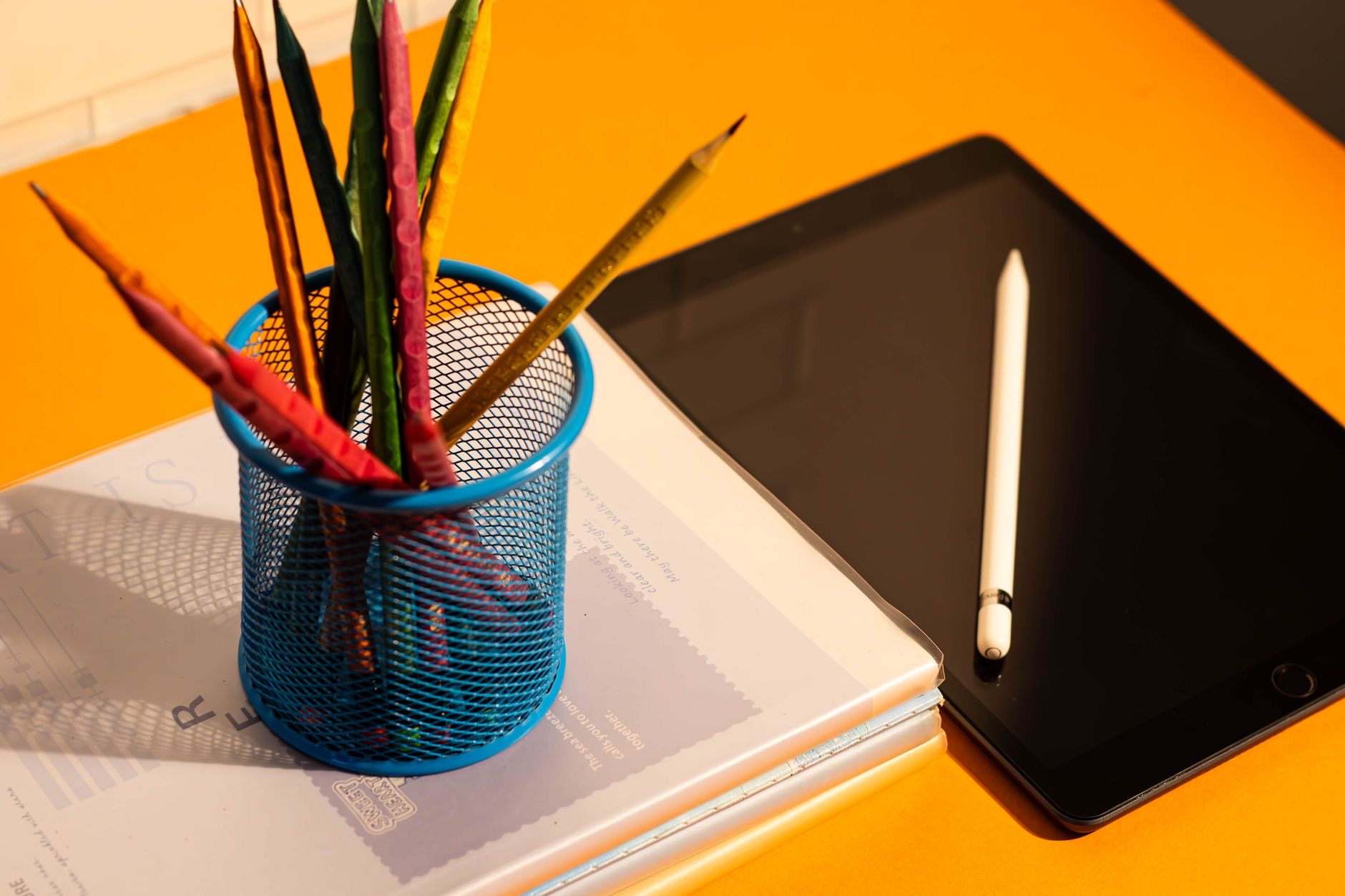
An iPad lives a riskier life than most devices: carried in bags, passed to kids, balanced on laps, and propped on kitchen counters. One slip and its big, beautiful screen becomes a big, expensive repair. The good news is that complete protection is simple and affordable. Here is how to protect your iPad from drops, scratches, and the regret that follows both, with the right gear and a few smart habits.
Why iPads Get Hurt
The iPad's size is its danger: a large glass surface, held in one hand, carried loose in bags with keys and chargers, and used in busy places like kitchens, sofas, and classrooms. Unlike a phone that slips into a pocket, an iPad is always exposed in transit and often precariously perched in use. Understanding that its risks are edges, bags, and gravity tells you exactly what protection it needs: coverage around the body, a shield on the glass, and safer habits in between.
Start With a Folio Case
The single best iPad protection is a folio case, because it solves three problems at once. Closed, it shields the screen and body in bags and transit. Open, it protects the back and corners from knocks and scrapes. And propped, it holds the iPad at stable angles for typing and watching, ending the precarious-perch problem entirely. For an iPad that travels or shares a home with kids, a folio is not an accessory, it is the baseline.
★ Editor's Pick · Amazon
iPad Folio Case
Screen, body, and stand protection in one
Options: iPad Air folio · iPad mini case

Add a Screen Protector That Improves Writing
The iPad's screen deserves its own layer, and here iPads get a bonus phones do not: a paper-feel screen protector both guards the glass from scratches and makes Apple Pencil writing dramatically nicer, adding a paper-like texture that note-takers and artists love. One accessory, two upgrades. If you use a Pencil at all, this is the obvious choice; if you do not, it still earns its place as scratch insurance for the most expensive part of the device.
★ Editor's Pick · Amazon
Paper-Feel Screen Protector
Scratch protection that also improves Pencil writing
Tame the Bag Risk
Most iPad damage is quiet: scratches from keys, pressure from books, corners dinged in commutes. The folio handles much of it, but habits close the gap. Give the iPad its own compartment or sleeve space in your bag, away from metal objects and chargers. Do not stack heavy things on the bag. And zip the bag, because an iPad sliding out of an open tote onto a hard floor is one of the most common, most avoidable accidents there is.

Stands Beat Perching
In use, the iPad's enemy is the precarious perch: leaned against a mug in the kitchen, balanced on a sofa arm, propped on a lap at an angle. A proper stand replaces all of that with stability, holding the iPad safely for recipes, videos, and calls at a comfortable angle. It protects the device and your neck at the same time. Combined with the folio's built-in prop, a stand in your most-used spot removes the everyday wobble that leads to falls.
★ Editor's Pick · Amazon
Tablet Stand
Stability where you use your iPad most
Kids, Kitchens, and Insurance Thinking
If children use your iPad, or it lives in the kitchen among liquids and chaos, raise the protection level accordingly: the sturdiest case you can find, the screen protector without question, and clear family rules like sitting down while using it. Then apply insurance thinking: the full protective setup costs a small fraction of one screen repair. Protection is not pessimism, it is arithmetic, and with iPads the arithmetic is decisively on the side of the case.
| Risk | Protection |
|---|---|
| Bags and transit | Folio case, own compartment |
| Scratches and Pencil wear | Paper-feel screen protector |
| Precarious perching | A proper stand |
| Kids and kitchens | Sturdy case plus house rules |
Frequently Asked Questions
How do I protect my iPad?
Start with a folio case that shields the screen in transit, protects the body in use, and props the iPad stably. Add a paper-feel screen protector for scratch insurance that also improves Pencil writing, use a stand instead of precarious perching, and give the iPad its own bag compartment.
Does an iPad need a screen protector?
It is smart insurance for the biggest, most expensive part of the device, and on iPads it comes with a bonus: a paper-feel protector also makes Apple Pencil writing feel like pen on paper. One accessory guards against scratches and upgrades note-taking at the same time.
What is the best case for an iPad?
For most people, a folio: closed it protects the screen in bags, open it guards the back and corners, and propped it provides stable angles for typing and watching. For kids or kitchen life, choose the sturdiest version and pair it with simple house rules.
How should I carry an iPad in a bag?
In its own compartment or sleeve space, away from keys, chargers, and metal objects, with nothing heavy stacked on top, and the bag zipped. Most iPad damage is quiet bag damage, and these small habits prevent nearly all of it alongside a closed folio.
Is a stand really protection?
Yes, because in-use falls come from precarious perching against mugs, sofa arms, and laps. A proper stand holds the iPad stably at a comfortable angle for recipes, videos, and calls, removing the everyday wobble that leads to drops while also being kinder to your neck.
Is protecting an iPad worth the cost?
Decisively. The full setup of folio, screen protector, and stand costs a small fraction of a single screen repair, and iPad screens are among the pricier repairs. Protection is arithmetic rather than pessimism, and the arithmetic favors the case every time.
The Bottom Line
Protecting an iPad is simple: a folio case for transit, body, and stable propping; a paper-feel screen protector that guards the glass and improves Pencil writing; a stand to end precarious perching; and bag habits that give the iPad its own safe space. Raise the level for kids and kitchens, and remember the arithmetic, the whole setup costs a fraction of one repair. Set it up once, and your iPad stays pristine for years of hard, happy use.
Leave a Reply