
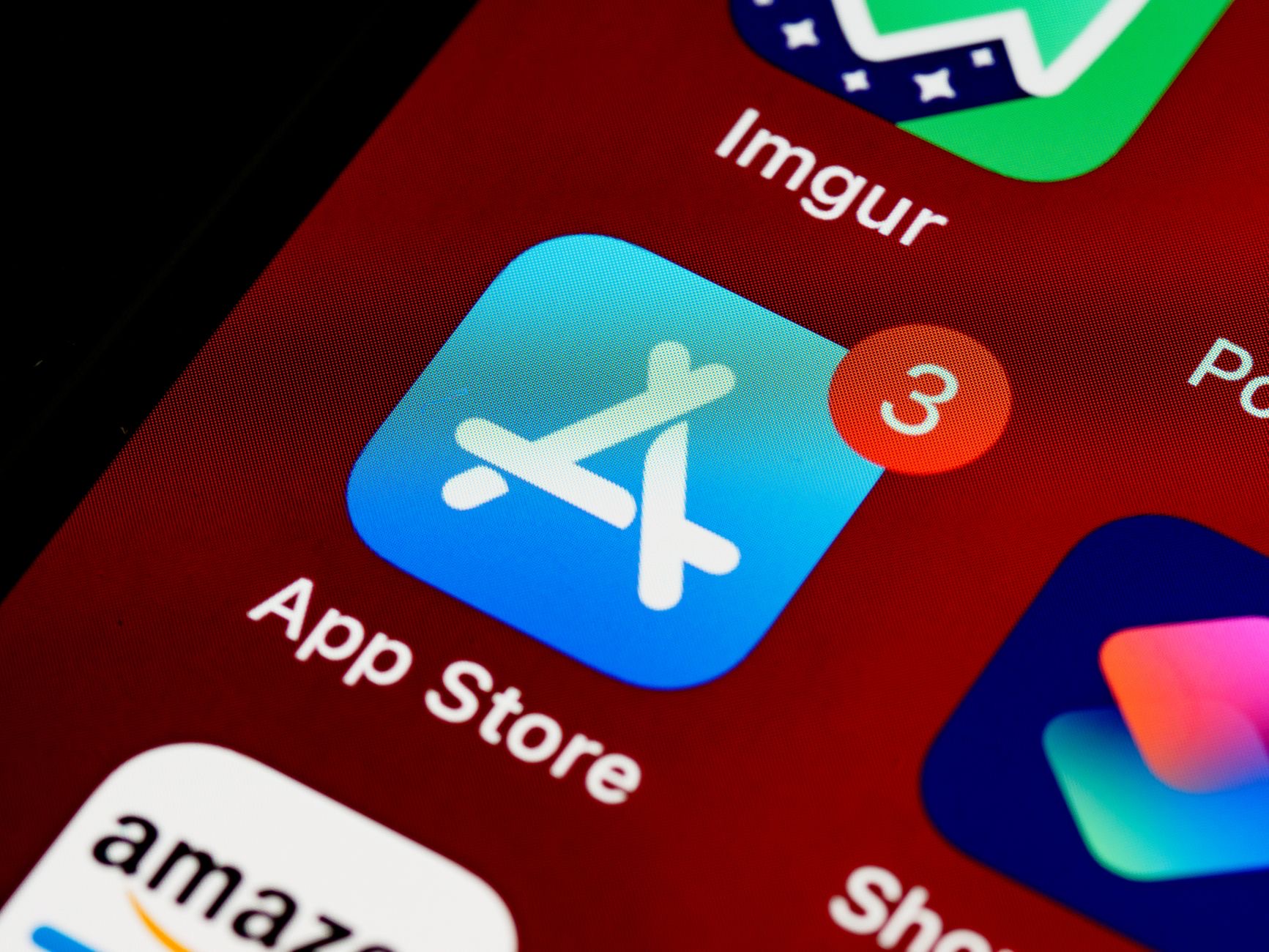
A cluttered, chaotic home screen full of endless apps is stressful and makes finding anything a chore. A tidy, thoughtful home screen, by contrast, feels calm, looks great, and puts what you actually use within easy reach. Organizing it is quick and genuinely satisfying, and it can even help you use your phone more intentionally. Here is how to organize your iPhone home screen for a cleaner, calmer, more focused phone that works the way you want.
Why a Tidy Home Screen Matters
Your home screen is the first thing you see every time you pick up your phone, so its state affects how using your iPhone feels. A cluttered screen packed with apps creates low-level stress and friction, while a clean, organized one feels calm and makes everything easier to find. Beyond looks, a thoughtful layout can help you reach for the apps you value and be less tempted by ones that distract you. Taking a little time to organize your home screen genuinely improves your daily experience with your phone.
Start by Decluttering
The first step is to clear out what you do not need. Go through your apps and remove any you no longer use, since every unused app is just clutter taking up space and attention. Be honest about what you actually open. Removing apps you never touch instantly makes your home screen cleaner and easier to navigate, and it frees up storage too. This decluttering step is the foundation of an organized phone, so start here before arranging anything, and enjoy the immediate sense of tidiness it brings.
Group Apps Into Folders
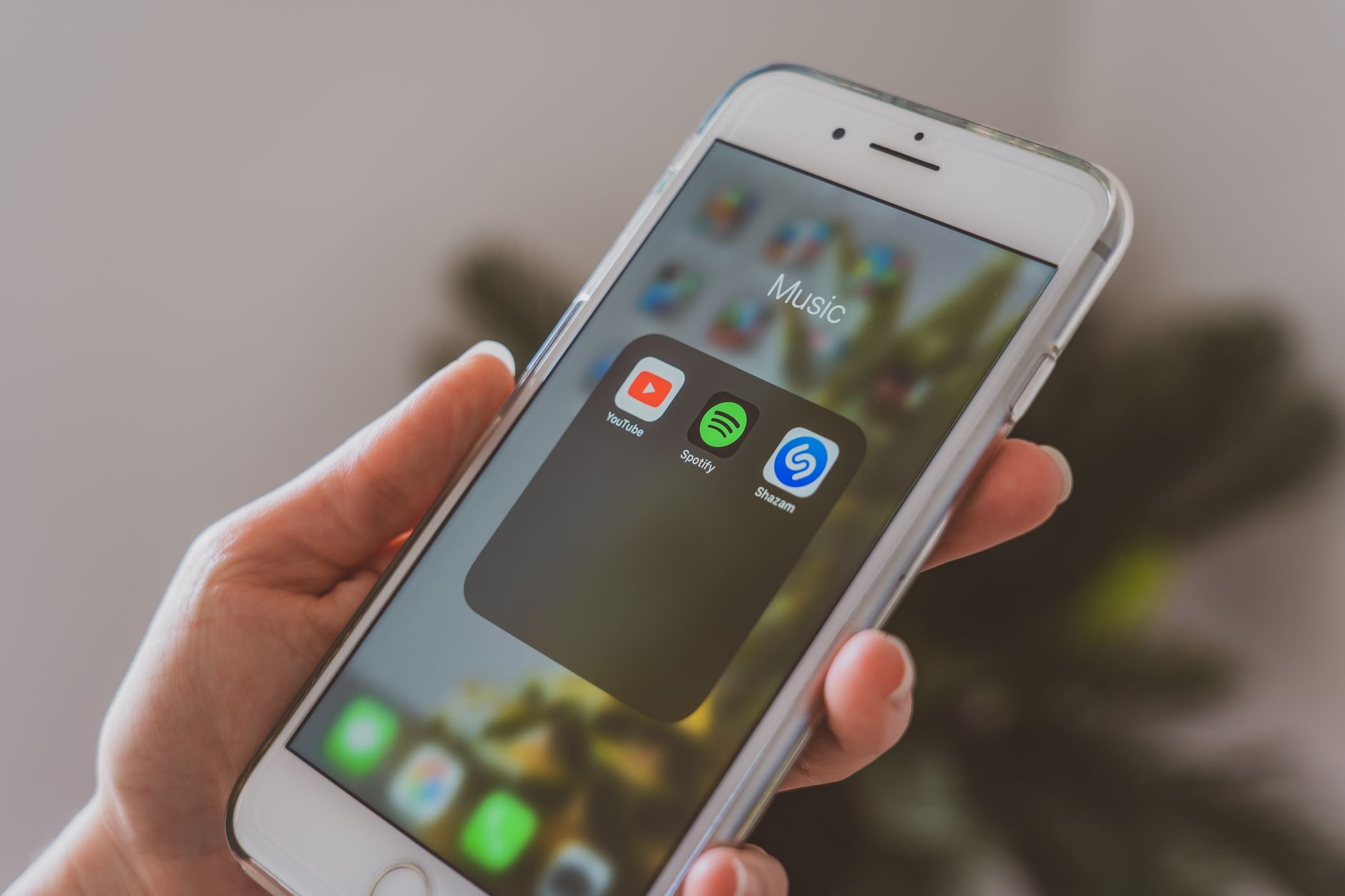
Folders are your best friend for a tidy home screen. Grouping related apps together, such as putting all your social apps, or all your tools, into a single folder, dramatically reduces clutter and makes things easy to find. Instead of screens full of scattered icons, you get a neat, logical layout. Think about categories that make sense to you and gather your apps accordingly. Well-named folders turn a chaotic sprawl of apps into an organized system where you always know where to look, keeping your home screen clean and calm.
Keep Your Essentials Front and Center
Arrange your home screen so the apps you use most are the easiest to reach, ideally on your first screen and within comfortable thumb reach. Put your daily essentials front and center, and tuck less-used apps into folders or later screens. This means the things you need are always a tap away, while clutter stays out of sight. Designing your layout around your real habits makes your phone faster and more pleasant to use, since you spend less time hunting for apps and more time simply doing what you picked up your phone to do.
Use Widgets Wisely
Widgets can make your home screen both useful and attractive, showing information at a glance like the weather, your calendar, or reminders without opening an app. Adding a few well-chosen widgets can give your home screen purpose and personality while keeping it functional. The key is not to overdo it, a couple of genuinely useful widgets add value, while too many recreate clutter. Thoughtfully placed widgets turn your home screen into a helpful dashboard, letting you see what matters at a glance in a clean, organized way.
Design for Focus
Beyond tidiness, your home screen layout can support how you want to use your phone. Keeping distracting apps off your main screen, tucked away in folders or later pages, makes you less likely to open them mindlessly, while putting calming or productive apps within reach encourages better habits. A thoughtful layout is a quiet nudge toward using your phone more intentionally. By designing your home screen around the person you want to be with your phone, you turn a simple bit of organization into a genuinely helpful daily influence.
| Step | Benefit |
|---|---|
| Declutter unused apps | Instantly cleaner and less distracting |
| Group apps into folders | Everything easy to find |
| Essentials front and center | What you use is always a tap away |
| Distractions out of sight | Encourages more intentional use |
Frequently Asked Questions
How do I organize my iPhone home screen?
Start by decluttering apps you no longer use, then group related apps into well-named folders, keep your daily essentials front and center within easy reach, and add a few useful widgets. Tuck distracting apps out of sight. This creates a clean, calm, and functional home screen tailored to you.
Why does a tidy home screen matter?
Because it is the first thing you see every time you pick up your phone. A cluttered screen creates low-level stress and friction, while a clean, organized one feels calm and makes apps easy to find. A thoughtful layout can also encourage more intentional use and reduce distraction.
Should I use folders on my home screen?
Yes, folders are one of the best tools for tidiness. Grouping related apps, like all your social apps or tools, into single folders dramatically reduces clutter and makes things easy to find. Well-named folders turn a scattered sprawl of icons into an organized system where you always know where to look.
How do I decide which apps to keep visible?
Keep the apps you use most on your first screen within comfortable thumb reach, and tuck less-used ones into folders or later screens. Design your layout around your real habits, so daily essentials are always a tap away while clutter stays out of sight, making your phone faster and more pleasant.
Are widgets good for organizing?
Used wisely, yes. A few well-chosen widgets show useful information at a glance, like the weather or your calendar, giving your home screen purpose while keeping it attractive. The key is not to overdo it, since too many recreate clutter. A couple of genuinely useful widgets add real value.
Can my home screen help me focus?
Yes. Keeping distracting apps off your main screen makes you less likely to open them mindlessly, while putting productive or calming apps within reach encourages better habits. A thoughtful layout acts as a quiet nudge toward using your phone more intentionally, turning organization into a helpful influence.
The Bottom Line
Organizing your iPhone home screen is quick, satisfying, and genuinely improves how your phone feels to use. Declutter apps you never open, group the rest into neat folders, and keep your daily essentials within easy reach while tucking distractions out of sight. Add a few useful widgets for a helpful, attractive dashboard. Design the whole thing around your real habits and the way you want to use your phone, and you will enjoy a cleaner, calmer, more focused device every day.
Leave a Reply